I’m looking for the proofgrade settings, but when I switch between proofgrade and custom / manual, the settings don’t populate as they did before. Is there something wrong? I’m cutting using a proofgrade setting, but it’s not quite cutting all the way through. I just want to now manually adjust the speed by a little so that it cuts just a little deeper. How can I do this?
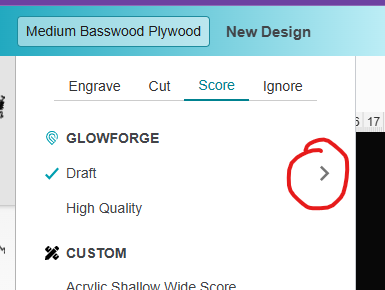
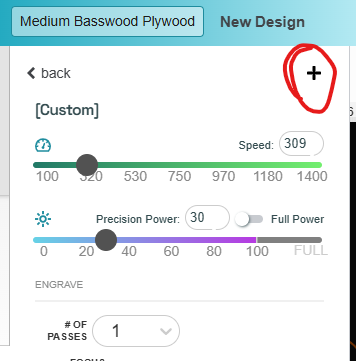
Instead of switching to custom, select the PG you want to use, and then click the little arrow and you can manually adjust from there.
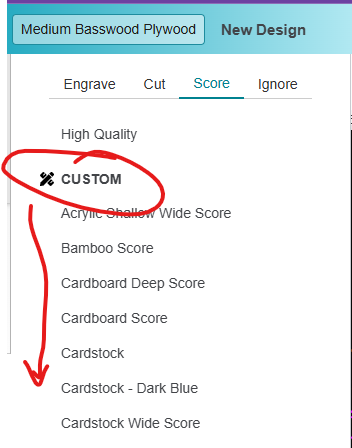
If you find something you think you’ll use again, click the plus and give it a name and it’ll appear in the list of options going forward.
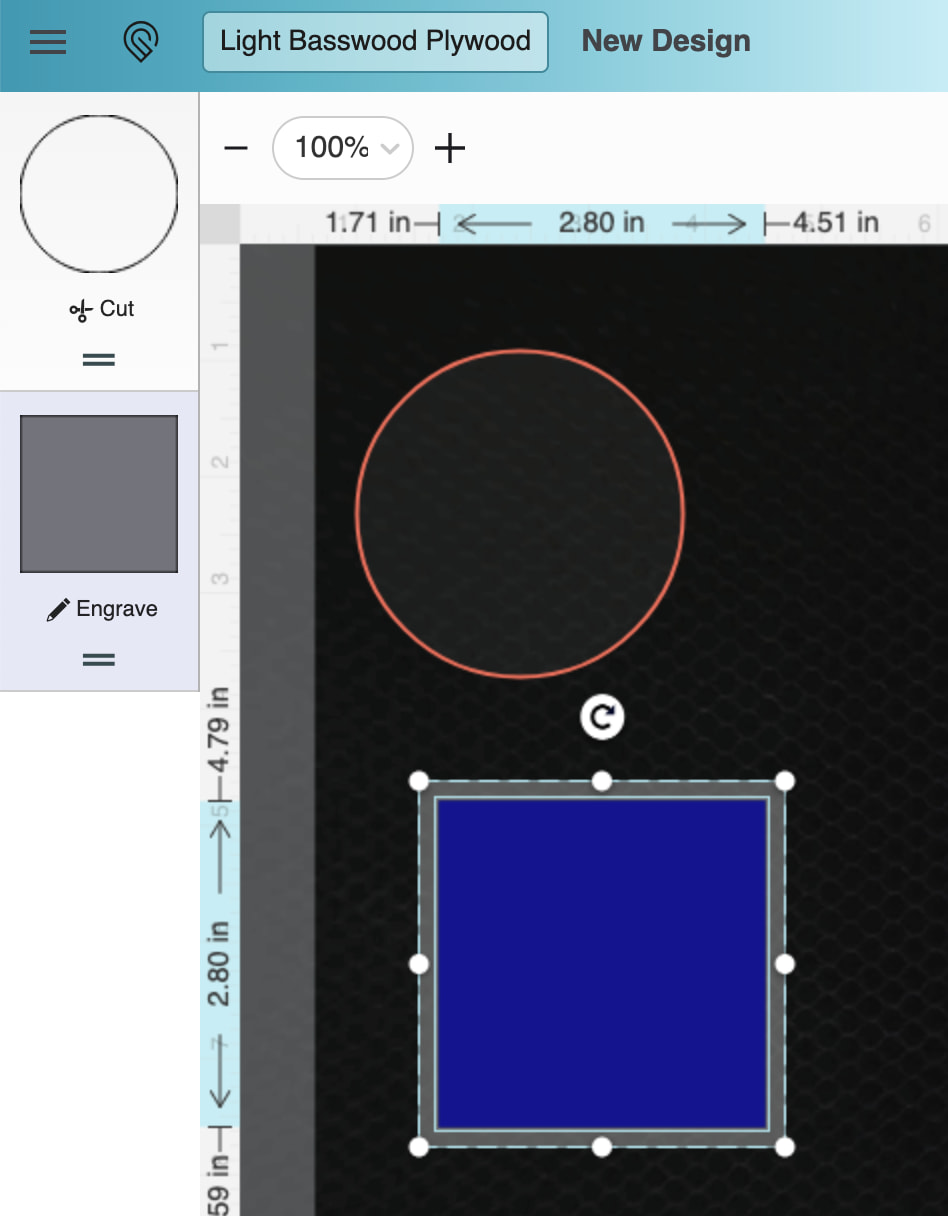
After you choose the Proofgrade material and load your artwork, you should see a side bar that looks like the picture below. Click one of the operations and it will show Proofgrade cut. Click the arrow to the right of that and the actual settings will be displayed. If your interface doesn’t look like the picture below, click the operation, back and select proofgrade.
You’ve already gotten the answer from two generous forum members, which is great.
In the future you might want to first look at the help pages — your question is #1 on the print settings FAQ, you’d have had your answer immediately.
The support pages cover almost everything you might need to know. Spending some time exploring and skimming the resources there will give you an idea of where to look the next time you have a question. There’s no faster way to get your solution.