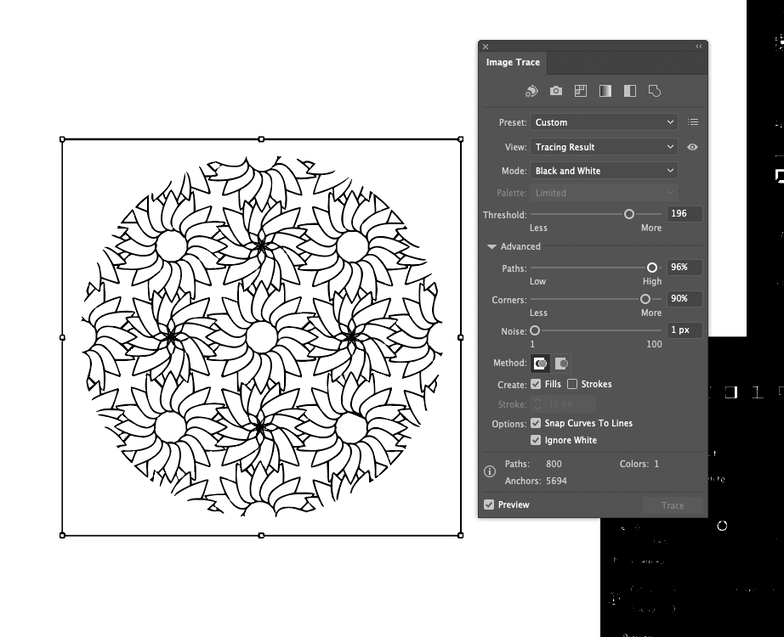
in the Image Trace tab in AI, you will want to expand the Advanced options.
Click the “ignore white” checkbox.
then you can play around with the sliders: for art like this I would probably go higher with the “paths” and “corners” sliders, drop the “noise” slider all the way down, and then bring up the “threshold” by small increments until it looks like what you want.
7 Likes