Convert 3D CAD (STEP) files to SVG

I needed a tool to do this conversion and couldn’t find one, so I created it. Sharing it here in case you can use it. “Early Beta”, I’ve only used it for the one project. Web version does not upload your files, it converts them in-browser.

Source Code & Command-line version: jmacentee/Plasticity-LaserConvert: LaserConvert reads STEP CAD files, detects the thin extrusion axis, rotates each solid into its footprint plane, and outputs 2D SVG outlines for laser cutting. Coded the help of Github Copilot.

Browser Version: Laser Convert

26 Likes

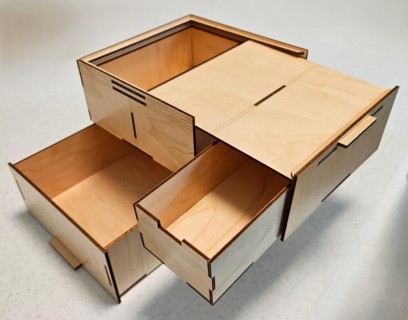
I’l take a look at your converter but I’m liking that box.

13 Likes

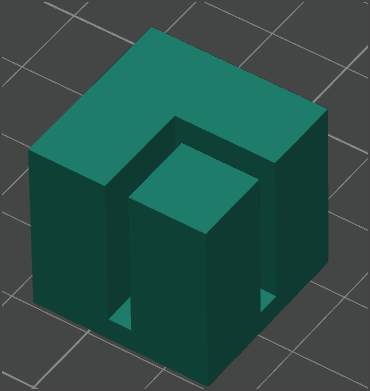
Thank you. There is something similar on Maker World for 3d printing but I thought wood would be better. I’ll post the final SVG next time I’m at my PC. I kept the number of tabs really low so it does require a lot of careful glueing. (I also thought wood would be cheaper but I was wrong about that.)

15 Likes

I’ve learned that recently. With PLA less than $10 a kilo plastic is for cheap and wood is for nice.

11 Likes

Um…wow! Didn’t know this was a possibility. Hmmm…

14 Likes

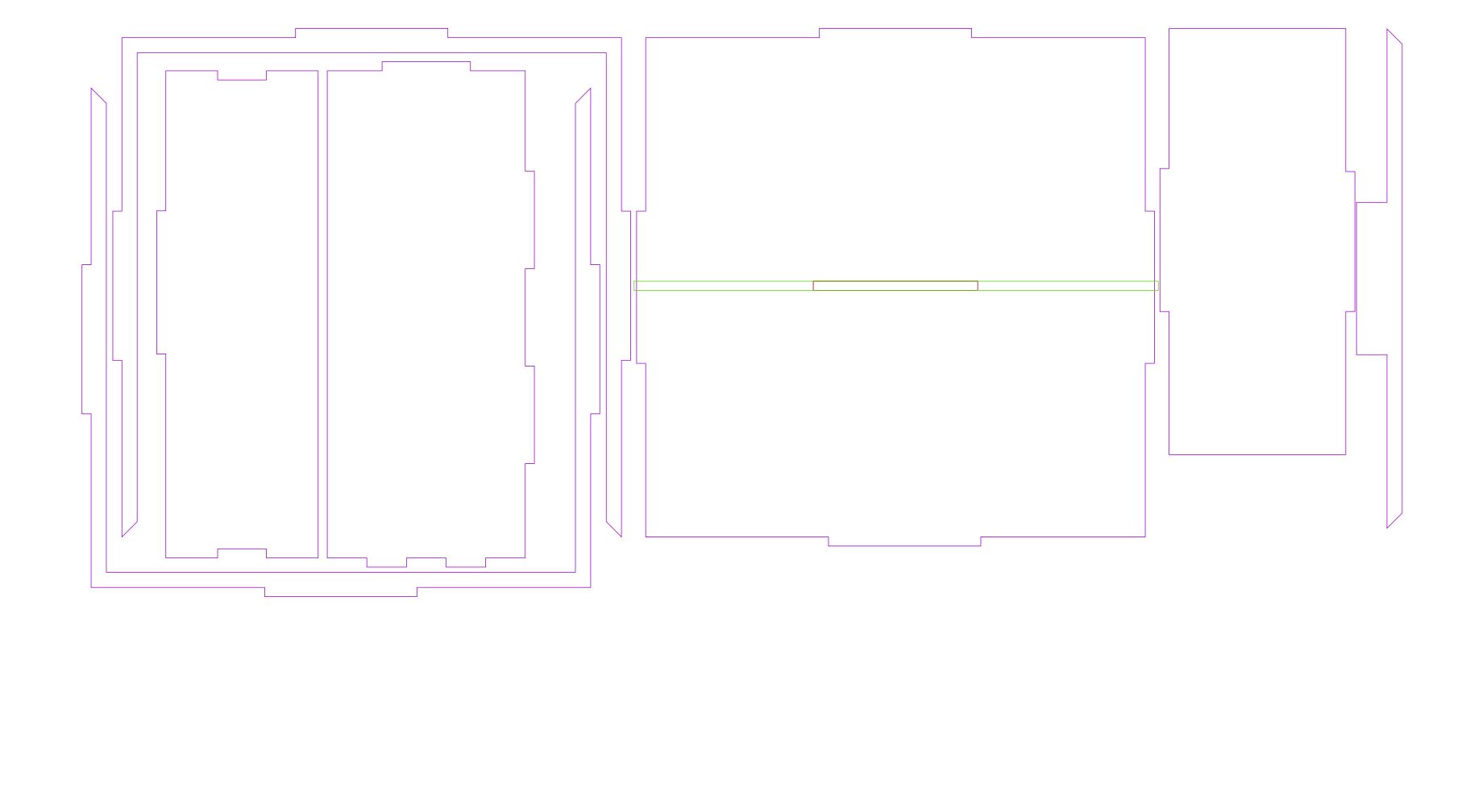
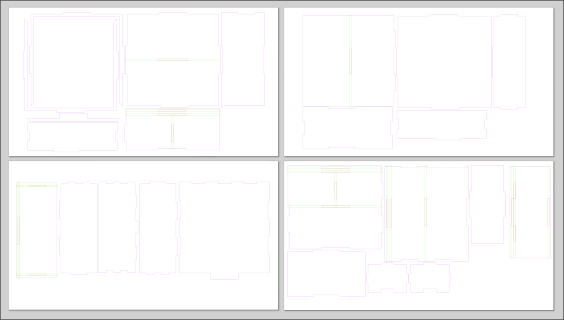
Here is the current version of my SVG for the box in the picture. Warning: I have printed this version, but I have not yet assembled it, so there may be problems I don’t know about. The previous version that I printed & assembled had a few tabs the wrong size I trimmed post-print. Hopefully all corrected in this one.

Big Box.zip (10.7 KB)

The only reason it’s on 5 sheets instead of 4 is because I wanted the pattern of the front and right upper & lower parts to line up. If you are willing to break these up and rotate them, you can fit it back to 4.

I’ve been debating moving the bottom rail of the sliding top up a bit more. I was nervous about my 3mm material assumption instead of using inches so I may have given it too much tolerance.

big box full layout

13 Likes

If you have a 3D printer, a couple of these were really helpful putting it together.

clamp.zip (27.9 KB)

13 Likes

I just wish wood wouldn’t warp so bad in storage, because it makes it a lot less nice.

13 Likes

Wow, loving the box! Thanks for the share.

11 Likes

You are welcome.

6 Likes

Wow, thanks for both!

10 Likes

Looks great. If I understood this software more I’d try to use it lol

9 Likes

Thank you so much for this! Love this box!

8 Likes

Wow, this looks really useful! I use shapr3d for CAD design and it does not have a sheet metal feature. I’ll have to give this a try.

12 Likes

That software is ab fab! I too looked everywhere and was shocked something like that didn’t exist so thank you!!

Now to get myself in gear to actually use it :grin:

10 Likes

I’m glad you like it, I hope it works for you and helps motivate you to do something new. Please feel free to let me know if you have any questions or problems.

9 Likes

Welcome back @jason and thank you for your generous share.

Congratulations! Nothing like making your own tools when the right one is not available.

15 Likes

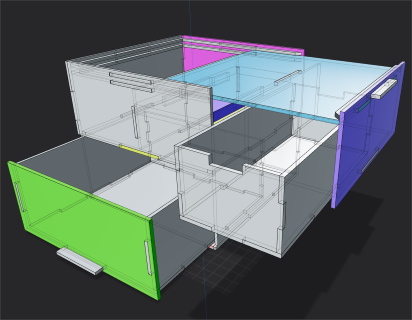
Now it’s assembled and it went together fine. BUT if I had to do it over I would add a lot more tabs and tighten up all the tolerances and account for kerf. Especially for the sliding rails up top.
5 Likes

Thanks! Getting my son to print these for me!

2 Likes

Thanks so much for this file…the box is awesome!

2 Likes