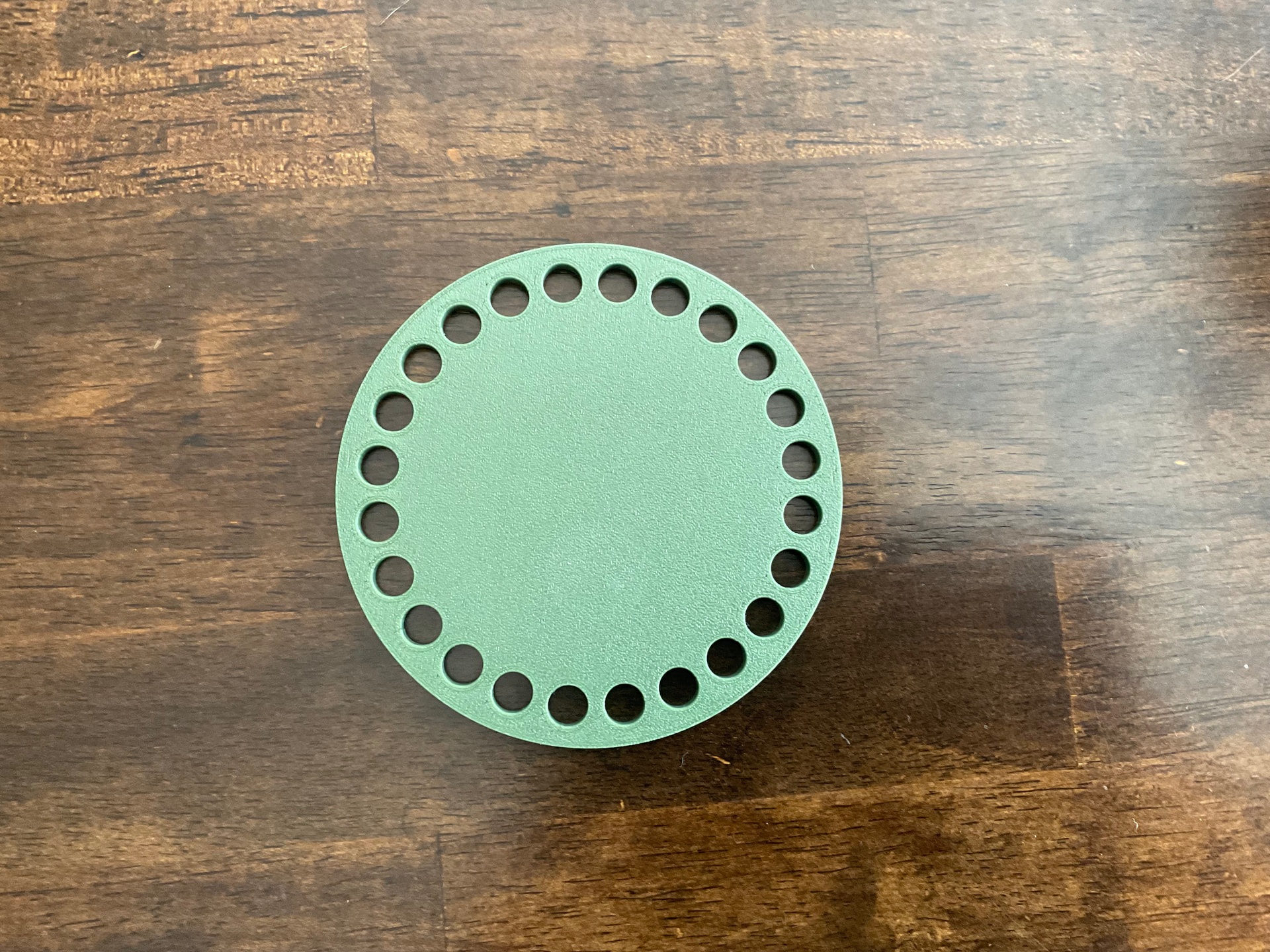
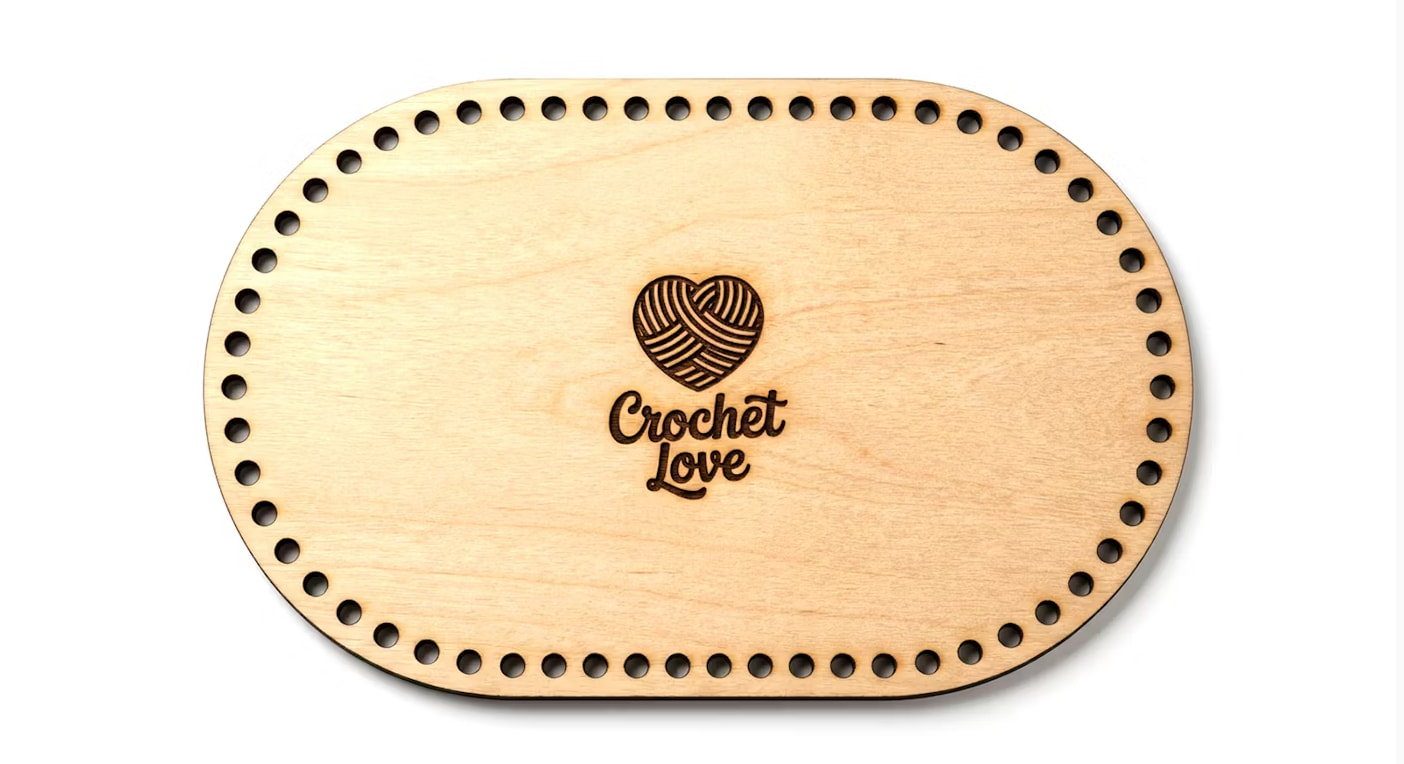
Do any Glowforge creators have a template for crochet basket bases and handbag bases?
Being able to input size and shape? Popular shapes are circles, ovals and squares.
Do any Glowforge creators have a template for crochet basket bases and handbag bases?
Being able to input size and shape? Popular shapes are circles, ovals and squares.
It’s pretty simple to find basic shape templates that you can scale to be whatever you need.
Is there something more complex about them? Do you have a link to something like what you’re trying to make?
Huh.
So I don’t have anything like that but it shouldn’t be too hard to make if you’re using an external editor like Inkscape.
Let me know if you’re familiar with it at all and I can tell you the basic steps you need to build something like that. It won’t be as simple as just entering in a size and shape, it will be a little more manual… but a circular one like that? If you’re familiar with the steps it should take only about five minutes or less to make it whatever size you might want.
I am familiar with Inkscape but was hoping that someone beat me to it. Thanks.
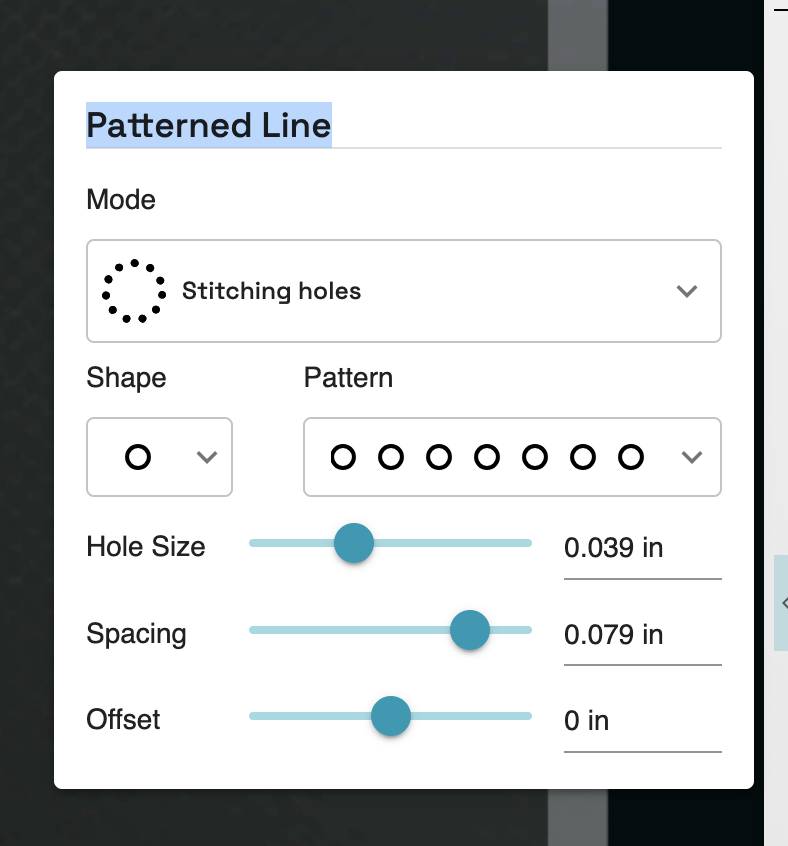
If you have the premium tools it is quite easy to create these. Simply select the template for Patterned Line. Choose the hole size and spacing that works for your project.
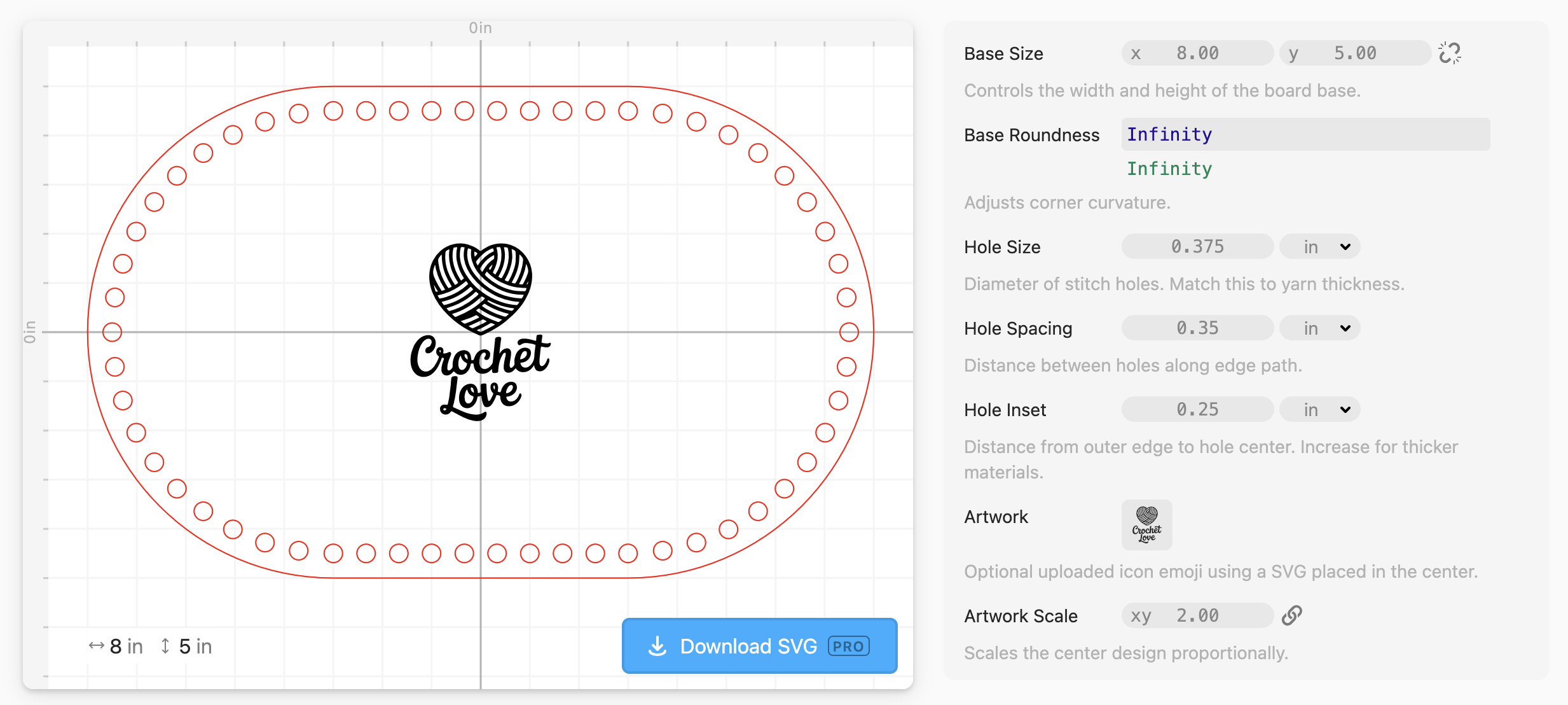
Do you have a Cuttle subscription? I made a parametric (you can enter the dimensions) one that allows you to type in the size and spacing for the holes.
thank you
thank you very much
Since you’re familiar with inkscape I’ll just write it out instead of providing screenshots like I would for a beginner.
Start with two circles. The outer circle and the top most small circle. I would scale the outer circle to be your final size and then scale and place your inner circle inside that at the appropriate distance from the edge, horizontally centered on the larger circle.
Then you take the rotation point of the small circle and you snap it to the center (or rotation point) of the big circle. You may need to change your snapping options to make that work because rotation centers are not default snappable.
Then I would use tiled clones with a per column X offset of 0 ( maybe -100? I forget) and a per column rotational angle expressed as a fraction. If you want 36 holes then you can enter 360÷36.
Then I would change the number of tile clones to be X 36 and Y 1, and you should get a nice array of tiled circles that fit your outer circle perfectly.
If the small circles are too close or too far from each other you can hit undo and then change the rotation angle and number of X steps on your clones and do it again.
Once you get your process worked out.
I would love to see the finished results with the crocheted basket.
Thank you
Actually, I found patterns on Creative Fabrica.