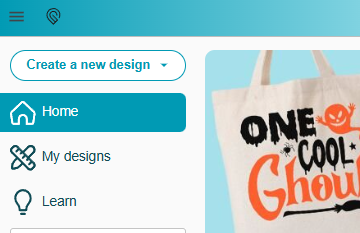
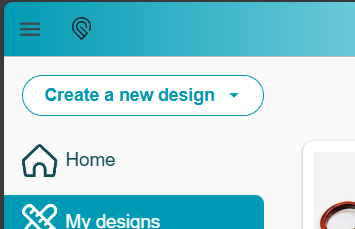
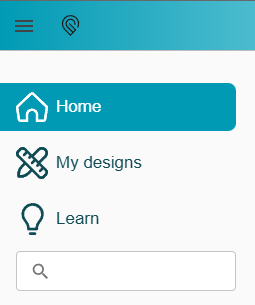
Since I know more people than just me use Edge as a browser, heads up that right now, the “Create New Design” button is completely gone from the Glowforge Dashboard. There isn’t even any code there for it when using “Inspect”. Solution for now is to use a different browser, such as Chrome.
Quite the surprise and confusion when I tried to start a new project and couldn’t find the button!
You can open up a support ticket yourself by either calling them directly or sending them an email. That’s the proper channel these days, they prefer phone calls. You can find it at support.glowforge.com
You should be able to just drag an SVG (or pdf etc) onto the glowforge dash window to upload a new document. That’s how I do it all the time anyway, I pretty much never click the upload button.
I’ve posted this several times already, but Chrome is the only browser which no longer works for me - which is irritating, because it’s the only one I like to use. Latest OS & application, all updates current..
That’s what vanished for me, along with all the folder stuff lower down. Only home, My designs, and Learn are there now.
I lost them some time ago, but this machine I bought recently was wiped clean and the OS installed directly from Apple (for security), all updates, latest version of browser, all extensions/plugins disabled.
The obviously changed something that broke it on certain platforms/OS’s/configurations, but not all, so not enough complaints to fix it.
All clearing my cache managed to do was to log me out of everything, sigh. Above is a screen cap on Edge. I don’t use any Extensions. No idea why it still isn’t showing up, but mostly I posted this so anyone else that suddenly had their “Create a new design” button go missing might do a Search and find that switching browsers might get them going again.
I had the same thing happen to me. I switched from Edge to Duck Duck Go and got the “Create new Design”. I switched back to Edge a couple of days later and I had the “Create new Design” back. Don’t know why, but its working and i am happy.
 Any long timers, please tag one of the GF community managers