Thank you for sending over this recording. Based on the video, the Printer Head appears to be working as it should. The exhaust fan also appears to be correctly spinning, but to help troubleshoot your exhaust, could you send me a few photos of your exhaust system? Specifically, please include pictures of the following:
-
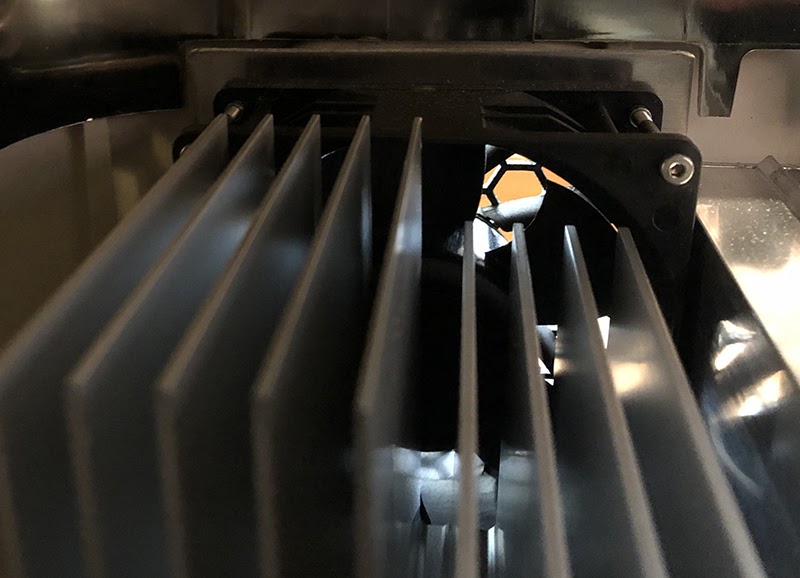
The exhaust fan from the inside of the unit. To capture this photo:
-
Turn your Glowforge off
-
Open the lid
-
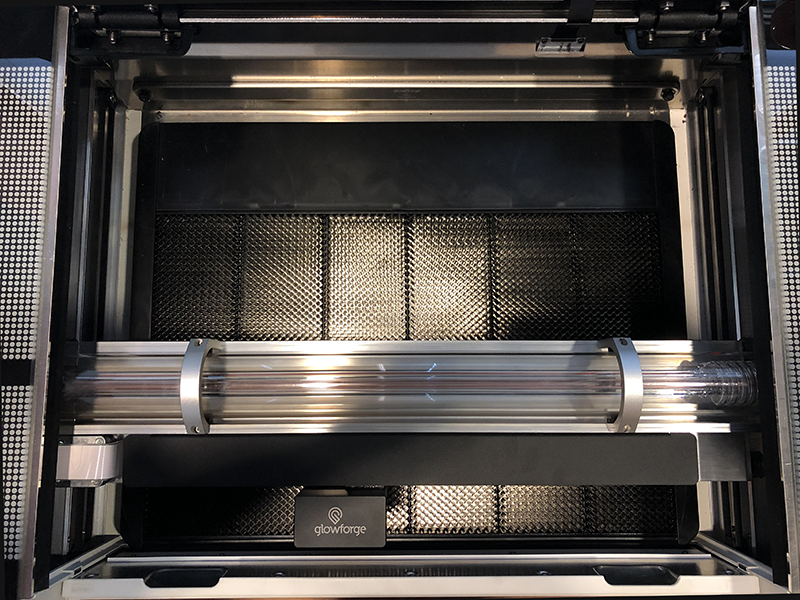
Using both hands, gently pull the printer arm towards you as shown below:
-
Move your phone or camera inside the Glowforge on the left-hand side, past the metal rail, pointed away from you towards the exhaust hose, to capture a photo like the one below:
-
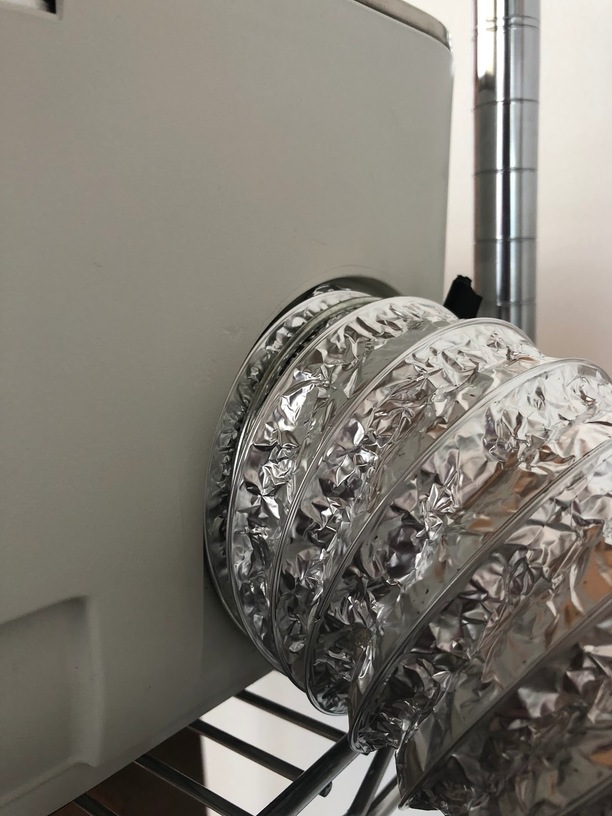
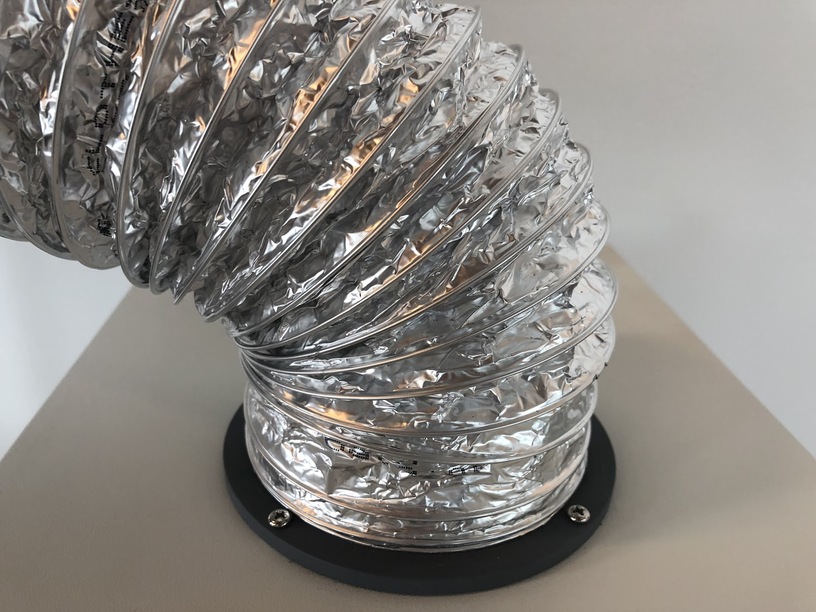
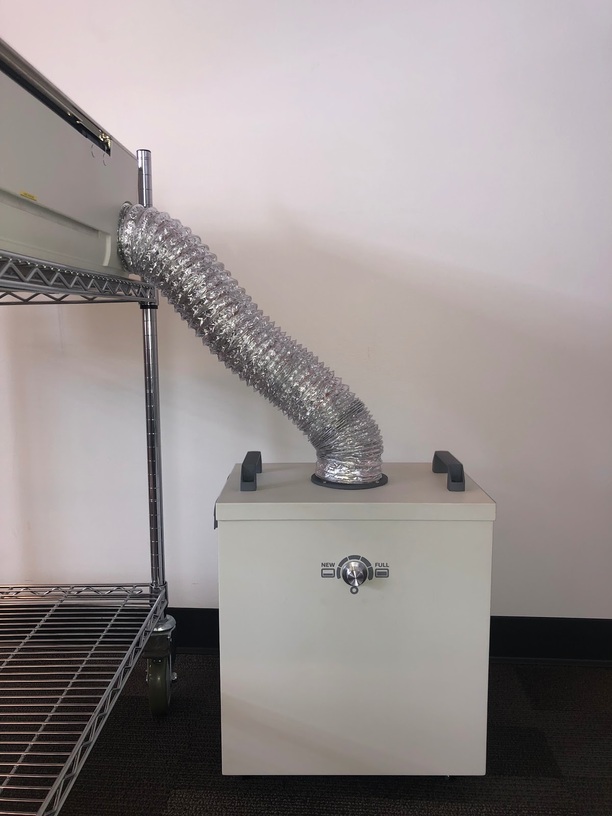
A photo of where your exhaust hose attaches to the Glowforge, where your exhaust hose exits the room, and the path your exhaust hose takes from your Glowforge to the exterior vent or Compact Filter
-
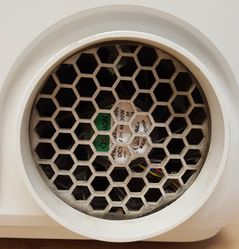
The exhaust connection on the back of your Glowforge, with the exhaust hose removed:
-
Any area where you see smoke escaping from your Glowforge while printing
Once we can review these images, we’ll send over the next best steps.