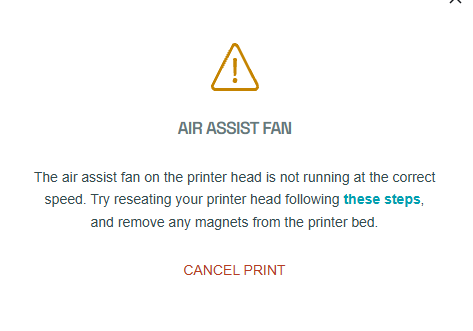
My Glowforge has some sort of issue. I have no magnets in it, I replaced the carriage plate with one directly from GF, and I can print some days, and others not. If I turn off the GF, turn it on, run a print, it’ll work. But if I print a larger item, it’ll stop midway with this error. Or, if I try two prints at a time.
Also, yes, my carriage plate fan starts running at full speed immediately. But its a brand new one I bought from GF. So, not sure about that.
Support has not been helpful. I’m not in position to pay thousands to ship it off for repair or get a replacement. While I’ve had GF for years, it’s really got light use on it. Nowhere near the initial cost. So I’m disappointed. Anyone know how to bypass this error? GF works fine otherwise.
(Another note, during longer prints, the error will pop up, then, disappear and automatically continue the print. That’s fine, but sometimes it’ll take 30 minutes before doing that.)