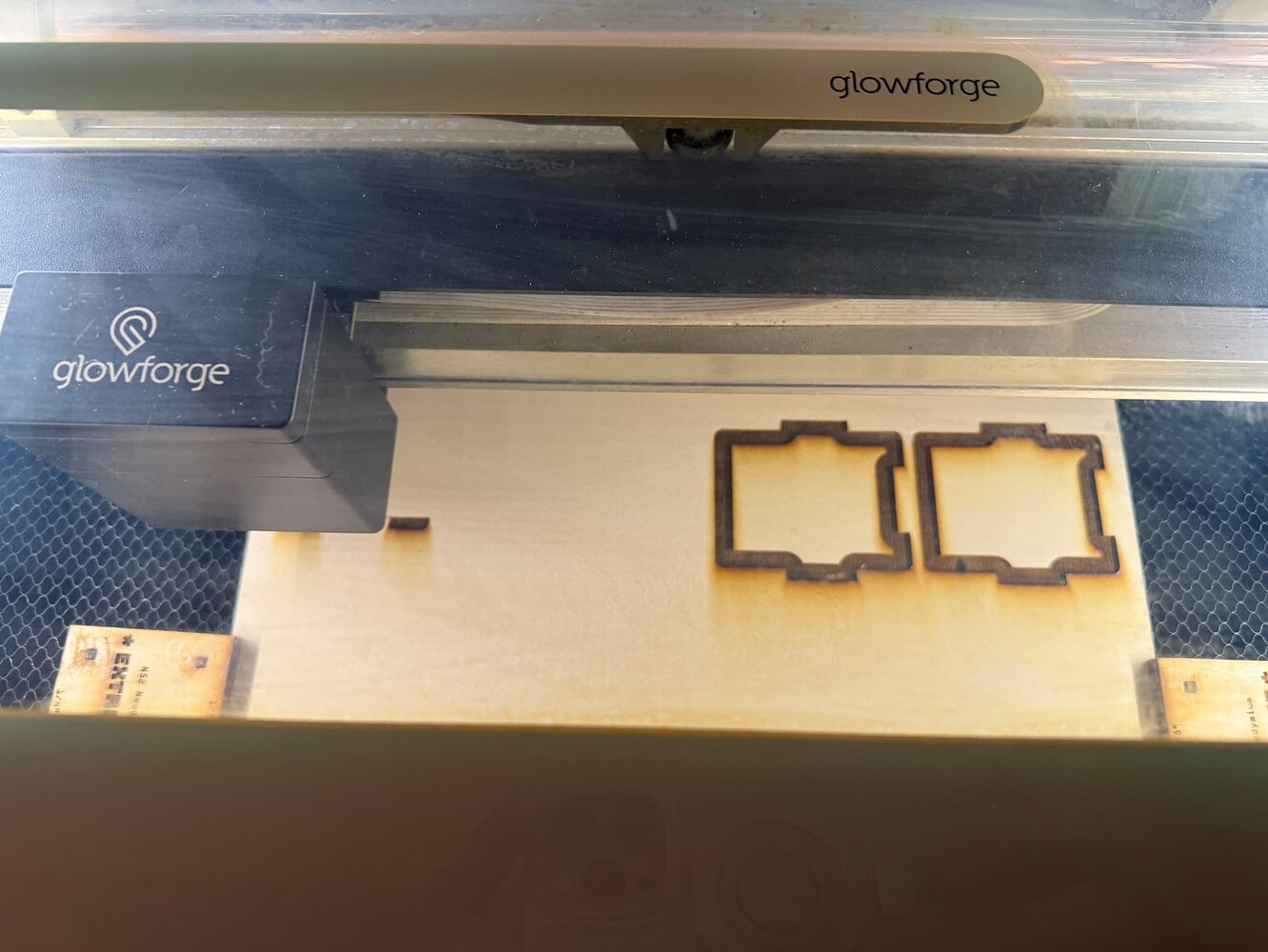
We have tried everything
Air assist fan error
The air assist fan on the carriage plate is not running at the correct speed. Try reseating your printer head
The air assist fan on the carriage plate is not running at the correct speed. Try reseating your printer head
It may need cleaning. If you look under “Learn” in the support section, you can type “clean air assist fan” and it gives instructions on how to clean both the performance and the craft machines. I’ve had to clean mine a couple times and it takes care of the problem. Just take your time and don’t try to rush through it and you should be good to go.
Also if you’re using strong magnets to hold materials down, don’t. They can interfere with the fan speed sensor.
Welcome to the forum.
Since you joined in 2021, I assume you know how to clean the fan and have already removed the fan and cleaned both sides of all of the blades as well as the housing area. Also clean the electric contacts on the carriage plate and inspect the springs on the printhead.
A last resort is to replace the air assist fan.
this happened to me. i have learned to not use the “big” mgnet.
It took me almost 5 years before I got my first fan error, so right on schedule!
For me it was cleaning out the chute that directs the air from the fan to the cut that fixed it. It looked clean to the eye but when I shoved a qtip through it, a bunch of trapped dust was released!
@jenesperanza100 if when you cut your flame isn’t visibly being blown forward, check the chute. If it’s clean, your burn marks will all be blown towards the front of the machine:
Gently shoved. I hope 
That fan is a little delicate, those blades are thin. I never thought about the chute clogging up that’s a really good point.
I’ve never had to clean mine, I’m assuming it’s because I don’t do a lot of MDF or rubber based stuff. The messier the material the quicker it clogs up everything, yeah?
So did any of those help @jenesperanza100 ?