A little trick that I found that makes sizing the Inkscape Page to match Glowforge is to “hack” the file where the default Page sizes are. What follows is a mildly techy hack. Long story short: find your pages.csv file and change it to what you would like to make changing the page size in Inkscape a cinch.
- What is a Page in Inkscape
- Where to Find it’s Settings
- What Format Options are There Already
- What I Changed Mine To
- Where to Find the pages.csv file on Windows
- Edit File
- Text I Used
What is a Page in Inkscape
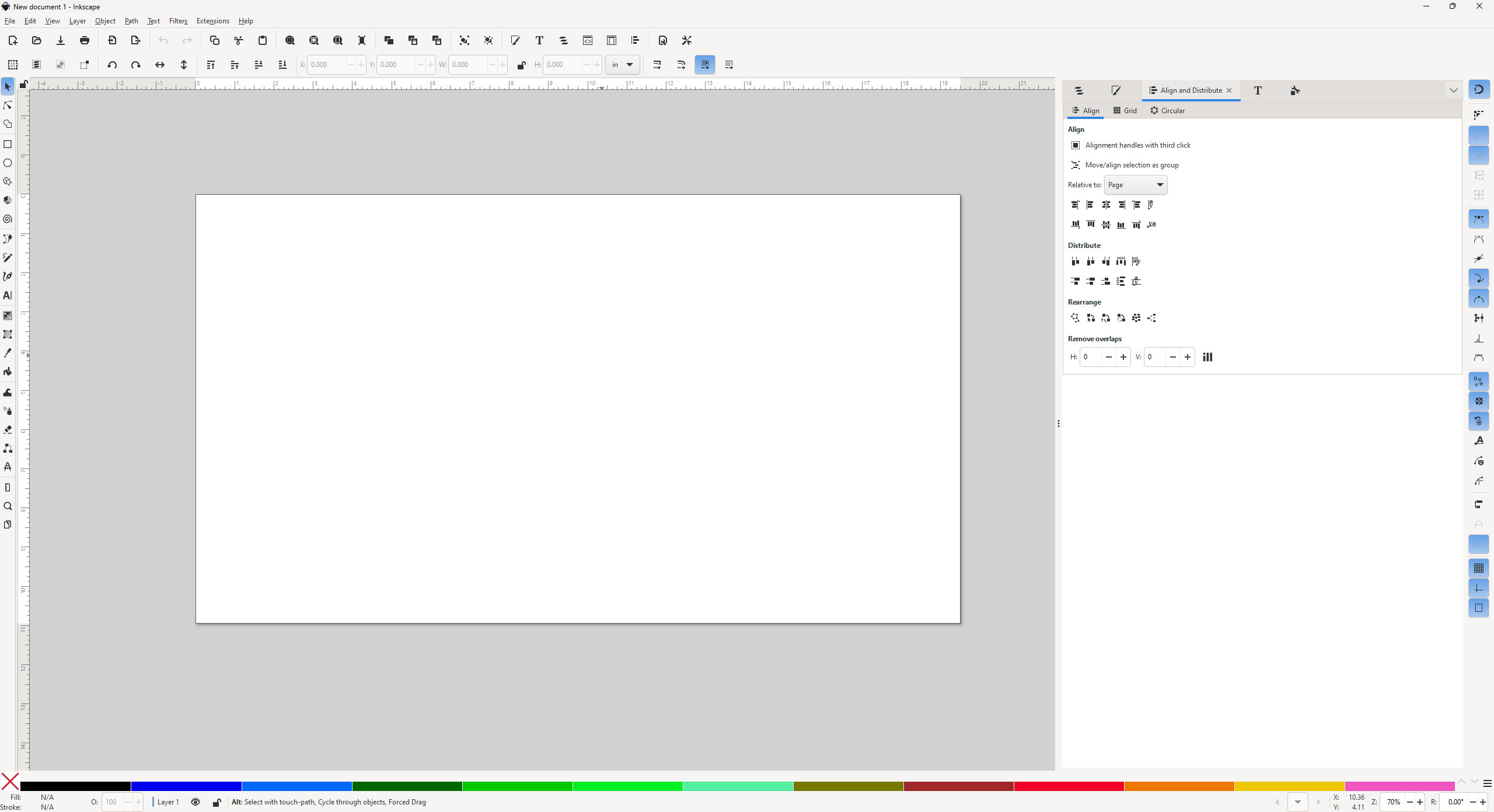
When you open Inkscape, there is a white rectangle that is the working area for Inkscape.
Where to Find it’s Settings
File>Document Properties (shift+ctrl+d on Windows) will open the menu for Document Properties, and the first tab, “Display” has the Front Page with Format, Width, Height, and many more settings. This hack is to change the Format options.
What Format Options are there already
When you click on the down arrow for Front page Formats, you’ll see “Others” and “Custom”. Click on Others, and you will see a list such as this:
- A4
- US Letter
- US Legal
- US Executive
- A0
- A1
- etc.
What I Changed Mine To
None of the default options are useful for me, so I changed mine to:

Where to Find the pages.csv file on Windows
If you installed Inkscape by downloading the install file from inkscape.org, you will find the pages.csv file most likely in folder here:
C:\Users\YOU\AppData\Roaming\inkscape
Replace YOU with whatever your computer calls you  , aka what User are you in the User file (not Default or Public)
Edit File
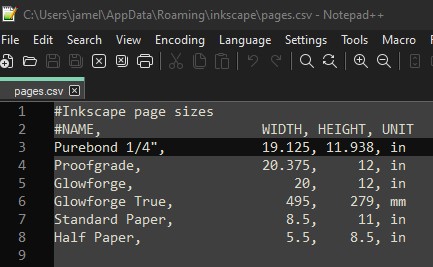
Open the pages.csv file in Notepad. The format is CSV = Comma Separated Values, so each comma holds a value that goes into the correct place in the Inkscape page formatter. The computer ignores the spaces, but for humans it helps so that the data is easier to understand. Heck, you can even import into your favorite spreadsheet program, then export the file as a CSV again.
Your pages.csv file will have all the original settings from the second bullet pointed list. Try adding on one new name/width/height/unit, save, open Inkscape to check that it worked, then go to town!
Text I Used
This is a direct copy/paste of what my pages.csv file has in it.
inkscape page sizes
#NAME, WIDTH, HEIGHT, UNIT
Purebond 1/4", 19.125, 11.938, in
Proofgrade, 20.375, 12, in
Glowforge, 20, 12, in
Glowforge True, 495, 279, mm
Standard Paper, 8.5, 11, in
Half Paper, 5.5, 8.5, in
Notes
Since this is a Wiki, information it could use that I don’t know:
Apple: Shortcut keys to open the Document Properties tab, file location of pages.csv, what program to easily open and edit in.
Windows: Inkscape installed via Microsoft Store file location for pages.csv
Also, it would be useful to find out how to set the default page size it opens at, but since I found this in 2023, I don’t remember how to do that anymore 
Good Luck!

 won’t resize anything no matter where it came from

