Yup, your paths are all broken.
So, it is trivial to see in your case, it’s not just one mode that is broken, it’s almost all of them. Here’s how you tell:
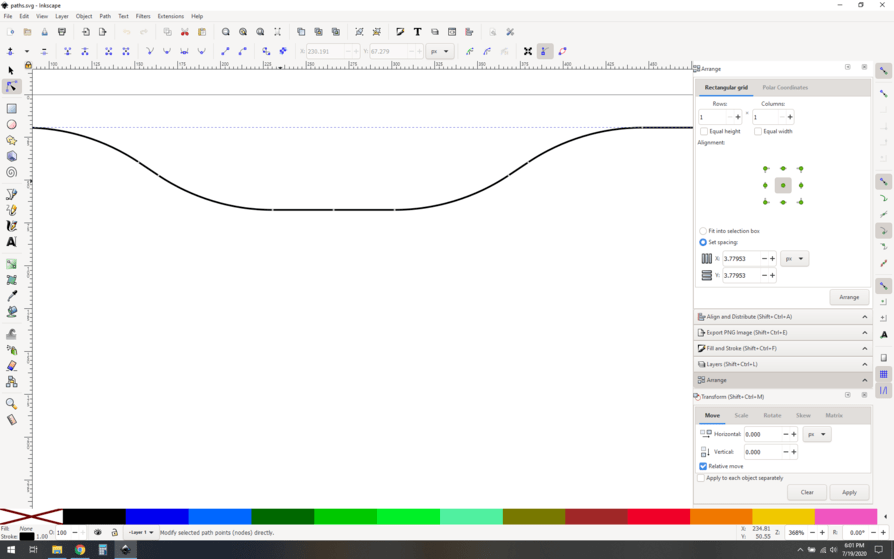
Note that all of your nodes are kind of small and grey, that’s a dead giveaway that you have multiple nodes on top of each other.
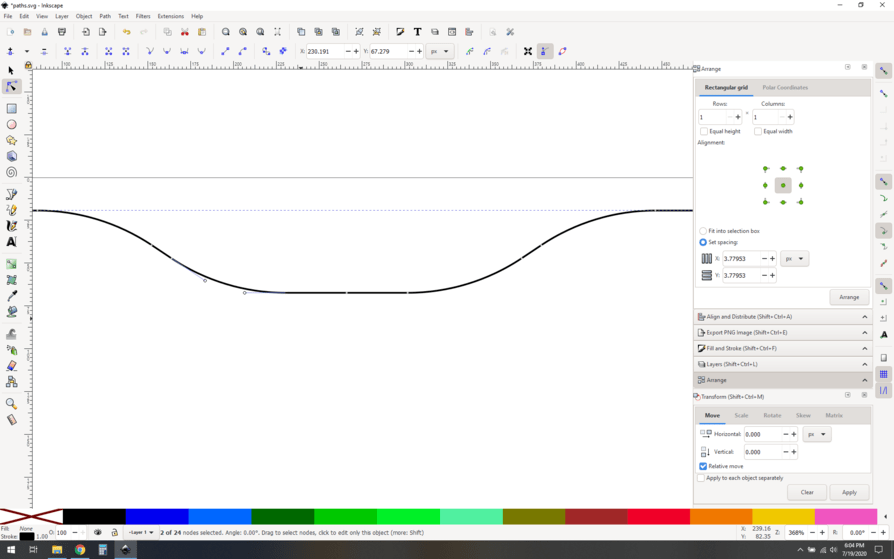
You can verify this by dragging with the node tool over “one” of your nodes. Look in the bottom of the screen, it says “2 of 24 nodes selected”. You have two unjoined nodes sitting on top of each other.
What do do? join your nodes using the node joining button (green circle) and you’ll see the node icon changed to a larger diamond. (in the red circle)
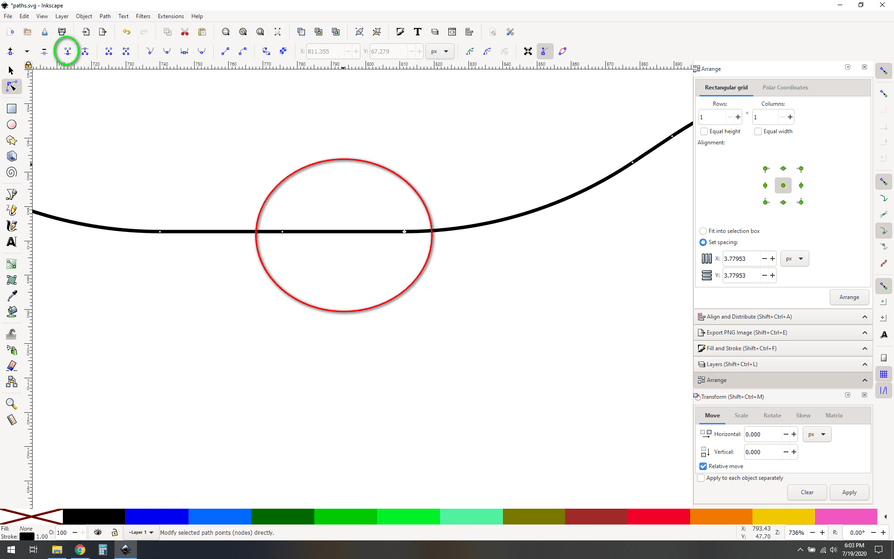
To fix it, you select all your nodes that need joining (control-a in node selection mode would do it here), and then click the join nodes button.
You’ll end up with a nicely joined set of paths.
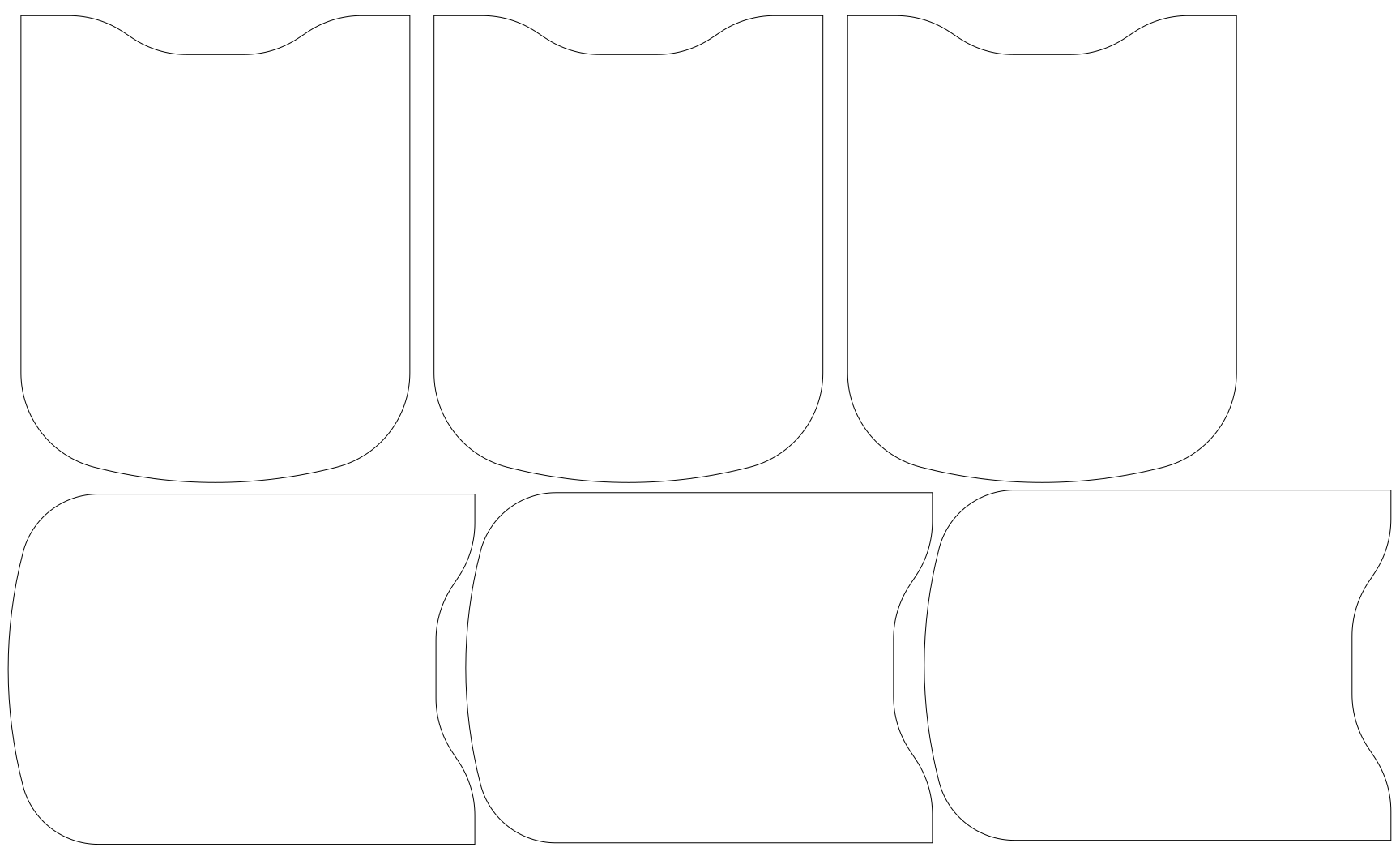
(click to download the fixed file)
This is all outlined in those tutorials that we’ve already mentioned, so if any of this is still not clicking, reread those pages for more info. The good news is that once you get node and path manipulation down pat, you’ll be able to ID and fix these issues in seconds.