Here is my version of “quick” bullet points…
Cleaner cuts:
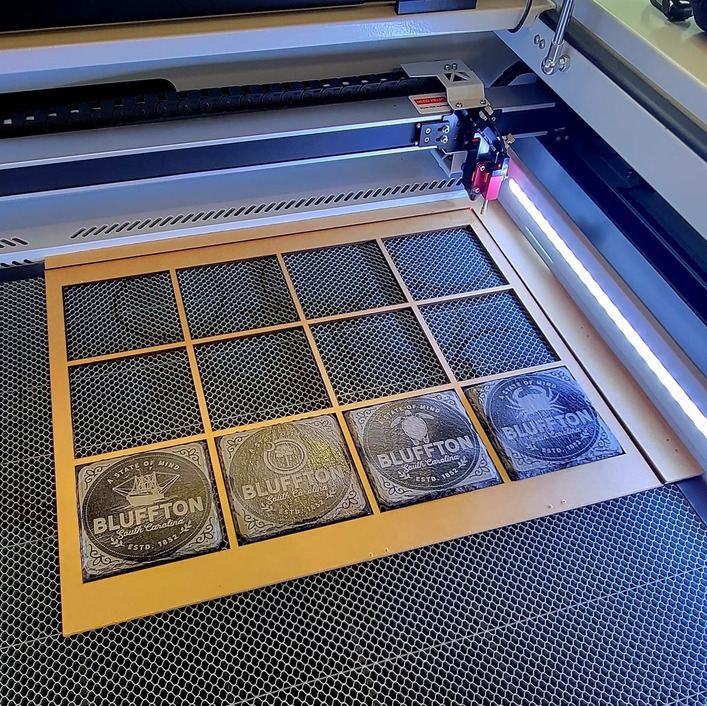
I have the 100W laser tube, so it’s able to cut through ticker materials, but I’ve only done 1/4" as my thickest so far. But I also added an external air compressor, which apparently helps with thicker materials. But what I’ve noticed, is that I get a much cleaner cut without having to use masking on some materials and get much less burn on the edges on some of the things I’ve cut. I’ve started selling 3D polyhedral kits using 1/16th" MDF, and I don’t mask the material because it is barely noticeable.
Faster
Speed on this is way faster. I can’t say exactly, but many jobs take 1/4 of the time. I’m guesstimating, but I’d have to do a side by side comparison.
Thicker and Larger Materials:
The Mira has a motorized bed for the Z axis, giving you the ability to engrave on much thicker materials. Having this extra room allows for items thicker than 2", but also add a rotary module. I bought the PiBurn 4, but haven’t tested that yet. I wish I had more z-axis depth to be able to do bigger rotary items like growlers and dog bowls, but those are examples that I probably wouldn’t use often anyway. The motorized Z axis is also how you get autofocus, and it knows where to place your material at the optimum height. Being able to cut almost 24"x36" sheets will be pretty sweet. That alone reduces waste on each sheet as you don’t have the size restrictions.
Lightburn
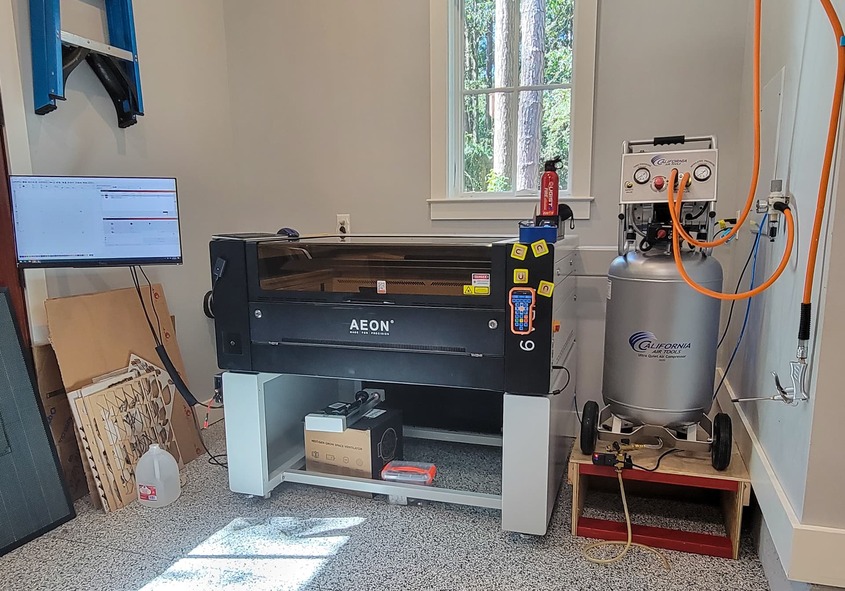
It has Ethernet and Wifi connectivity, but in order to get use out of the bed camera, it was to be connected via USB. I attached an Intel NUC mini PC with a touch screen out by the Mira, which is in the garage. This gives me Lightburn access while I’m at the machine for quick access if I need to make any changes. But most of the time, I’m at my computer in my office doing the design work, and I send the job to the Mira when I’m ready to print. Although you can start the job remotely through Lightburn, I always use the control panel at the machine as a best practice to start the job. Lightburn takes some getting used to, and I’ll probably never use it as a design tool based on my knowledge of Illustrator.
Features
I like the option of turning the air assist on or off, depending on what I’m doing. It can do this mid-job, so your engrave steps can have the air assist off, but your cuts it will turn it on. I love the repeatability of immediately running the same job over again without sending to cloud and waiting. I love being able to set the origin point and moving the material slightly to be able to maximize usage, like edge to edge without having that 1" of waste around the edges on the Glowforge.
Creating reusable jigs is super easy. The visible laser dot is super helpful as you can visually see where the job is going to run. The frame option shows the outside border of the print job as a rectangle, while the trace shows the maximum outside path the laser will travel, so you can visually see if the job will fit on a scrap piece. Lightburn also allows you to skip double lines, although I haven’t tried that yet.
Yes, it you turn it on its side, apparently it will fit through a standard door frame. Mine is in a spot I created in my new house’s garage specifically for this laser, so it never went through a door. I bought the stand that you can get with the Mira from Aeon. I’ll add storage shelves underneath as some point, so the extra storage is nice. If I were to do it again, knowing what I know, I would have built a lower stand. Since I am disabled and use a power chair, I have to raise up to see the display on the Mira. It would also be better for it to be lower for me raising and closing the lid, which is pretty heavy compared to the GF lid.
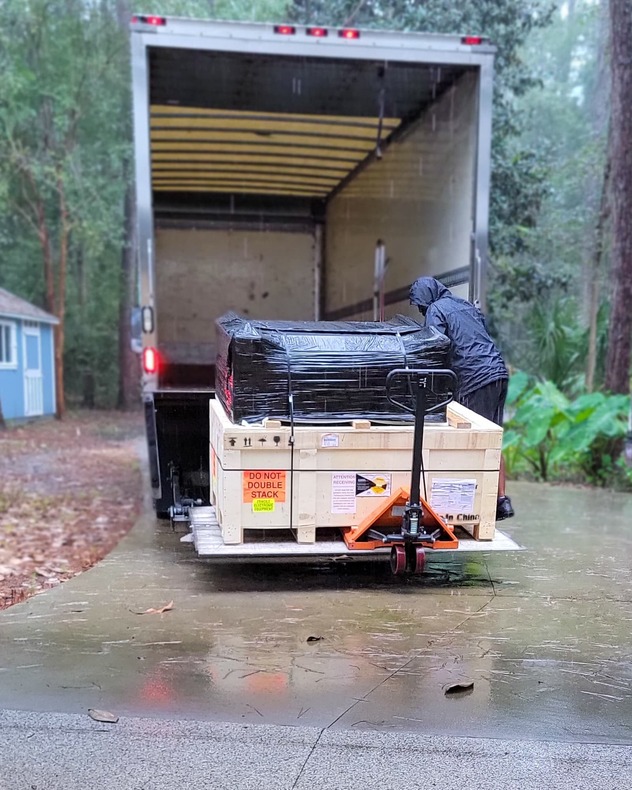
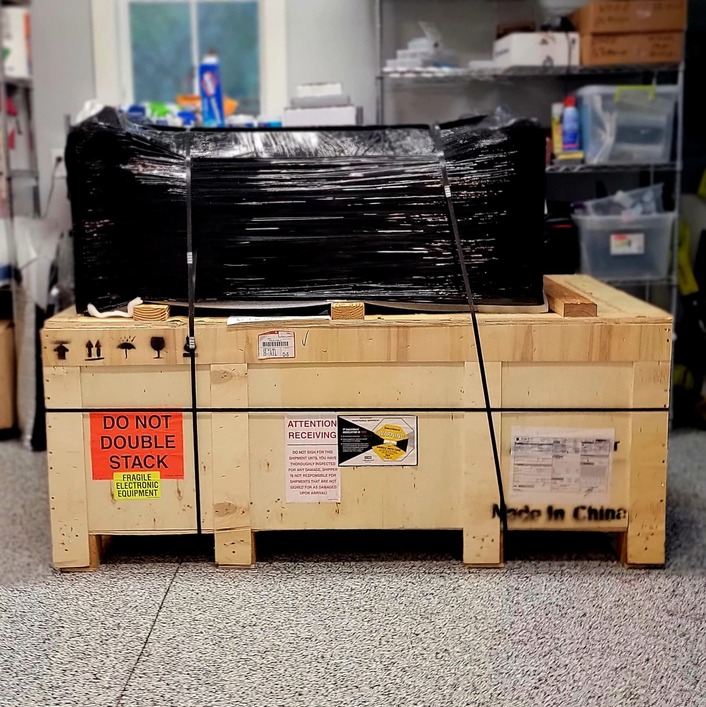
It arrives on a palette, and took 3 teen aged boys, a firefighter, and my 79 year old dad to lift it. It’s well over 300 pounds. The side effect of having a built in chiller and compressor is added weight.
My Glowforge is right behind me in my office, so I still use it for anything quick as a convenience. I also still use it for running jobs with Snapmarks, which I know isn’t something that everyone has. Until I find the time to re-create jigs for the Mira, there are still jobs to run on the Glowforge as I’m never really in a hurry. Having the Glowforge for 4.5 years made transitioning to the Mira very easy. There are tons of Youtube videos from Aeon that they publish to get you started. The Mira army is pretty loyal and also raves about customer support which is world class. Obviously, getting a Mira is a totally different price class, and most who can get a Glowforge wouldn’t get an enterprise laser to start with. I’m retired, and this was a gift to myself to create bigger things as I tinker around the shop. I’m sure I will think of things I forgot to say, or as I learn more about to machine. Please feel free to ask questions if you think of anything.
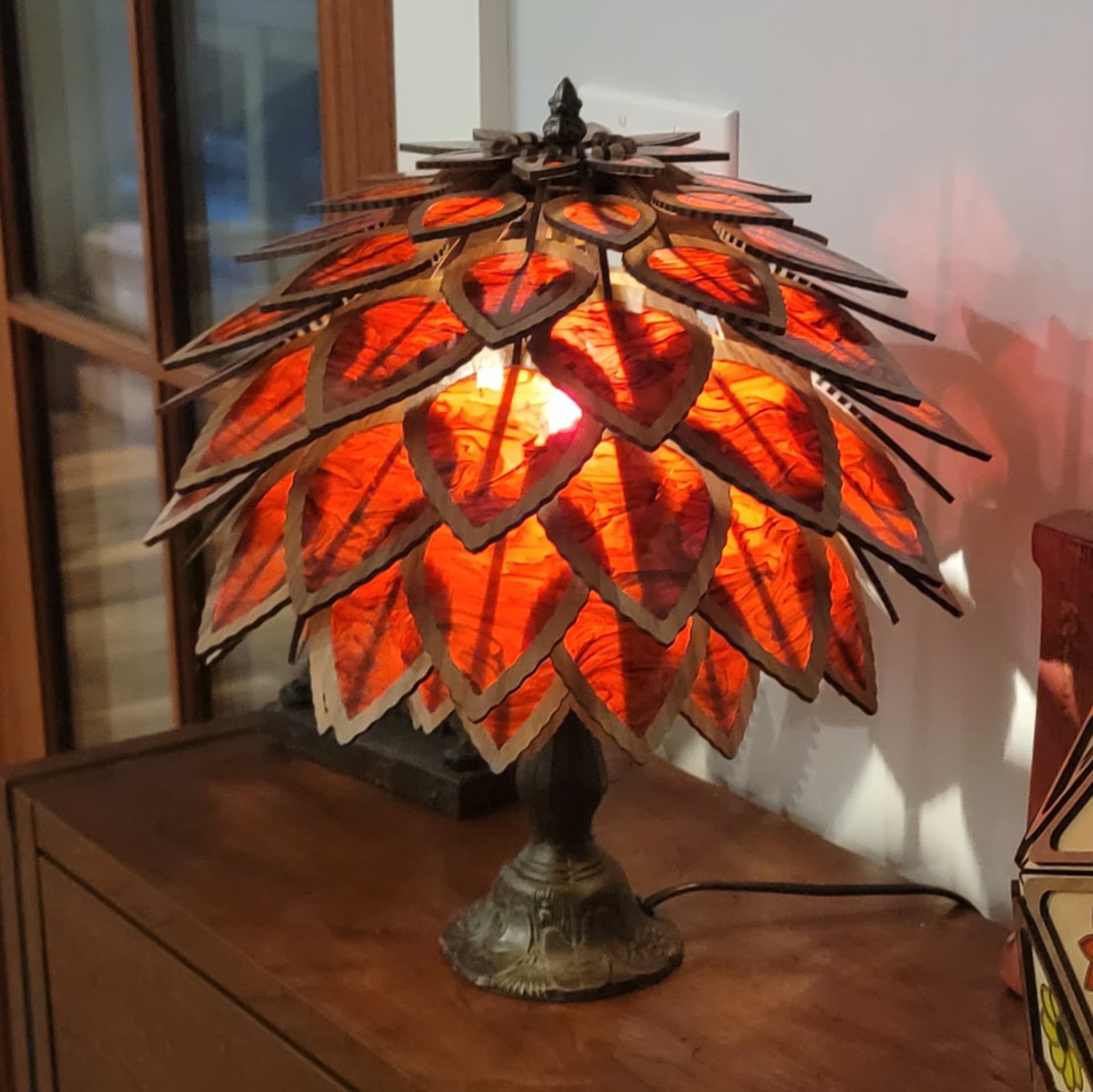
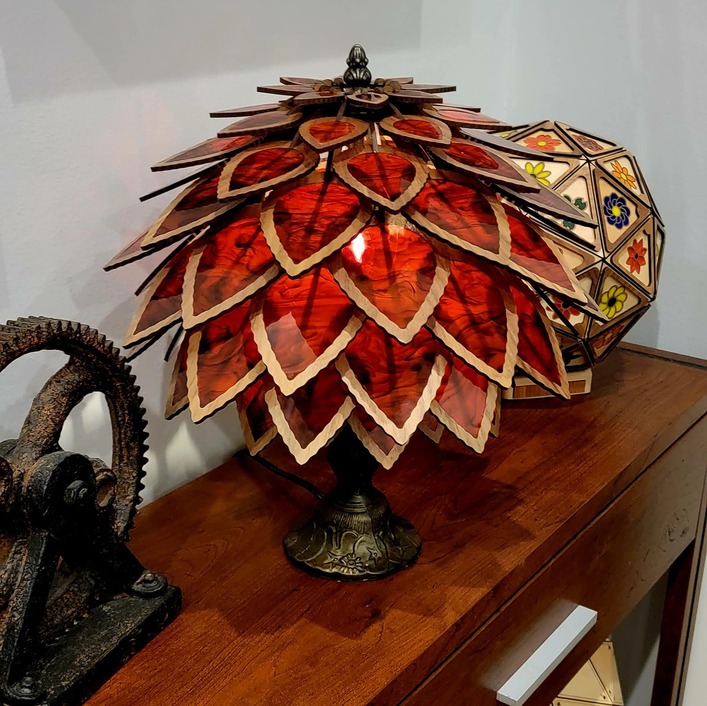
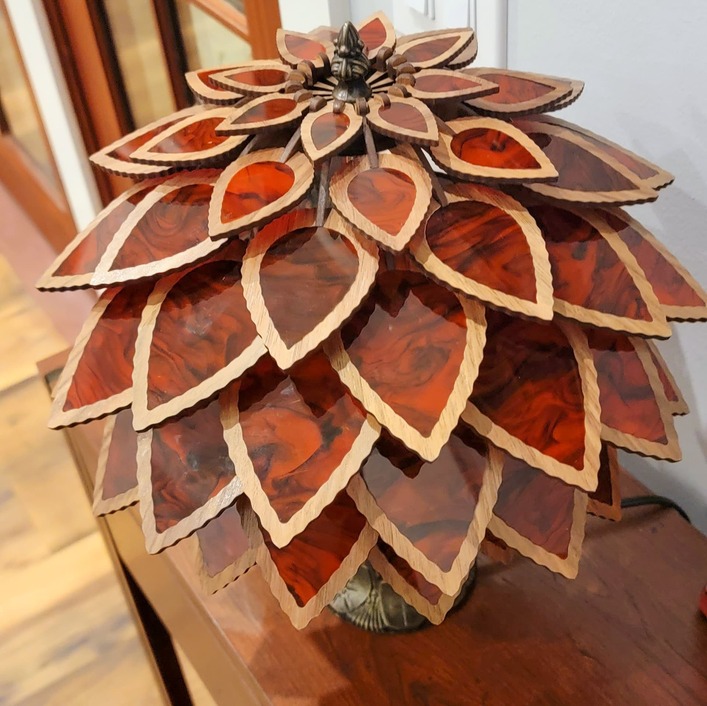
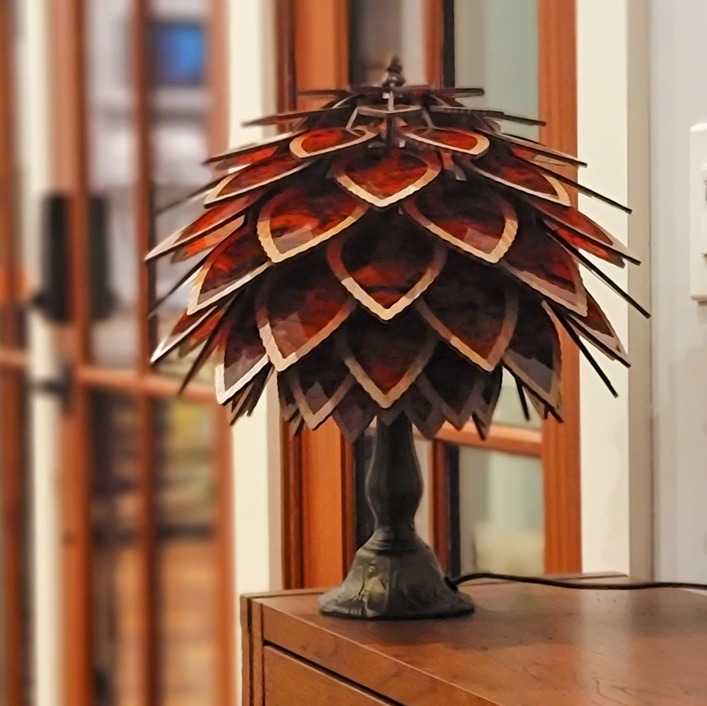
 Proofgrade walnut, so it’s Glowforge related. Also, I got kicked out of VIP for not being active enough, so here is me being active. Thank you to the diligent VIP’s who notice when people are gone and help spread the word to get them back in. Much appreciated. I still work for Glowforge as part of the Catalog Design team as a consultant, so I’ll mainly be using my Glowforge for that. I’m also happy to answer anyone’s question about my thoughts on the Mira 9 if there is anyone looking to add a bigger laser to their workshop. Enough rambling, here is a leaf /artichoke / spore style lamp for your viewing pleasure.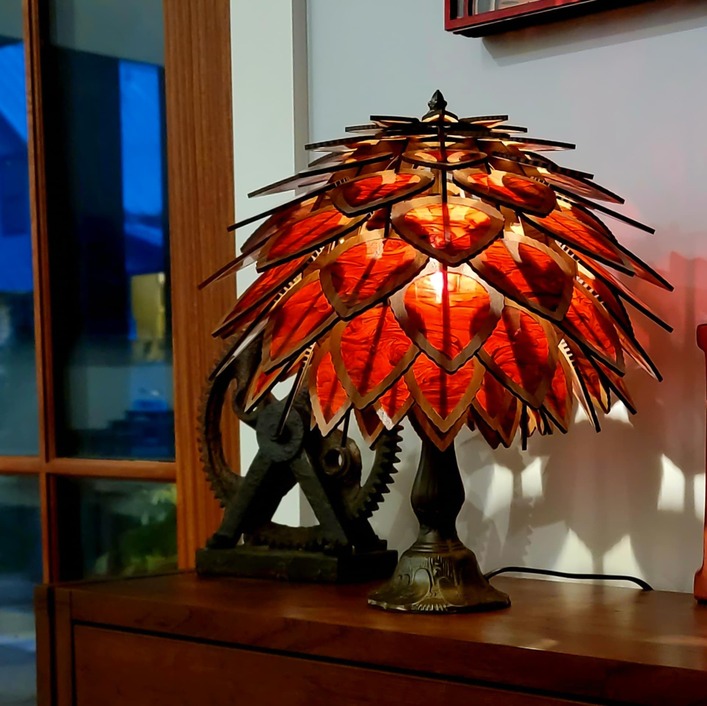

 ) out loud to my in-house-research engineer (aka spousal unit), so we could feel re-affirmed in our choice of building a 100 watt laser!