So the Organ-Du-Jour came about from the tooth extraction tuesday. My colleague made a comment that he is one of the few dentists that suture (other than oral surgeons and periodontists) as in most cases it’s too hard to learn/teach, and since the only way to learn is to be with someone doing a case where suturing is required, at that moment. So sort of catch-as-catch-can.
So I thought for 2 secs, accepted the challenge, and we agreed to meet today at his lunch break and I’d show him my idea. He thought I’d just have a sketch (bwahahahaha)
So first had to define the exact problem: “Suturing in a hole” (a common tough problem) but the suture site itself is an orthogonal hole (the tooth socket)
So I had recently made a prototype for a project I can’t talk about (DoD) and it included two flat panels that had to lock together with tabs at a oblique angle (man would the GF have saved me time - *hint) but the usual battle-cry “Off to OnShape and PACS” was heard in my lab…
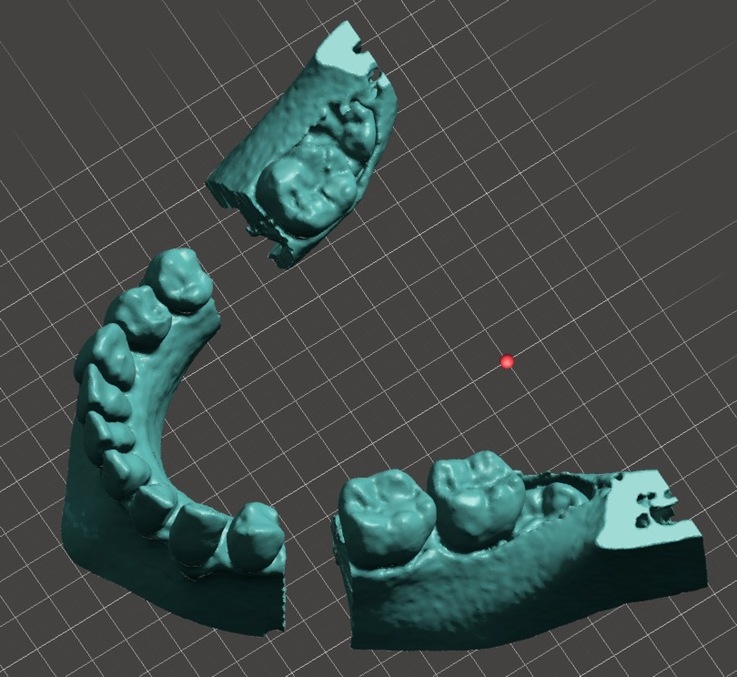
First in PACS I 3D reconstructed a CT-skull with high res bone windows (0.6mm res), which gave me an astonishingly high-res set of teeth but over 1.6m polygons. So into MeshMixer, and with some plane cuts, ended up with the following model:
Then I carefully chopped out 2 teeth all the way to the base:
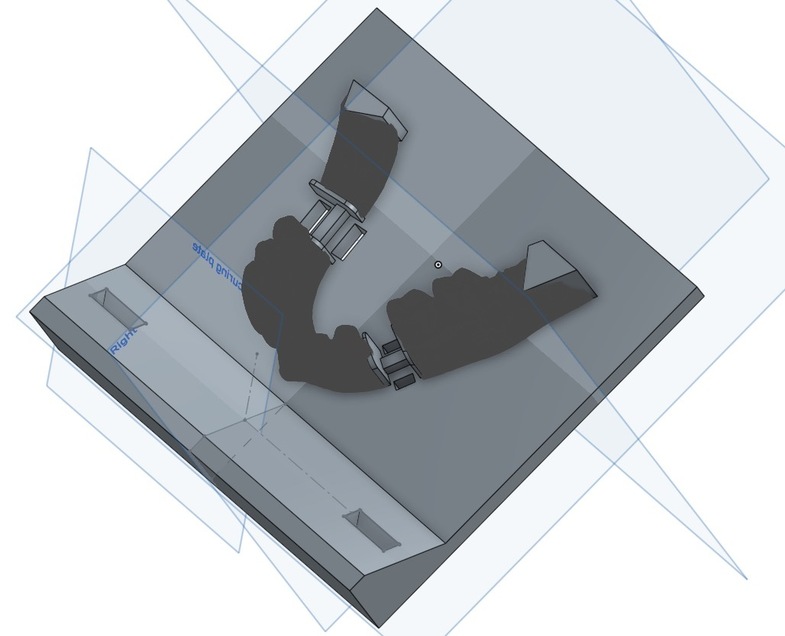
Then I imported that model into OnShape, which while it doesn’t let you edit STL mesh files, you can use them as base geometry to base real CAD geometry from. I added flat plates on the end of each cut (and smoothed out the jaw rami (the hockey stick of your jaw) with a nice cube to make it quicker and easier to print. I then added a front plate (will come in later) and blocks and holes to hold the suture practice pieces.
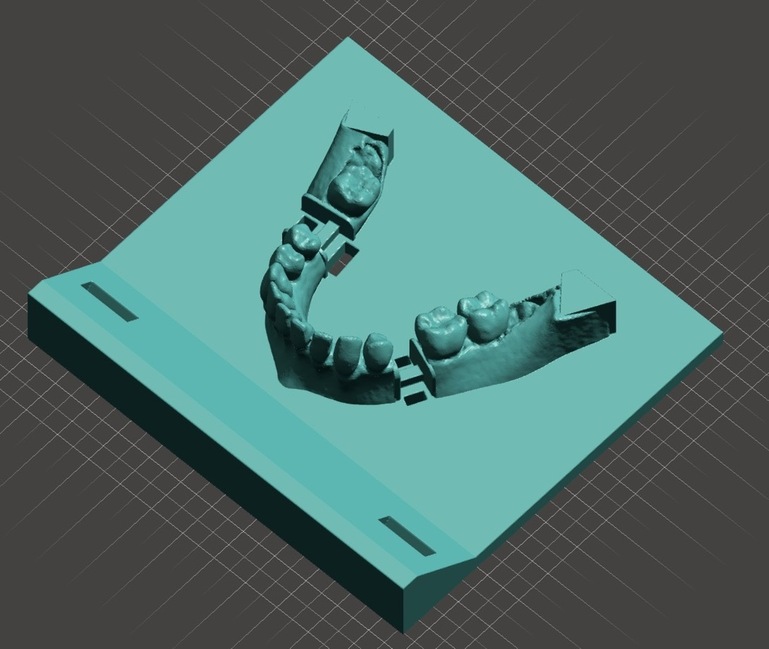
Now you can’t actually boolean “real” CAD geometry with a polymesh in most CAD packages, so at first I figured, hey I will convert the teeth to a B-REP in Fusion360 (hahaha, Fusion sort of puked with a “for realz? you want to convert a 1,600,000 polygon to a B-RREP object?”. So exported my CAD object as a STL and brought it into MeshMixer to union the objects into one for printing.
huge learning point alert
Epic fail. It repeatedly caused an “unknown fatal error” whenever I tried to union them (after grinding for 10 minutes). At first I figured it was that I was running this on my iMac which only has 32gb of RAM and a quad i7, so moved it over to my Mac Pro which has 128gb of ram and dual quad-xeons and dual giant workstation GPUs. Same crash (albeit 6x faster). Then I figured my model just has too many polygons. So I reduced it down to around 90000 polygons (still OK, but not nearly as awesome). Same crash (albeit even faster).
So a bunch of googling came upon a blog entry from the guy at Autodesk who works on the boolean code for meshmixer with the astonishing statement: “this is often due to your model having too few polygons. Try remeshing have more polygons for the union to work with!”. Yeah, wait what? So figured it was clearly not the teeth, but my CAD model which only had a few polys. So remeshed it up to 10,000 polygons, and BAM!
A mere 1.5m polygons later…
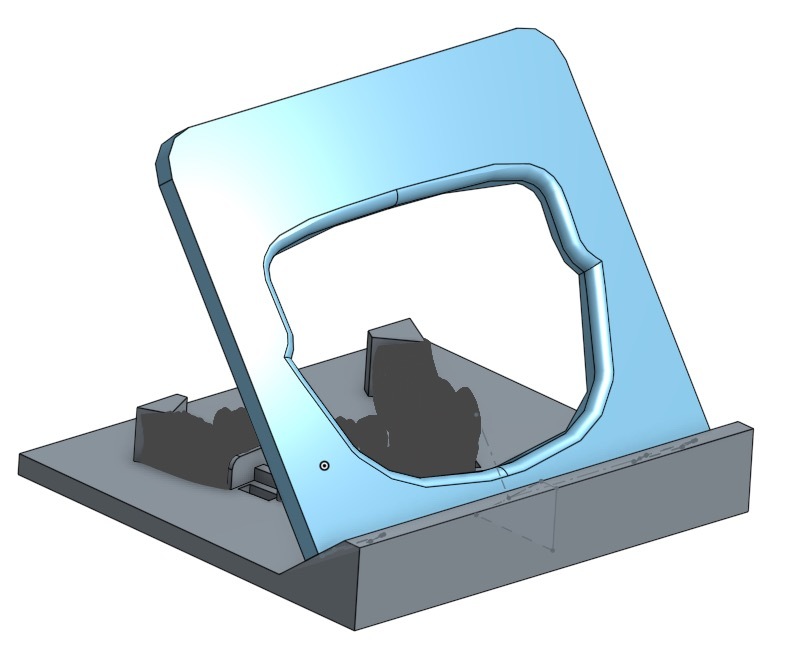
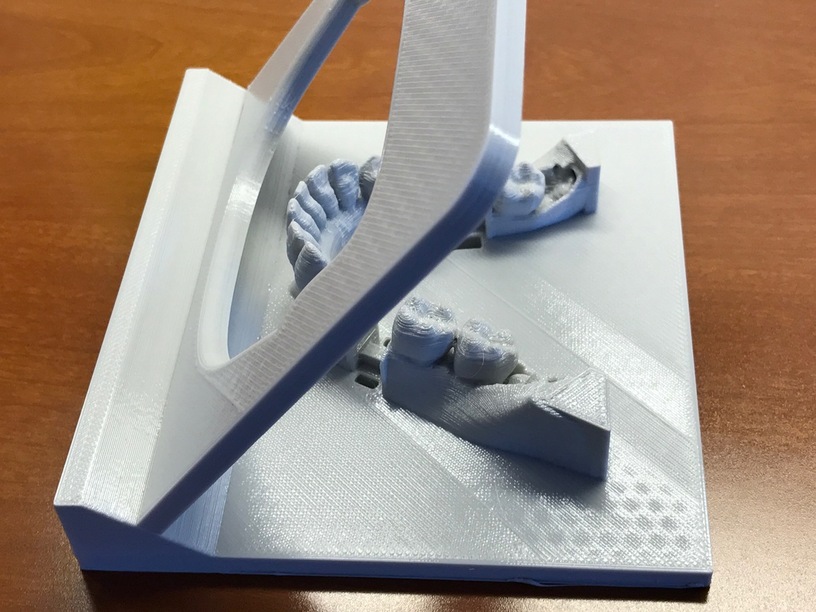
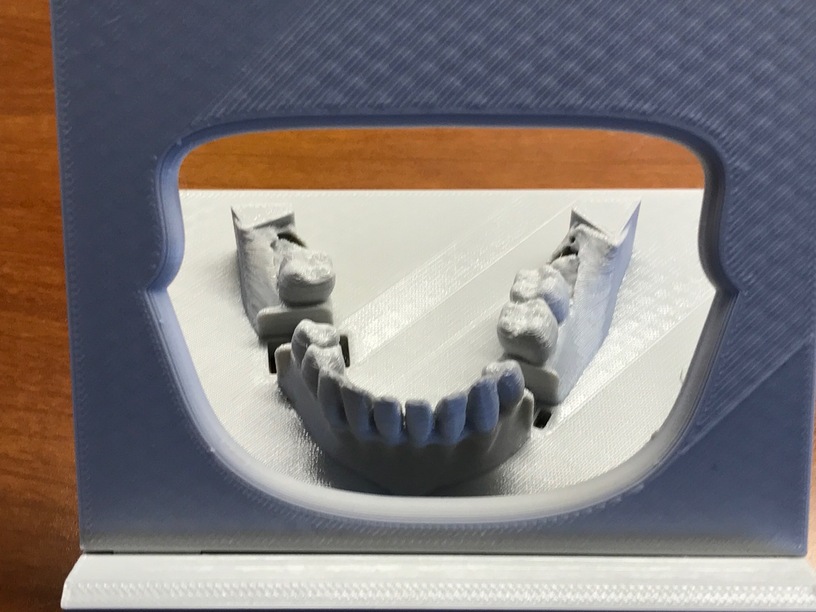
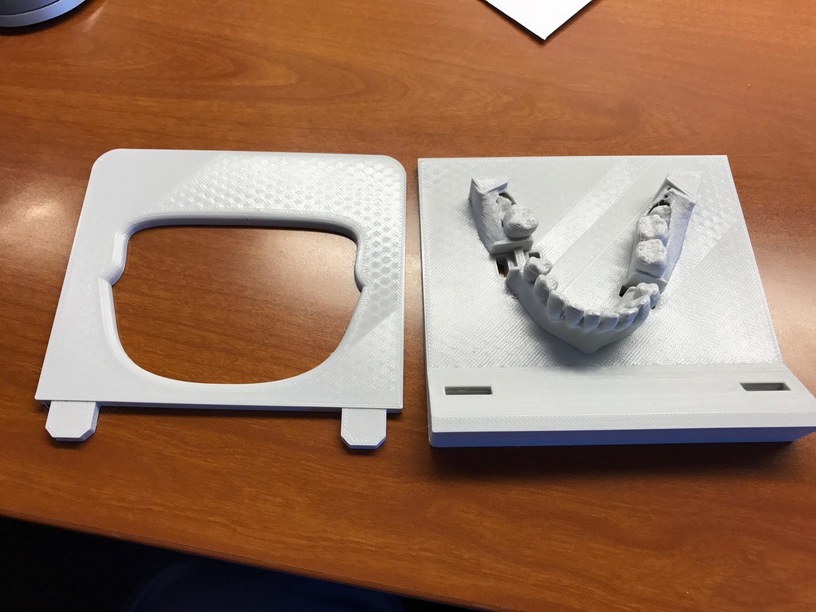
Now to solve the other half of this problem, which is that you are suturing in a hole, so made a front plate that locks in, but pops out for students to be able to collapse and put in a ziplock bag…
Figured we could vary the size of the mouth for difficulty (this is pretty easy). The advantage of this technique was to allow the faculty member to observe the student’s suturing easily but still give them the sensation of being in a hole, while making the whole mouth cavity would make it dark and harder, would interfere with education.
And voila:
So for testing purposes I actually cut little sections of the suturable artery I made, about the height of the gum, and it actually wedges very nicely between the teeth. Brought it my colleague during lunch, and he sutured it and was completely blown away. We are setting up a meeting with the dental faculty leadership to talk about getting these produced for the students… (probably some tweaks along the way - but this was about an hour’s work)