But if I learn all that, I want to be able to sell files. $1000 for a whole year isn’t making much. 8 need some other software I think.
4 Likes
Understanding how to make parts is more important than the CAD program used. I can make the same part in several different CAD programs. The process remains the same even if the keystrokes/clicks differ.
It’s the same discussion as the debate about Adobe Illustrator, Inkscape, and whatever other 2D packages that are used to create SVG files for our lasers. Nobody really cares; it is the final file that matters.
You can sell a lot of STL files before TOS tell you to stop.
8 Likes
This, for sure. I’ve sampled all of the 2d drawing apps, and all of the 3d that I can put my hands on and have switched several times as I’ve matured and tech has changed. I am now using Fusion as they locked in a good price for me several years ago and so far have been honoring it. If they stop, I’ll be looking again. Probably Free CAD.
8 Likes
Me too, although the price isn’t really a consideration for me since I like the software. This latest change takes it back to how I really like to use the software
8 Likes
I’m curious if your install had the ability to narrow down the choice. The website only asks for city and country…and the US is rife with repeated names. The website timed out on Springfield and I’m wondering if that’s because it has too many entries under that name!
The maps are lovely when they do generate 
3 Likes
I override the location with latitude and longitude values. They’re easy to pull from Google Maps, right click on the pin and then click the coordinates. They are copied to clipboard.
Then city and country become labels. That’s how I made town/state maps.
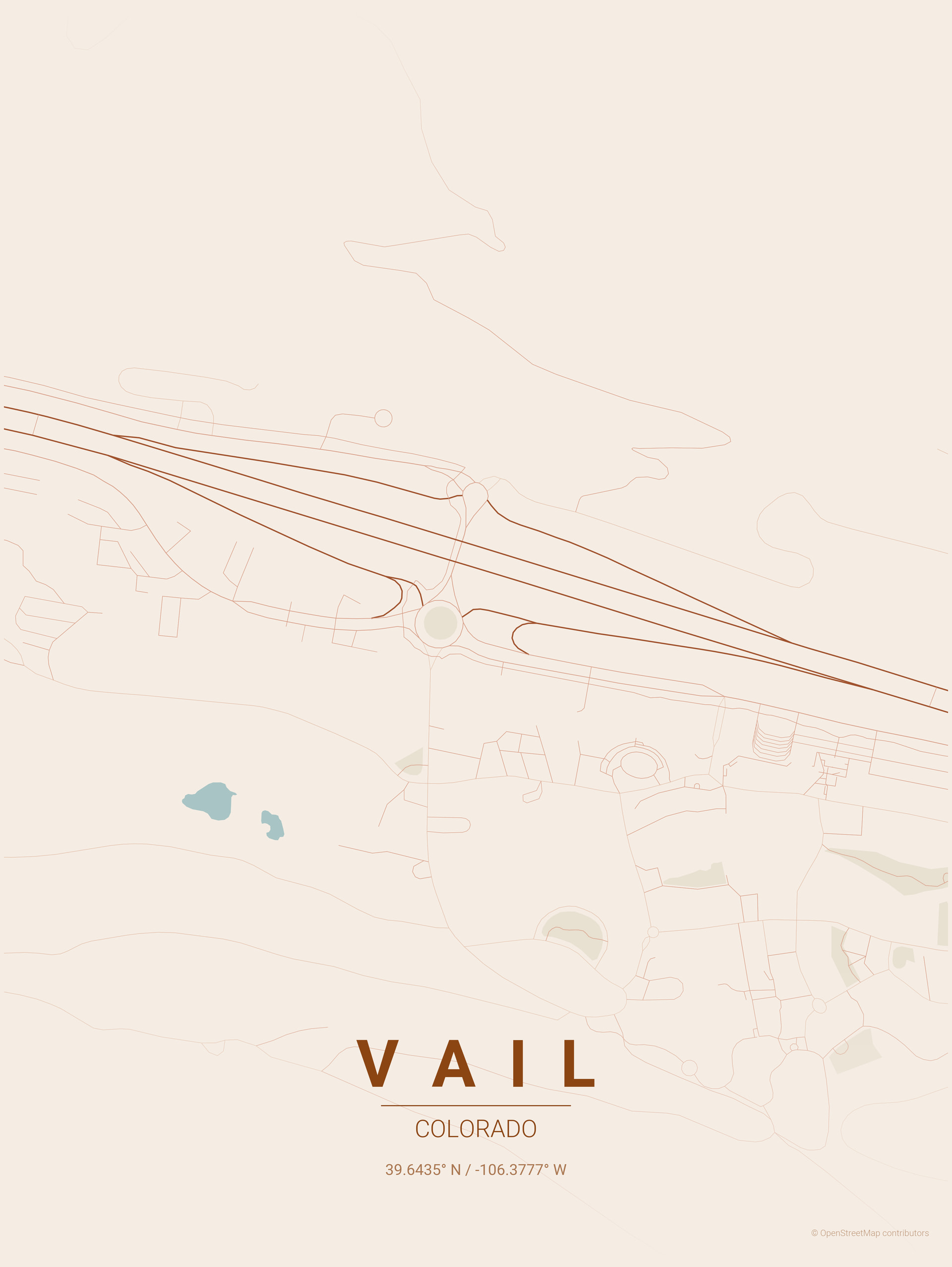
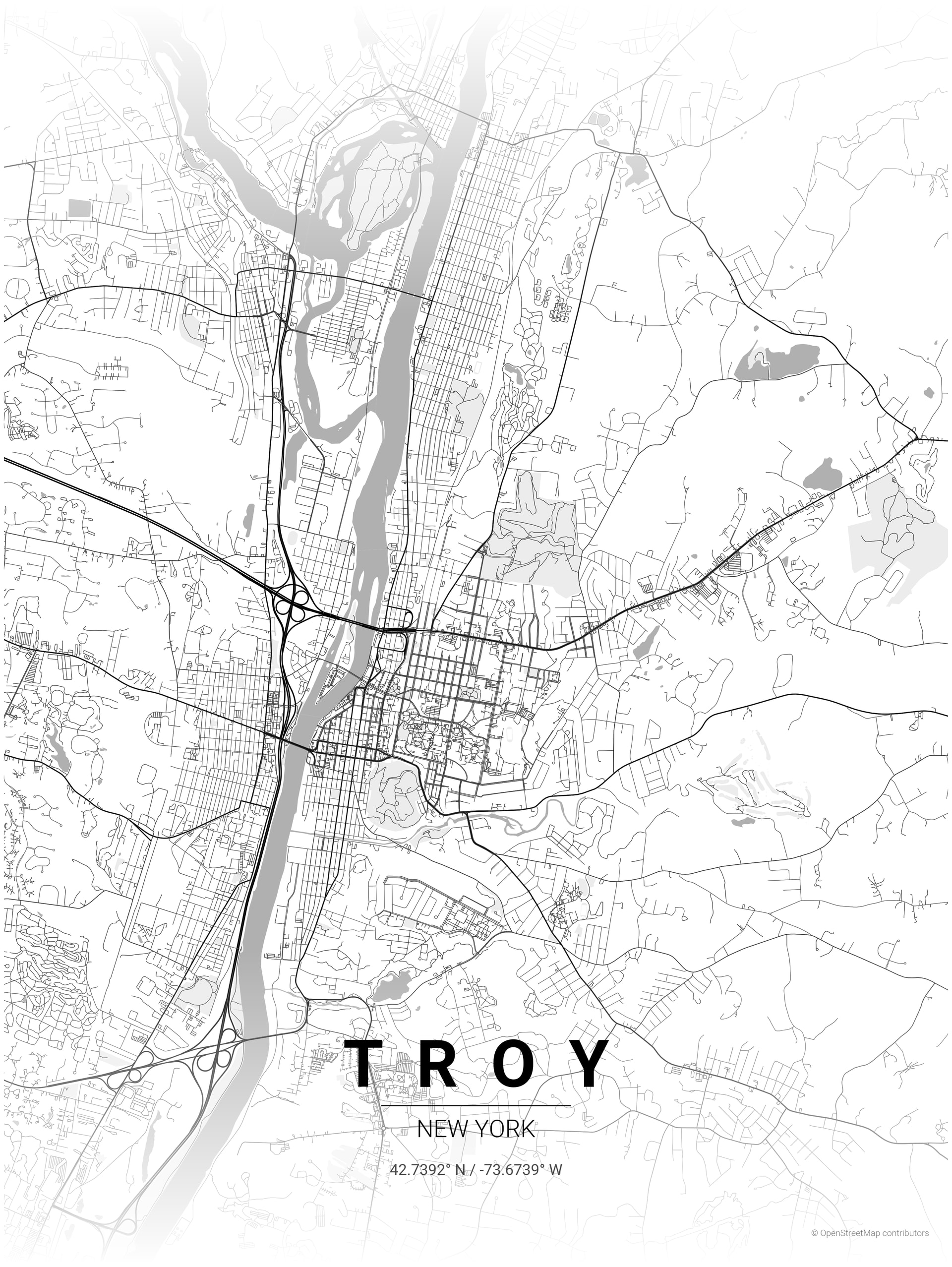
This one was with a custom theme I tweaked from the sunset theme. It has redder text and a custom color gradient :
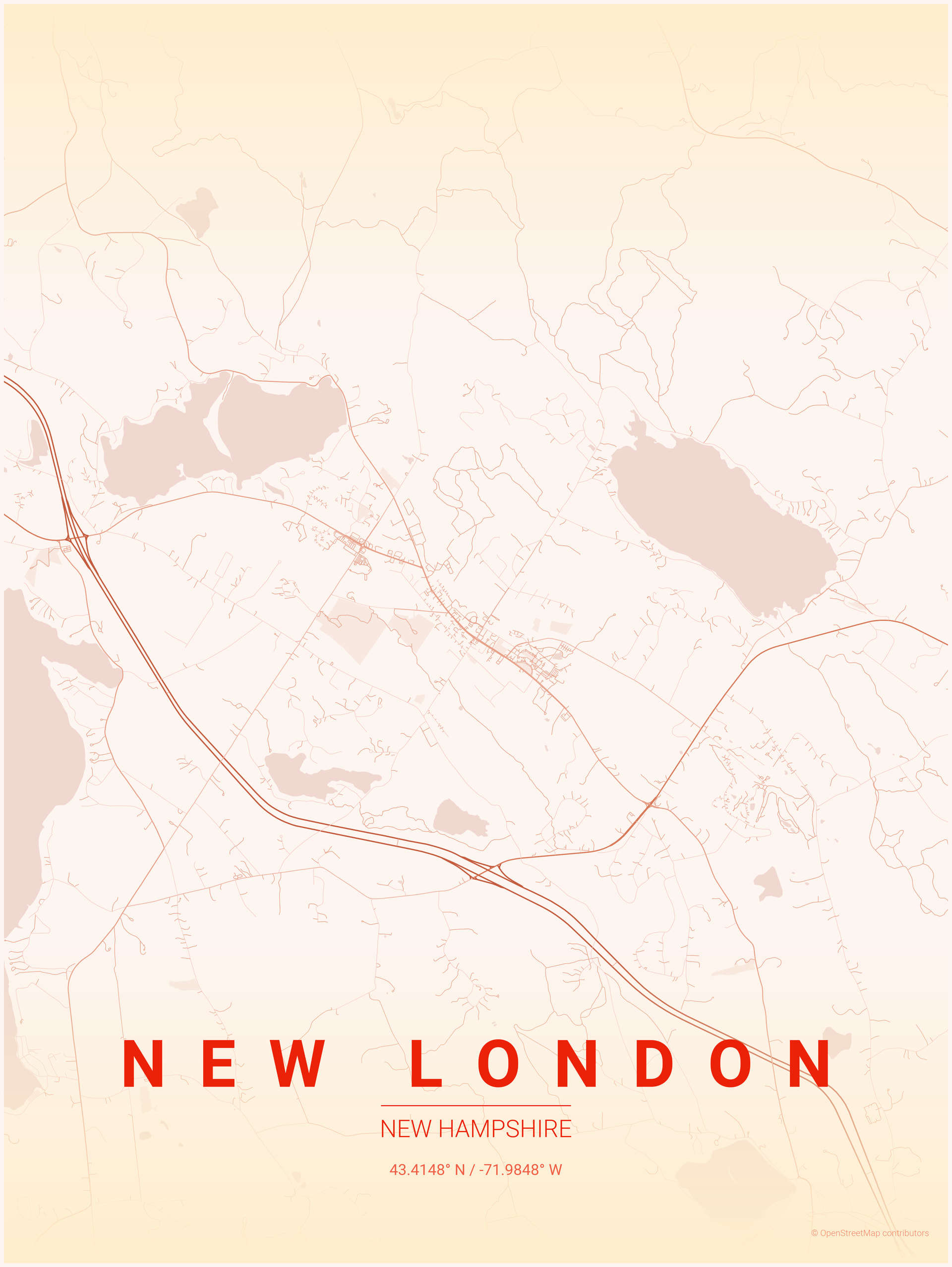
Also, the --all-themes flag is great. Does what you think, makes the map in all of the themes in one command line.
9 Likes
4 Likes
10 Likes
Patience to do that! Patience which I don’t have. But what a beautiful outcome! Thanks for sharing!
6 Likes
Now that is so cool! Ideas abound.
6 Likes
Wow this is cool.
You enter coordinates between zero and one on the X and Y axes and then it tells you how to fold a square piece of paper so that you can locate that exact spot.
Clever.
10 Likes
That is some very interesting math/algorithms going on there, and I’m sure it would be oh so useful to the right person.
7 Likes
Diresta does this on a CNC, but I know several of you have worked it out on the GF.

11 Likes
OK that’s super cool.
6 Likes
9 Likes
I just ordered this yesterday! Bought the Jr STL and basic kit, will report back when it’s assembled.
7 Likes
There’s a teeny tiny screen printing press on our catalog 
10 Likes
Now that is very cool, I’ll have to make that one as well. Have to figure out screens next.
7 Likes
11 Likes
Very nice. I am jealous.
8 Likes