Are you talking about the one for creating an offset path in Inkscape?
I’m using paths. I just made reference to the point size of texts to show that you can’t resize that way.
I don’t see where you reference in that tutorial using stroke width to compensate for the kerf. Where would I find that. I tried to use stroke width and it didn’t give me an outline cut that fit the underlying engrave correctly. The bottom serifs are pointed and not rounded. The one I made with a wider stroke width is on the right. The left one is the file I used.
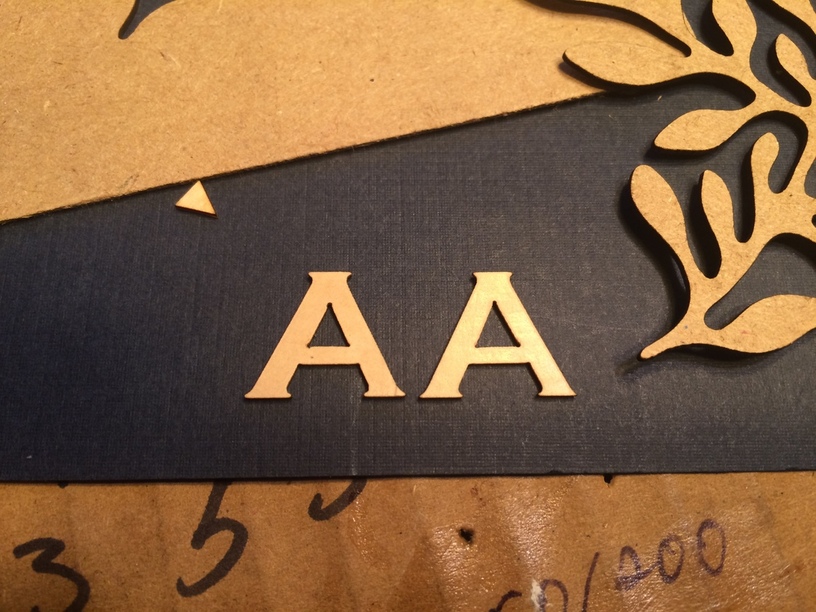
I have set the default offset steps for Inkscape to be .005". It does offset, but only approximating the outline of the original as shown above.
I really would like this to be simple so please let me in on what I’m missing.