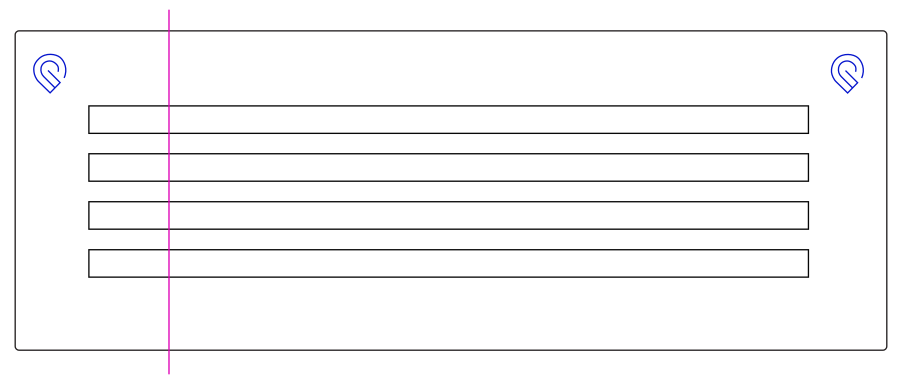
I promise you that jig workflows are as fast and accurate as snapmarks. They can range from simple to more complex depending on exactly what you’re doing but snapmarks are 100% not necessary.
If you have a particular workflow that you’re having a hard time translating to jigs I’d be happy to offer my ideas, just let me know what you’re up to.
Btw technically he doesn’t say Glowforge informed you of that. He just says you were informed of it. Maybe we’re missing context from your original query to them?
I’m not trying to split hairs about your interpretation; I’m just trying to get the full picture so I can form an informed opinion about how all of this is going down, while bearing in mind that support reps may get some details wrong from time to time.
That said, the CEO’s public announcement carries an awful lot of weight. Unless you were told something different via backchannel by Dan himself I’d think that his announcement supersedes just about any other promise that may have been made, either explicitly or implicitly.
Could there be old threads in other places I’m currently not able to look into right now that have this other information for the regular beta testers?
I too seem to remember there being talk about all this and we got told that since we had it, we could keep it, no one else moving forward would get it as the data was used to make the camera more accurate and that indeed, if we had to get a replacement, no guarantee the new one could get it. Though I know there were a number who got it turned on their replacement machines and a few who couldn’t.
I’d appreciate it if they delivered on all of the projects they showed in the initial videos that were promised to be delivered. Those seem to have been forgotten or they weren’t actually created on prototype GFs but on other lasers so they’d have something to show in the videos and the programs wouldn’t work with the GF software.
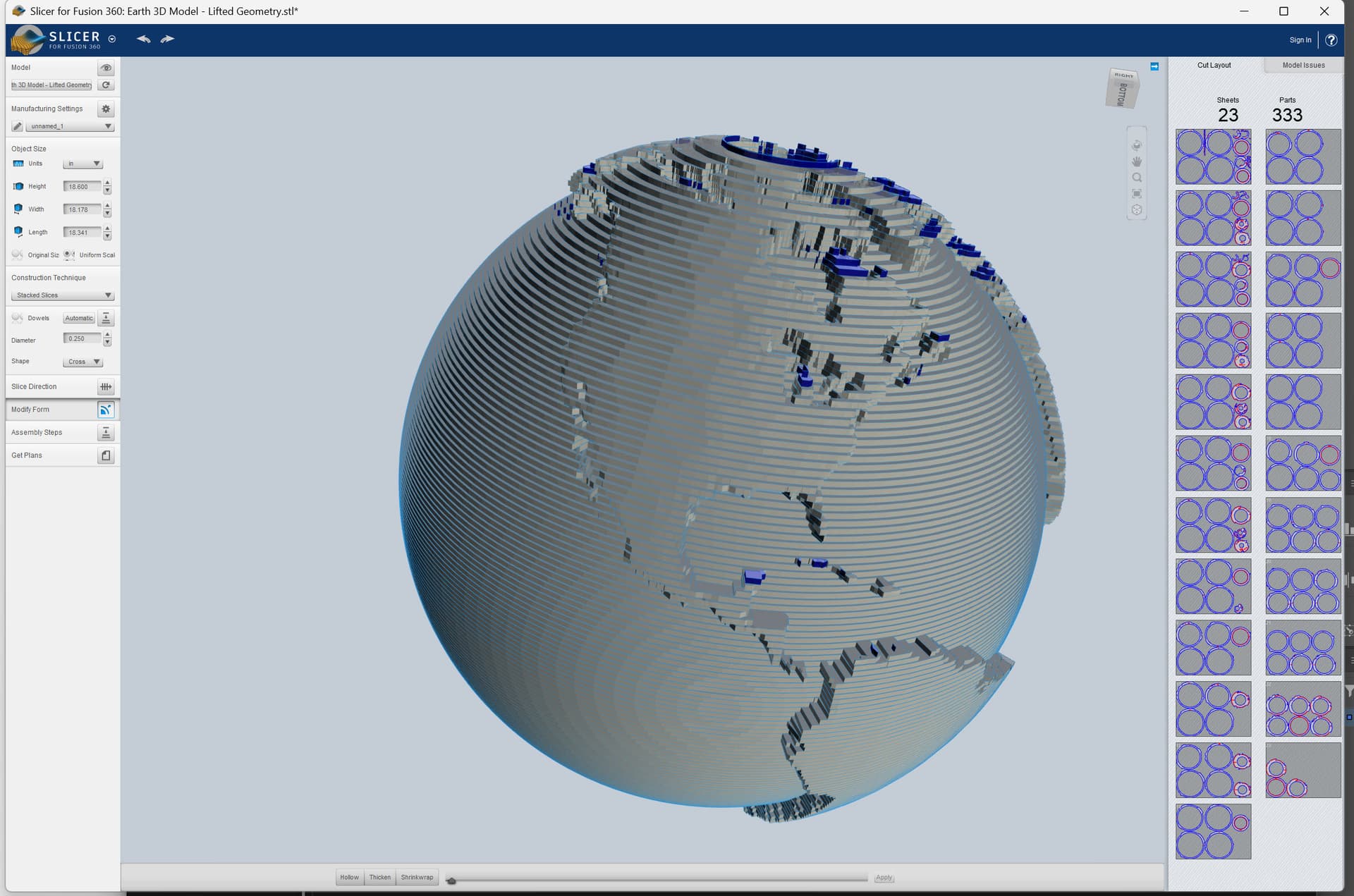
I can’t speak for all of the projects, but I can at least talk about the globe lamp. When I worked on the catalog design team, we talked about using those original designs that were showcased in the product launch as design of the month options when there wasn’t suitable submissions to the catalog. I have the globe files, and it’s a mess. Basically they used the slicer addin for fusion 360 to generate separate layers, so I don’t think releasing the globe has anything to do with licensing because they did it in house. The original export sizing also doesn’t match up with what was of capable on a glowforge either. At some point I was supposed to clean it up and get ready to put in the catalog, as the ability to group different print jobs together became available. But then they got rid of design of the month, and the catalog design team, and probably any hopes of releasing those to the catalog once that was outsourced overseas.
At least the globe lamp always seemed achievable. The drone always looked like vaporware to me.
It never seemed like the globe lamp would have been difficult to reproduce. Gathering it up into one file, that might be difficult; I have no idea because Glowforge keeps such a lid on how they build their internal files. They could release it as a zip of SVGs if they wanted to, were used to having multiple files for bigger projects (see above about not telling us how to build our own complicated files)
Drones have progressed so much since they released that video, not sure anyone would want that specific design. As far as the globe, the files from the designer at glowforge I have would have had to be resized to fit the glowforge bed. Even scaling to the maximum size would have required splitting each layer in 2, which still would have been hundreds of separate print jobs. I recreated it in slicer with a diameter of 18.6" at a layer thickness of .130" and it’s hundred of parts.
I’d be happy to share the EPS file output if anyone here wants to tackle making them glowforge ready. I personally don’t have any interest in trying to print this due to the amount of cardboard needed. I’d also probably print this on my Mira 9 so I could make it 24" in diameter.
Diameter of 11” seems like a practical maximum for performance glowforges.
That or segmented thin side walls in 60 or 90° chunks. I’d imagine you could fit it in fewer jobs. Let’s do some math with an 18” diameter.
Typical single-wall shipping-box cardboard is roughly 1/8 inch (0.125”) thick.
18 inches ÷ 0.125 inches ≈ 144 layers.
So about 140–150 layers depending on the exact cardboard.
So 140 layers ish with about 1” thick sidewalls, a bit of calculus puts it at about 50 square feet of cardboard required. Assuming you can pack it to 80% utilization that means you’d need about 60 square feet of cardboard sheets.
A full bed of 11x19.5 is about 1.49 square feet, which works out to roughly 41 full bed sheets of cardboard. Even if my assumptions or math are significantly off that’s still a lot of cardboard and a lot of job setup.
it’s actually just slightly less than 11” deep. annoying, because it made it so i couldn’t cut an 11x17 piece out of a larger sheet of cardstock when i was trying to do custom die-cut covers. i had to cut the covers’ outer size separately and then die cut in a jig.