So, I am hoping someone here can help me. I have a file I am trying to export from TinkerCAD. I already know how to export it as an SVG and I get how the flattening process works(ish).
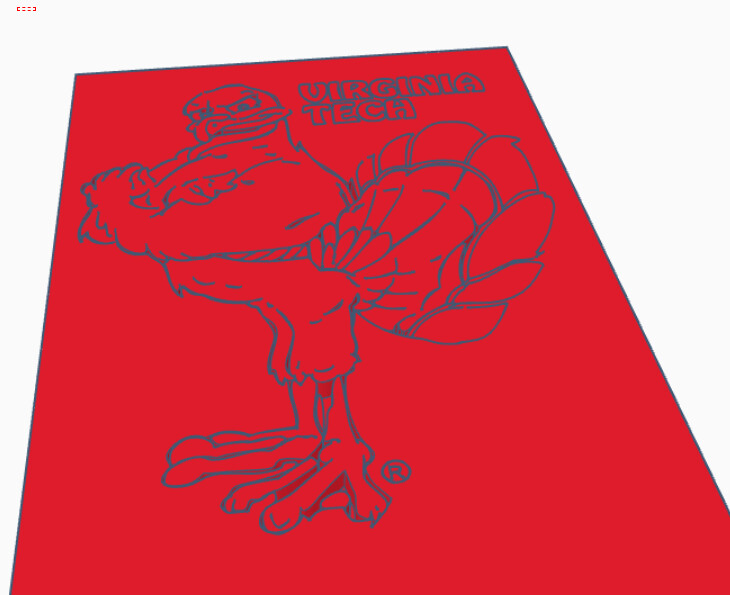
Here’s what I am trying to do. The image below shows a model with an engraving in it. When I export the SVG, it only exports the rectangle.
If I try to export the inside image only, I can’t engrave it so that there’s a cut background around it. I am trying to figure out, how can I get the rectangle shape and the engraving in the same file.
CAD is not an ideal design tool, but can you simply export the engraving as a bitmap, and the rectangle you want to cut, and combine them in the GF UI? The “Upload from file” function lets you add multiple design elements from separate files..
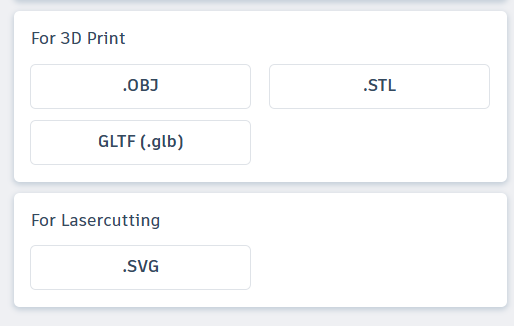
Unfortunately, I know CAD isn’t the best design too. I’m using this in a classroom setting, and it’s hard for students to understand how to model things like this in any other platform. The problem is, with TinkerCAD, you are only given these options: