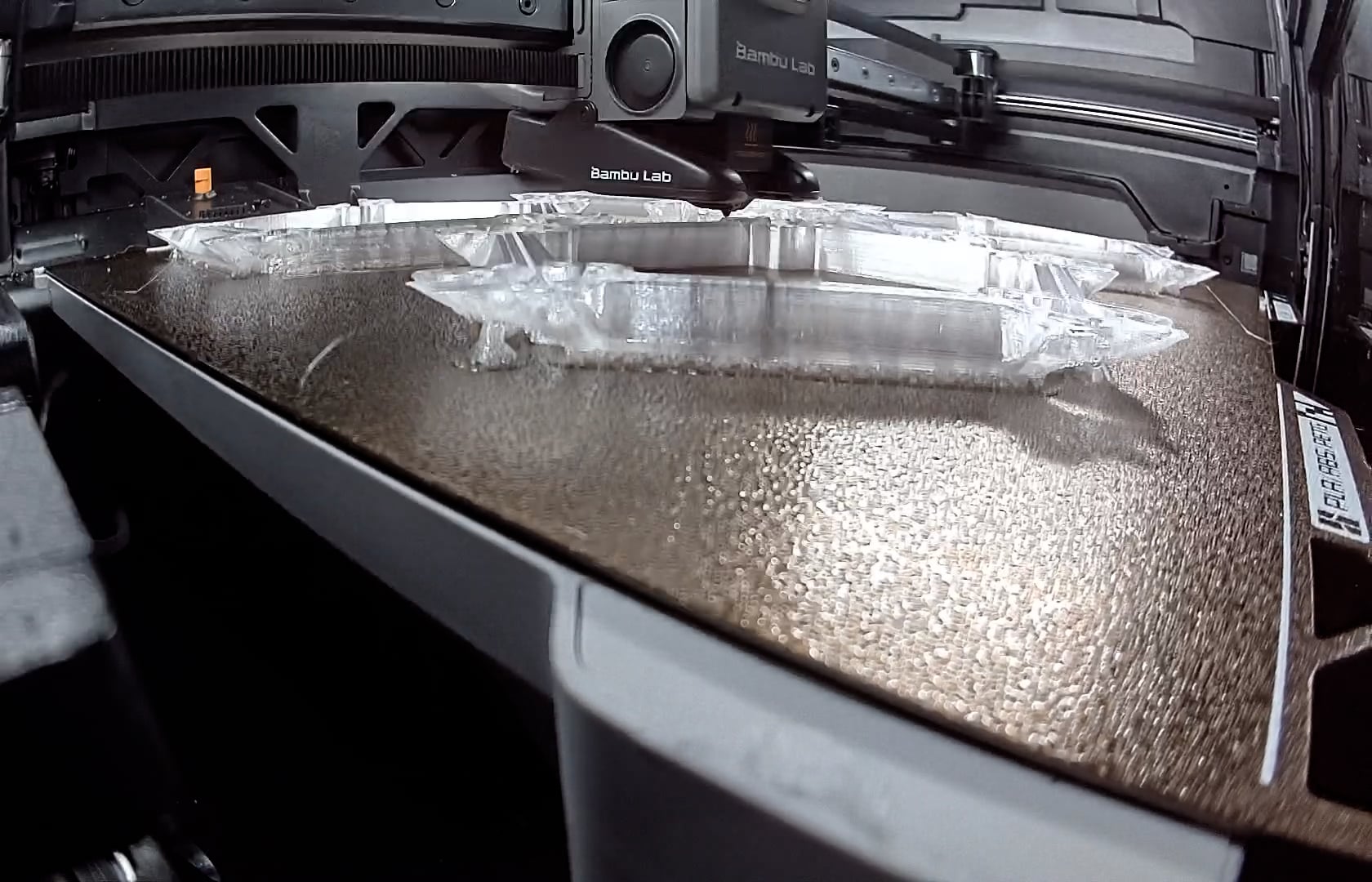
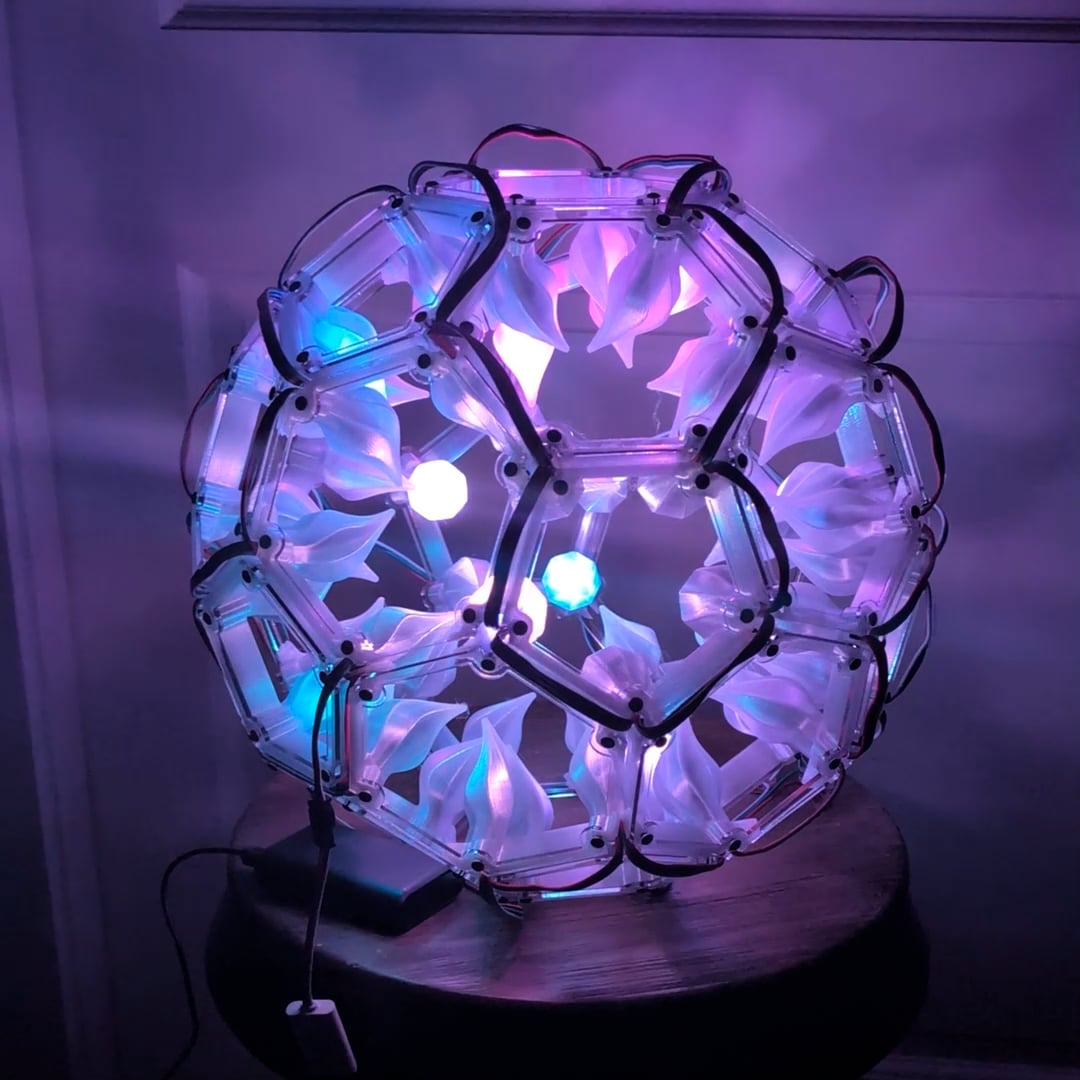
Yes, yet another crazy polyhedral. The faces were laser cut on the using clear acrylic, The connectors were 3D printed using translucent PETG filament. Normally when I’ve done WLED polyhedrals, the wiring is hidden on the inside and the bulbs face out. I wanted to try something different, and put the pixel bulbs inside the translucent filament with the wiring on the outside.
I chose a polyhedral where I could use one connector multiple times, and designed it in Fusion 360.
Oh that’s lovely! Surprisingly to me the pastels really drew my eye
I wonder if you could you cut open mirrored acrylic hexagons to lay over the visible wiring and make it disappear? Of course it would have to be glued which removes the ability to fix it if any of the lines fail.
Gosh, that’s a mouthful—I can’t even pronounce it! I do love the translucent build and the flashing lights—I’m a sucker for anything with lights. Very nice build!
Very cool! I love it. I’ve made a couple of WLED projects myself. I’m working on a huge snowflake for the palladium window in my foyer. I’m curious as to what order you’ve wired the LEDs and what patterns you used in the demo video. As you can imagine, a snowflake has a lot of redundant shapes, so I’m trying to decide whether to wire them all as individuals or to wire them in parallel so it is easier. I’d appreciate any thoughts. Thanks!
The pattern is just move to the next closest spot, with only having to jump 2 positions twice, if that makes sense. These bulbs are 15 cm apart, so I went with the easier route. Patterns on this are default WLED, no segments used.
 using clear acrylic, The connectors were 3D printed using translucent PETG filament. Normally when I’ve done WLED polyhedrals, the wiring is hidden on the inside and the bulbs face out. I wanted to try something different, and put the pixel bulbs inside the translucent filament with the wiring on the outside.