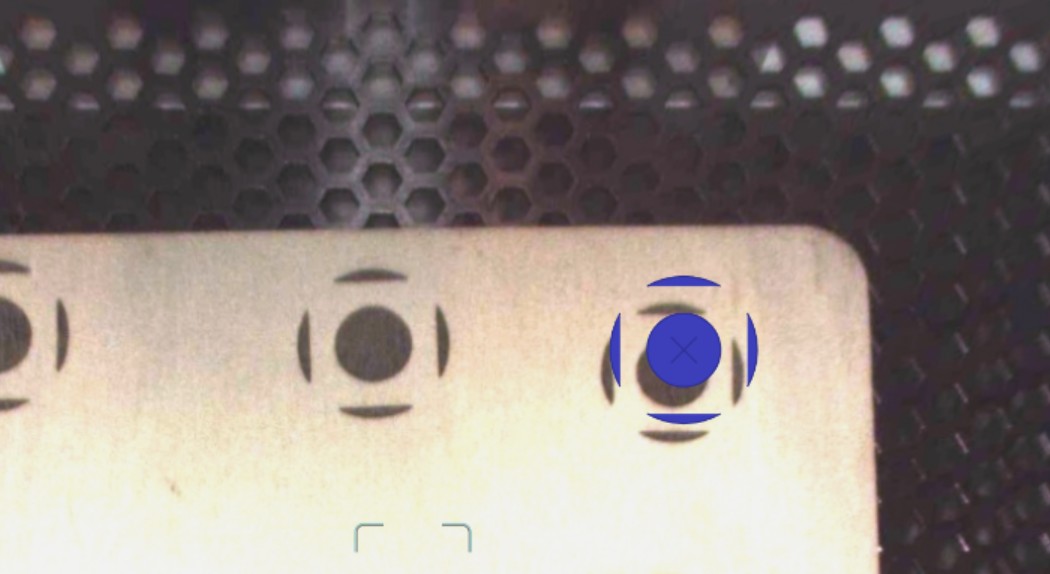
Chances are your results will not be improved by running the lid camera calibrations.
Can you share your alignment issues and we can help you fix them? How far off is your alignment? Is it always off the same amount? Has the alignment problem gotten worse recently? Are you using the set focus tool prior to placing your artwork?
Thank you for the response. I have only had the Glowforge for a few weeks and haven’t even used it much. Some of first pieces I engraved were very accurate now its gotten worse and worse. I have been cleaning the rails with alcohol wipes and the camera with microfiber eye glass cloth. Any tips would be appreciated.
The lid camera is fixed in place. It would be very unusual for the view it provides to change under normal use. Your photo makes it appear that the print is within 1/4” of the preview which is within the allowances Glowforge accepts as normal. You can use the set focus tool multiple times and in multiple places before printing. The camera view is most accurate directly under the lens and the further away from the center the more distorted it can become.
Always set focus precisely where you intend to place your design. If you are printing on items like coasters where your alignment is critical, your best option is to make a jig.
The instructions for the lid camera calibration are written for the Performance machines - using a 12 x 20 piece of material would not be possible for the Spark which can only accommodate 12 x 12 material. That makes me wonder if the procedure was meant for the craft machines at all.
I am sorry I can’t speak to why the lid camera calibration process won’t run. You can contact support about that by clicking the Support tab from the Dashboard.