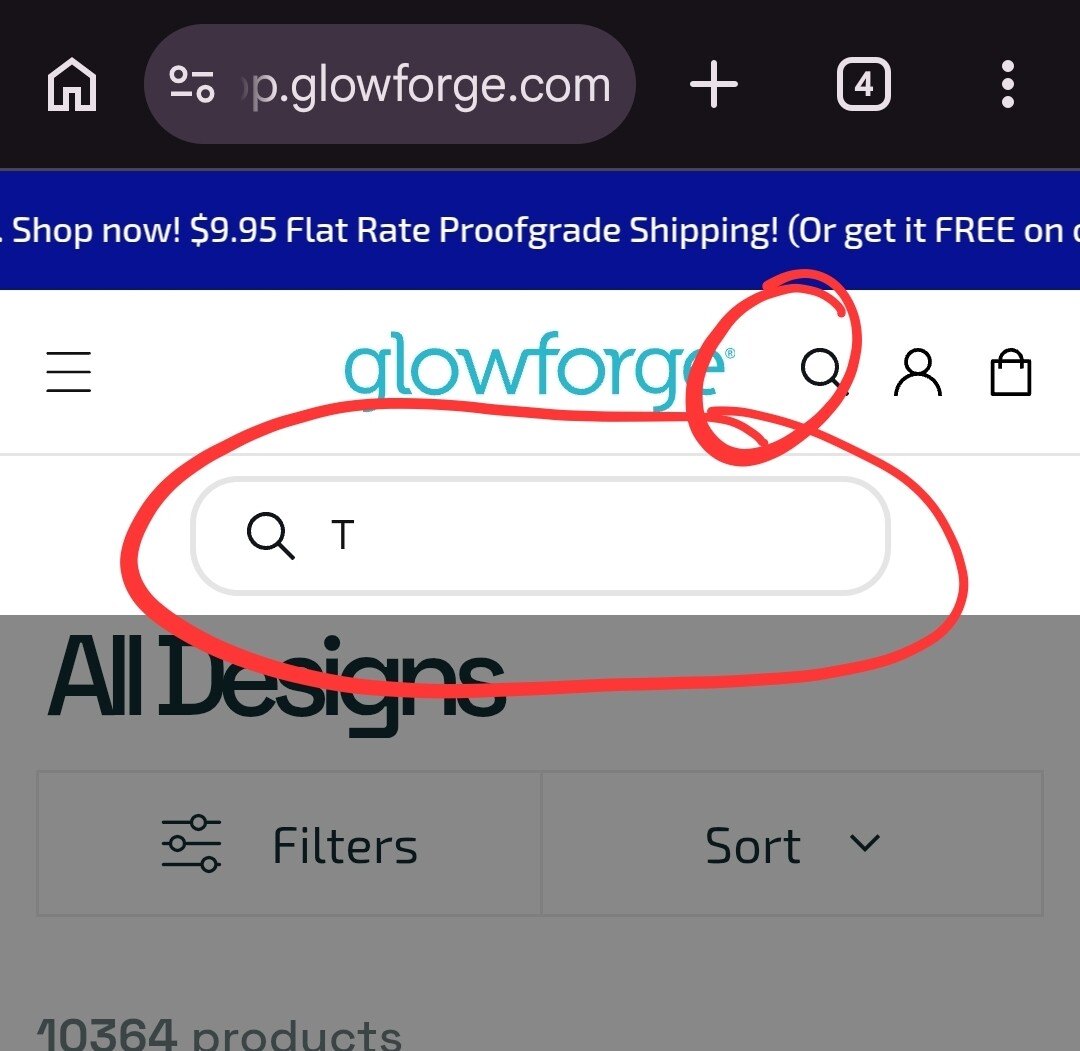
In the catalog, I have access to all kinds of projects, but I need to search for projects that will work with the material i have. There is no search filter for that?
I have 1/4” MDF, which should work with projects that are designed for Thick Draftboard. How can I filter results for projects that match that material?
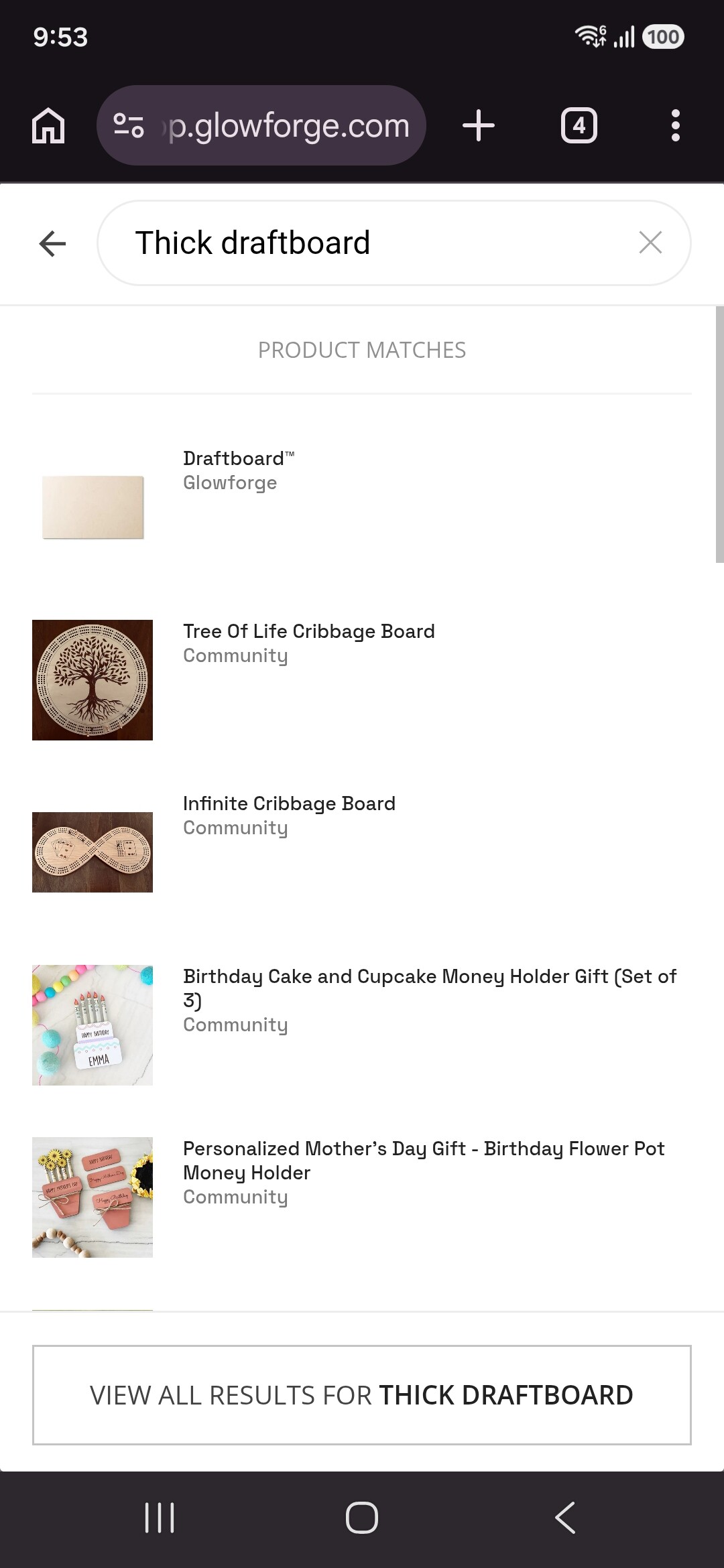
There is a magnifying glass search button at the top. Type in thick draftboard, and it should pull up any design that has it as a recommended material.
Yeah maybe that works, but the way you find it is non intuitive and hints at a loose way of searching under the hood by material name string. Is it in the description? Is that consistent? It’d be better if it had a way to filter on the material which would imply a robust database with dedicated enumerated fields for things like material, time, difficulty etc.
Of course they may have that database and just be doing that Glowforge “we make it so simple that it’s not as functional as it should be” thing. No way to know really, but I wouldn’t hold my breath waiting for the catalog interface to be improved — it’s been discussed many times and there has been no action.