Dude that’s quite a test! It worked without issue?
5 Likes
Plugin had no problems, but Glowforge needed a long moment to get all those vectors in its head. 
6 Likes
If you have a minute please send me the resulting svg? Id like to get some stats.
Also could it be useful with your shapeoko? Especially at lower resolution? The lpi range could be extended.
4 Likes
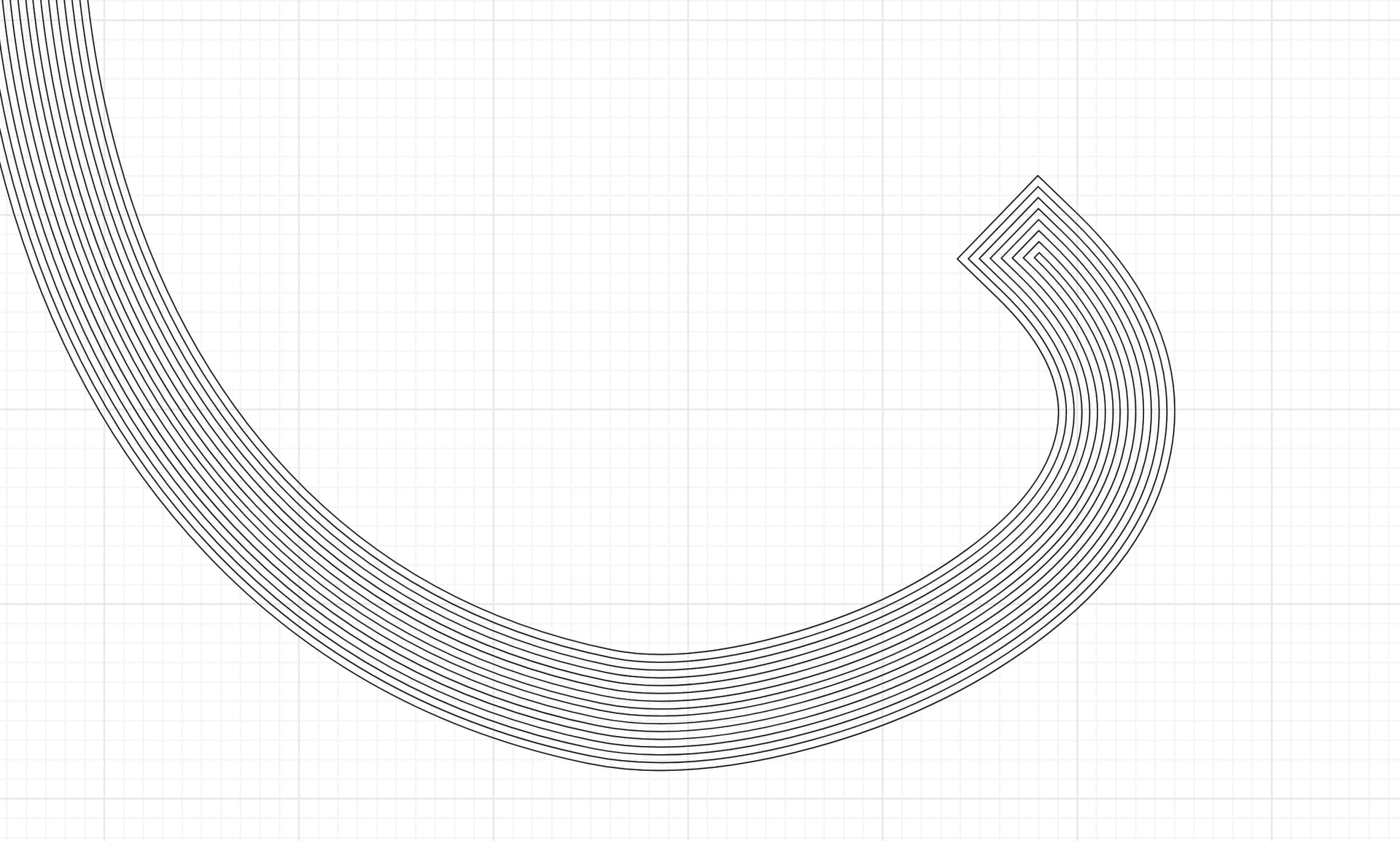
Slick but not apples to apples. Your end cap style is more akin to “square” in Inkscape where the end expands with the stroke. Also you expand the original stroke, I do not. Original path is unchanged in my version and it’s expanded outward.
Your version does seem to handle the tight corners better, which is nice.
4 Likes
OK new version of the plugin is out now. I’ll update the original post to include it.
At this time I don’t see a good way around the “additional data” message. It can be safely ignored in windows. Thanks to @deirdrebeth for the testing, I updated the stroke width to change with the LPI, should be more consistently visible now.
New Features and Improvements in Version 0.02b:
-
Dynamic Stroke Width based on LPI (Resolution):
- Improved Engraving Appearance: Version 0.02b now automatically adjusts the stroke width of the final engraved lines based on the “Resolution” (LPI) setting you choose.
- Half-Increment Calculation with Minimum: The stroke width is calculated to be half of the “increment” (line spacing) but will always be at least 0.001 inches (0.0254 mm) wide. This ensures that even at very fine resolutions (high LPI), the engraved lines are still visible.
- More Consistent Results: This dynamic stroke width helps to create more visually consistent and appropriate engraved lines across different resolution settings.
-
Expanded Resolution (LPI) Options:
- More Engraving Choices: Version 0.02b significantly expands the available “Resolution” options in the extension’s dropdown menu.
- New LPI Options Added: You now have more choices to control the fineness of your engraving, with new options for: 25 LPI, 50 LPI, 75 LPI, 450 LPI, and 600 LPI.
- Wider Range of Engraving Styles: These added options provide a broader range of engraving styles, from very coarse (lower LPI) to very fine (higher LPI), giving you more creative control.
-
Butt Stroke-Linecap Warning:
- Warning about “Butt” Caps: Version 0.02b now includes a warning message that appears if your original paths have a “butt” stroke-linecap (or are using the default, which Inkscape treats as “butt”).
- Avoid Overlapping Lines: The warning alerts you that using “butt” stroke-linecap can cause unwanted overlapping line segments at the ends of open paths in the engraved output.
- Improved User Awareness: This helps users understand a potential issue and encourages them to consider using different stroke-linecap styles (like “round” or “square”) for cleaner engraving results, especially with open paths.
-
Version and Date Display:
- Clear Version Information: The completion message displayed by the extension now includes the version number (v0.02b) and the release date.
- Better Tracking: This makes it easier to identify which version of the extension you are using and helps with tracking updates or reporting issues.
-
Code Cleanup:
- Updated Help Text: The help text for the “Resolution” setting has been updated to accurately list all the available LPI options, improving the user interface and providing clearer information within Inkscape.
In Simple Terms:
Version 0.02b is a significant step up from the initial 0.01b release. It makes the engraving effect smarter and more versatile by automatically adjusting line thickness based on resolution, offering a wider range of resolution choices, and warning users about potential issues with certain line endings. It also provides better version tracking and a slightly cleaner code base. These changes aim to make the Offset Engrave extension more user-friendly and produce more refined and predictable engraving results.
offset_engrave_v0.02b.zip (7.4 KB)
8 Likes

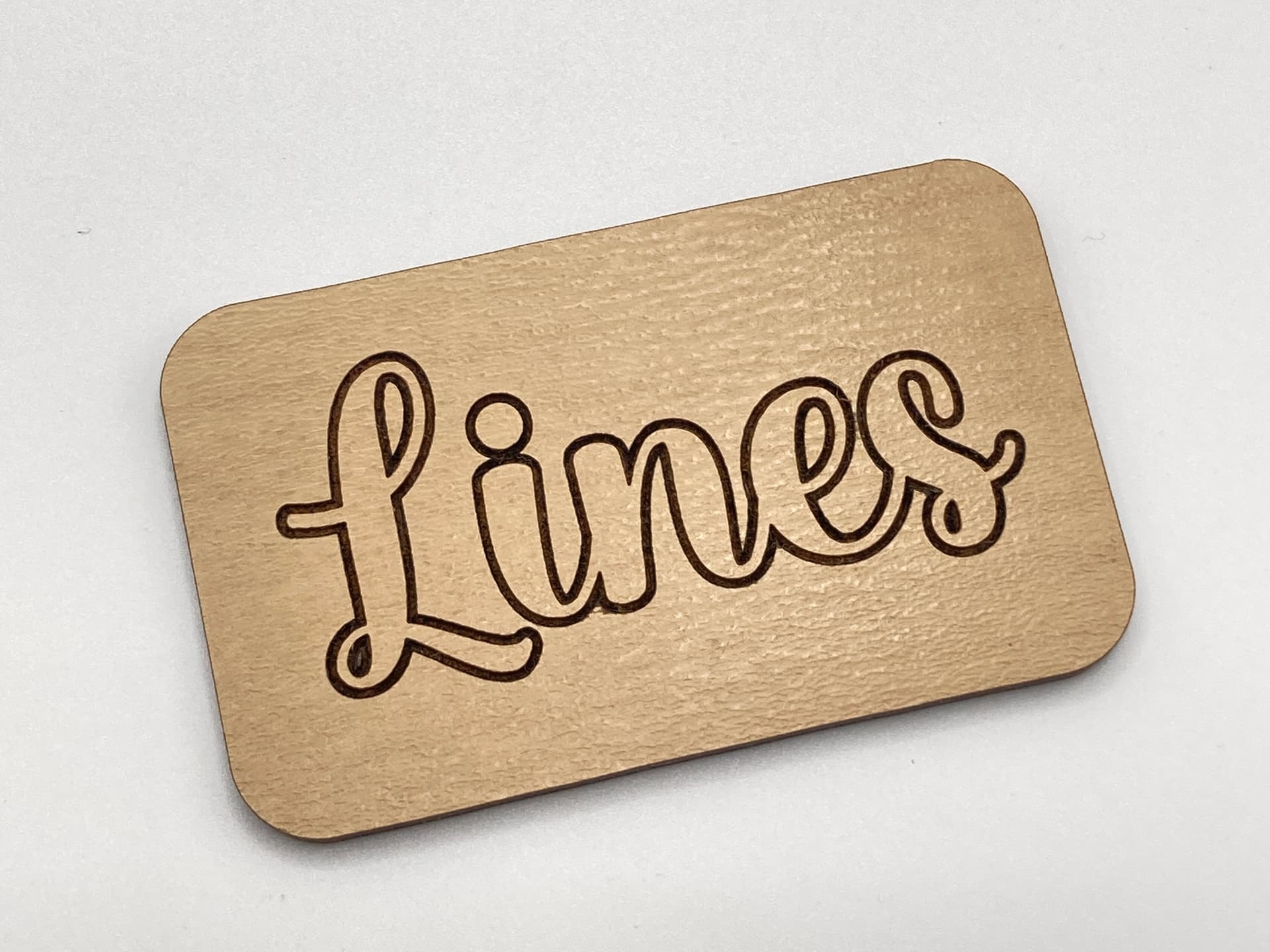
The material I used looks like it got overheated in the tight spots.
2 Likes
I think you guys are on to something here. This is way better than the current engrave, in my opinion!
7 Likes
Yeah in the other thread I talked about some of the trade offs:
It may be an lpi/settings issue to an extent but there’s definitely more to it with corners and tight bends. Some hot spots happen, line density and thermodynamics combine for some complicated effects.
6 Likes
I think hot spot are already prone in tight bends when scoring. Just stacking them exacerbates the issue.
4 Likes
Yes. Clean corners is a good algorithm but not perfect.
5 Likes
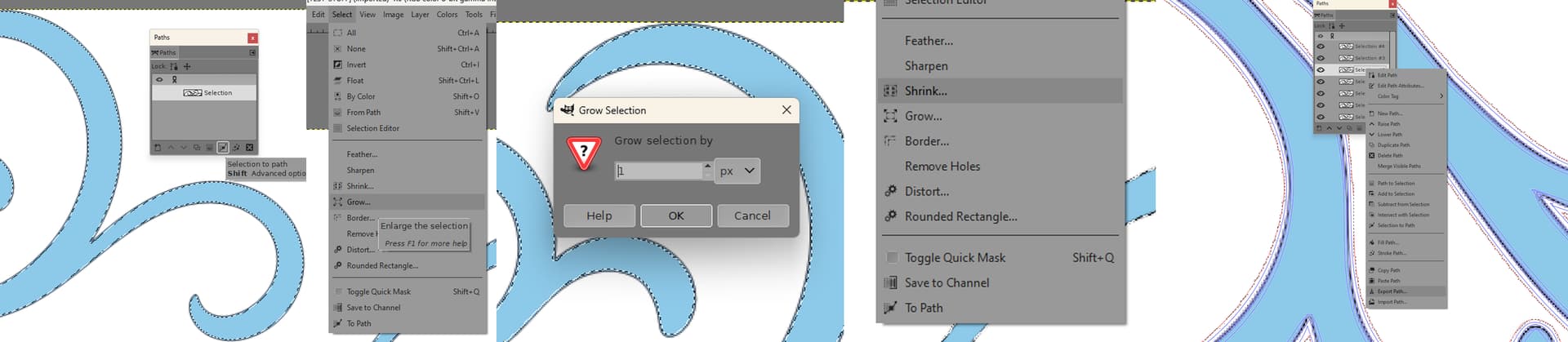
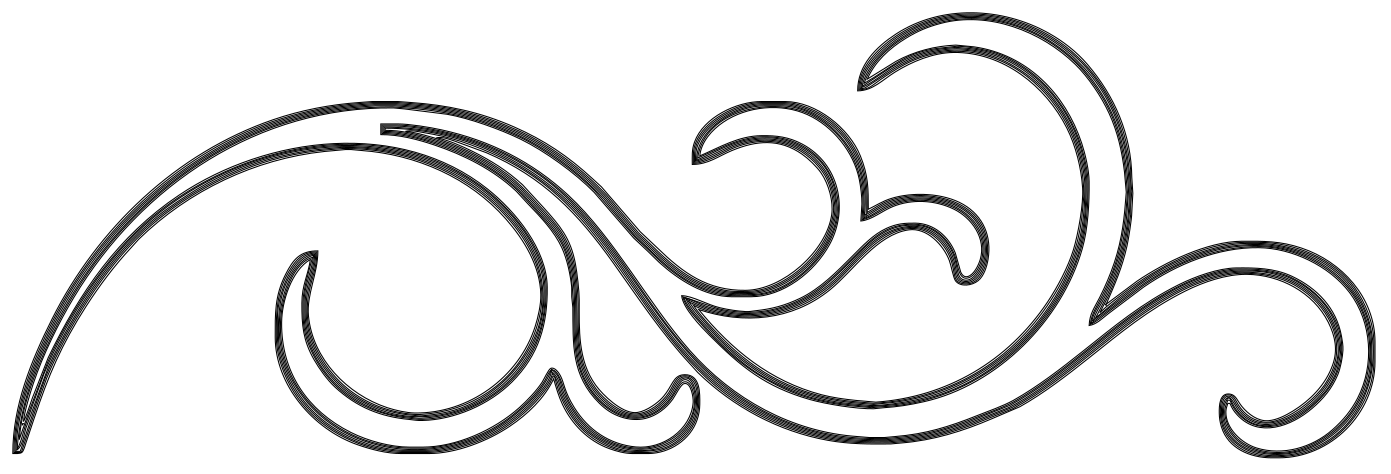
Yes I understood your process, I just didn’t know the point you were trying to make.
Your process and this extension are pretty much apples and oranges. Or at least an pile of apples versus a nice well packed crate o’ apples.
This is about automating the grunt work and math and having some control over the spacing. Your method is akin to the problem I was trying to solve: it was a bunch of repetitive annoying steps.
If you have a way to automate that that isn’t some sort of keyboard macro that you hit 15 times I’d be curious to see it. Also you’re doing 1px offset, that’s about a 100 lpi spacing. Just fyi if you never did the math.
4 Likes
It was a lot more work making the images than just doing it. I would not be doing it for a polished result. The spacing however would be dependent on the scale of the image. At 6000x2000 the lines would be a lot closer and then you could scale it back to 1000x400.
If I learned the R1 better I could just ask and it could do 50 at a word.
2 Likes
A px is a px, so the lines would be the same spacing. Once they’re paths you could scale them — even in the Glowforge ui — and change their effective lpi regardless of which app is making them.
The benefit of the extension is that you can set your stroke width to be exactly what you want the final product to be, and dictate the LPI that you want. Again, it’s a nicely packed crate of apples — no math, no rescaling, precise, and one easy step.
As for “polished”, that was never the point here. The point was always to make it faster. And I’d have to say that looking at @shogun’s result it’s fairly high quality too.
I know you love your insane 1000+ LPI for your engraves but you are definitely an outlier — No one will ever say you don’t have patience. For vector engraves, particularly line art, I think the small trade off that you get for the quality here is absolutely worth the time saving.
5 Likes
An example of a cool workflow involving this plugin:
5 Likes
This topic was automatically closed 32 days after the last reply. New replies are no longer allowed.