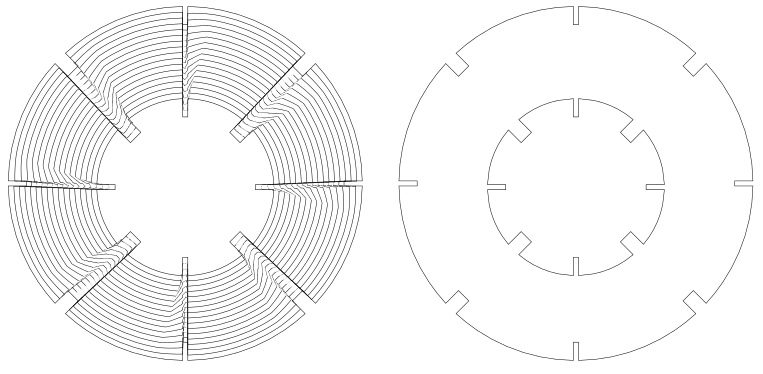
I’ve performed this operation several times, with more complicated shapes, and it has worked well.
Now, however, I’m finding problems, even with the simplest example of what I’m trying to do.
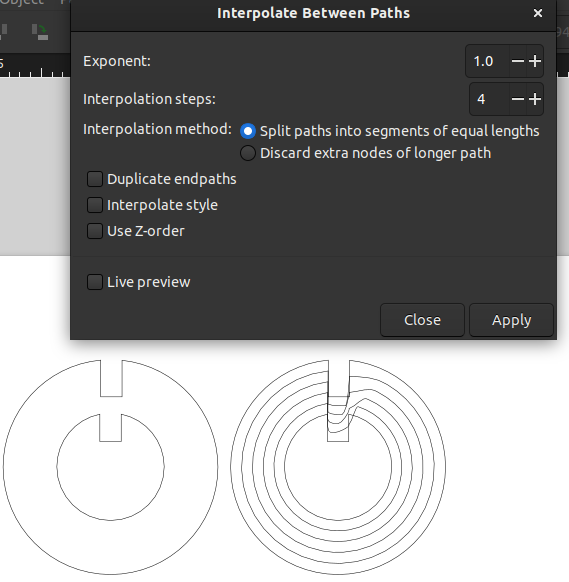
I’ve attached a screen shot, showing before and after, along with the menu as used.
I’ve checked all the suggestions that I can find on Google - path direction, starting node, number of nodes, all without a cure. The result is consistent, but I can’t move forwards.
If you mean the node counts are the same in each of your two original shapes, that’s good.
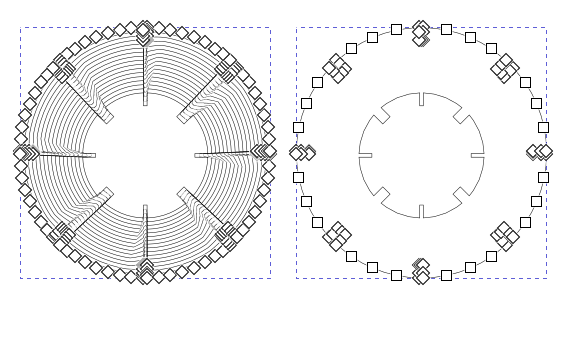
If you haven’t tried it yet I’d add nodes, especially on your curve segments. The simplest thing would be to select both original shapes, enter the node editor, select all nodes and then hit the add node button twice. You’ll end up with 4x the original node count, and if the two shapes originally had the same number of nodes they should still match. (At 28 nodes each)
The idea is that your paths will be more explicitly constrained and so interpolate should have less guesswork to do.
I’m suggesting this because I had similar issues with inaccuracy in stroke to path, particularly with large curve segments. Adding nodes greatly improved results.
You can see it illustrated here:
If you meant that you already tried adding nodes, well then I don’t have any more ideas at the moment.
Also on your original check to be sure that all four nodes at the top are corner nodes. By looking at the design I think they have to be, but if it thinks anything’s a curve it’ll do weird stuff to interpolate them.
Also since this has radial symmetry you could in theory interpolate one corner and then clone and rotate them into a set of whole pieces. I would call this sort of the last resort… I think adding more notes will solve your problem in the first place.
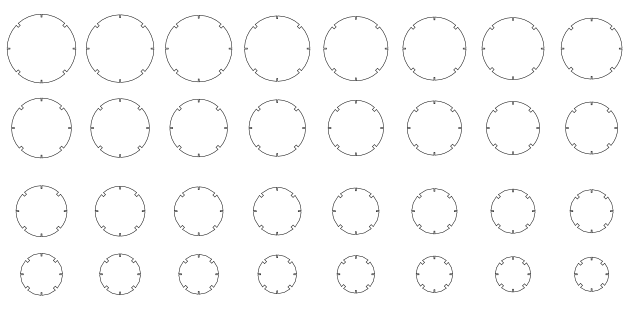
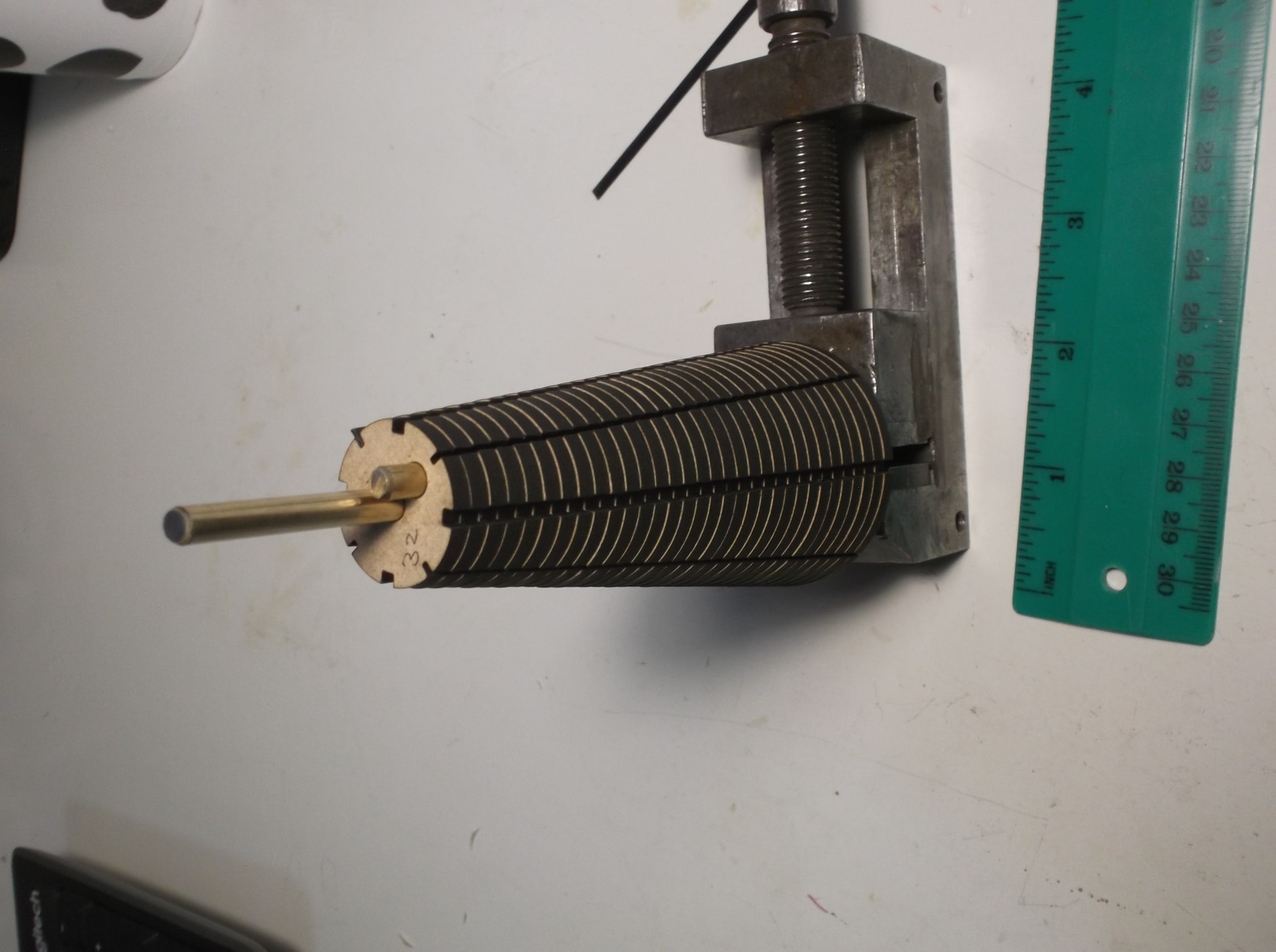
Cut out of draftboard, this will be assembled into a cone, given carbon fibre teeth, cast copies in rigid PU, and I will finish up with a pair of meshing cones that will crease paper for fan leaves !
It feels a bit like the long way to get there but sometimes that’s what you have to do in inkscape. It’s really important to know the fundamentals, so you can do stuff like this. Well done!