A leaf, a lie, and a laser
In 1739, Benjamin Franklin had a problem. Counterfeiters were flooding Philadelphia with fake currency, and the crude crests and stiff portraits that were the stuff of normal engravings were too easy to copy.
So he picked a sage leaf.
Franklin developed a secret technique to cast lead molds directly from the bounty of his backyard. The resulting prints captured the microscopic, chaotic network of veins—a biometrics system made of chlorophyll. It was nature’s own encryption - impossible for a human engraver to replicate by hand. And for the next several decades, if you wanted to spend money in Pennsylvania, you were trading art prints of Franklin’s garden foliage.
I love this because it’s the perfect collision of “impossible complexity” and “just hitting print.”
I told you last month that things at Glowforge have changed. I told you that we were shipping faster than ever before. Well, I’ve got more goodies to deliver this month for your holiday laser cutting pleasure to prove it.
Three new ways to create
We’ve added three new styles to Magic Canvas for Glowforge Premium subscribers. They take your text prompt and turn it into a laser-ready image that looks like you spent weeks carving, wiring, or engraving.
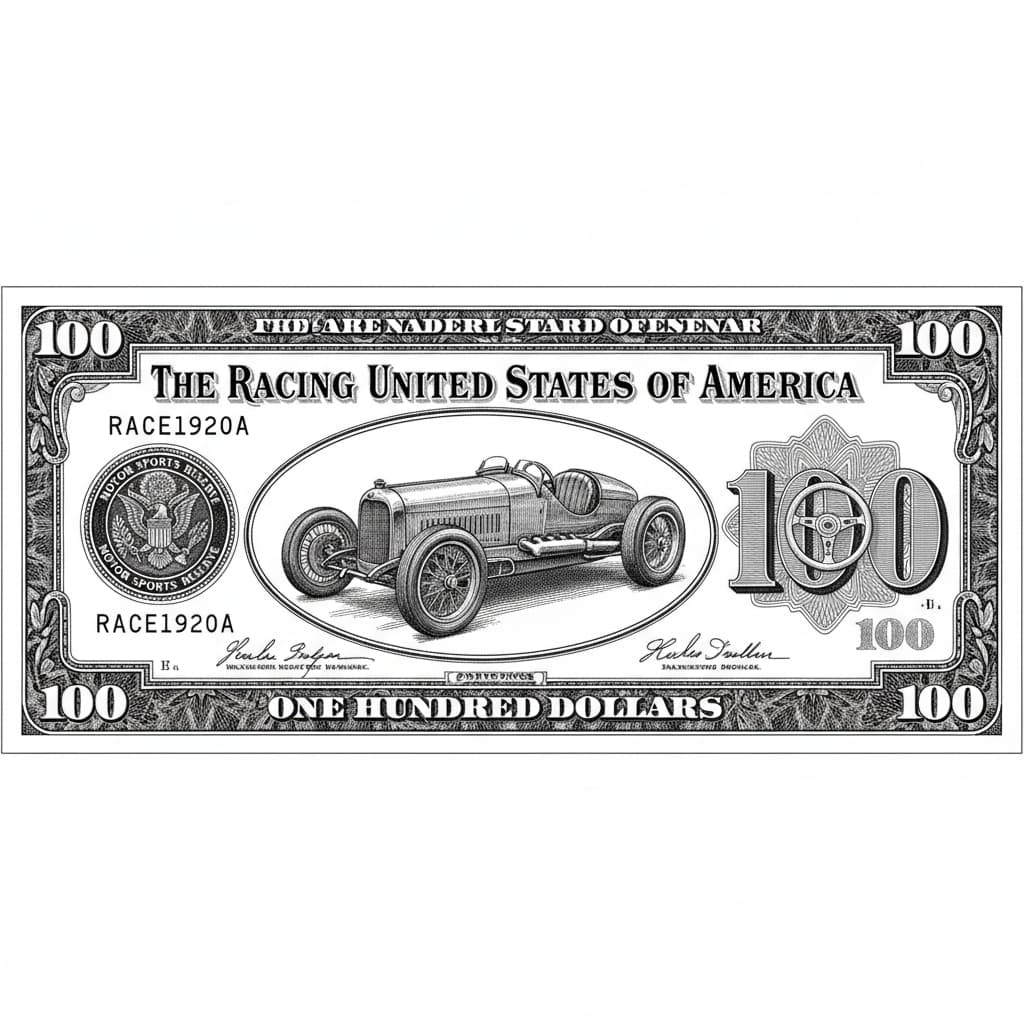
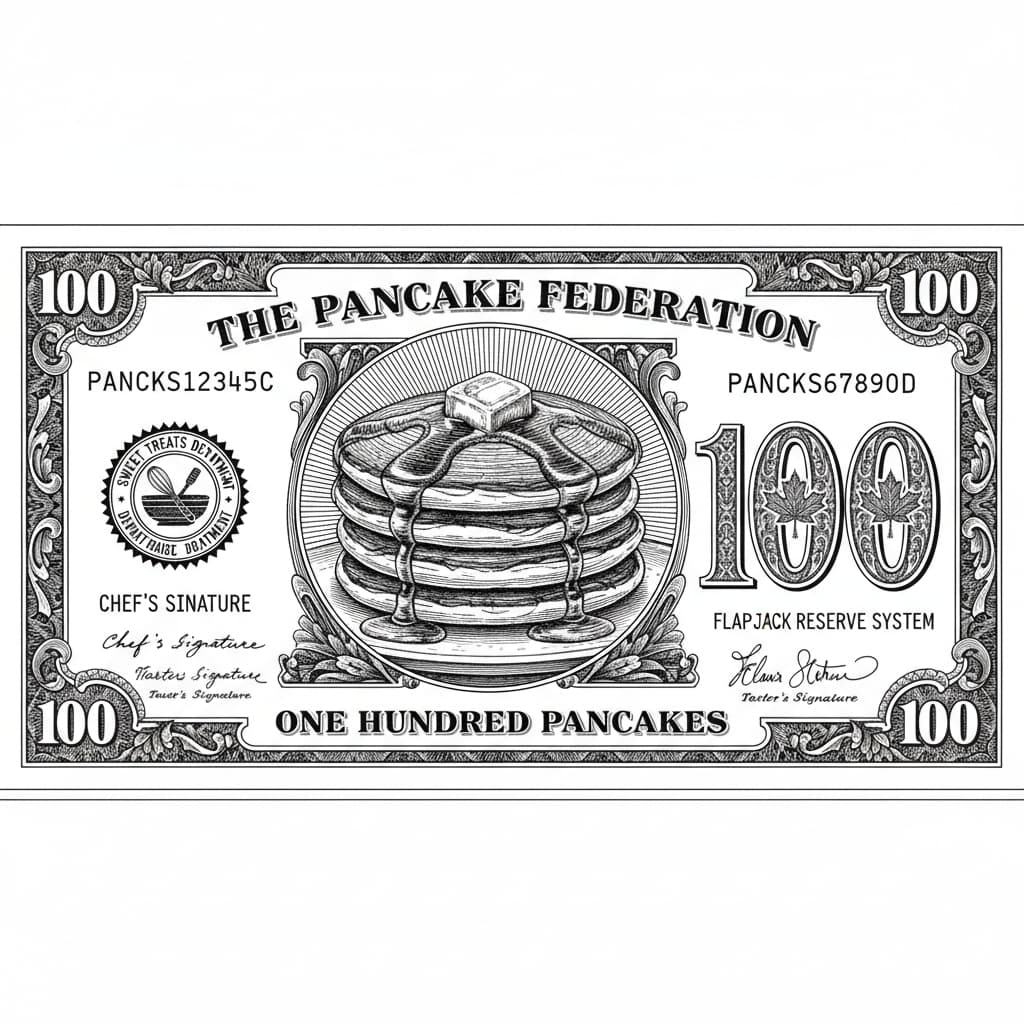
Then up is, of course, Benjamin. It’s the fakest counterfeit you’ll ever see, or the coolest way to bring a smile to someone’s face. It takes your subject and glorifies it on your very own 100 bill. I don’t say “hundred dollar” because it’s probably going to be some currency more suited to the style you choose. Try it for a perfect engraving or print for a gift for your friend! Shown here with the prompts “old car” and “stack of pancakes”.
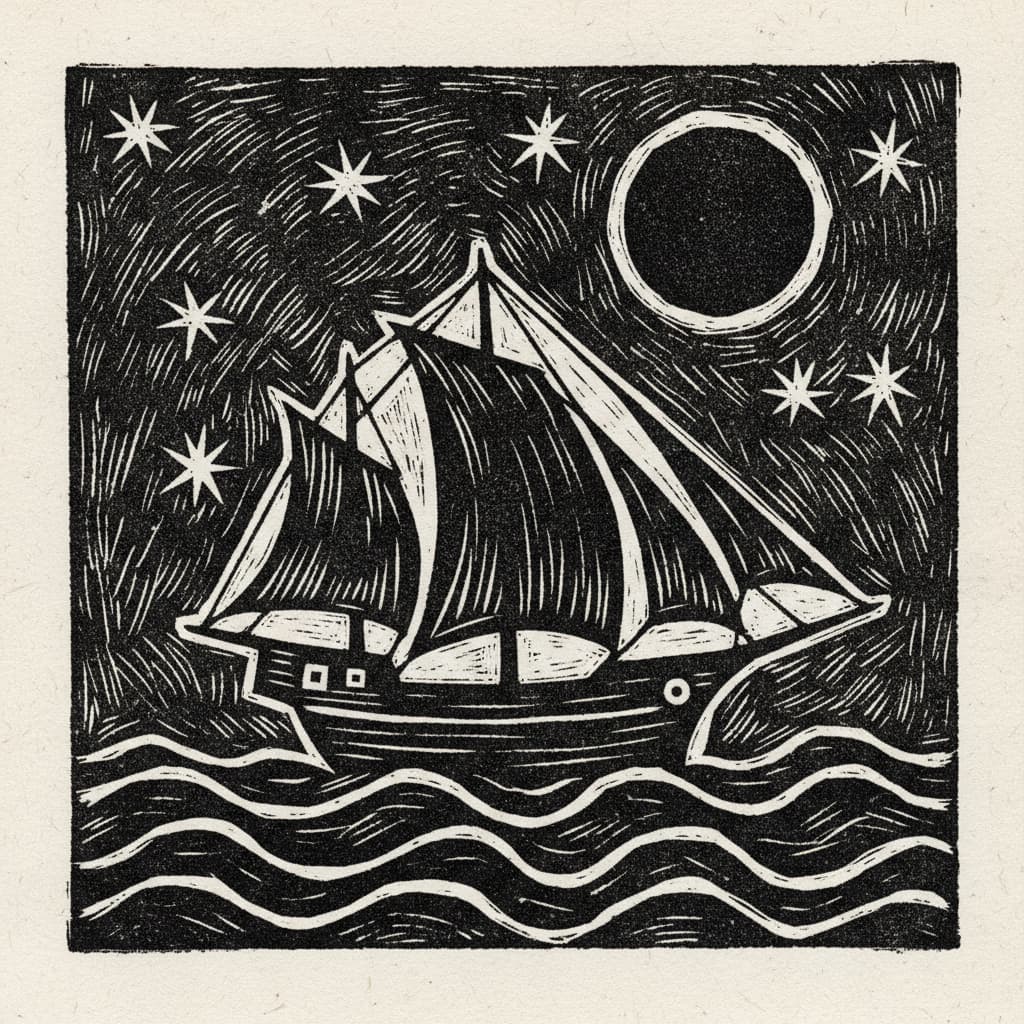
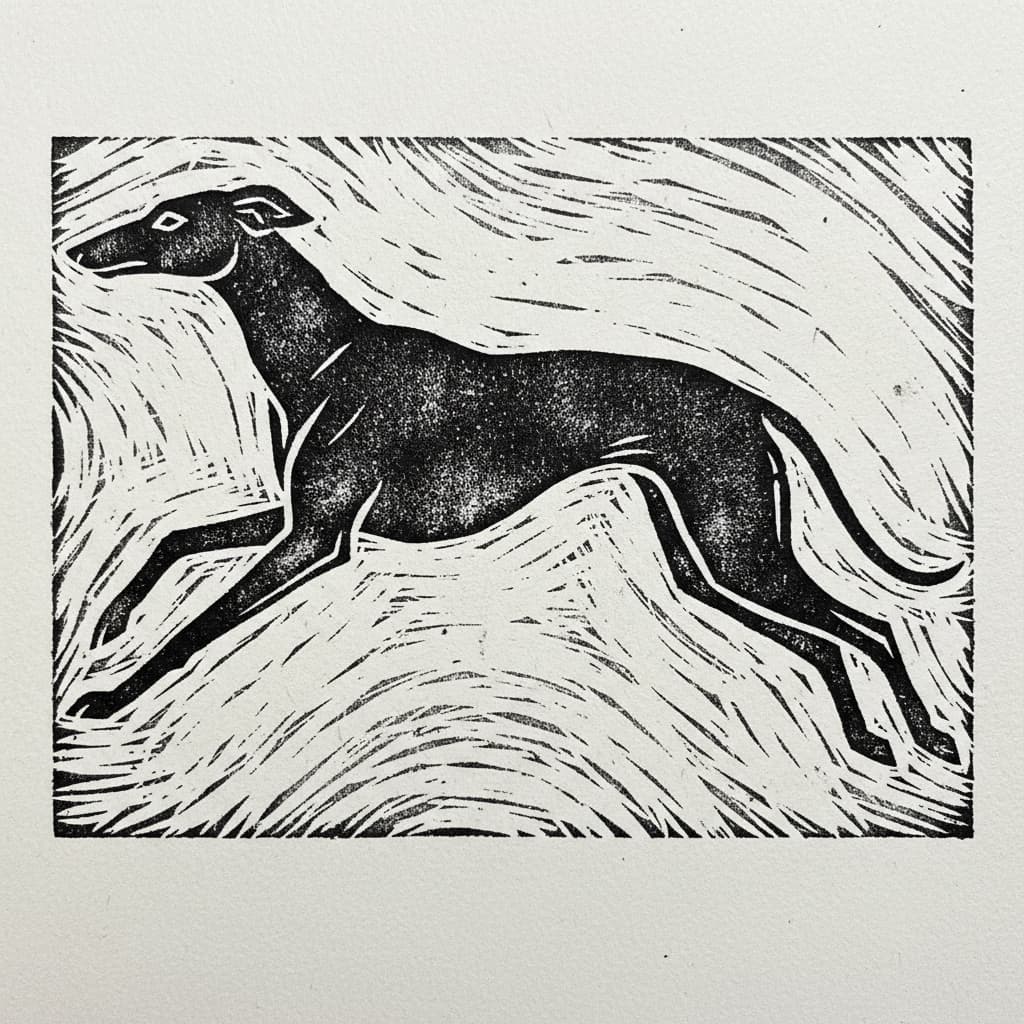
Next up is Linocut. If you’ve ever taken a bit out of your thumb trying to carve a block of linoleum to make a print, you know the look. It’s stark, evocative, and sparse. It leaves negative space that feels intentional. “Sailing ship” and “greyhound”.
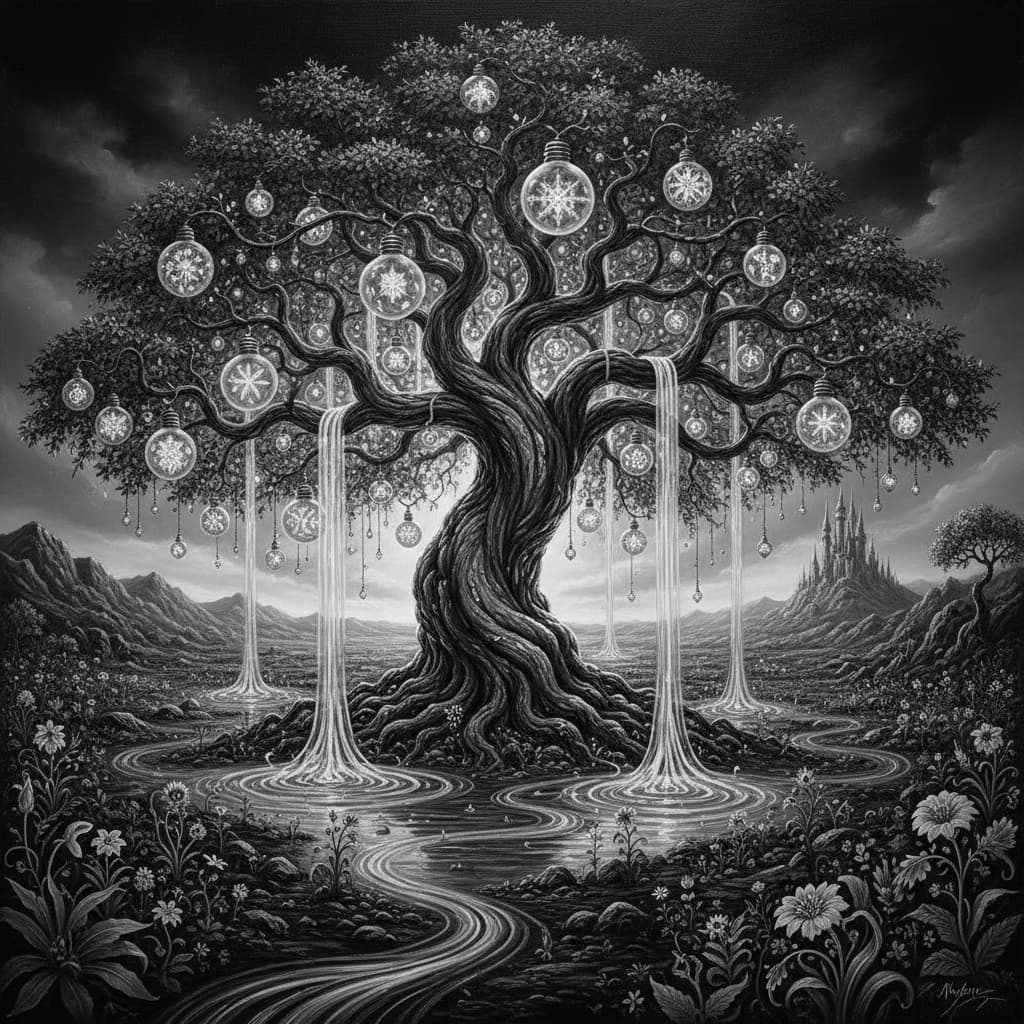
Finally, we present to you: Holiday Lights. This one is… well, you just have to try it. It’s a warm and welcoming style for the holidays. Try it out. I think you’re going to love it. “Cat” and “Fantasy tree”.

A Snapmark Thank You
This applies to less than four dozen of you, but I’m sharing it here anyway.
A while back, I got to deliver some exciting news. Snapmark, a beloved feature from many years ago, was finally coming back. We added Snapmark support for free to every one of our Premium customers.
Unfortunately, when we turned it on for our Premium customers, we weren’t able to keep it on for the people who had been in the (forever) beta. There weren’t a lot of them: not many to start with, it was a long time ago, and only 100 people had used it in the last three months (and most of them were Premium subscribers). But we did feel bad about it. On the flip side, it was a nontrivial amount of work to fix. We didn’t want to hold up this (or the next great thing after) so we shipped as-is.
But! A holiday miracle! While our team was working on a different fix, they figured out a quick way to give back Snapmark to the original beta users. So if you’re one of the few dozen folks who helped us originally and was still using it today and wasn’t already a Premium subscriber… well, thank you, and your Snapmarks are back. 
Ruler of your own domain
We’ve overhauled how you measure things.
Previously, the rulers in the app were… fine. They sat there. They had numbers. But now we’ve launched Interactive Rulers.
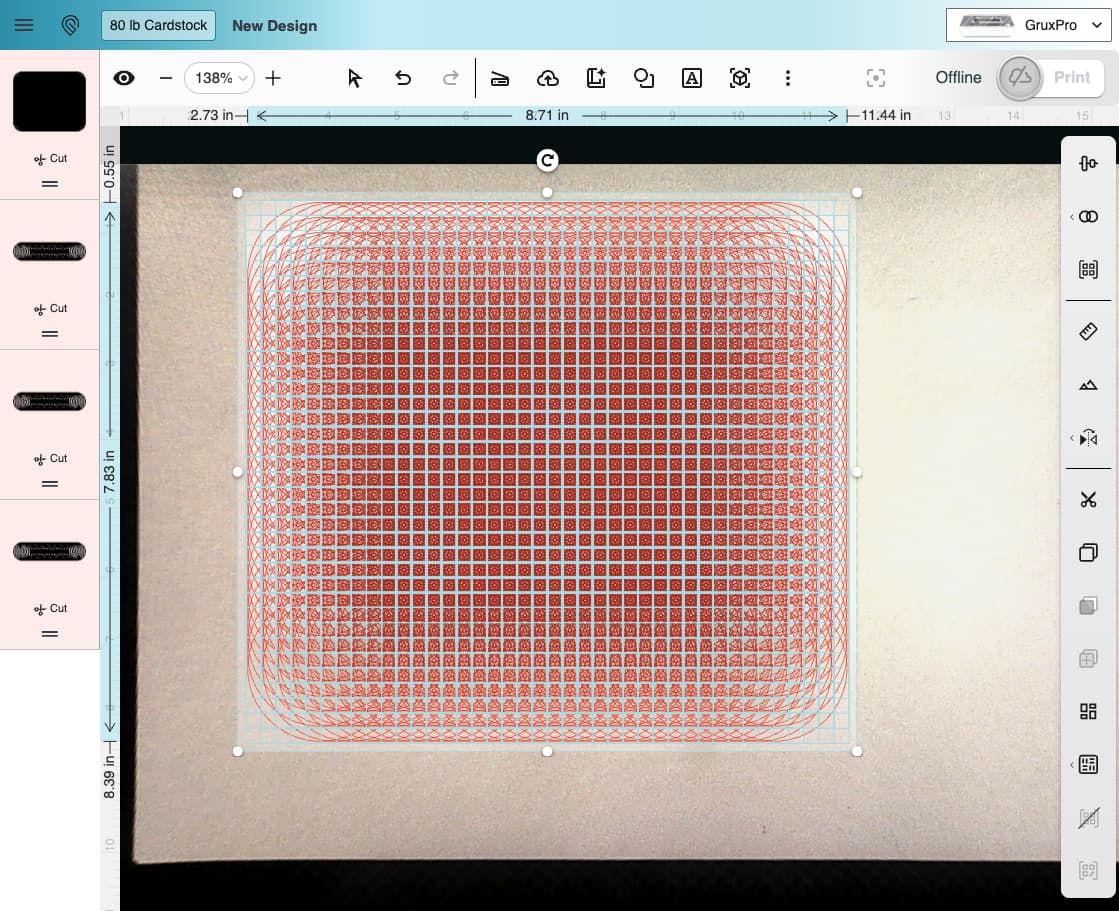
These provide 100% live feedback on the width, height, and position of your selected design elements. But the real magic is in the handles.
You can now click on an endpoint measurement on the ruler itself to scale just that endpoint. Click and drag on the blue width/height bar, and you can reposition your design purely on that axis. No more trying to drag a circle to the right and accidentally nudging it three pixels down. It locks your movement to the axis you want.
Speeding the app; squashing the ghosts
While we were under the hood, we decided to clean up for the holidays too. We fixed a bevy of bugs with rendering, load time, images jumping or ghosting, and more. And even more impactfully, we made a bunch of improvements to speed up performance for everyone!
Two things to see here: first, the new rulers. Second, this is 830 separate circles, the app’s worst nightmare. This used to update at about 1 frame per second if you tried to drag it around. Now it updates at about 30 frames per second.
Happy holidays, and go print some money (figuratively).
– dan