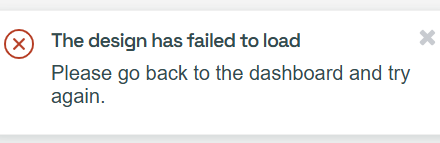
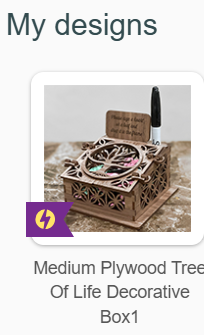
I am encountering an error that only seems to be affecting one of my designs. I was printing it just fine over the weekend, but now it keeps saying “design failed to load, return to dashboard and try again.” (Which does not work). I have restarted my computer, shut off anf back on the glowforge and nothing seems to fix this. I have successfully printed OTHER designs today without issue, its just this one design. Ive sent an email to support, but hoping others may know a quick fix? Thanks in advance for any assistance. Here is the design I’m attempting to re-cut as well as the error Im seeing.
It would seem this is a Glowforge interface error that they will have to address. About the only thing you can try is to reset the design and/or try a different browser. I guess if you have Premium you can rolling back to an earlier print and see if that prints. ( I don’t know if you can do past prints on catalog files).
I am having this same error on my most used files. I have opened these files and printed them almost everyday for the past couple of years, never with any trouble. I also pay the subscription fee. I am at a loss and losing money too. I hope they fix it soon! A new browser did nothing to change the error. And something I opened and printed yesterday now will not open. It is truly scary!
This is not being reported as a wide spread issue at the moment. I think you will have to consider that this is unique to your situation. Certainly you should report the problem to Glowforge.