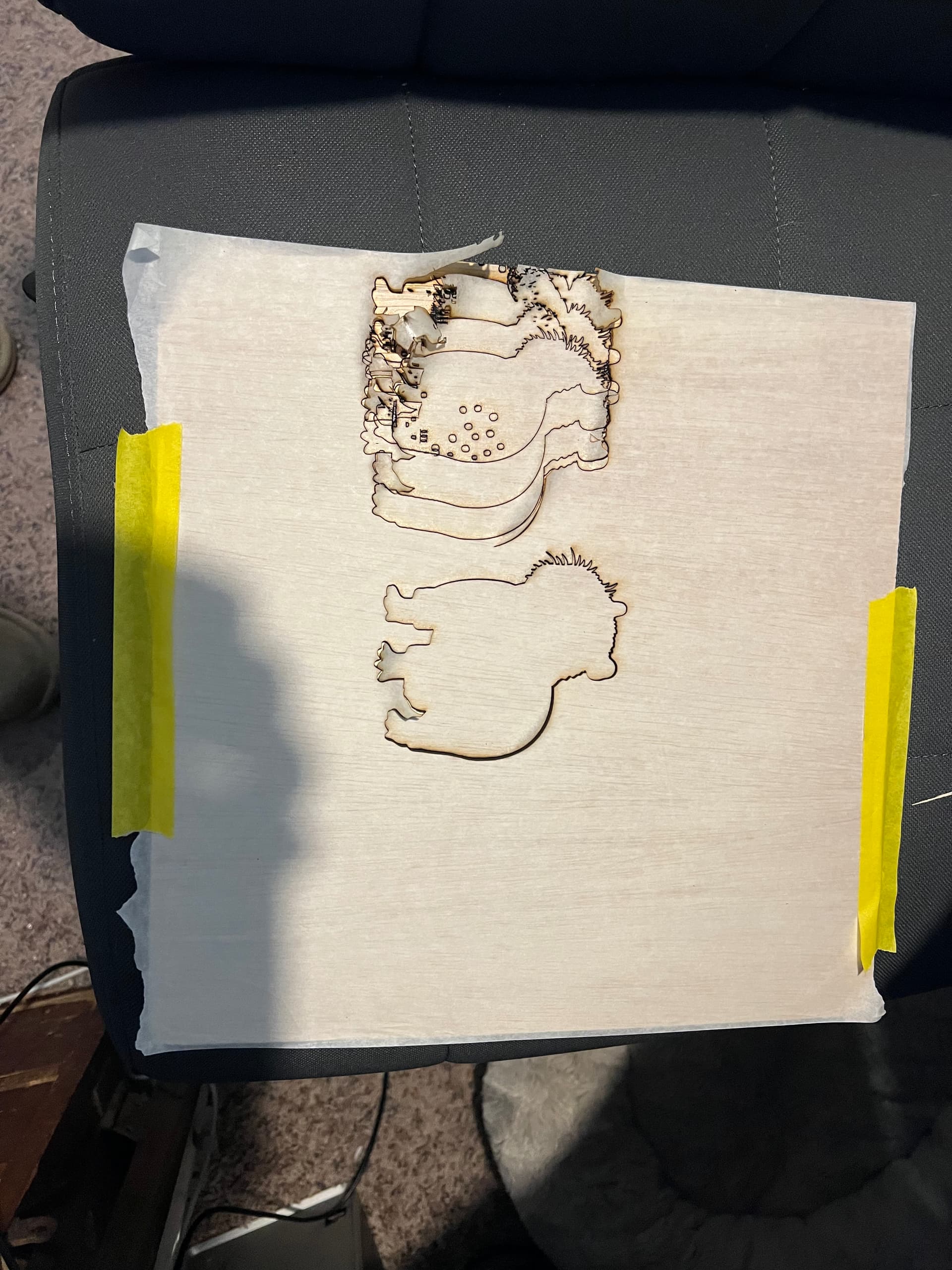
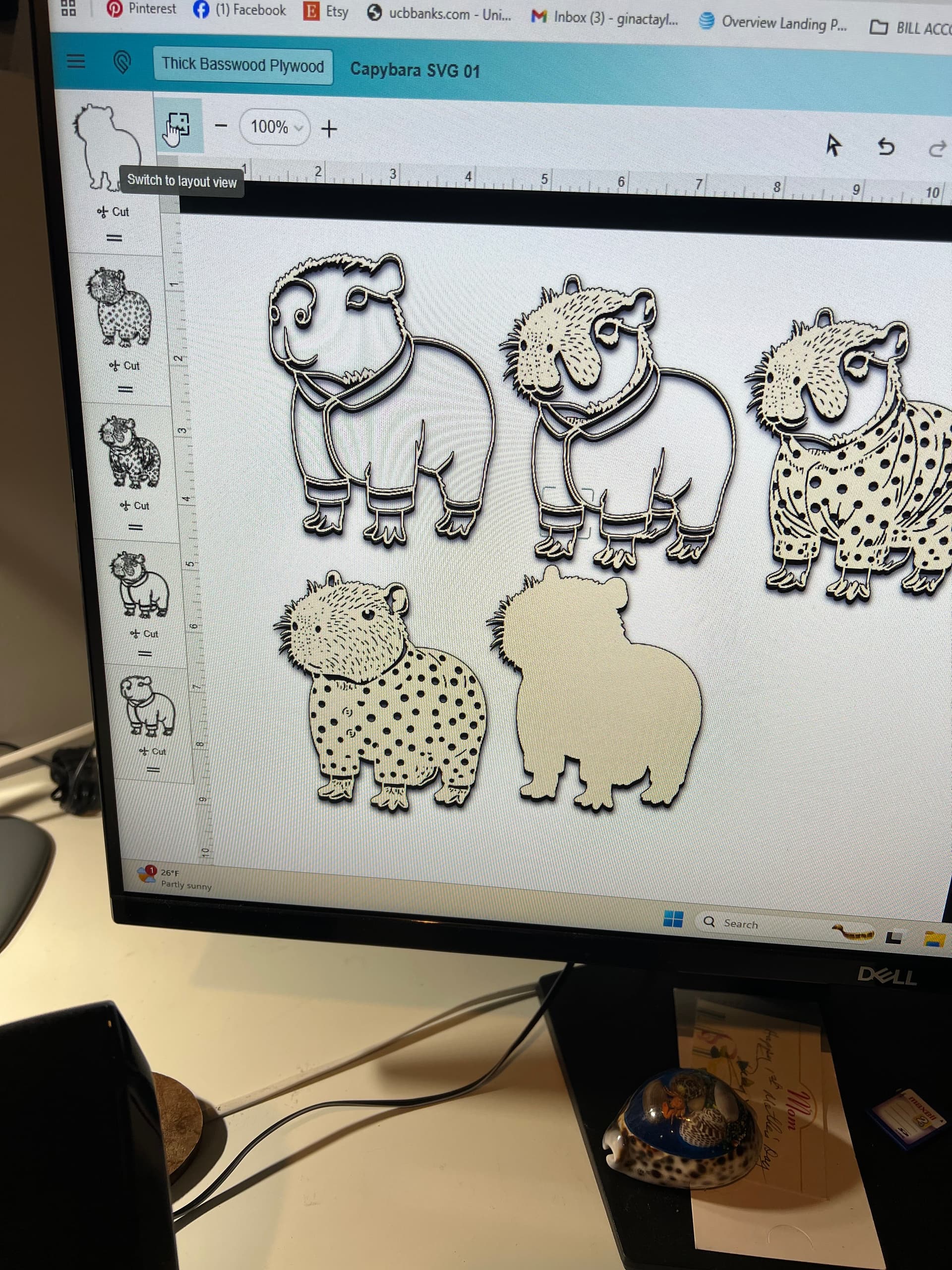
Why is this doing this? I am fairly new to the glowforge and this is happening to me quite frequently. Looks fine in the program then when I go to cut, it does this? Any help would be appreciated. Thanks. Gina
Hey, welcome to the community.
You didn’t say specifically but I’m going to guess that you probably have an aura or a spark. This is pretty common with those machines and it usually relates to not having cleaned your rails and bushings. It’s very important to keep those parts clean or else they will bind and you’ll get out of alignment like this. For more information there is a help page about this:
The help page will tell you that you need to clean the rails and bushings every 10 hours of cutting, but in practice it’s often a lot more frequent than that. It depends entirely on what exactly you’re doing with your laser, some materials and types of jobs are dirtier than others and will cause fouling more quickly.
Best practice seems to be to keep them clean between each job with a quick wipe down.
How often do you clean them? Doing it right now! Thanks. Gina
I don’t use an aura or spark, my pro is my primary machine. Maybe someone will chime in who is a more active aura user, but the gist is “you can’t really clean too often”, because ultimately if you’re not cleaning often enough you will ruin a print before you know there’s a problem.
It’s better to wipe down the rails between each job than to wait until there’s a problem.