F2 Ultra UV

Let me stamp this post with a word of thanks to Glowforge for its contribution to the world of 21st century desktop manufacturing. The various processes available literally at our fingertips (or within arm’s reach) is remarkable… CO2 laser cutting, resin 3D printing, UV printing, continuous carbon fiber 3D printing… plenty of interesting tech being rolled out.

The next machine I’m finding a clean vein for will be the just-announced

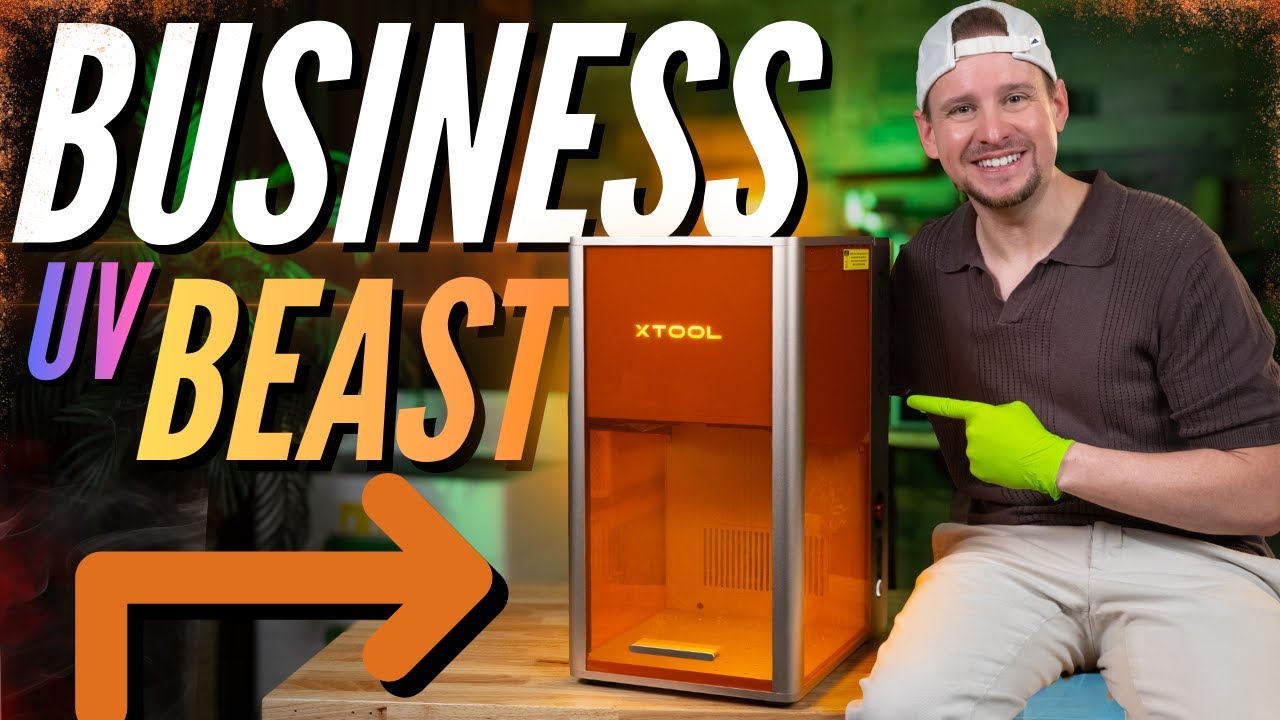
xTool F2 Ultra UV

As discussed from a few months back, the wish was that they’d roll out a Swiss-army-knife type machine that’d pack a MOPA Fiber with a UV “cold laser”. They didn’t do that here and further scrutiny of this wish leads to the realization that these are two very different engines to pack into one chassis. Given how their F-series machines (F2, F2 Ultra, F2 Ultra UV) all feature a base to lock-in jigs for repeatability, it mitigates the concern about moving an object between separate UV and MOPA (fiber laser) machines.

Marking an expanded variety of materials without scorching any of it (for my needs) edges out what I’d like to do next compared to all the gee-whiz things a fiber laser would bring.

xTool has posted a pre-order offer that basically lands the F2 Ultra UV in the same ballpark as the Mr Carve M7 and ComMarker Omni X UV lasers mentioned elsewhere. After Nov 18, it’ll bump up to $4600. Pre-launch deposit placed tonight.
Any fellow takers?

4 Likes

I’ve looked at it but I don’t think that laser is for me, even as much as it looks like it would be fun to work with.

Now, the machine that @techquest89 has looks like it would fit my needs much better. The xTool P2S 55w CO2 laser. That is the machine I kept hoping Glowforge would come out with.

13 Likes

They are putting it on sale on Amazon for black Friday week too!

6 Likes

I also want a fiber laser but the laser power on this one is too low for what I want to do. I want to be able to make my own challenge coins and that laser would take three times this long to make them

7 Likes

No consideration for the P3? :grin:

36" x 18" bed size
Motorized pass-through feed
Over 8" height working space
'Nuff powah to go through nearly an inch of acrylic
Add-on IR module to mark brass and copper

…though at 231lbs, the only thing it’s missing is a riding seat to drive it into position. :rofl:

7 Likes

That’s also one of the reasons why I didn’t return my p2s it’s because it’s so big and chunky that I’d rather have the one I have with less power because the table that I have can’t hold that much LOL

7 Likes

The P3 looks really enticing. Glowforge should answer it with a model with better specs (he says as if this were a trivial thing to do).

12 Likes

The P3 is too big actually… and I hate myself for saying that!

That is a specific use case that needs a specific laser (or another kind of printer). My friend has a Gweike G2 fiber laser that he paid $1200 for that works great for challenge coins. They have several options available.

GWEIKE G2 20W/30W/50W Portable Fiber Laser Engraver – gweike cloud

8 Likes

There’s so much to unpack about what Glowforge SHOULD do to step-in for the de-facto upgrade path for Glowforge Pro users, but I know that all the citations and arguments I’d make would take the rest of today to compose – too many things to clear off my to-do list to get into that.

Suffice to say that xTool’s product lineup, it’s steady/ongoing rollouts, the thoughtful feature-set that lets their existing users aspire to add-on accessories (ie, RA3 Rotary Module, IR Module) makes it VERY difficult to drop my next $7k-$11k on the company whose business model relies on Object Align being placed behind a subscription Premium paywall.

When it comes to post-sale revenue-generation, I can abide with xTool’s credit system (xPoints?) where they have users pay for doing AI stuff as shown in one of the above videos… taking an existing 2D picture, AI removing background and THEN generating a 3D mesh ready for sub-surface engraving.

4 Likes

You can also get free points by printing free patterns and uploading a picture of the results

5 Likes

Well I hope you get the time because I’d really like to hear your ideas. Even a short version where you don’t get into too much detail would be interesting.

5 Likes

Honestly, I don’t think GF has an upgrade path for their Pro users. With the buy-out I expect they don’t have the resources needed for the next gen CO2 models. Unless they were done with it and ready for release before the ownership change so they could just handle the release process, I don’t think there’s any way they can bring out new hardware. Their go-forward strategy is probably focused on software - no huge capital outlay, likely existing expertise already on board, captive market, etc.

8 Likes

A quick search of the US Trademark & Copyright database shows no new filings since the Glowforge Spark. So a new physical product is highly unlikely. :innocent:

6 Likes

honestly, the P3 is probably at the top of my list if i move on from the GF at this point. it’ll be a PITA to get it up the steps into my office, but it’ll mean i can engrave a full guitar body w/o having to rotate and realign.

10 Likes

Unfortunately, I only have room for 1 machine, and at the moment, that is my GF Pro. If/when it dies, I will see what is available at that time.

15 Likes

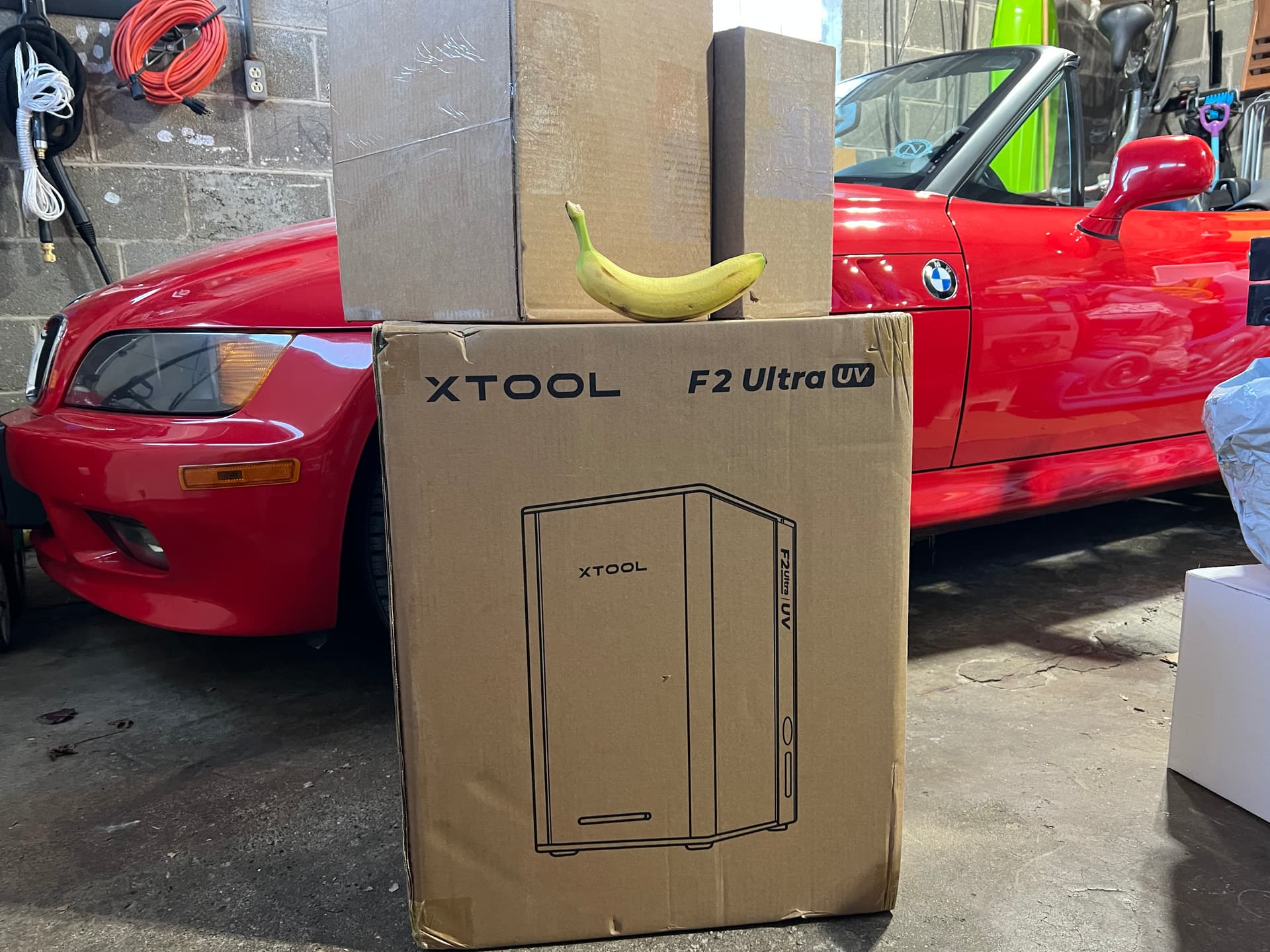
Obligatory banana for scaling …and possibly engraving onto later. :grinning_face_with_smiling_eyes:

Eight days after the pre-order deposit, rest of the balance was available for fulfillment and exactly 8 days after that FedEx has me in their crosshairs.

Expecting one of the boxes to be the RA3 Rotary Attachment accessory

13 Likes

Ohhhh jealous!!!

6 Likes

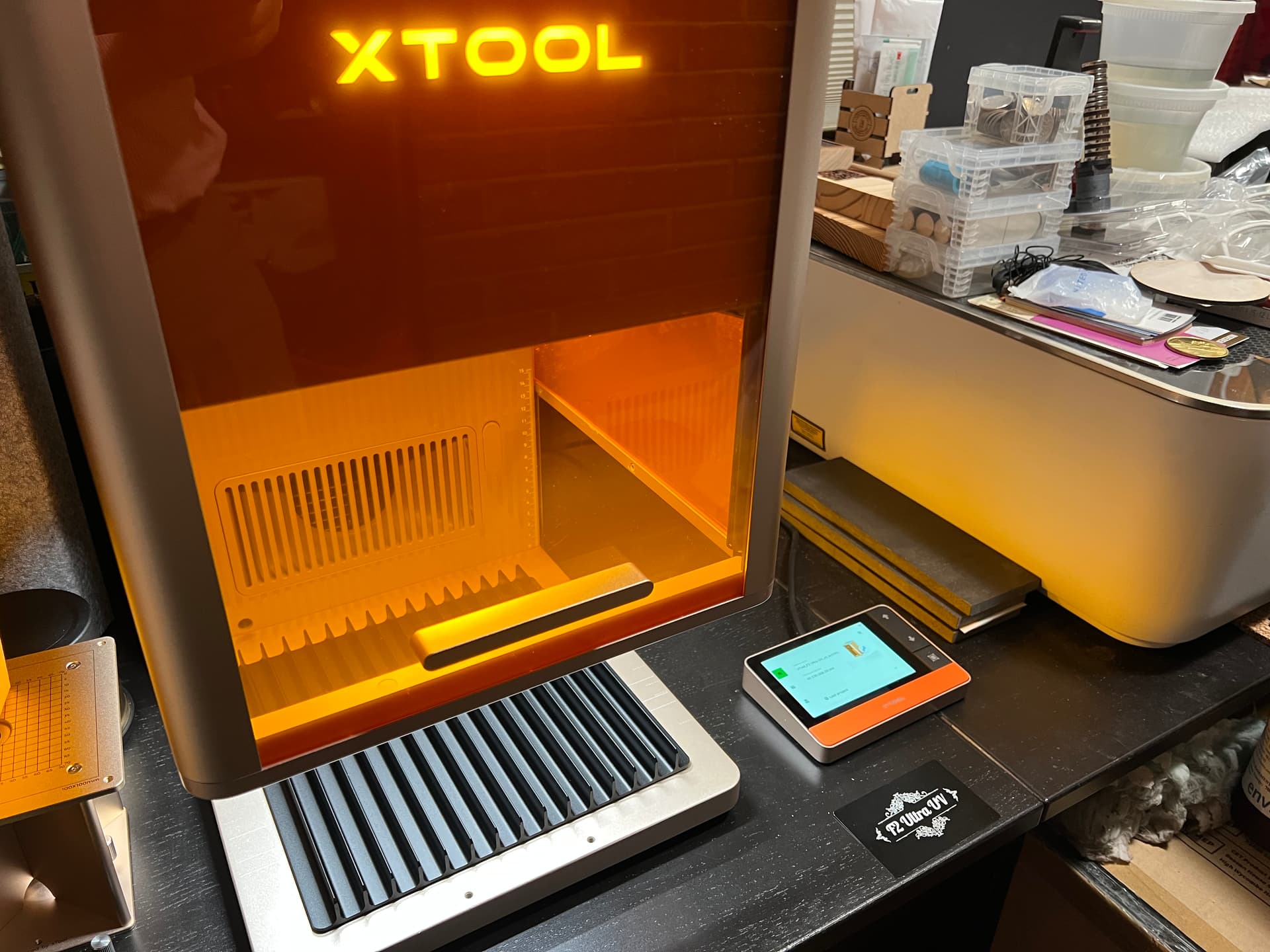
One day ahead of what’s been an 8-day increment progress, the F2 Ultra UV is now nestled next to the original backer Glowforge Pro.

Unboxing, setup, and calibration was admirably smooth tho’ I took very cautious baby steps being this new to the XTool ecosystem. Understanding what is required and where has now become more familiar and a future XTool unboxing (F2 Ultra MOPA, perhaps??) will only take a couple hours tops as opposed to staying up til 4am!

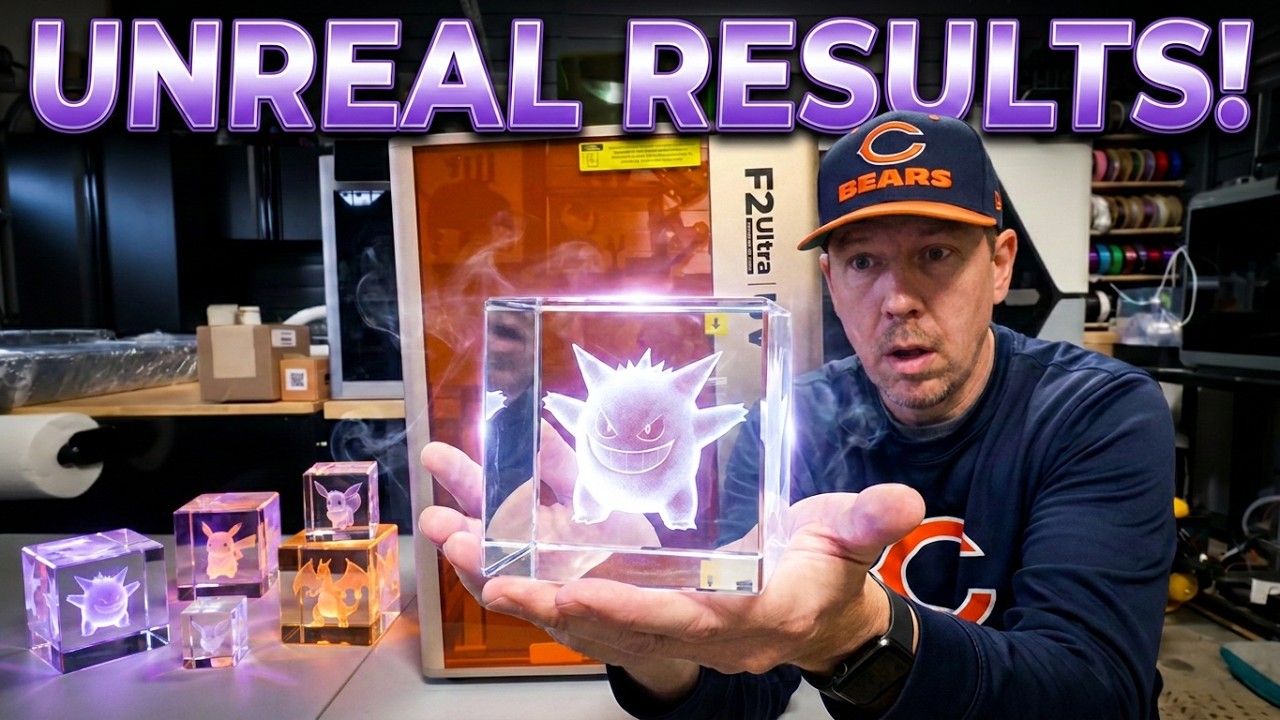
Beyond the original operating lens for Pewing normal things on the bed, the setup also included all the things needed for Internal Engraving into K9 Crystal… a metal riser platform, a dedicated lens, and they even tossed in a 50mm x 80mm K9 block. (EVERYONE’s scrambling for K9 Crystal blocks now)

These beefy 4” wide bayonet lenses only need a quarter turn to replace where other brands swap UV lenses using a riskier thread like those found in SLR filters (bigger chance of cross threading) Everything appears well thought out from the way the fan assembly easily comes out for cleaning to the layout of thoughtful connectors in strategic spots. By comparison, ComMaker’s backside is littered with RS-232 and Parallel ports circa 1988!

After the initial USB connection to the computer, the F2 Ultra UV is given the household WiFi where it’ll happily switch over and use that to talk with any and all PC/Macs that want to connect to it. The XTool Studio software is the centralized go-to place for connecting with multiple XTool machines, loading/modifying jobs, running/defining material grid tests, calibrating lasers, Much of the basic functionality does not appear to be critically dependent on internet connectivity, so all those Armageddon preppers out there can rejoice! Custom-engraving leather bridles for the four horsemen will not be hindered.

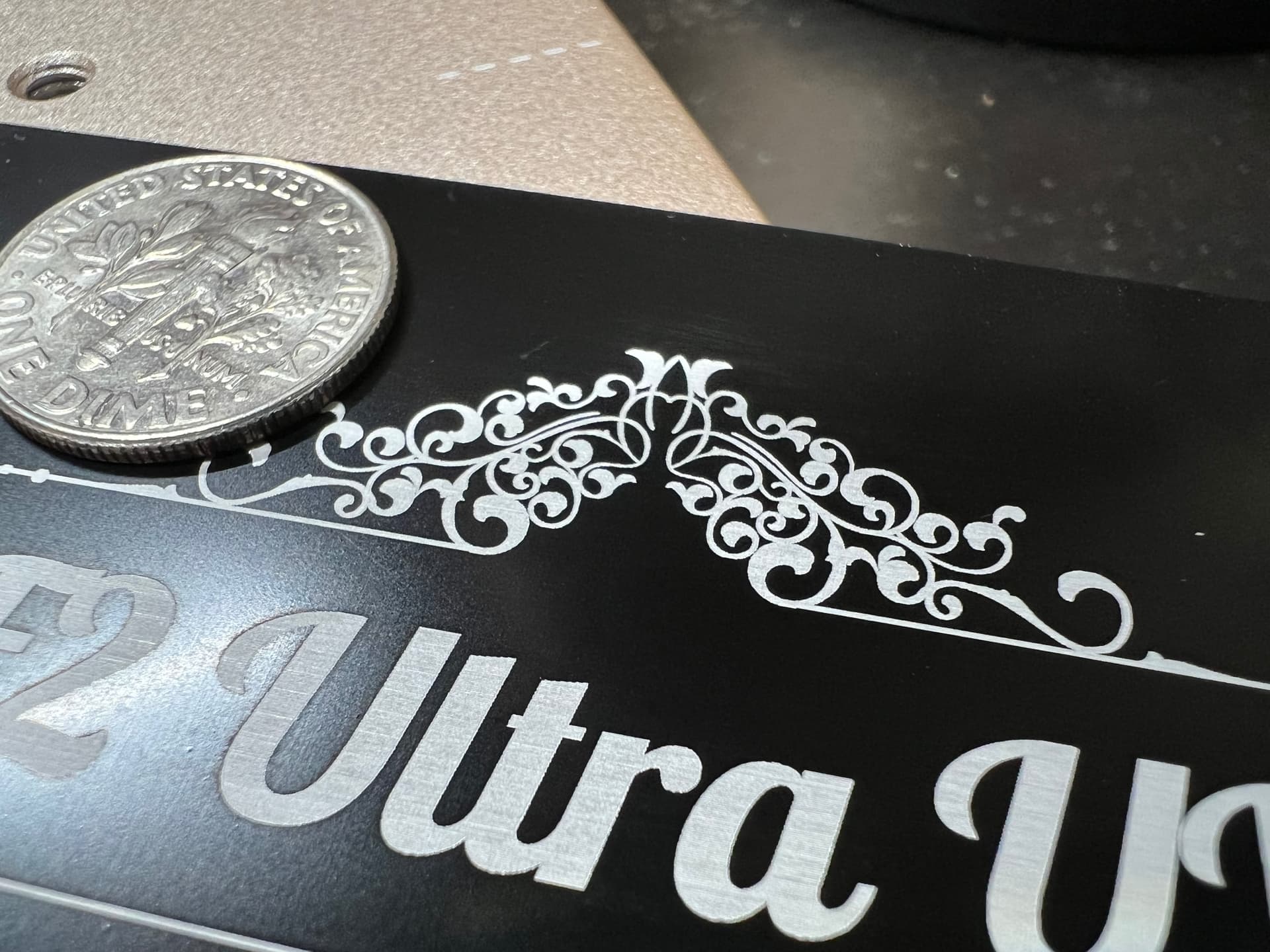
Their version of the Glowforge ”gift of good measure” ruler is a Welcome print onto an enclosed metal card. Very same type of card I recently tested on my Glowforge. Being fully trained on laser frugality, I just flipped my spent card over where Studio’s tutorial even allowed me to replace the “Welcome” text… The result of a UV laser’s super-precise dot?

No masking or weeding needed. A very small amount of ablation powder at the letter outlines was only caught by my macro lens and a gentle swipe of a Kleenex took care of it.

In comparison to what Glowforge did in the other thread the reduction in UV heat appears to have left the natural matte white color of aluminum intact. The Glowforge’s ablation heated the metal a goldish tint. It took some 20-ish seconds to engrave on the metal card for the F2 Ultra UV.

With a secret stash of K9 Crystal cubes now in my grubby paws, I’m finally motivated to finish all my Nomad 3D sculpts!

:smiling_face_with_sunglasses:

8 Likes

I too am envious. If I didn’t already have an F1Ultra I would have sprung for this one.

4 Likes