So ever since I got my current unit (I’ve been through six…) about a year ago, I’ve never been able to get a good result from entering the thickness of the material no matter how accurate or how much I try to offset it, it always ends up being a very harsh cut.
So I have been relying on the focus tool where you select an area of material to focus on and that has given me subpar but usable results.
But today the focus tool stopped working for me and it throws an error.
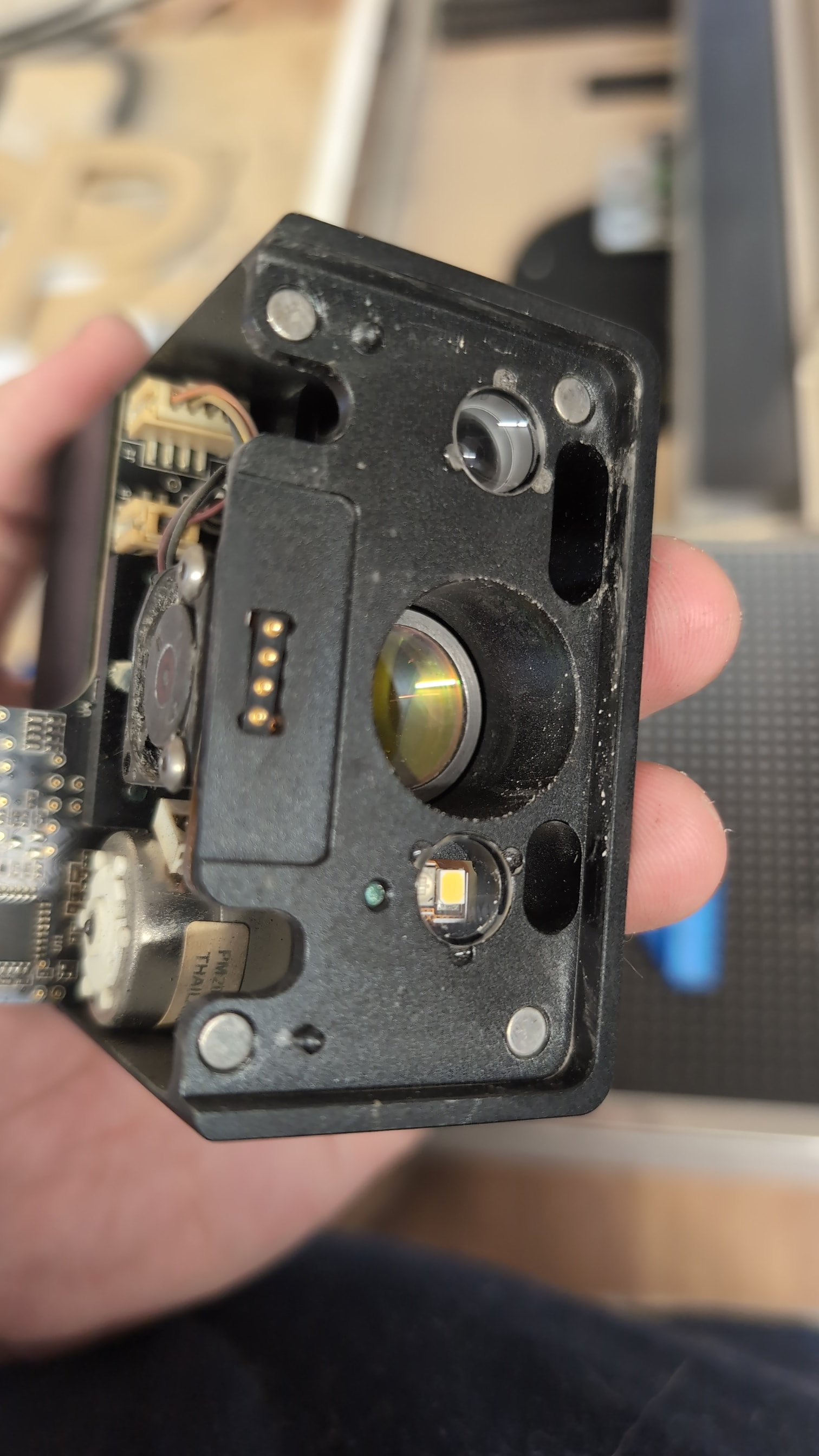
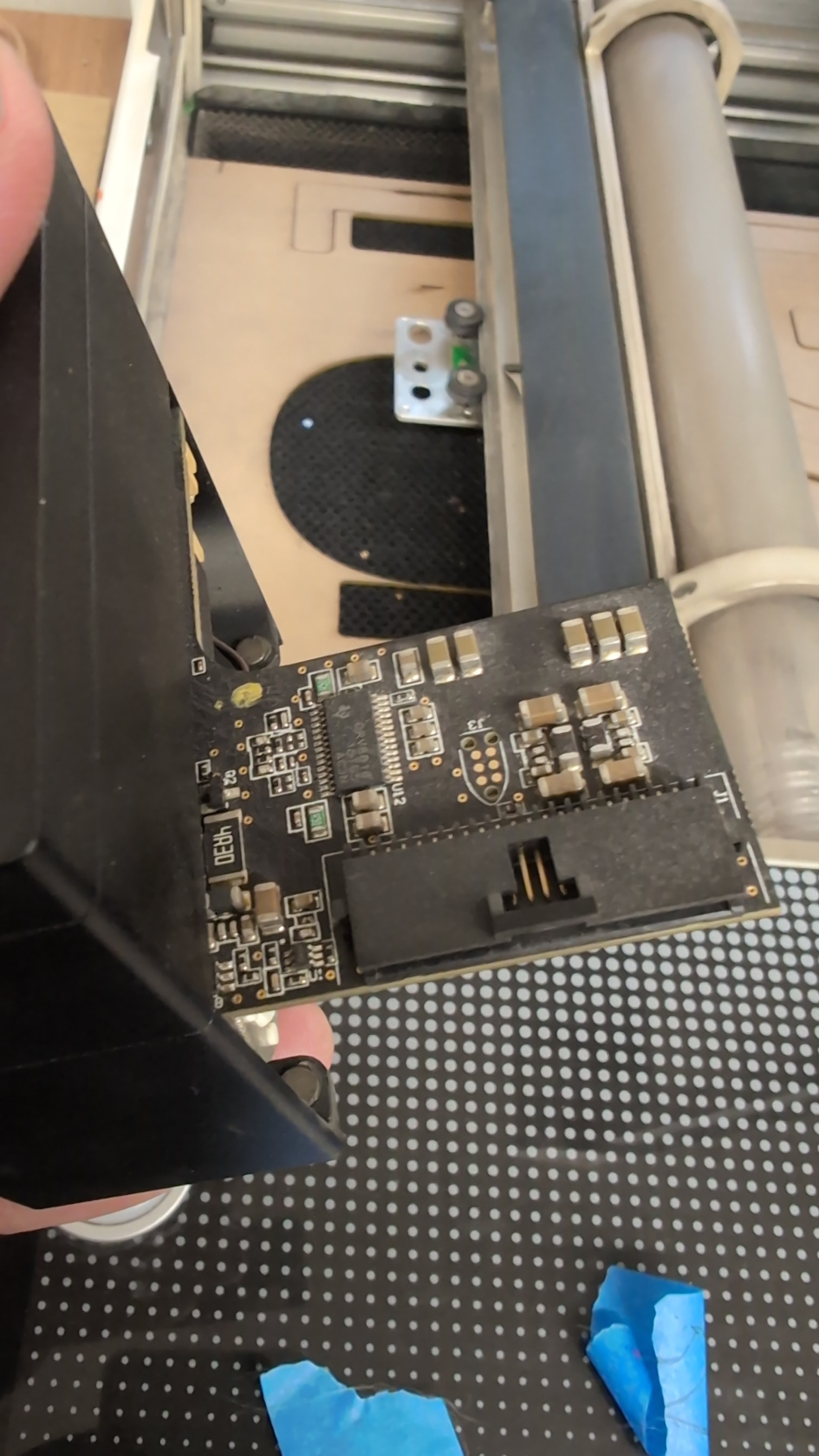
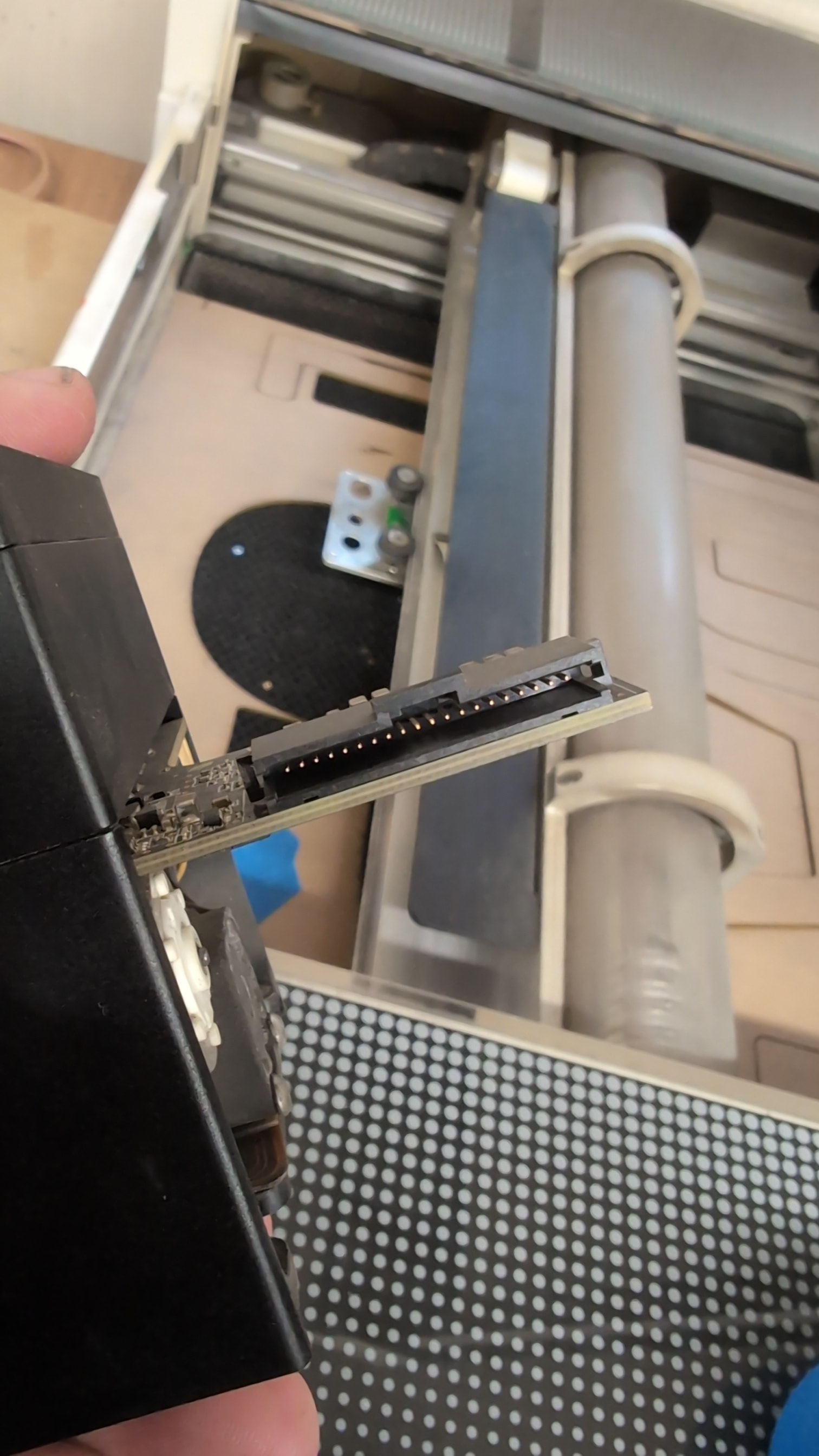
I’ve cleaned everything and everything seems to be visually okay on the machine. It was working all day and then just stopped. Materials are flat, debris is out of the machine, I’ve reseated the head a few times.
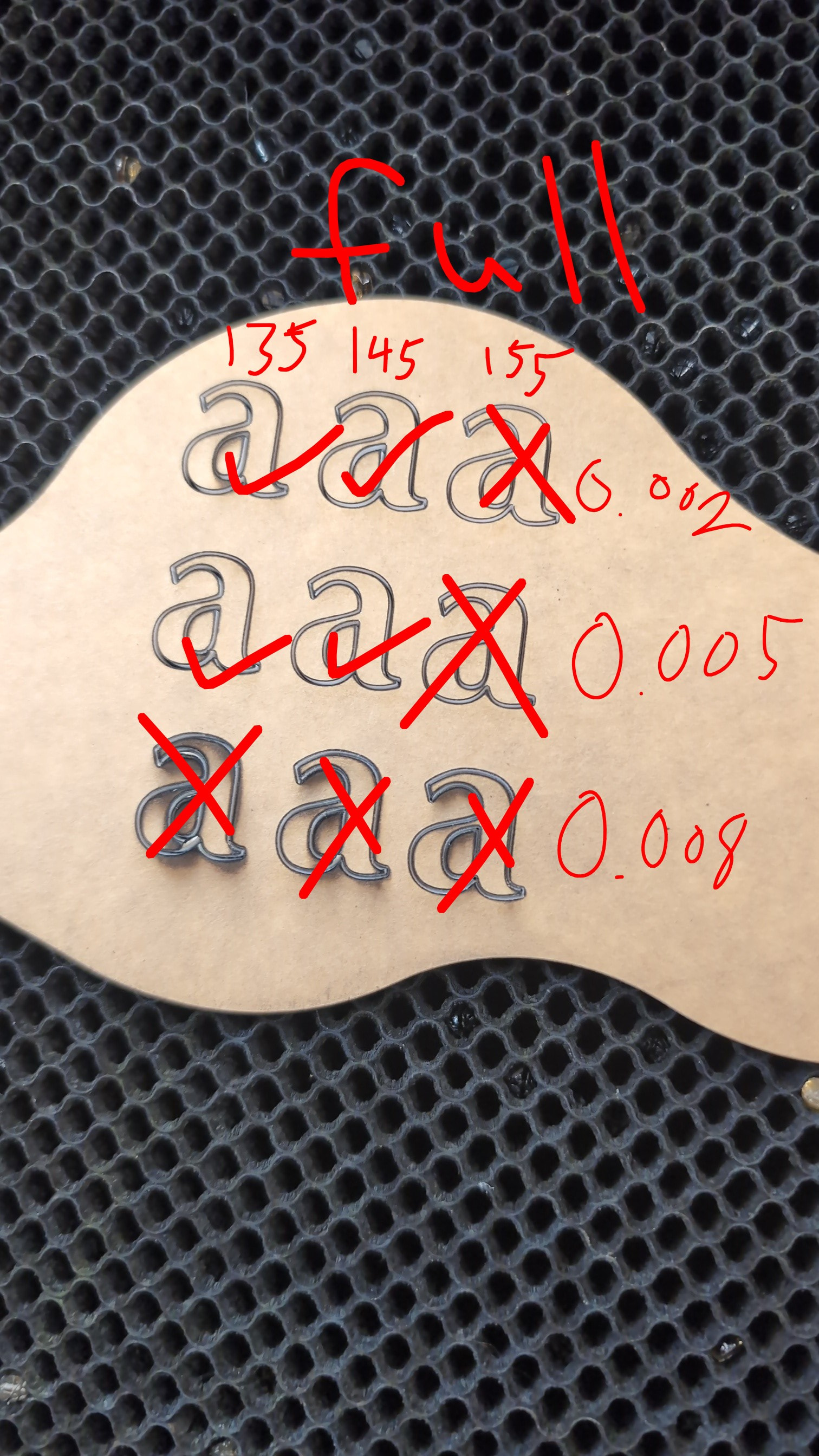
Here you can see the difference between where it was working and where it stopped working. I was able to get it to work once which is why you can see the clean line but I haven’t been able to get it to work since
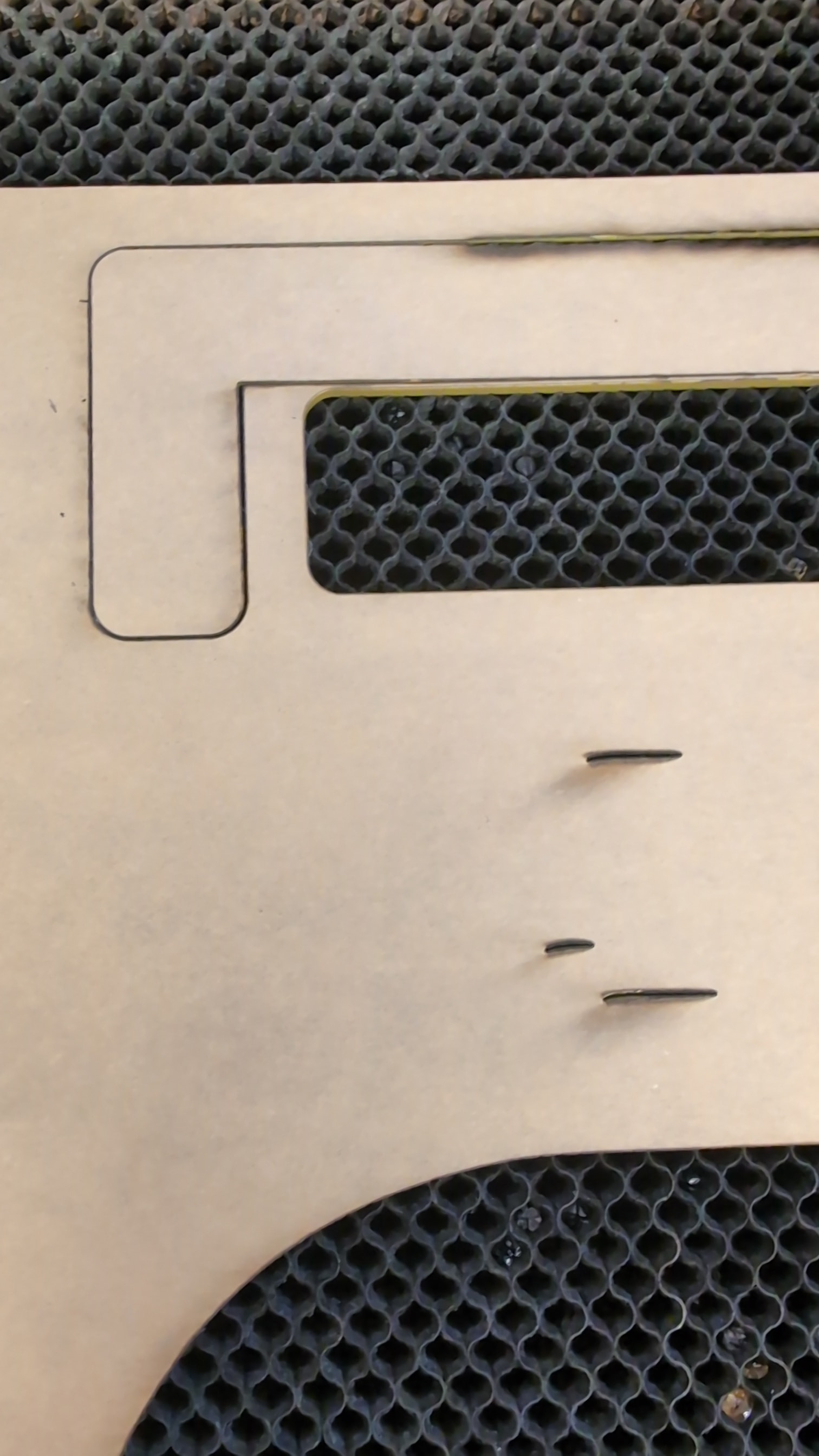
Has anyone experience this and been able to fix it?