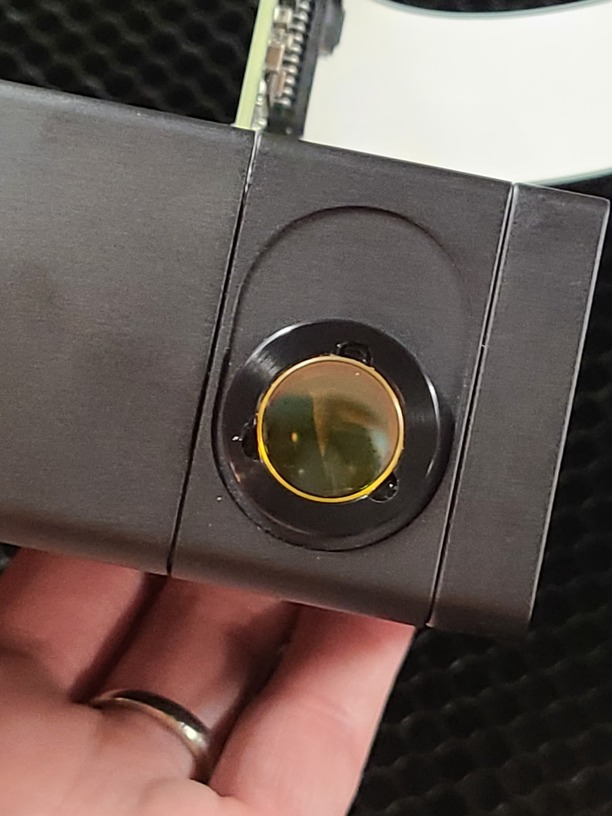
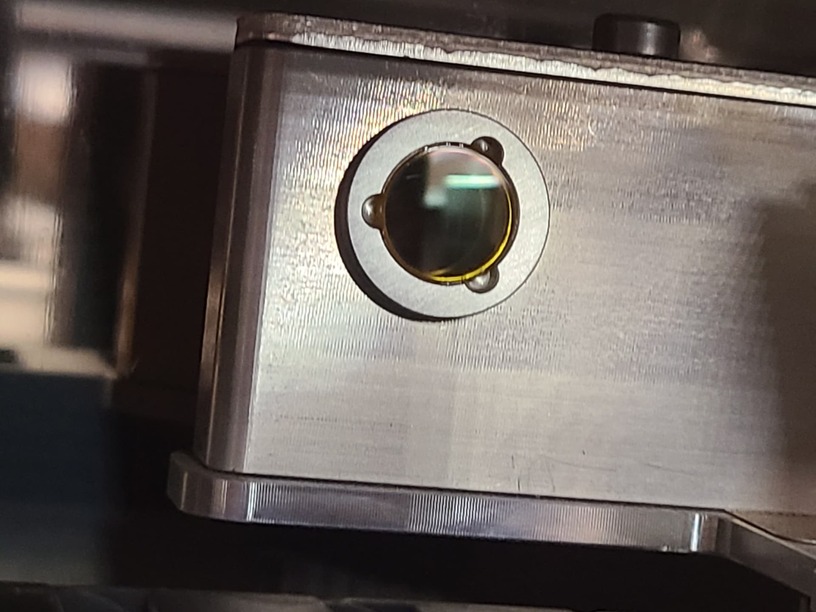
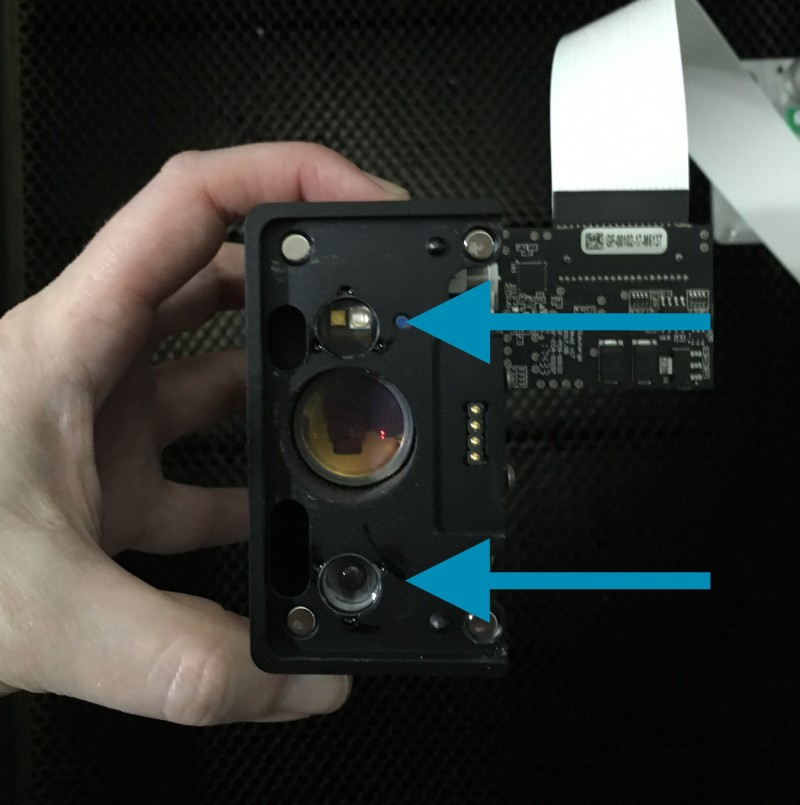
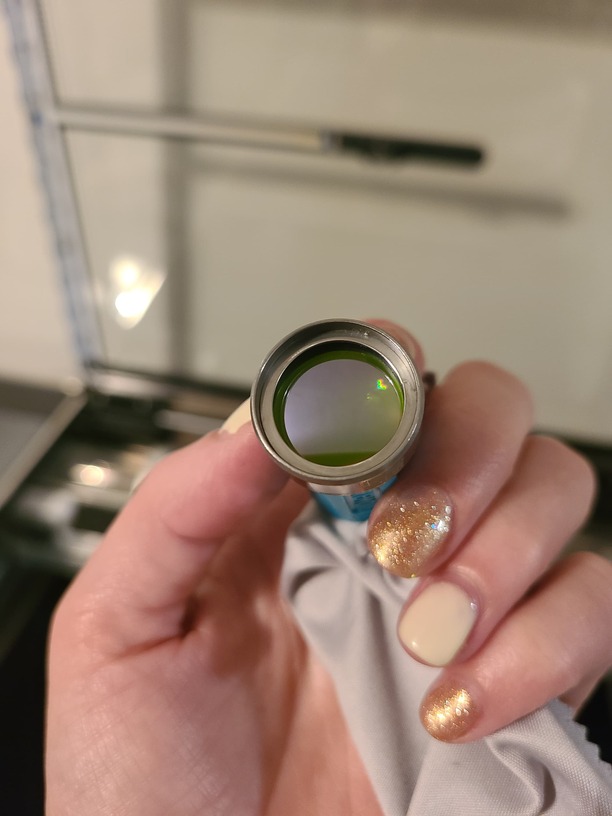
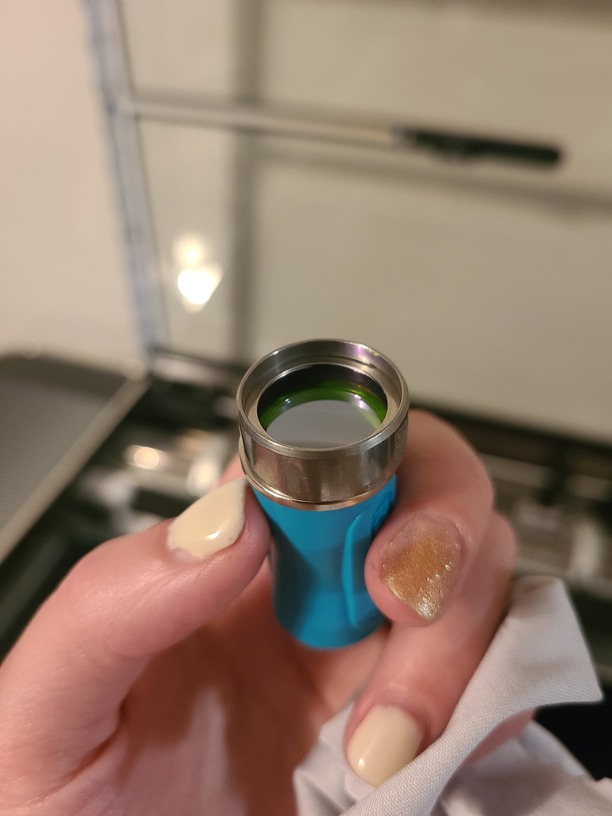
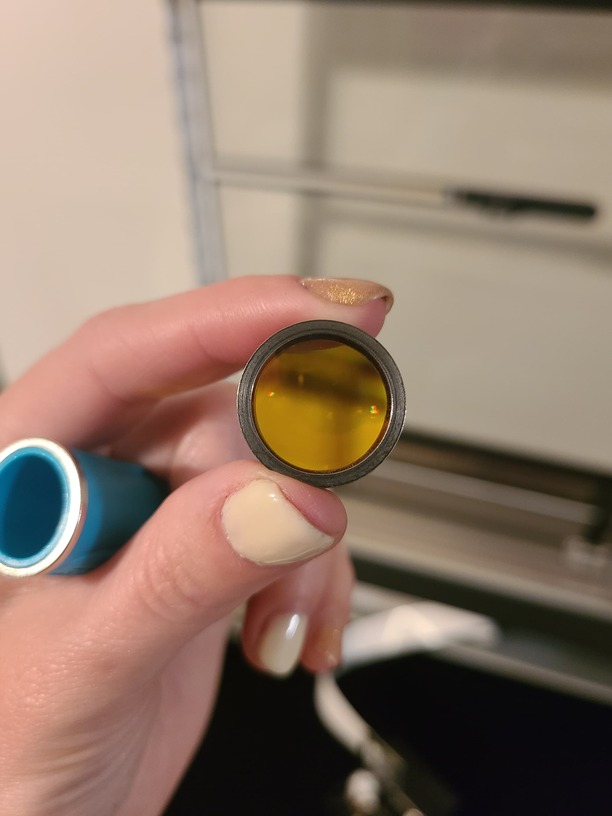
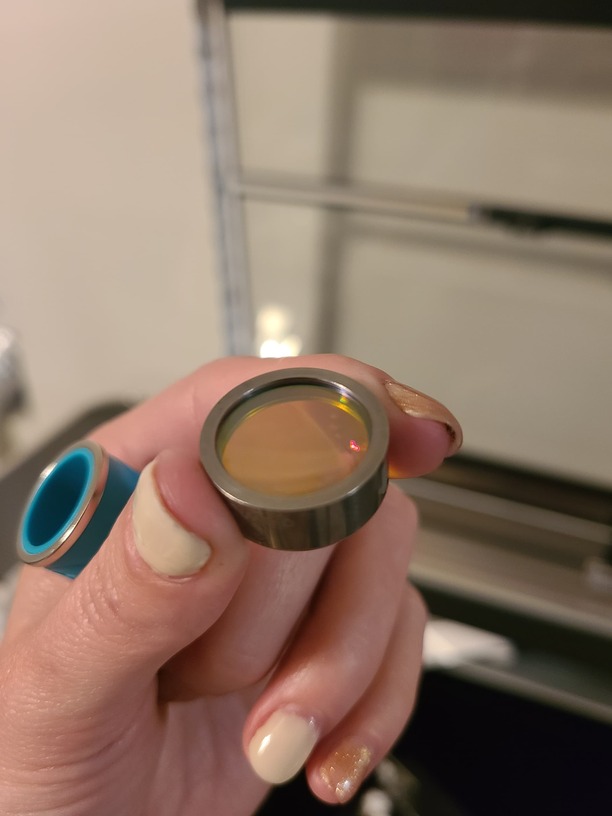
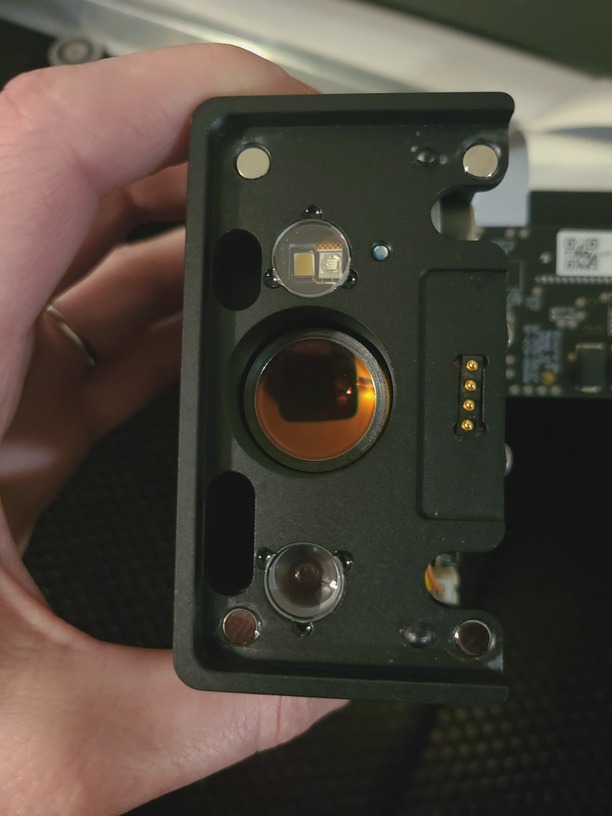
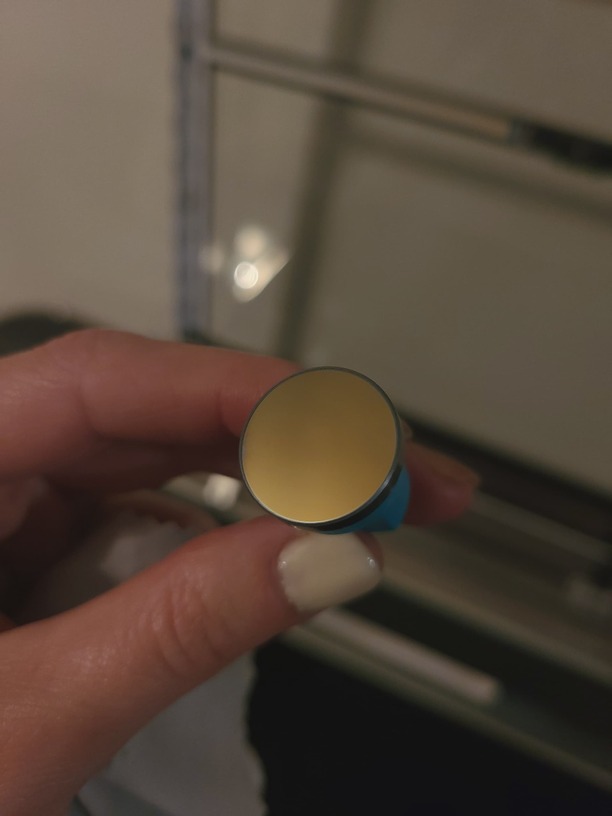
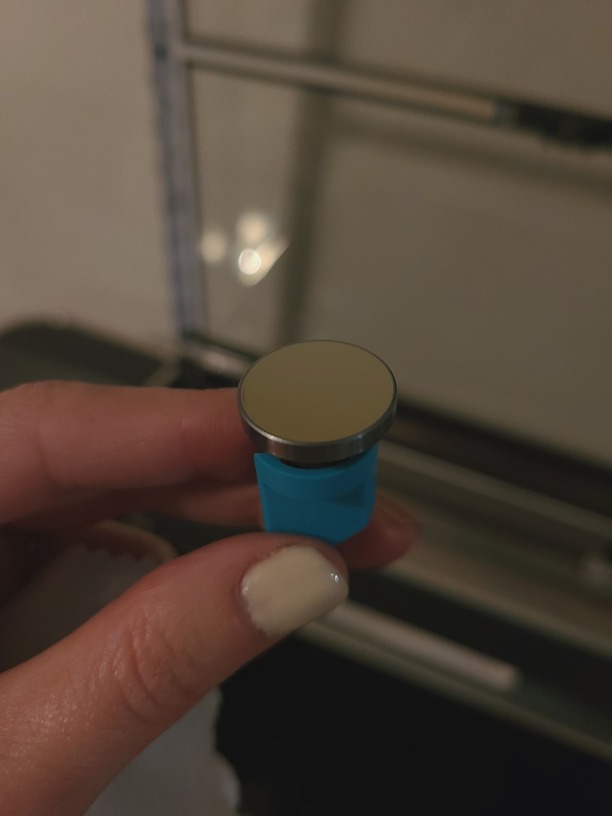
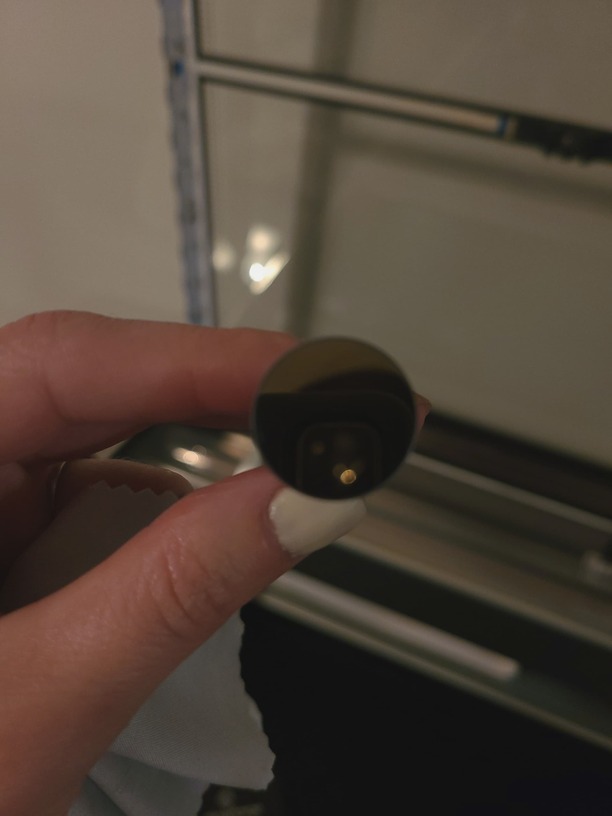
I have had my glowforge for less than a month and since the first cut it has not cut all the way through, or engraved the same depth on the right side. I have verified everything is clean, level and ran the alignment test. Even in the test it clearly doesn’t even score the same depth on the right side.
And help, tips or tricks to get this fixed would be greatly appreciated.
Support will see these photos and get back to you. While waiting, the only thing that might help is to clean the window on the left side of the machine and the window on the left side of the printhead. If there happens to be a fingerprint or smudge on either it can degrade the laser beam.
As @dklgood says the only difference in power possible is the change in distance between those two windows. The very slightest film on the one under the left side will cause that difference to show up. Depending on what you are cutting and luck that the window gets a faceful of smoke a single cut can do it. The good news (sort of) is that the problem is diagnostic to a problem with that window.
Misaligned mirrors behind the windows can also be a culprit. The further the distance the worse the alignment becomes and then there isn’t enough laser beam making it to the head to be focused in a usable point.
Unfortunately, that is not something you can do yourself. It generally involves shipping your machine back to Glowforge. You will need to wait on Glowforge support staff to make that diagnosis.
Thank you so much for sending over those photos. After reviewing everything, we’ve determined that your printer has a problem that, sadly, we can’t solve remotely, so we’d like to make a warranty replacement.
I’ll need some personal information from you, so I’ll be reaching out to you via email momentarily.
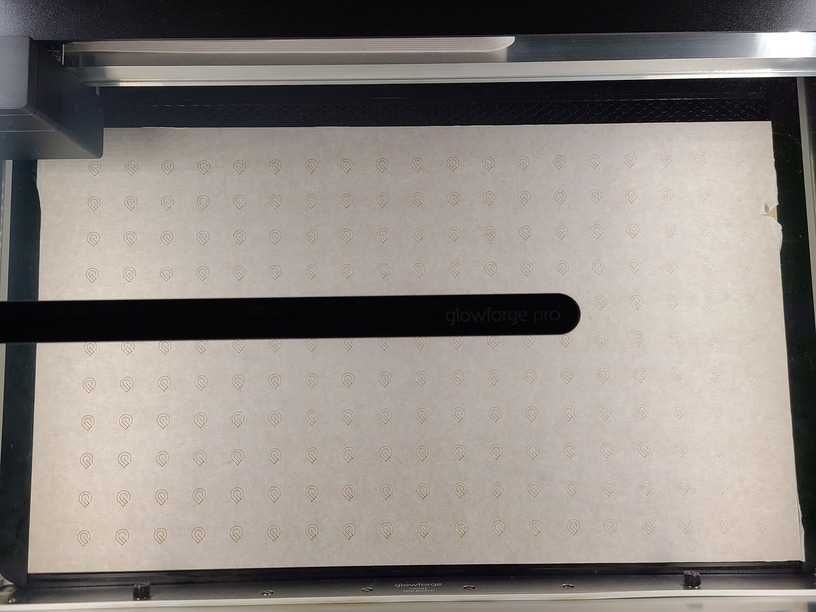
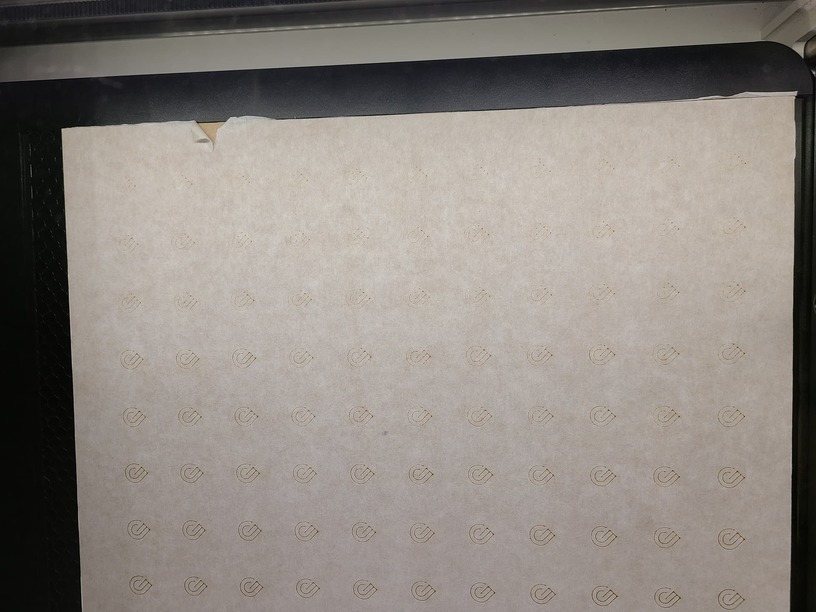
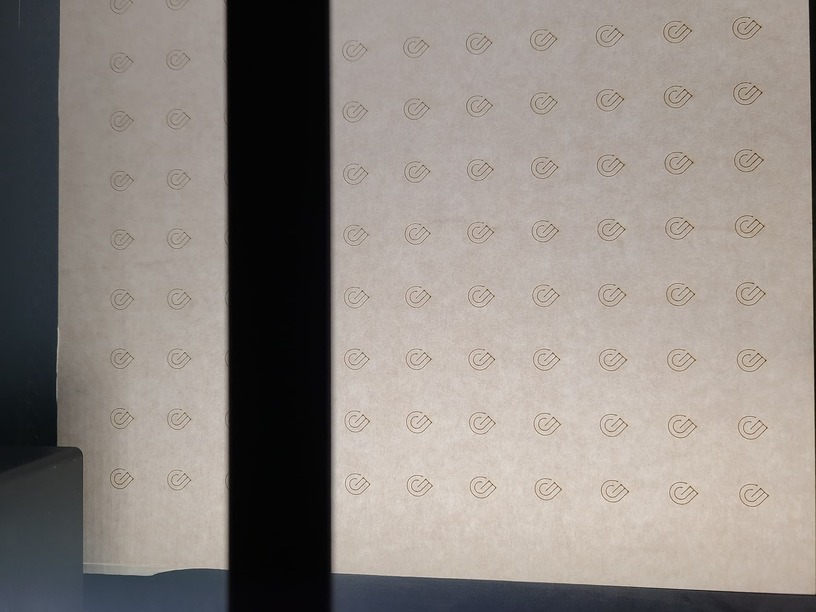
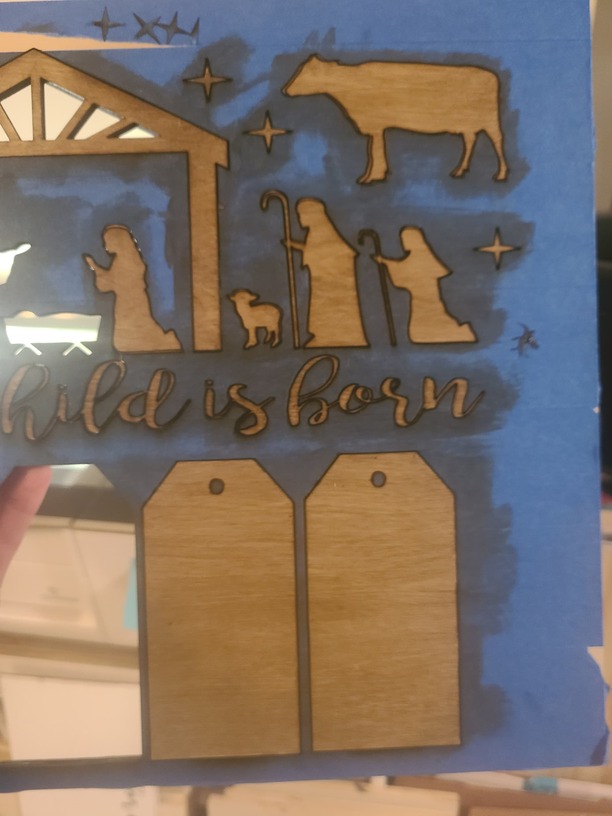
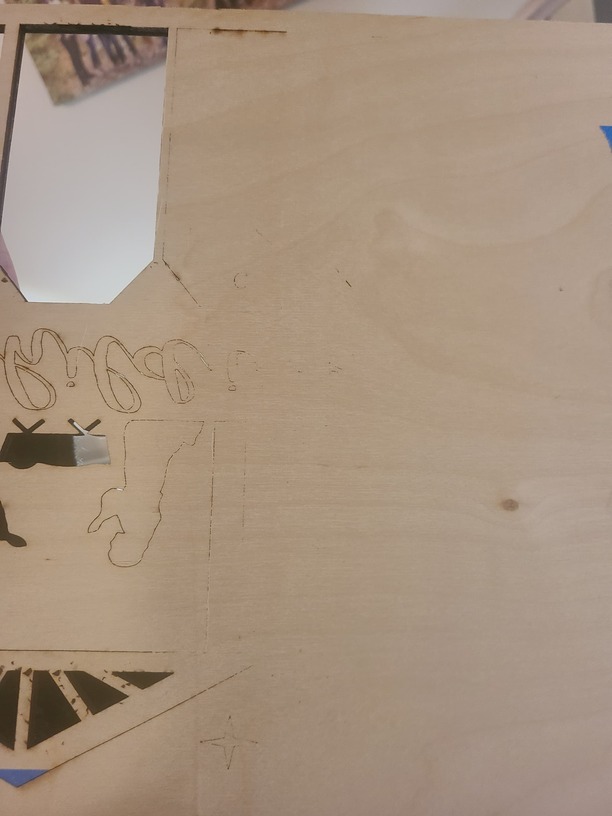
 It might be something that has to go to the mothership