Hey guys I have had my glowforge pro for about 5 yrs. It has been in storage for quite some time but i recently brought it out to do a project at work. With it being in storage I cleaned everything thoroughly including fans and lenses. However I have tried a couple of test prints and results are majorly off. I have tried calibrating several times and have yet to complete a calibration. The first run it calibrated across the full piece of material but each marking was different. The latest test the calibration markings missed a massive chunk of material along the entire right side altogether any advice or help is much needed and appreciated! Photo of latest calibration markings for tax
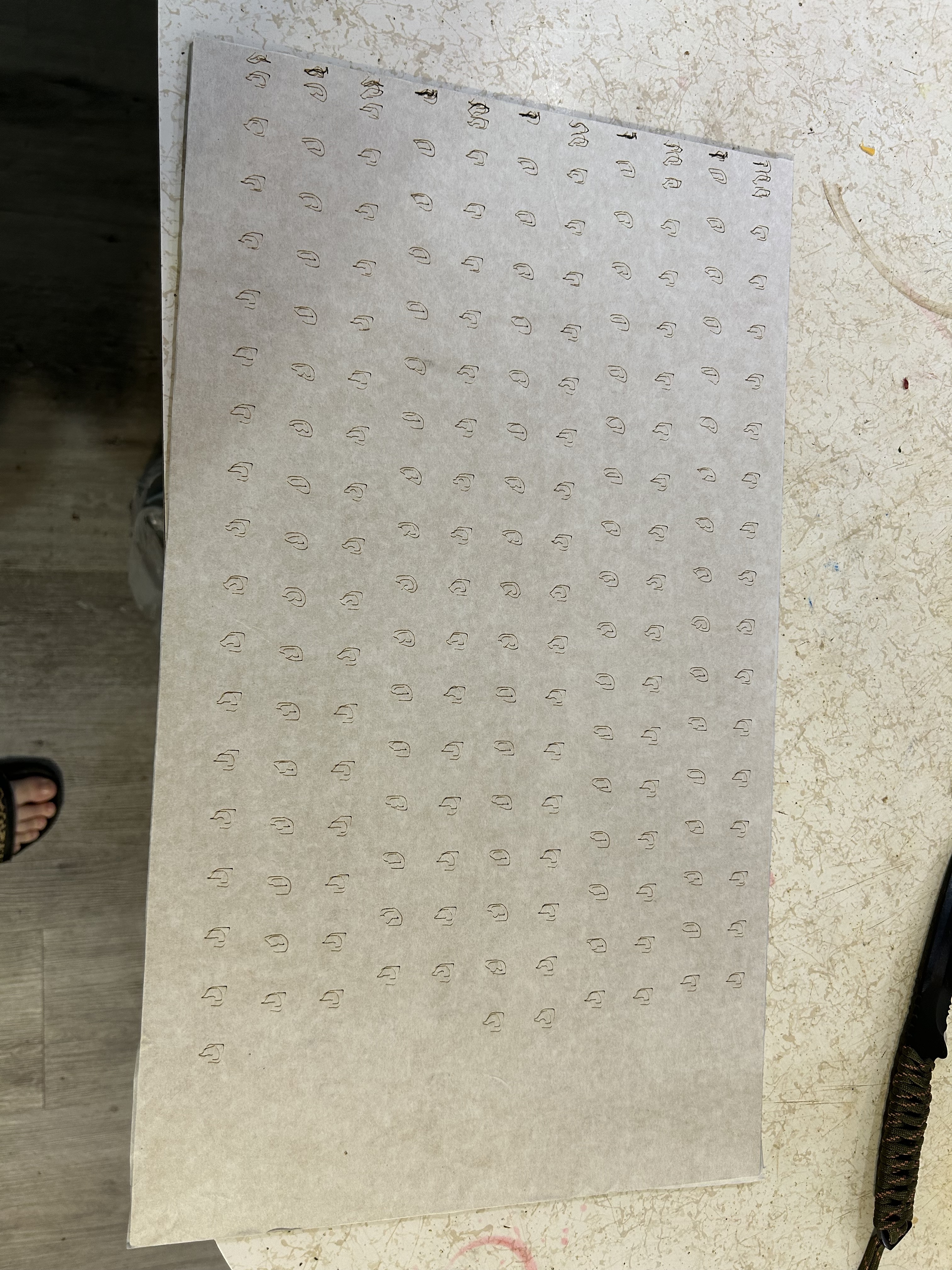
I believe the carriage plate is incorrectly installed - the tension is completely wrong which is why the Glowforge logos do not resemble Glowforge logos. The calibration program only adjusts the lid camera view and has nothing at all to do with the performance of the machine. It is not necessary to do the lid camera calibration. You need to check for broken carriage plate wheels, make sure that the carriage plate belt is installed correctly with the teeth facing in, and adjust the carriage plate belt tension. Print is Distorted
Heard thank you!
Ditto on the carriage wheels — that was the culprit when my original Basic exhibited similar symptoms. Setting the tension was the final tweak after replacing a cracked wheel.
Good luck!
Thanks for the feedback! So after the feedback I pulled the carriage plate off and realized I didn’t tighten the belt properly. Also doing some YouTube research I realized one of the lenses I think that maybe reads height was completely blacked out and cleaned it off. Since fixing those 2 issues now it’s not homing and not completing any print or allowing me to even start the calibration print so if yall have any advice on that I would appreciate it!
Don’t waste time trying to calibrate as that is not going to fix anything.
Try cleaning off the top of the printhead and with the machine off, positioning the printhead directly under the lid camera. What happens when you turn the machine back on?
Well at first when I did that it came on and moved to back left corner. As soon as I try to run a print and the fan kicked on it shut off saying the fan isn’t running at the correct speed. I cleaned contact points and made sure the fan was not stuck or obstructed and now I turn it on and it’s not even moving back like usual. I wish I could find someone local familiar with this machine as far as trouble shooting. I have had it for a long time with minimal issues outside of cleaning the lense, air assist etc but it seems like at this point every time I try to fix what the issue may be it causes some other issue
You aren’t by any chance using magnets to hold your material flat against the crumbtray? I get that error message when a magnet is too close to the cut/engrave area…
Nope no magnets at all
Frustrating for sure. If I was experiencing this, I would remove the carriage plate again. I would inspect every blade of the air assist fan. I would make sure the fan was installed properly on the carriage plate. I would make sure that the carriage plate belt teeth were facing in when I reinstalled the carriage plate.
I would remove everything from the honeycomb tray and turn it back on with the printhead under the lid camera.
Yea I ordered some contact cleaner and hoping tmrw I can get it going. It has been in storage for like 3 yrs. I was prepared to do a deep clean but this is excessive  will update tmrw after I do all that!!
Welp… Deep cleaned the air assist fan the fan on the print head and still getting the air assist fan error  I am wondering if maybe it needs a new air assist fan? Idk bc the fan was fine when I ran the initial calibration tests and had the super weird cuts but now it is just assist fan erroro every time i try to run any type of print
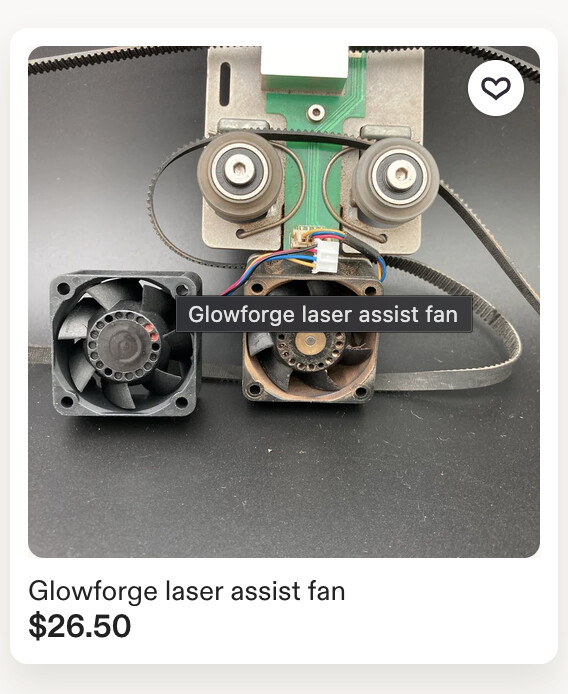
So initially I hadn’t but after getting another error I decided to unplug the fan clean the pins make sure wires were good and still getting the error. I ordered a new fan will be here tommorrow so I guess we will see if that fixes the issue. Fingers crossed  I prayed to the glowforge gods gave her a friendly rub and everything and she still hates me today
Well…update got up at the crack of dawn to get the new fan and still getting the errorI guess I will have to reach out to Wiregrass or Glowforge support bc I legit have no idea what direction to go at this point
So sorry to hear this.
Let us know how this gets resolved. I have had very good service from Wiregrass.
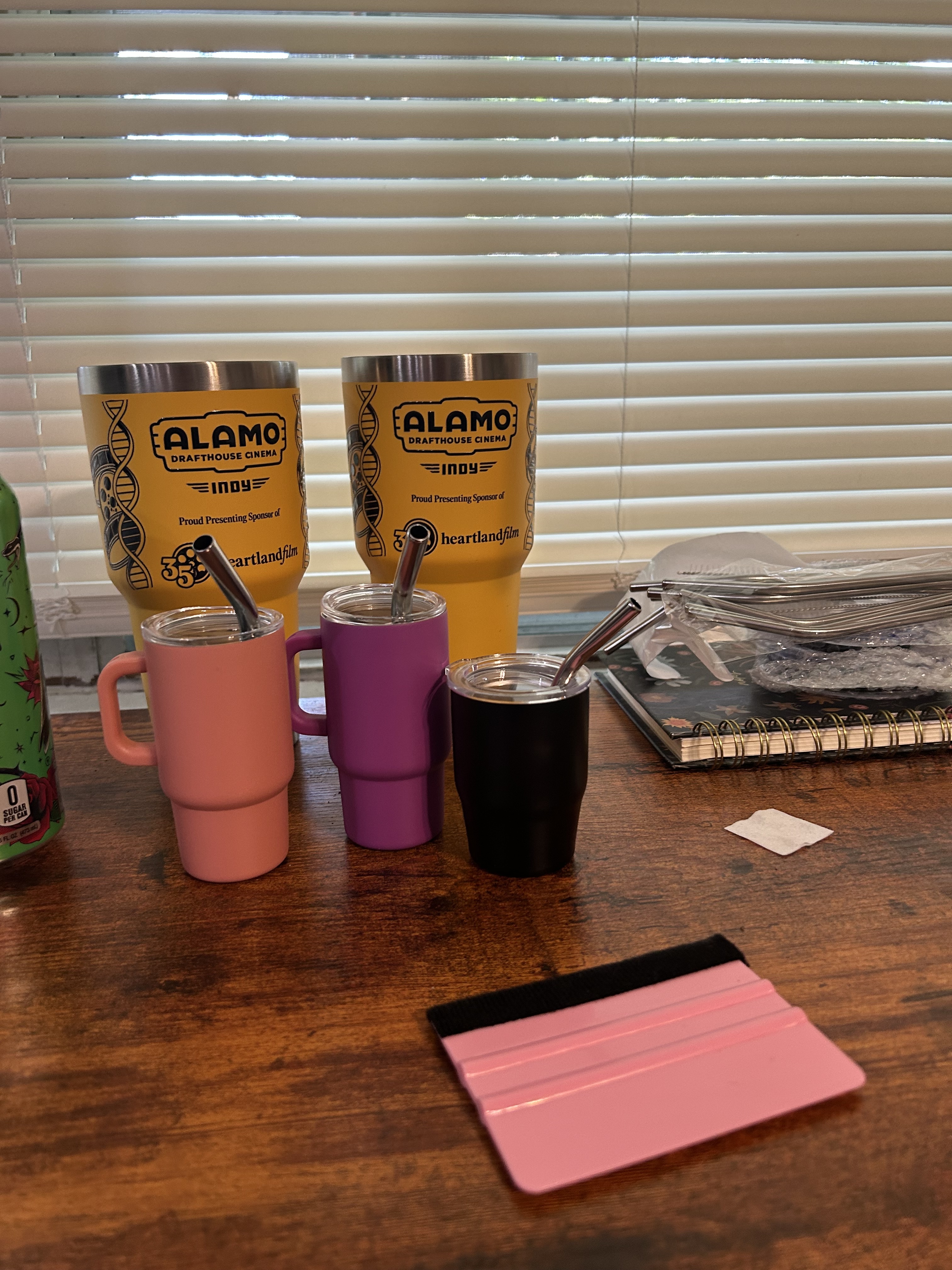
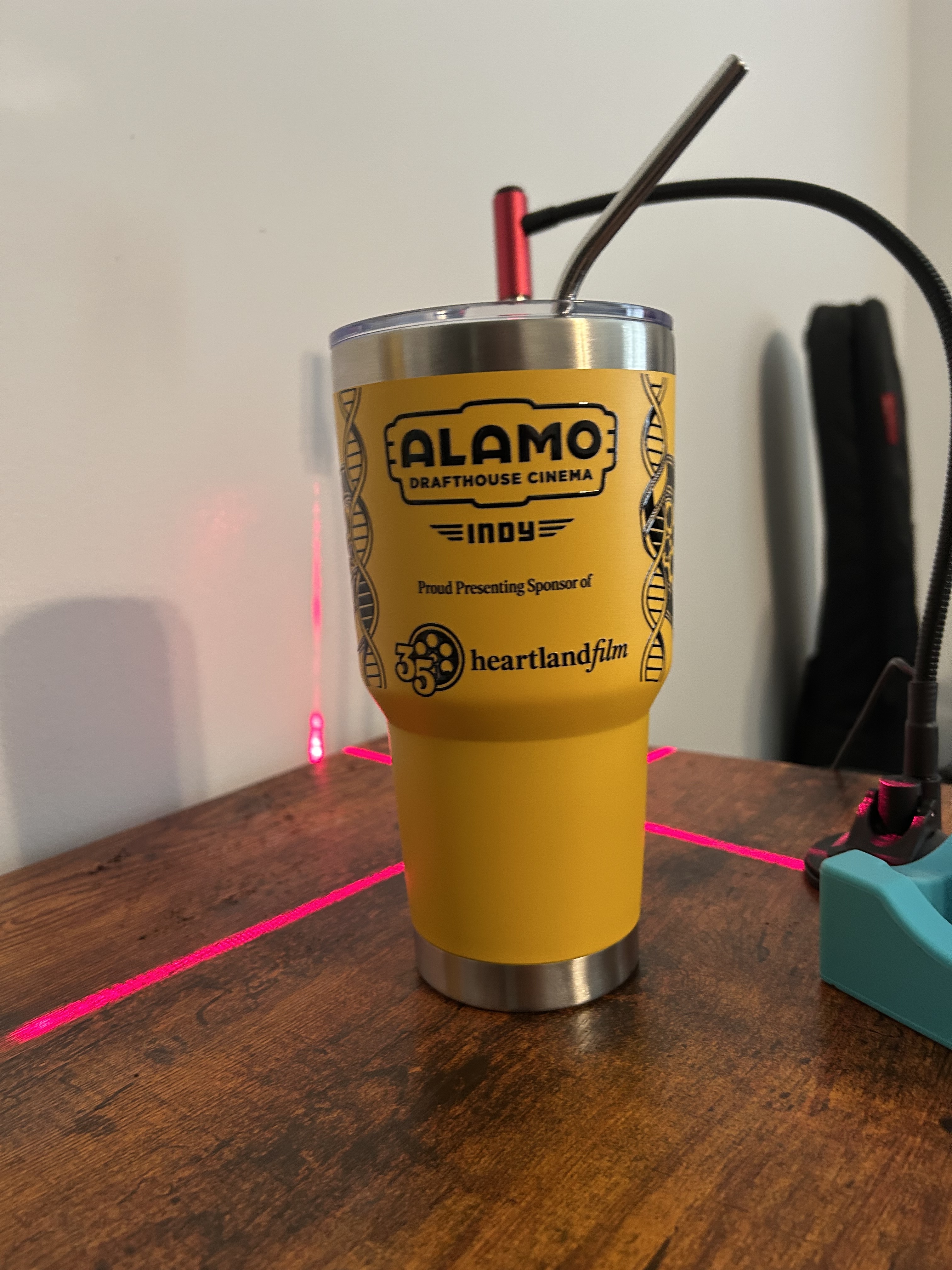
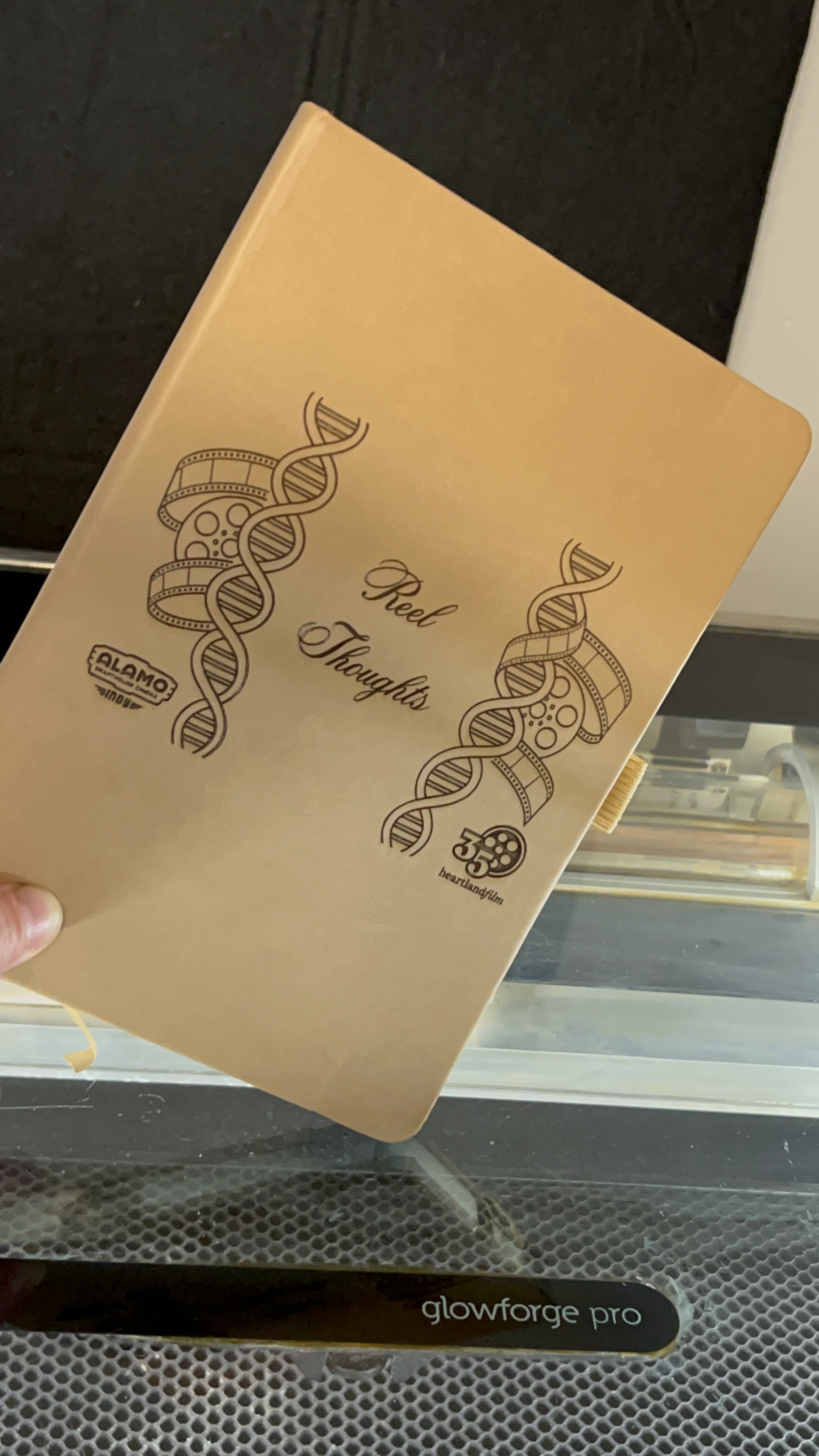
So overly pleased to announce that the Glowforge is working again!!! I called wiregrass to get some idea of what the issue might be and the owner told me most likely a bad connection either to the air assist fan or the belt to the carriage plate I dusted them off made sure everything was straight (the one to air assist seemed like the whole pin set was slightly shifted) so I tried to move it slightly when I reattached the screws into the fan and BOOM!!! Disaster diverted!!! Thank you all so much for your help and pointing me to Wiregrass Technology major shout out to them for the assist also! I have been working on a small but very crucial work project making journals for content creators who will be part of the Heartland International Film Festival in Indianapolis at Alamo Drafthouse. HFF is a huge deal for us being a new theater and I have put a lot of time into creating unique swag to contribute on our behalf. I did UV DTF transfer tumblers and also the engraved journals and spent days going back and forth with our VP of marketing tweaking and adjusting the design I created. Prior to this project I had been making movie themed shirts for employees however I really would like to get into custom branding for other local businesses. This project played a key part in my upcoming business proposal I have created to see if the franchise owner will invest in launching my business allowing me to purchase the new Omni 1 printer to do branding and promotional production without outsourcing and the good ol Forge is vital to allow me to make custom blanks and was a massive investment on my end to bring to the table! A million thank yous for saving my ass and helping me continue to craft and reach my goal!!!
So happy you are up and running again!!
Glad you got it sorted!