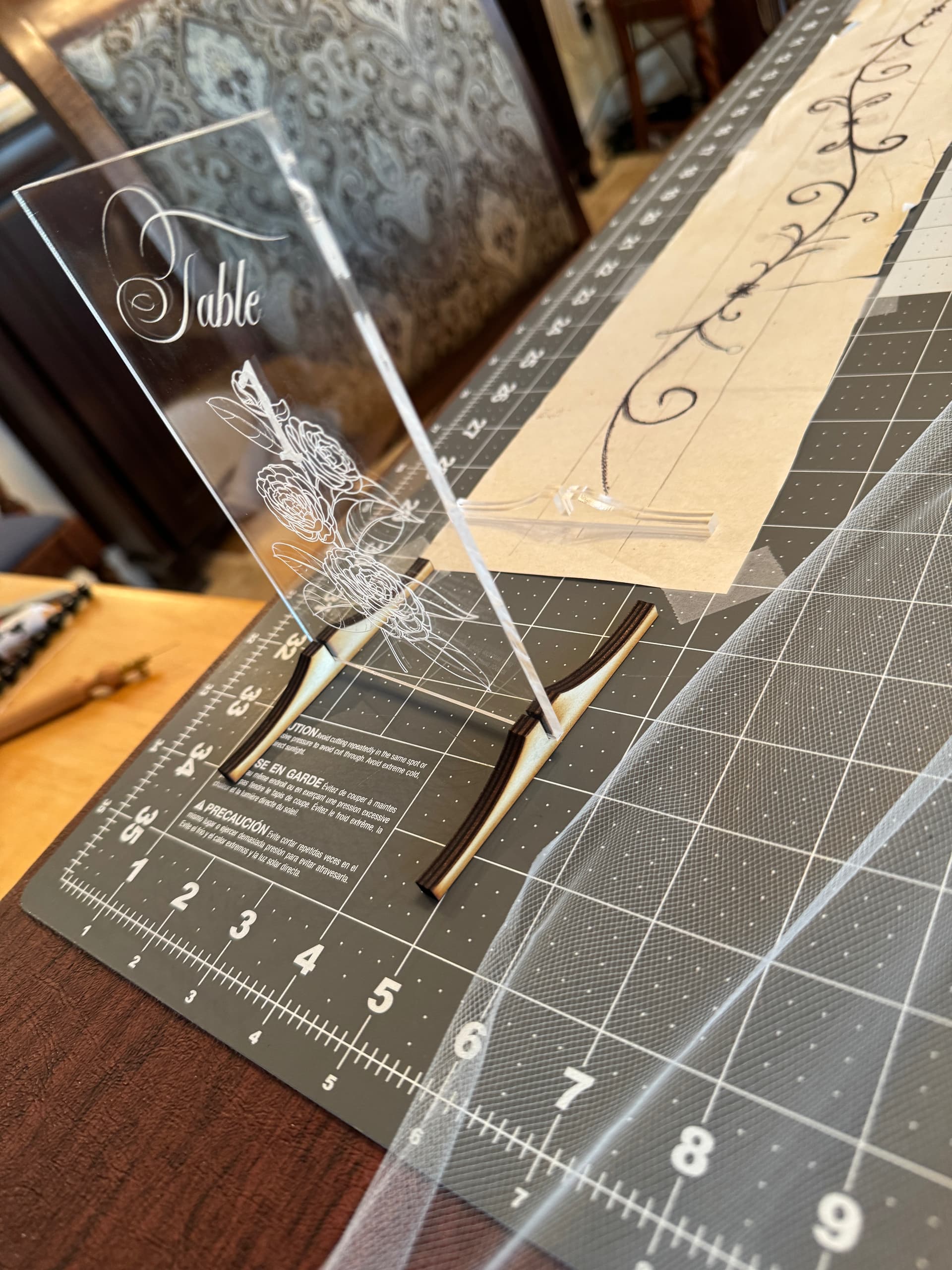
I am setting up a jig to hold 4x6 pieces of acrylic for engraving. I’ve done engraving on crystal before with a more complex jig setup. The issues are:
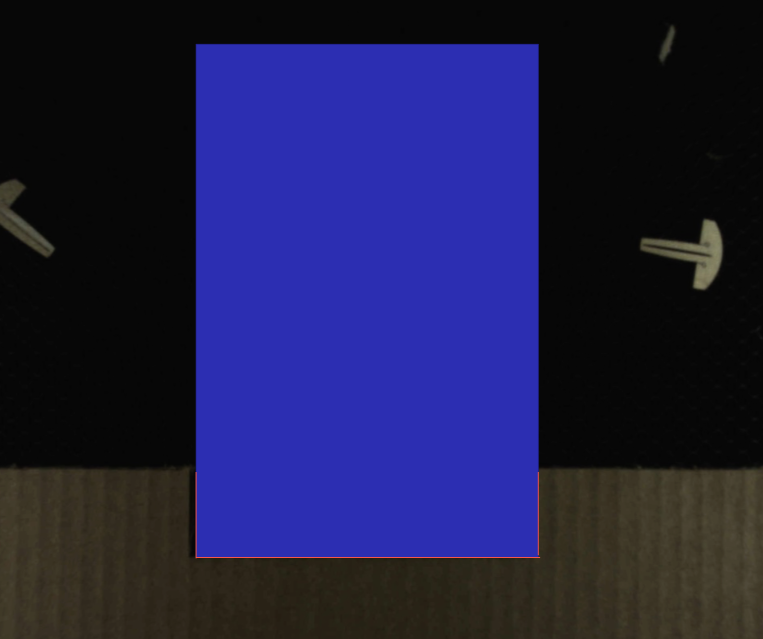
I made a simple U shape cut into the cardboard to hold my 4x6 piece of acrylic. Unfortunately Linearity Curve (LC) also exports the outline of the 4x6 template as a clip path that GF thinks should be engraved. While it is simple enough to ignore it, the problem is that the large red (when set to Ignore) rectangle it creates obscures my ability to see the jig offset from the cut lines when I import my graphic. Screenshot is below, the blue part (set to Engrave for this screenshot so you can see it better) is what I would like to get rid of before I bring the graphic into the GF UI. Is there a way to do this?
I have a very similar issue with the design itself. I think if I solve getting rid of that big rectangle, the same approach might work for the design. I’ll post screenshots of it in a sec.
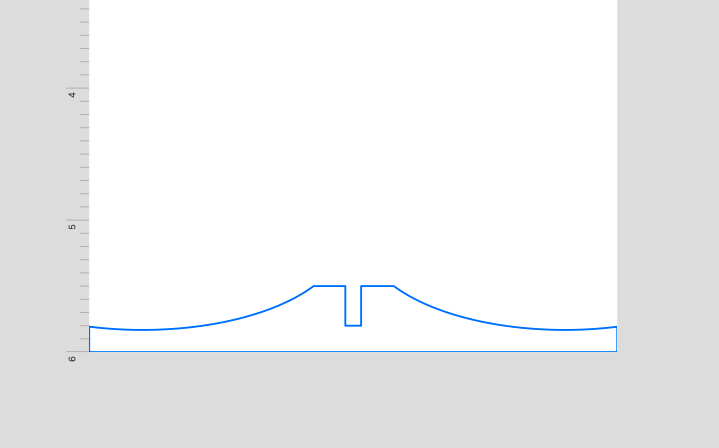
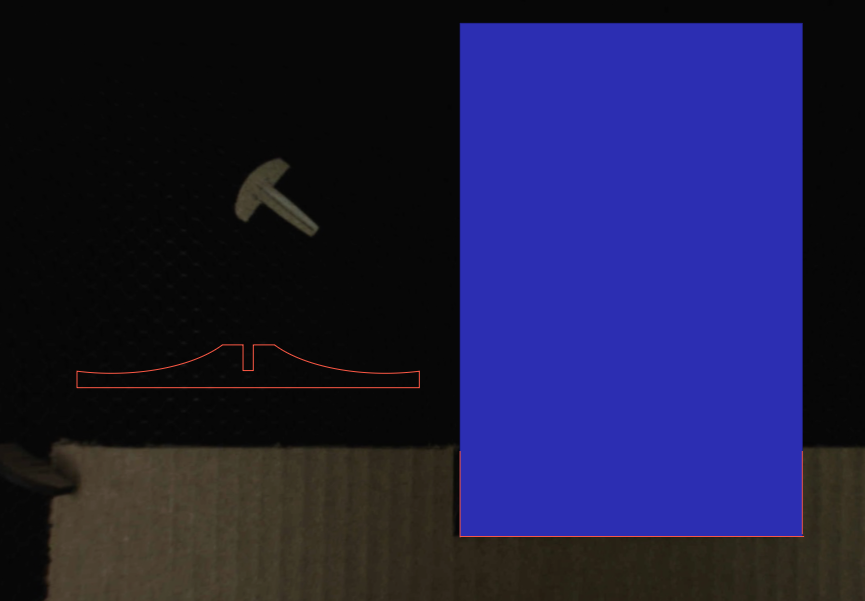
UPDATE: I can go into that exact same template in Linearity Curve and create a complex shape like this one and the SVG export does NOT have the large rectangle, just the outline below, which is what I want. See screenshot below that, with the rectangle I want to go away in blue. But if I just create a rectangle in LC and export that, then the larger outline of the whole rectangular page is present.
I was unable to get rid of the clip paths. They seem almost random in whether an SVG export produces them in LC or not. You can take the exact same file, rotate the drawing 90 degrees and move it a bit, and the clip path is gone when brought into GF.
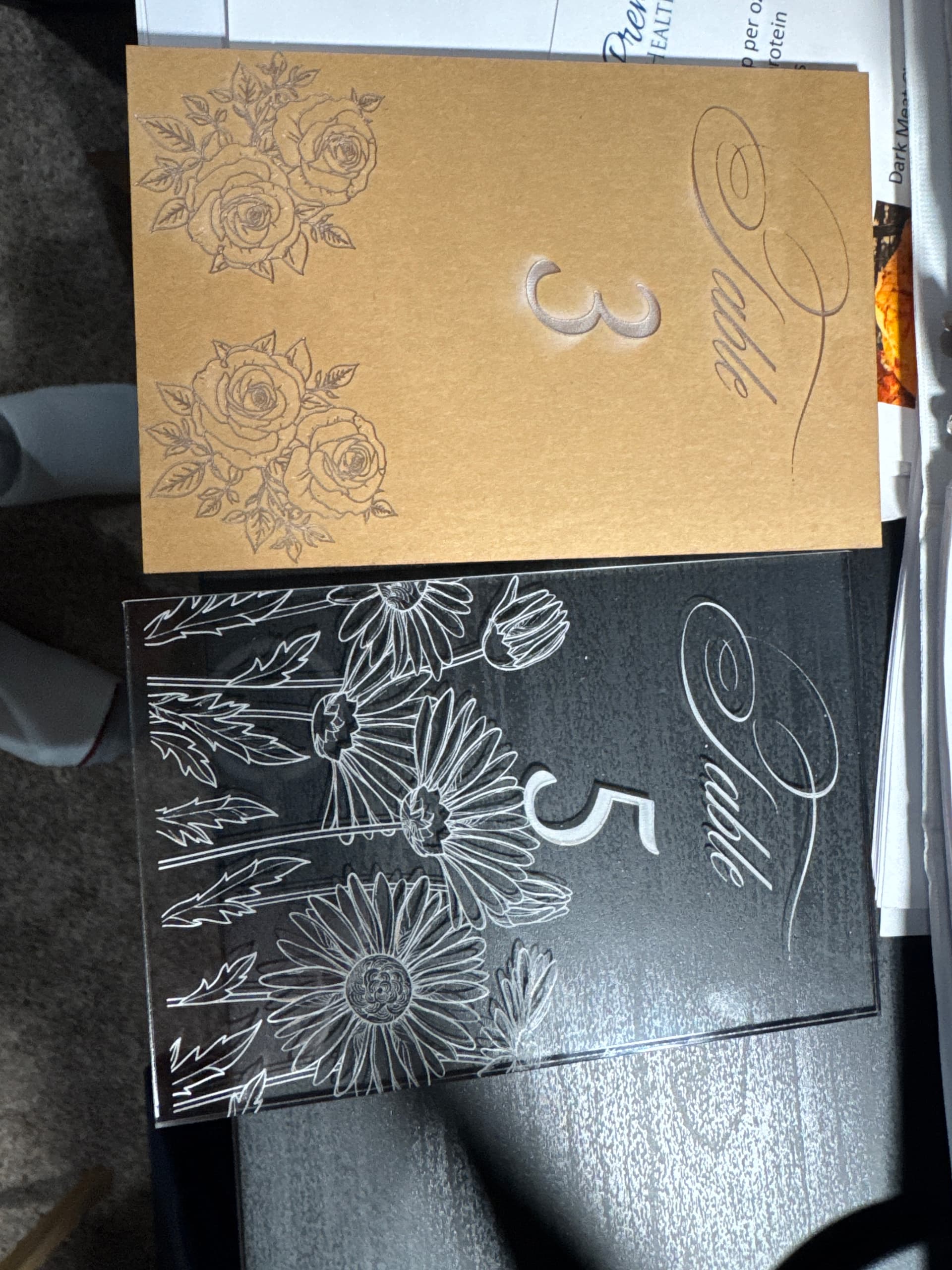
I wound up just living with the rectangles and ignoring them in the GF UI. Final product are these table signs and their feet for my daughter’s wedding. The feet will be painted.
If you upload the problem SVG here I (or whomever gets to it first) can take a look in inkscape. I can confirm whether there is a clip path, and give you a version without it.
It sounds like you’ve moved past it but it might be easier to work with the corrected version if you’re still cutting.