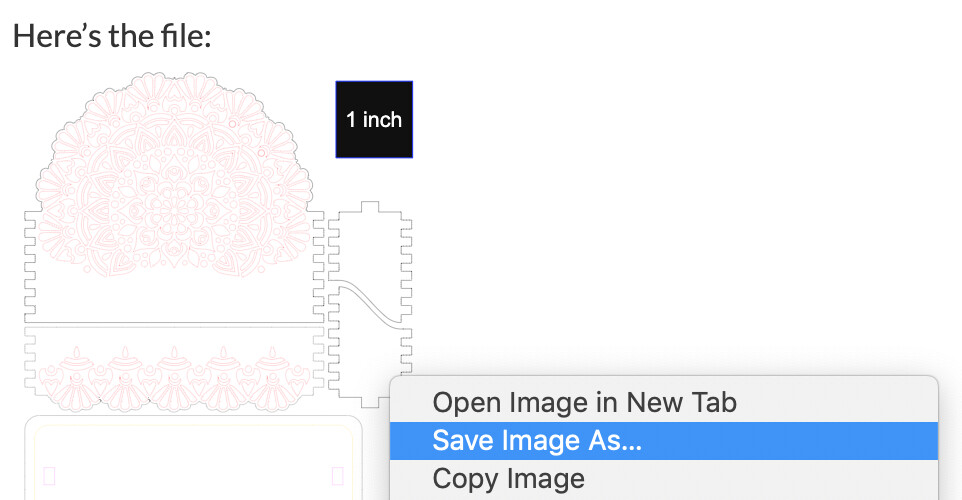
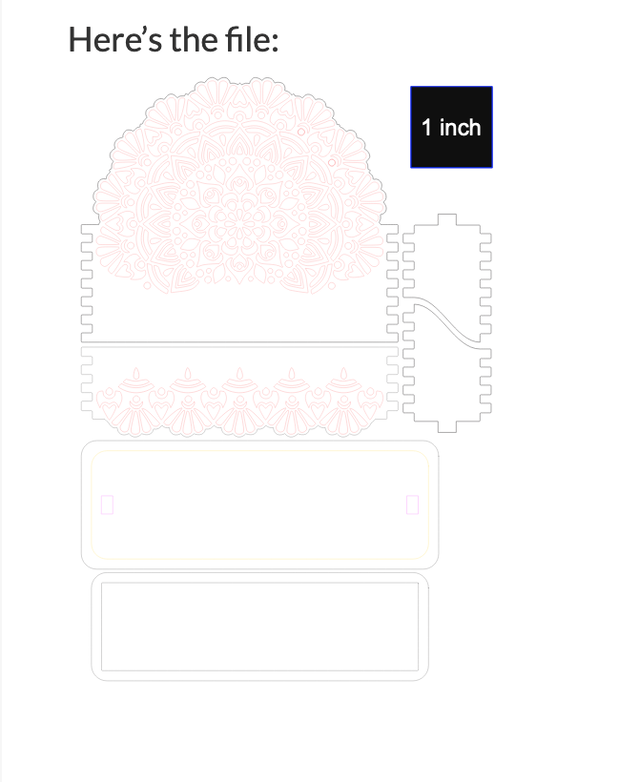
Click the line drawing directly under the post where it says “here is the file” and save the image as an svg to your computer.
2 Likes
Hello there, just wanted to say thanks for sharing! I’m a 3 day old, New GF Owner. I tried this design today on the proofgrade light cherry plywood. It came out beautiful! The only thing I noticed is that one of the sides(top one on the design) cut the exact as the bottom side. So one side has the cherry finish facing inside, instead of on the outside. I went ahead and made a copy of it and just flipped it. Hope this makes sense.
4 Likes
Welcome to the forum. I am a little confused by your comment about the cherry plywood having a cherry finish side. All of my Proofgrade is finished on both sides. Is yours not?
1 Like
Yes, but it has a lighter color on one side.
That must have been that one sheet. What I have is the same on both sides.
2 Likes
If it’s a significant difference it might be worth taking photos and submitting them to support@glowforge.com because that’s not how it’s supposed to be and those are guaranteed.
4 Likes
Hi,
I’m a new GF user…4 days so far. I’ve been needing a business card holder and this one is listed as a free laser design. Unfortunately, I can’t seem to figure how to download it. It says “here’s the file:” bus there is nothing to click on, as it is a greyed out image. I appears as if other GF users have been able to download and use the file. How can I get this file?
1 Like
Welcome to the forum.
Right click the item right under “Here’s the file” - it looks like a faint line drawing and save image as an svg to your computer.
3 Likes
I am a retiree, no business cards, but I still use yellow stickies, so I have to make this.
2 Likes

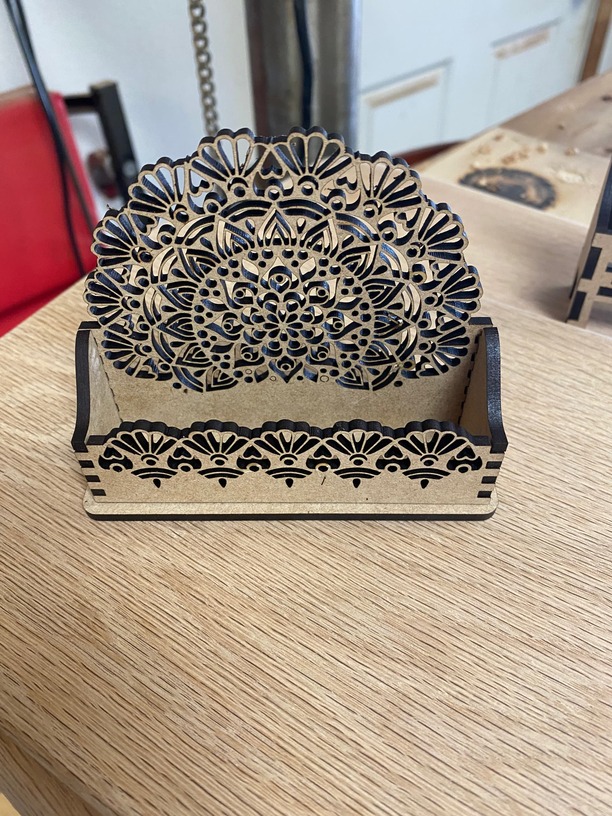
Good job!
2 Likes
This is beautiful, Thank you! I’m a newbie, how do I download the file? If I right click and save, it’s just a black square.
Read the post three before yours. You right click the red line drawing object and save image as svg to your computer.
2 Likes
Sorry I am new here and am not sure how this works yet, is this file not available anymore?
Welcome to the communitiy. Right click on this as shown in the first post;
click ‘save as’ to save the SVG to your desktop
2 Likes
Try this ZIP file. Guaranteed to work! 
MandalaBusinessCardHolder.zip (54.9 KB)
3 Likes
@ashley.brock: And, I should add, this ordeal probably is not your fault. Depending upon what computer and Web browser you are using, “right-click” and “Save as” does not always do what you need. Don’t be discouraged! You’ll get this to work. We’ve all got your back here at the Glowforge forum! Been there, done that, bought the T-shirt!
2 Likes
Thank you!! I will make sure to post a picture after I make this.
1 Like
Thank you! That worked.