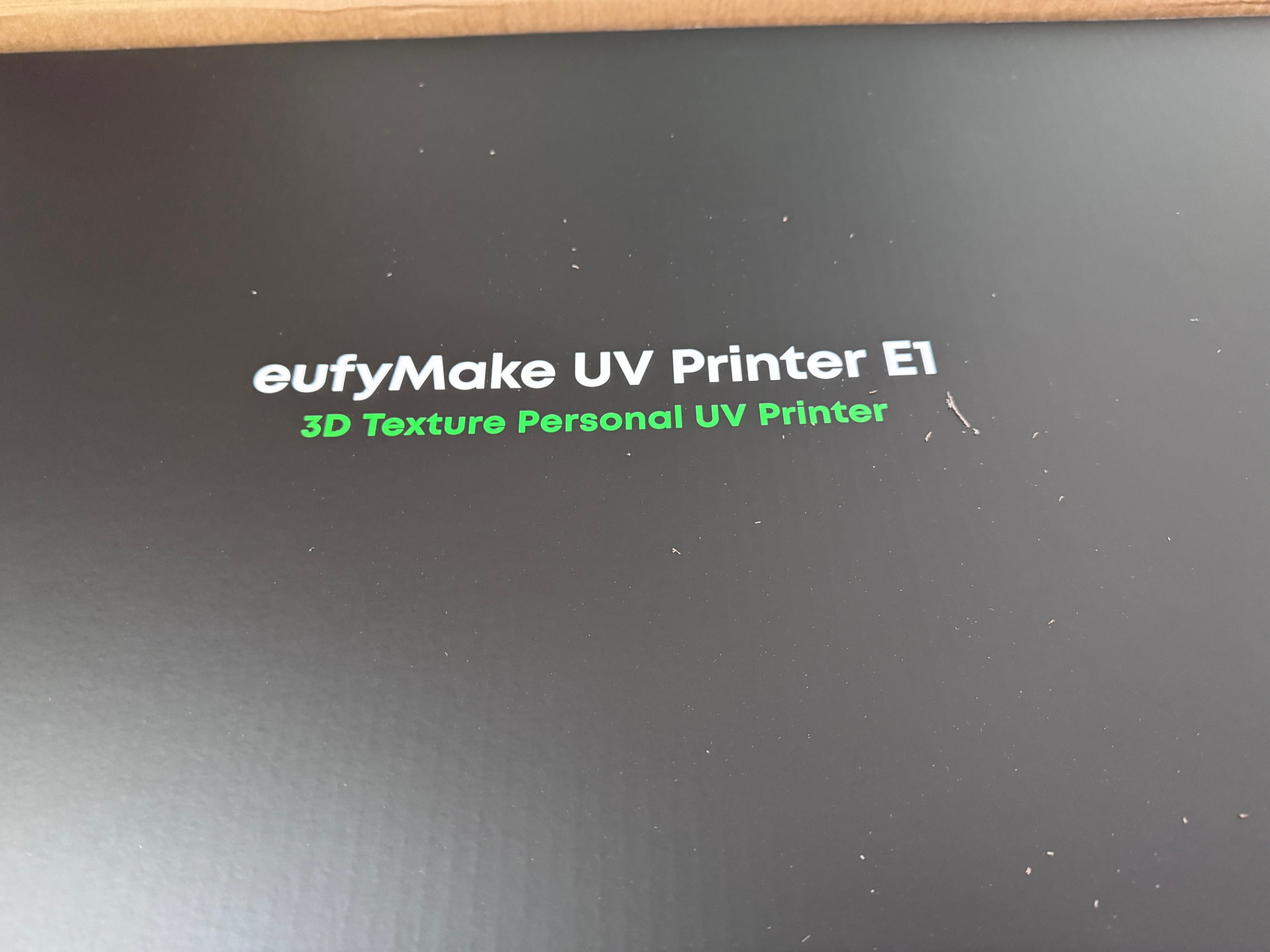
The kickstarter was incredibly long and it arrived today! The hardest part will be moving stuff to make it fit somewhere! I need the Maker Marie Kondo to rearrange my shop!
28 Likes
So jealous! The results I have been seeing are astonishing! I wish I ordered one…
11 Likes
Mine is scheduled to arrive tomorrow.
Congrats on the new toy… erm, tool!
12 Likes
Awesome…I’m still in waiting mode for mine but many have gotten them now so I’m encouraged!!
11 Likes
The unboxing experience makes you realize how crude the insanely expensive box from Glowforge is for just a box. The Eufymake box has this clever built in velcro strap (no packing strap cuts here) that sits in a cutout below the handles and you pull the strap open and the box top slides off. Now it’s not as heavy as a glowforge but it’s pretty hefty. Nicely has both ethernet and wifi (and the wifi is so easy if you don’t have ethernet, since the device has BT to connect to the app for setup and you configure the wifi via the app, no logging into a captive WiFi. The self-setup (priming and calibrating) takes about 45 minutes (you don’t need to be there for it). It has true optical alignment for items on the print bed (it comes with 3 ceramic test magnets - see below).
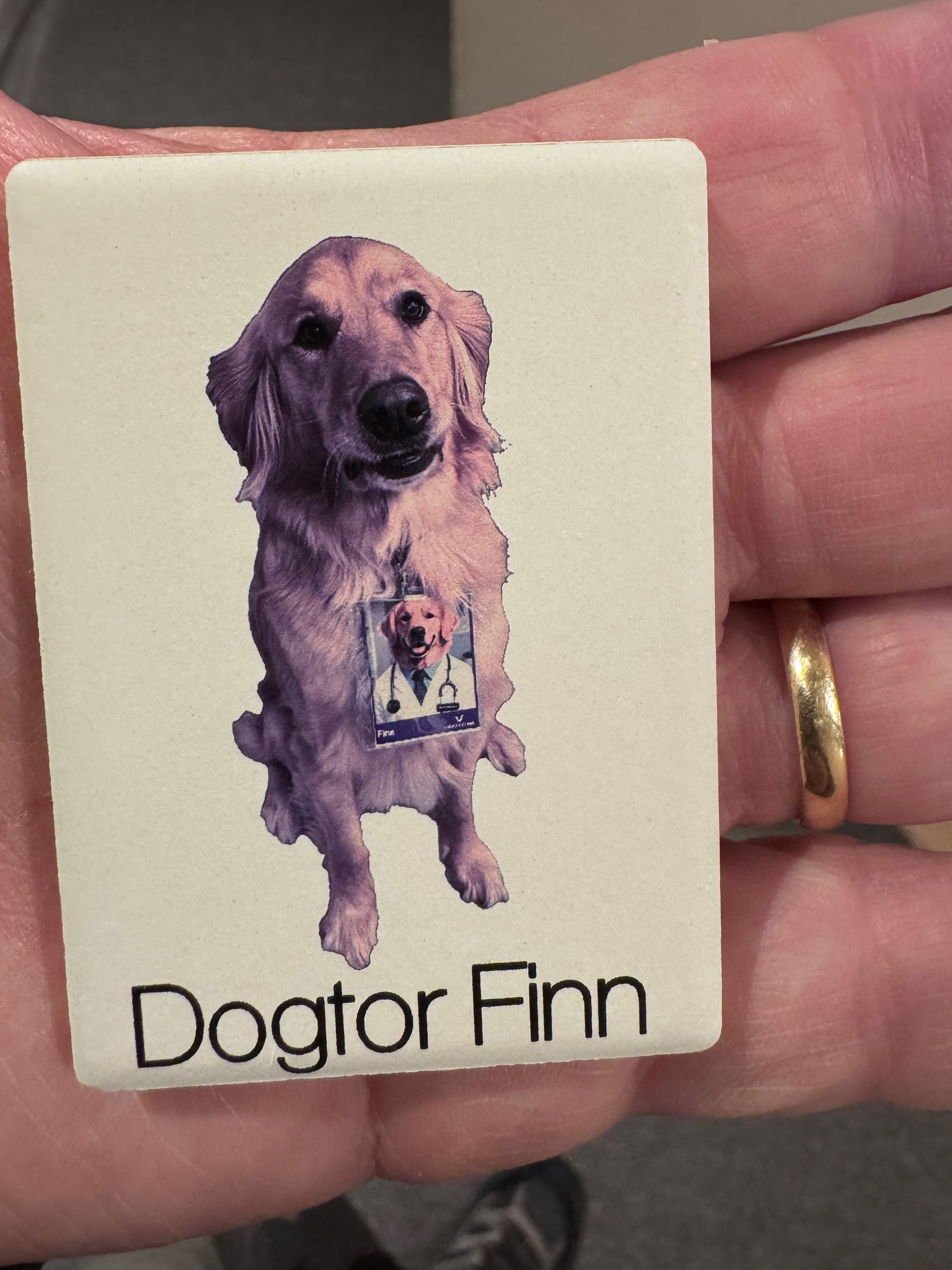
First Print was from my wife’s work, where she brought the dog and got him an ID. He was so proud of his ID and walked around the hospital showing everyone. (the cutout I didn’t do anything fancy with photoshop of some other high quality tool, I just used the cutout in the app hence the aliasing in the border). That is a non-textured print. At some point I need to read how far it can go around a corner or such, but in their demo it shows printing custom golfballs so fairly curved surface. This test print took about 3 minutes.
16 Likes
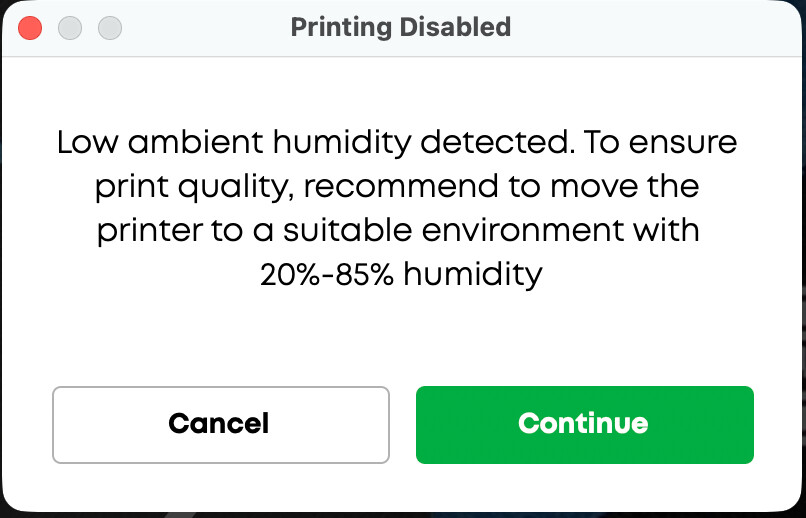
OK, apparently this printer was not designed to be used in New England for the winter… My filament printers are loving the dryness (no need to use a filament dryer when the ambient humidity is like 16%… Luckily you can ignore the advice and print anyway…
15 Likes
Indeed. I bought a humidifier because mine is scheduled to arrive tomorrow. Though I think I don’t get the ink until Monday.
13 Likes
Yikes. I would have to set this up outside the shower to get humidity that high. Colorado might not be ready for this toy, but I’m thinking I need it and could overcome this challenge.
12 Likes
I got the printer and am also a fan of the packaging. I’m still waiting for the ink. So close now…
8 Likes
Seeing your error message and @chris1 ‘s purchase of a humidifier, I’m wondering if the sales clerk at the Anker store I went to had it all backwards.
She told me it didn’t do well in humidity and that I would need a dehumidifier. But looking at those percentages, that’s our normal level of humidity here. So I might actually be fine.
My finger is on the button, I really, really want one, but I keep telling myself to wait until my birthday…5 months away though…
12 Likes
Hopefully they send you two boxes of ink. I’ve seen a few folks on the Facebook group getting multiple sets. Now that they’re sending out ink. Unfortunately, I’m still waiting on my additional boxes so I’m pretty much at a standstill at this point. Probably have enough for a few small prints, but I’m worried about it running out or the cleaning cartridge being full and not being able to change it
11 Likes
I thought about your comments when I saw I was inkless today.
I guess I need to practice patience for a bit longer 
Hopefully you get your next set of ink soon.
9 Likes
I’m going to need to line up some projects. I understand my usual habit of getting a new toy and only using it three times a year is not the best idea for this printer. My hope is I can have a bunch of random stuff I can print to keep it healthy.
9 Likes
I’m planning to use it with a lot of 3D printed projects. It will give me a lot more color combinations than I can get out of 4 or 8 rolls of filament. It should make everything faster to make.
12 Likes
That’s why I didn’t get one. I do things in waves - lasers, CNC, metal, 3D printing, mechanical, etc for weeks or a few months then switch to something else. I may not revisit a tool for a year. Right now I’m doing a lot of multi-species wood inlay work on cutting boards.
I do pop back to the 3D printer fairly frequently though as I get an idea (mostly for organization) that can help streamline the workflow of whatever I’m focused on.
9 Likes
I view this as a companion to my 3D printer and laser to modify projects in ways that are too difficult otherwise. Since I’ve printed over 10kg this month not hard to come up with uses. For doing panels for the simulator should be outstanding. I kickstarted a jig that goes along with it that looked super cool on a bunch of YouTuber reviews.
10 Likes
Nope, they only sent one box of ink.
And first print made me do another calibration of the table, so I took another snapshot of the bed, then it printed incorrectly. 
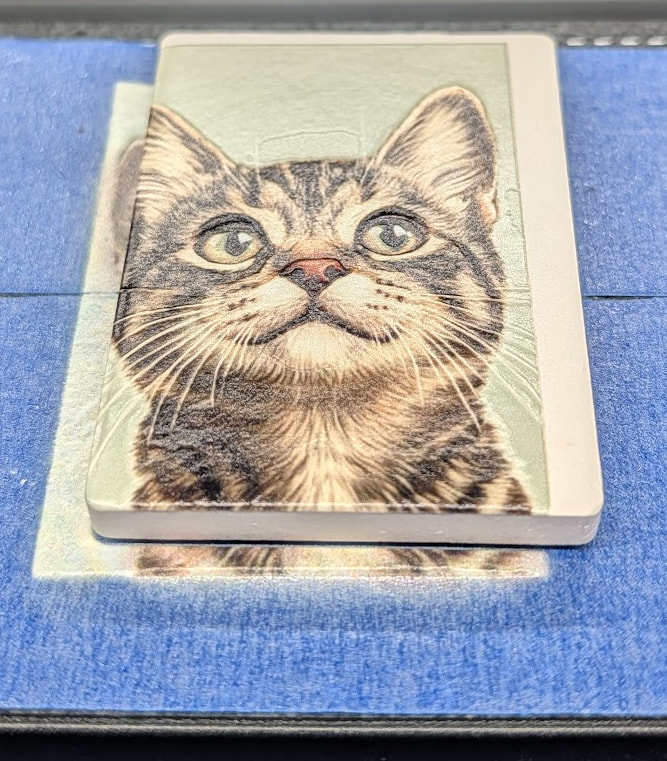
Oh well, next print will be better. The texture is pretty cool though.
EDIT: Next print was better! I think it just missed the new snapshot on the first print. Hard to see on my phone. I loaded the Windows software and am working through that.
For anybody interested, this is not a fast machine or interface at all. But even the mistakes look good 
16 Likes
That’s not a misprint, it’s a kitty looking through a white window frame 
The ever so slight depth really does do a lot!
9 Likes
I finally got the low ink warning, and went through the shut down process. The camera is really only accurate in the middle. I’ll use zero point alignment with a jig for anything off to the sides.
14 Likes
Heh. So pretty much exactly like the 
9 Likes