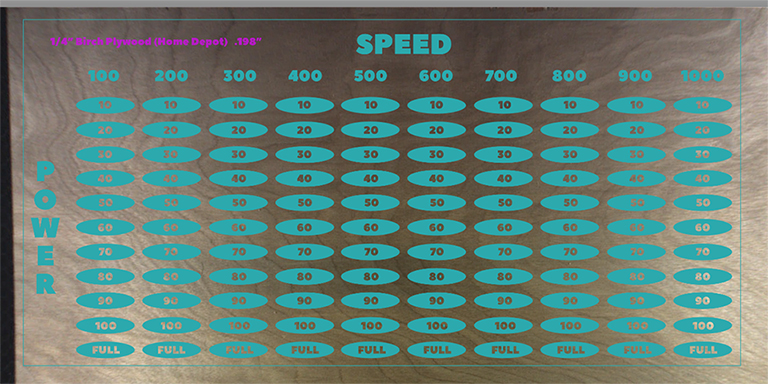
I spent quite a bit of time putting in all the custom settings for each section on this project just to find that once I go to print, it just times out. So I ended up ignoring about 15 processes and that went to print just fine. Is there a limit as to the number of processes that the Glowforge can handle? It’s odd that it can handle 95 processes but not 112…?!
1 Like
My understanding is it’s more about the size of the overall job. I have seen estimates that the limit is around 3 hours of processing time. I had a discussion with support about this recently. It seems to be an issue they are working on. In the meantime, your workaround of “ignoring” some of the processes on the first pass and then switching which are run and which are ignored is the best option for complex jobs.
2 Likes
Thanks John. I’m pretty sure you are right about the 3 hours because after ignoring enough processes it brought it down to 2h 44 min. So I know the other processes bumped it over the 3 hour mark. The only issue with ignoring is that it erases your settings when you set it back to manual…
1 Like
Your design is both functional and lovely. But another way to reduce the time would be to either change the shape of the ovals (making them potentially smaller), or make the entire thing smaller until it works.
1 Like
You can also reduce the LPI to help shorten the required time.
1 Like
I love the test pattern matrix though. I had been thinking of doing the same thing to build a reference library for my non PG materials
Yeah, agreed; I’ll make it smaller. I also don’t really need for it to do full power at 10 speed so there are some processes I might want to ignore anyway.
1 Like
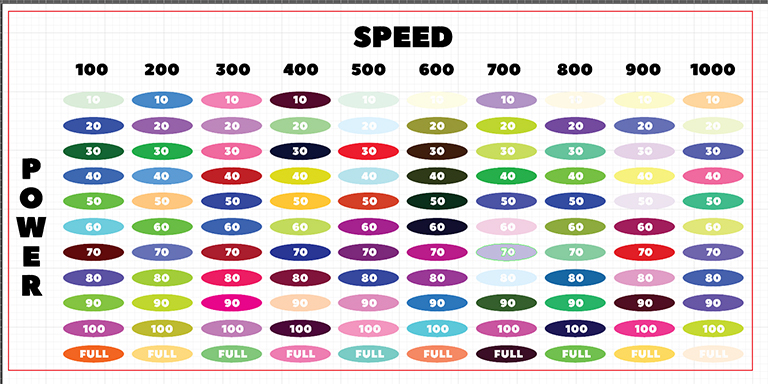 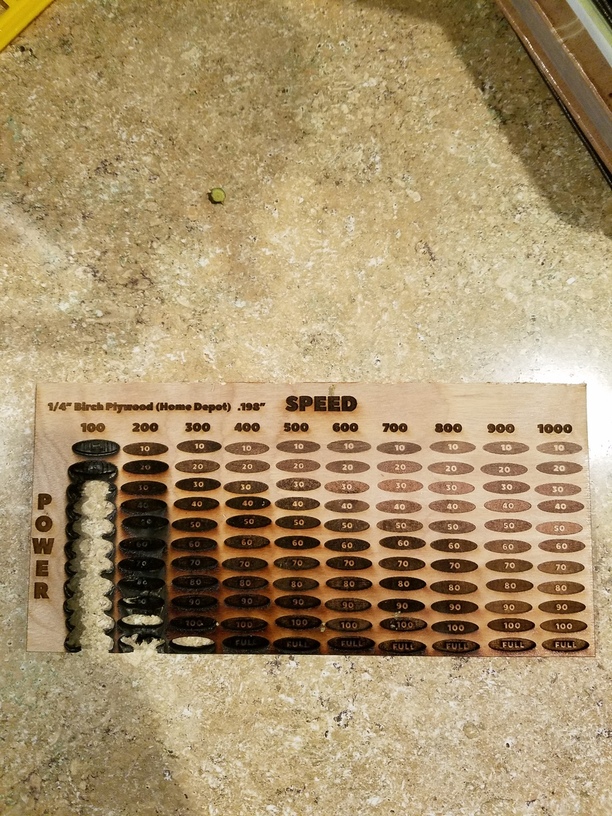
Just so I understand this–you had to manually define 110 different settings in the GFUI after uploading this SVG?
Yes, but now it’s done and I can apply it to anything. Took maybe 20 min. and then I just upload a separate SVG with the name of the wood and I am good to go.
1 Like
Thanks for all the help everyone! @kirruu.berry there’s a problem with our software in handling very large engraves and it looks like that’s what happened here. Your message will help us improve our software for everyone.
As @johnwills and @Tom_A suggested, reducing the size of the print or dividing your image and printing pieces one at a time will help.