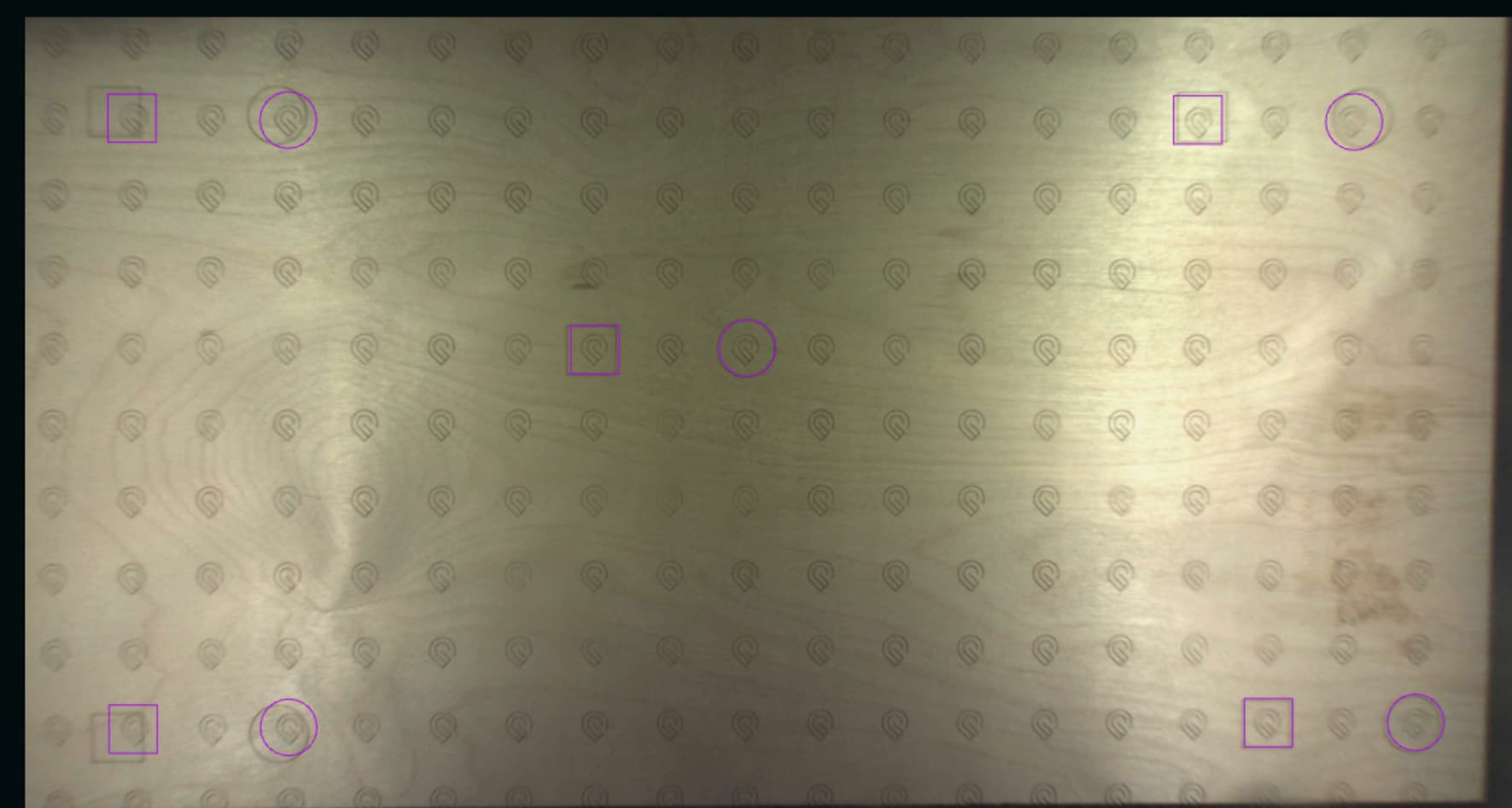
Attached are photos. One pop up said complete and everything was fine, the other message claimed it was interrupted (for the second time; I’ve wated a ton of material at this point.
Ran a test after completion. It’s fine in the center but not compensating for the warming on the edges This is a problem I have had with both this machine and the one I had previously (that was replaced due to a warranty issue). I bought this machine while it was still in development on crowdfunding, and never did recieve the filter we were promised either.
Gotten pretty frustrating. But I will settle for solving this issue without breaking the bank on material.
The calibration simply adjusts the camera view software. It does not affect how or where the machine actually prints. Over the years (I also have been here since the beginning) the app has been improved a number of times. If you set focus prior to placing your design, and if you set focus where you are placing your design, the camera is pretty accurate. Directly under the camera is where it will always be the most accurate. It will never be perfect on the edges. The machine should still print perfectly at the edges, however. The camera is warranted to be within 1/4”, and your test shows that is the case. If you need precise placement for printing on blanks such as coasters, key rings or plaques you will want to make a jig.