Now that I have ordered an Xtool E1 uv printer, I’m getting all excited about the possibilities. There have been a few postings here, but not a lot. I’d love to see your projects! Even those that don’t feature laser use. Bring em on!
12 Likes
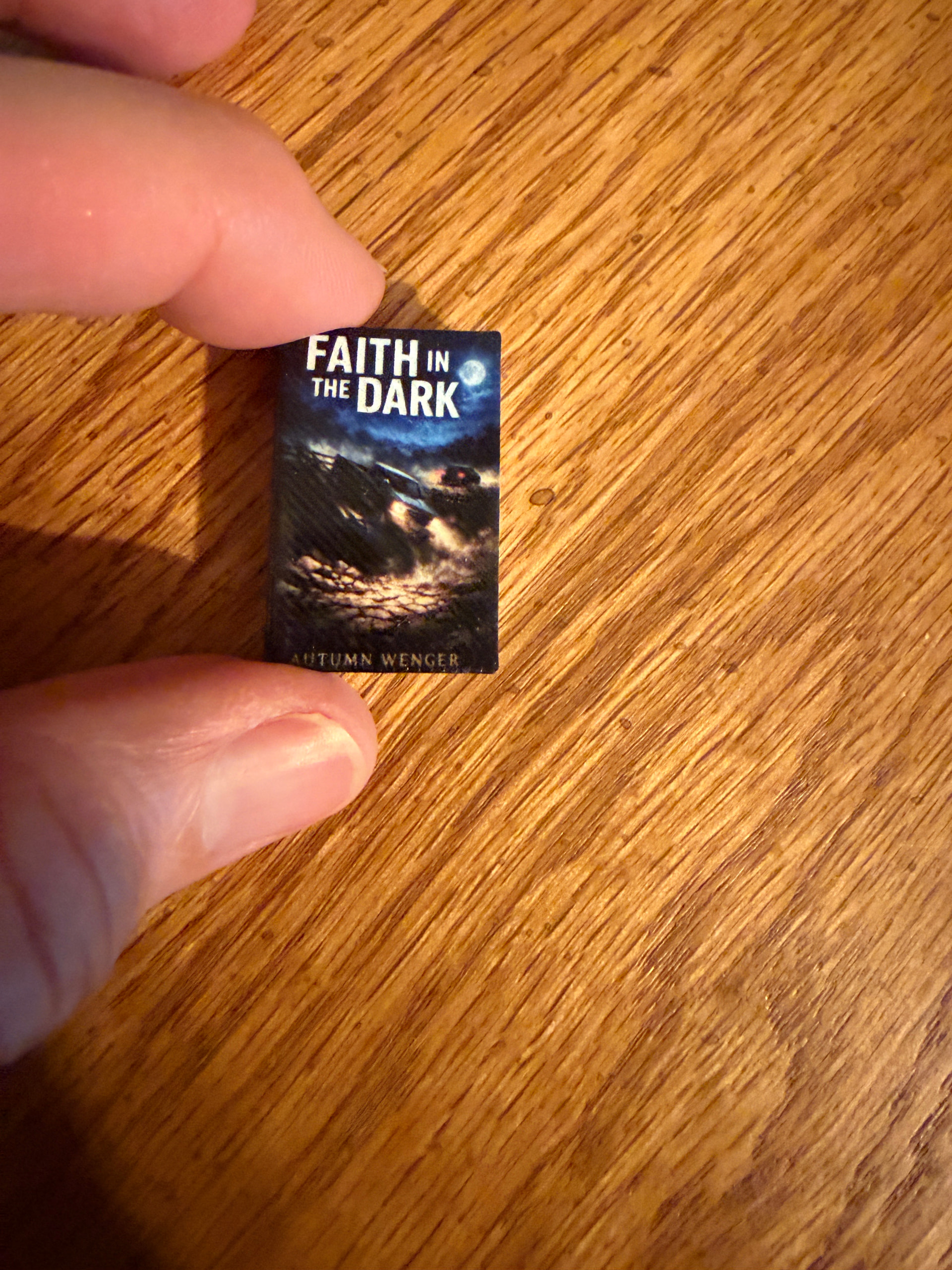
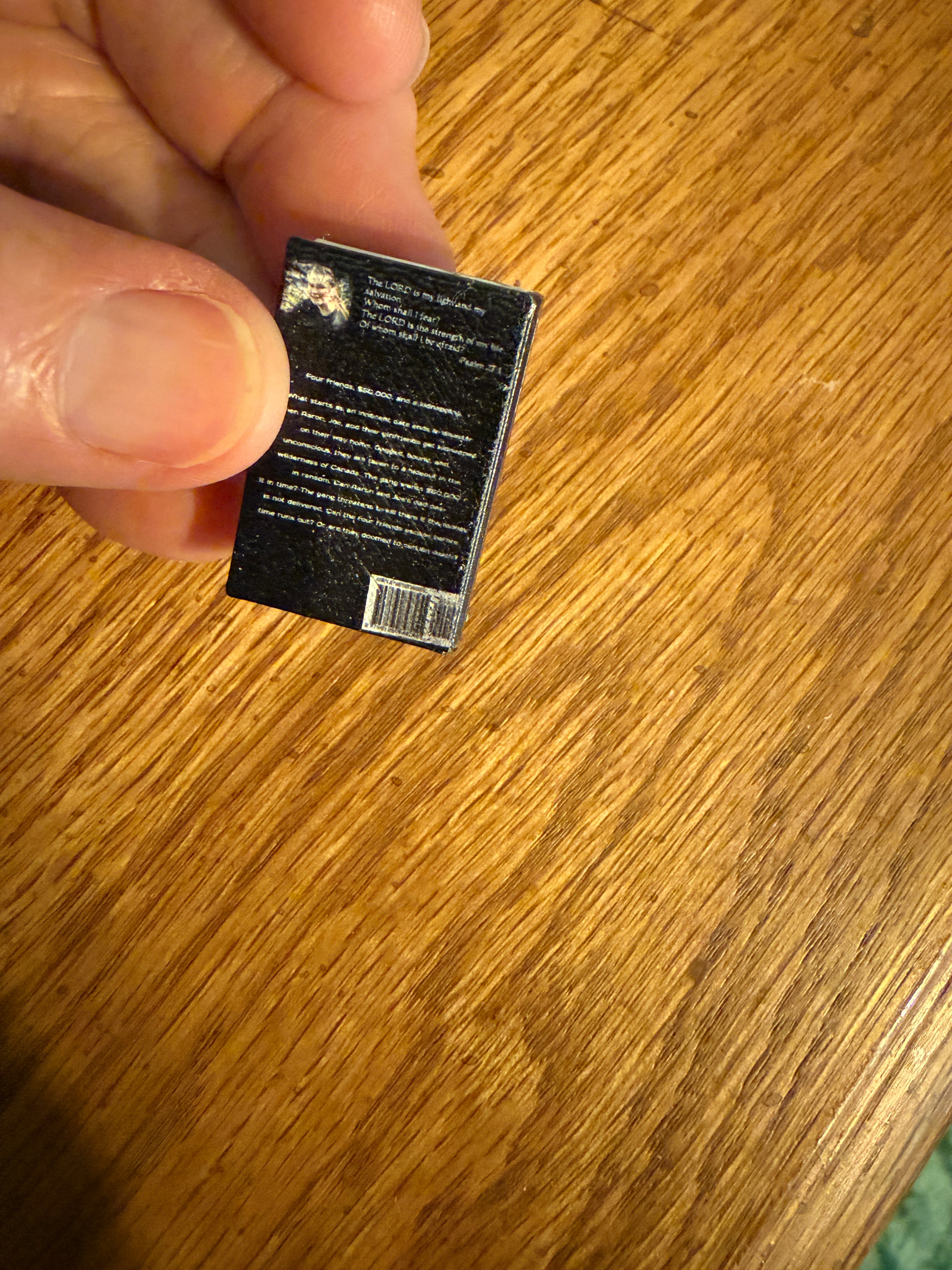
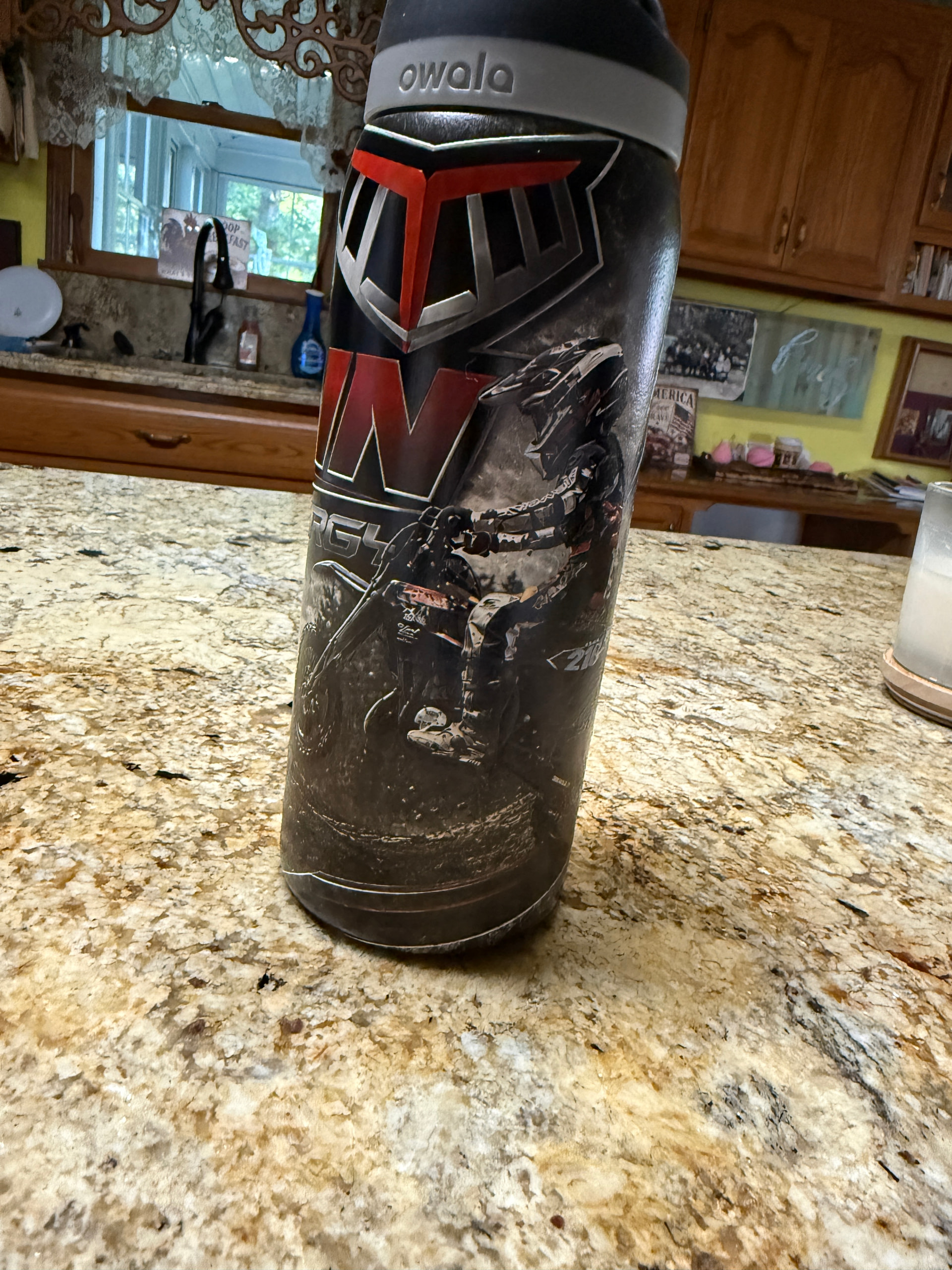
Here’s just a couple more of mine. My 14 year old granddaughter wrote her second book and had it published so I made her a tiny one for a key chain. The other one is a water bottle. My 7 year old grandson is the one riding the dirtbike on the bottle. It’s a raised texture and looks awesome. It prints pic quality wonderfully. You’ll have a blast!
22 Likes
Following as I can’t. But I want as many of you as possible to get one so I can trade CNC or 3d printing for UV printing. 
12 Likes
Oh gosh, now I wanna make tiny books!
11 Likes
The Omni 01?
xTool just posted a shipping update with pics on Reddit.
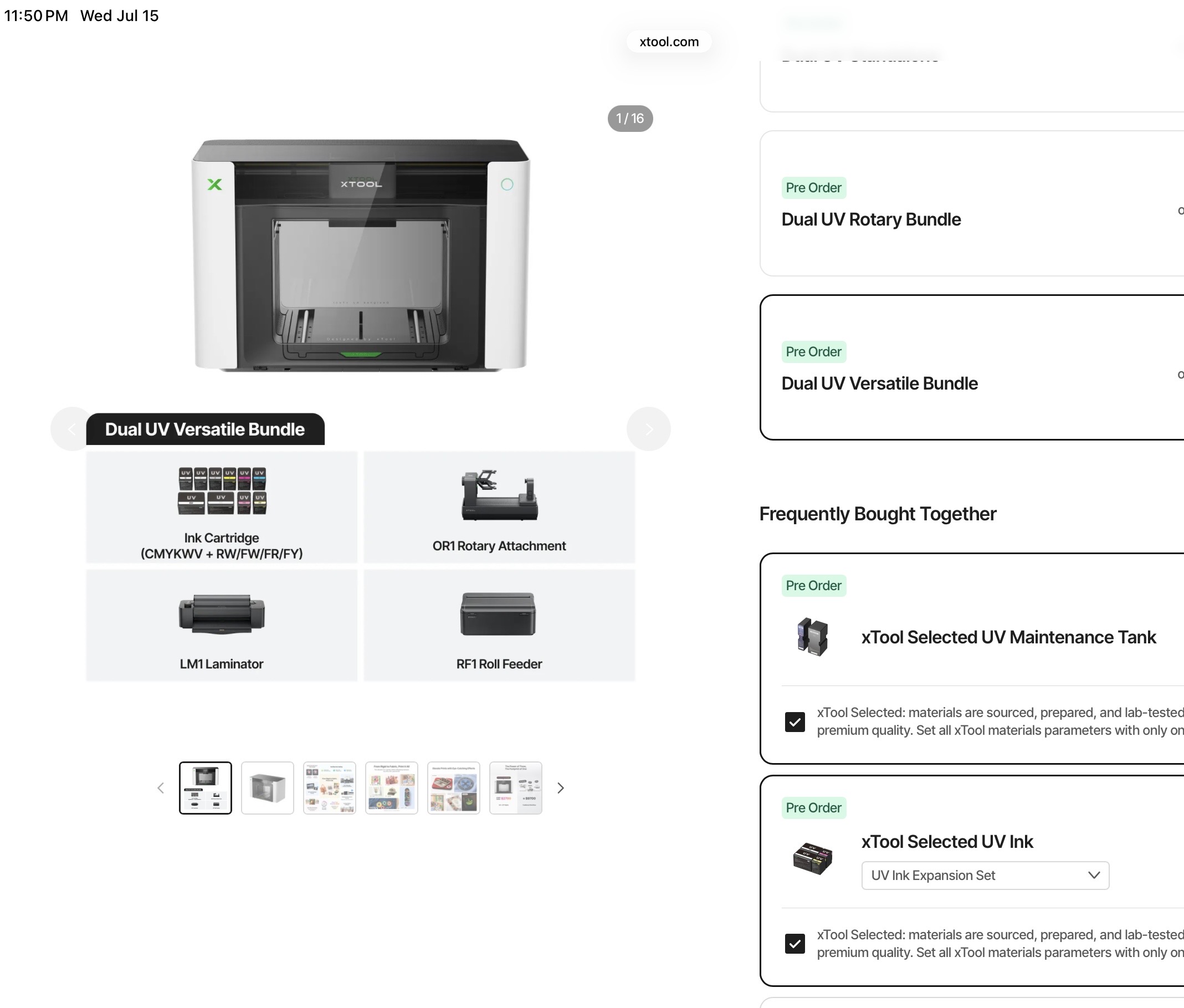
Went full send on this end as well.  Some point this month, I’ll need to look up suppliers for lenticular blanks.
Have you seen the “stained glass” prints people are pulling off?
12 Likes
Wow, I’m impressed your granddaughter has already written 2 books at her age! And your grandson riding motorbikes! You must be very proud, and so you should be!
Your prints look great too!
11 Likes
I’ve been in kind of a creative slump, but the last thing I made was mainly to entertain myself. I probably already posted this somewhere. I changed jobs recently, and I wanted to do something to cap off my time there. I was looking around the workshop at all of the products I’ve accumulated over the years (the old “I’ll make something with this eventually”) and found a bag of small wood discs. Challenge coins are everywhere, so I thought of an idea, dumped it into AI, did a bit of refinement, and made up a bunch of these to hand to my coworkers on my last day. Bonus Glowforge content as I laser engraved the back.
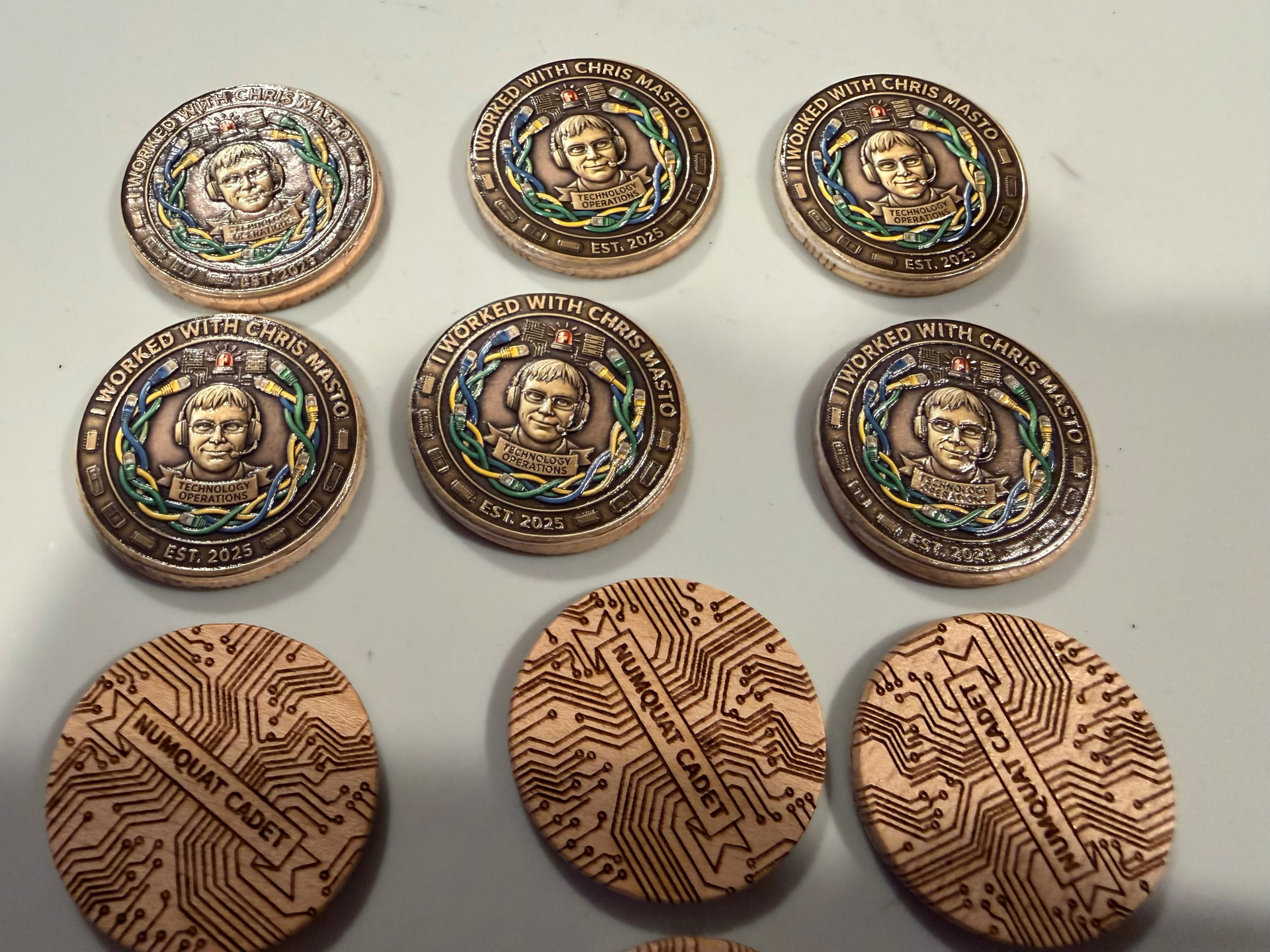
I’m sure I also mentioned this somewhere, shameless self promotion, but I made a web site a while back to catalog stuff to print on and I’ve been slowly working my way through creating test videos for each item. You can get a better deal in bulk from the various industrial suppliers, but I’m lazy and usually get blanks from Amazon, so I after sorting through to find materials I figured I might as well make this.
22 Likes
There’s a method of printing that doesn’t require ‘lenticular blanks’, just cut on GF and print and the print with the height map makes it lenticular…
13 Likes
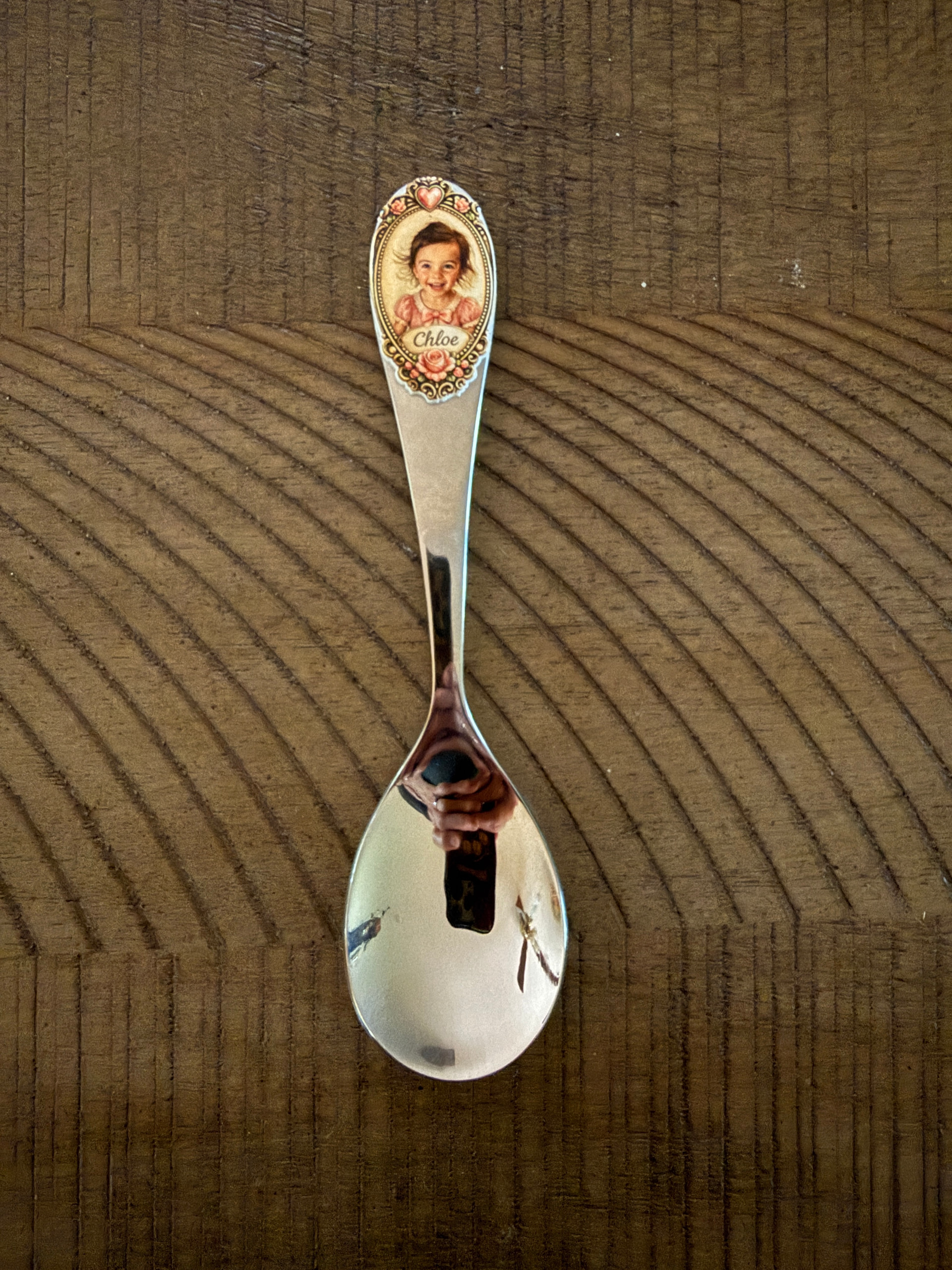
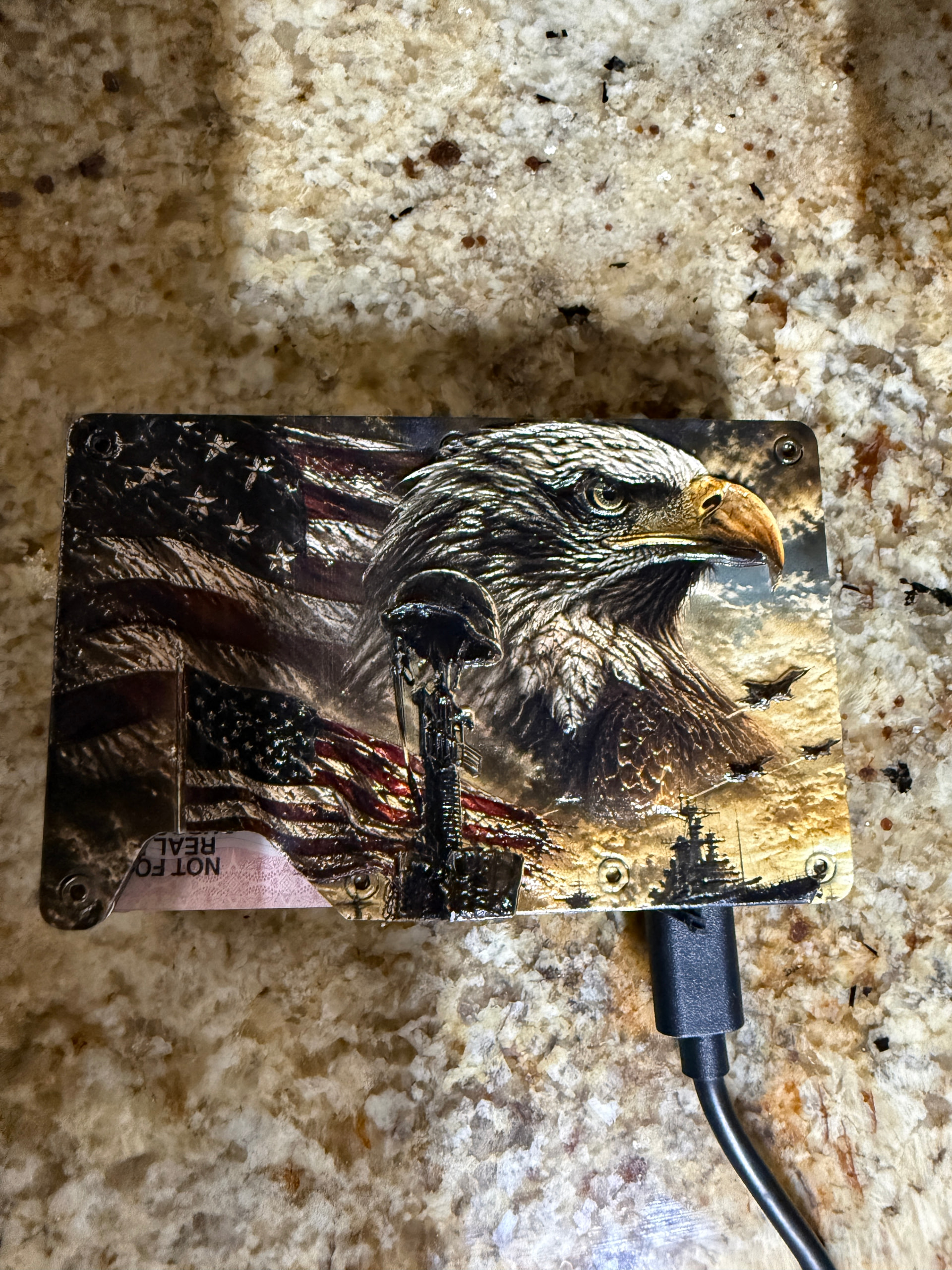
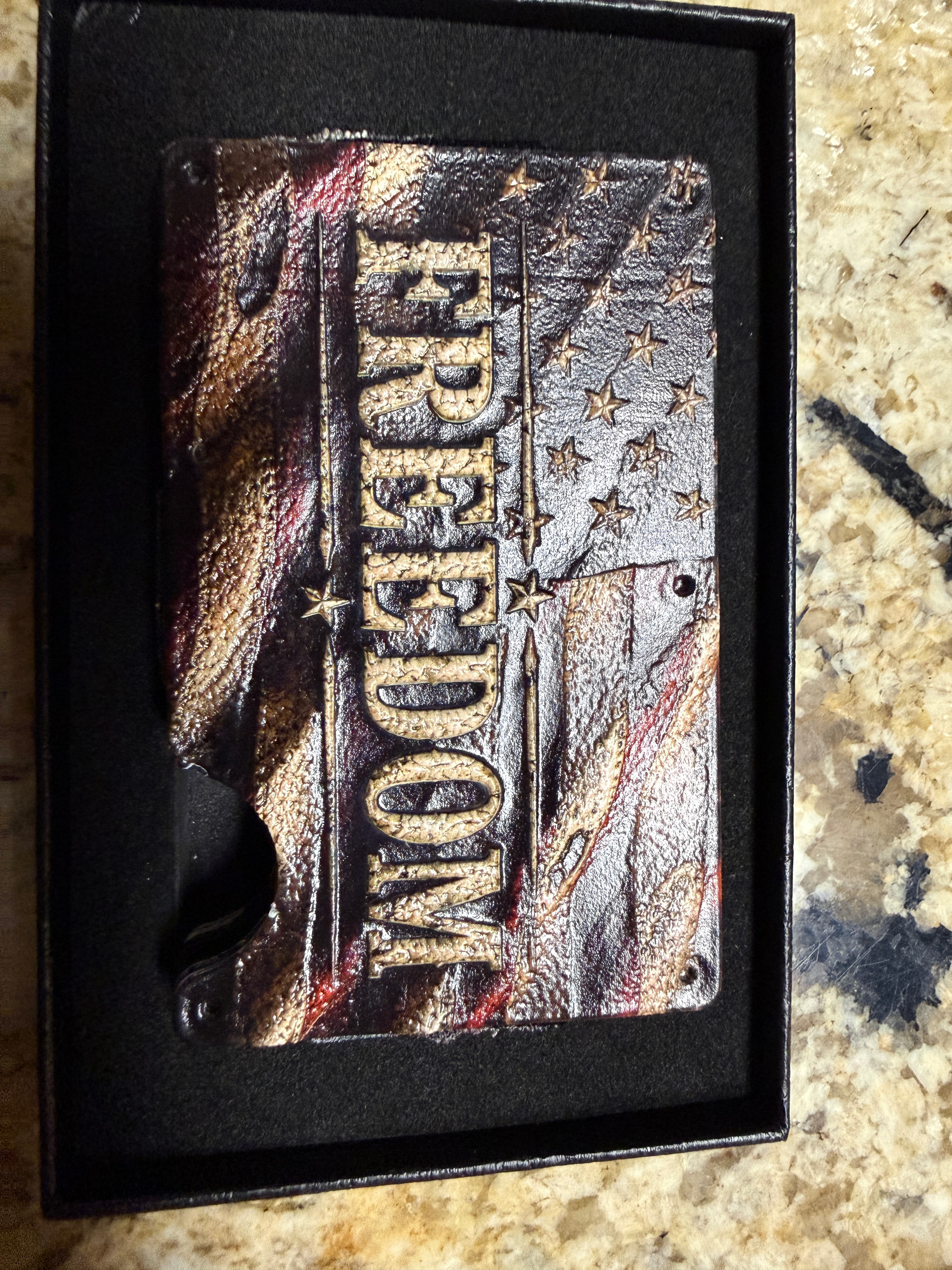
The possibilities are endless. Here’s a pic of my granddaughter on her own special silverware at Mimi’s house. And, a minimalis wallet (plugged in because it’s rechargeable and has ‘find me’ ability).
17 Likes
Ooo, thanks for that—will check it out!
Everyone’s projects are awesome, and the funny thing is they are quite unlike other things I’ve seen on YouTube and the like. Bring more!
13 Likes
You’re all killing me, as I just can’t, but your work really makes me want one.
12 Likes
I especially love the spoon! Everything should be special for our sweet little ones!
12 Likes
Absolutely…personalized family gifts is why I do my crafts 
15 Likes
Very nice. I have been looking at the new XTool printer. Not sure if I am going to pull that trigger, though.
16 Likes
I don’t foresee me getting one at all (of course, I never expected to get a GF or a 3D printer either), but really like seeing what y’all create!
14 Likes
Here’s how I foresee it going…
,especially since it’s got a 100lb shipping weight.
 How did my Glowforge Pro only manage to come in at 70lbs??
13 Likes
I know, right? Mine is scheduled to ship Sept 7-13. I waffled a bit for 30 minutes before ordering.
13 Likes
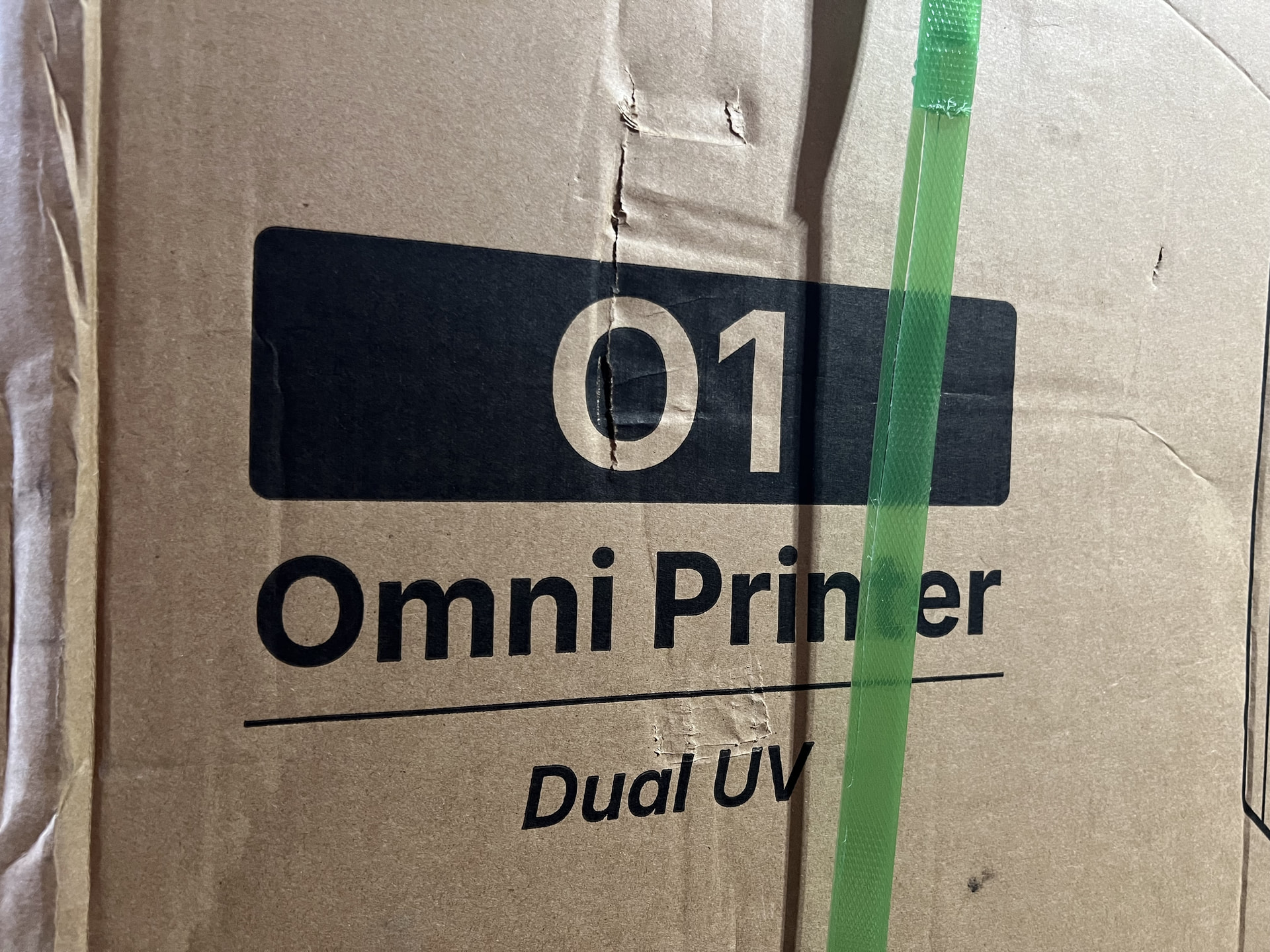
Saturday FedEx delivery. The compatible rotary attachment arrived mid-week prior. This monster is almost on-par with the Glowforge Pro shipping box. I roughly envisioned the Omni to be ~10% larger than a EufyMake, but this box is suggesting I’m way off. Next several days might be reserved for clearing out considerably more space in the maker cave to properly accommodate. It WILL need considerable space at it’s back to flip open the rear hatch if I’ll regularly use it for the rotary attachment or deploy it’s large printing platform.
15 Likes
Oh yay! Yes, it’s pretty big. I got a cart for it and it’s working well.
It took me about 3 hours for setup, so be advised to budget some time as you don’t really want to leave it in an incomplete state.
Be sure to check your large baseplate for any bowing. A number of them (mine included) arrived with a bow in the middle and are being replaced under warranty. Go to the Discord channel and get tech support if yours is bowed. It didn’t prevent me from completing the calibration, but I think quality in the center of the bed might suffer. I’ve been using the mini baseplate since I mostly do small projects anyway.
Have fun!
15 Likes
Happy to report that the Omni 01 Dual UV has now taken up it’s designated corner spot.
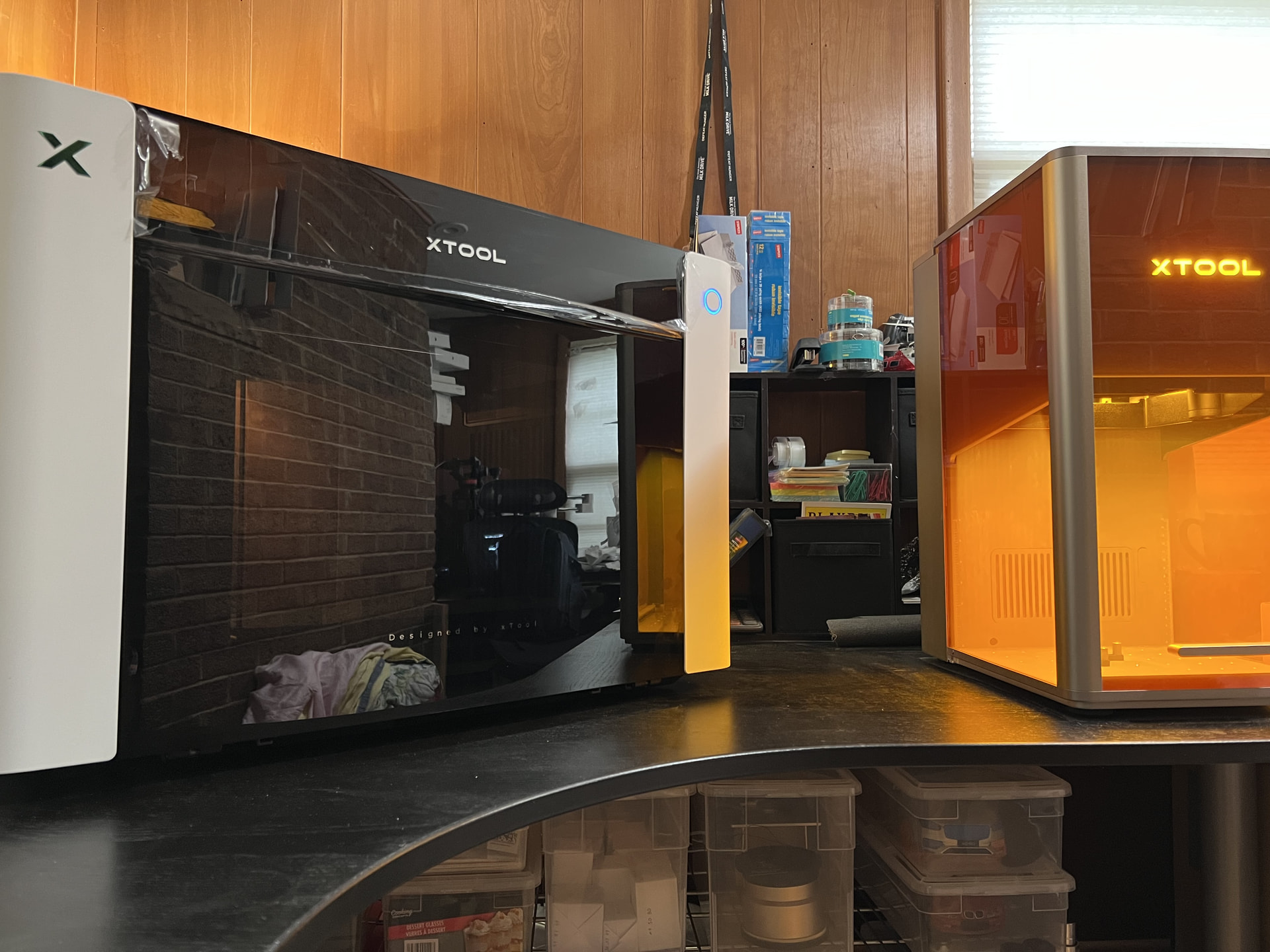
Plenty of space for the rear hatch to swing open. I don’t anticipate UV printing snow skis, so it wasn’t particularly important to put it on a cart for continuous back access. When the rear hatch is laid down, the total footprint depth needed is 30”. The workdesk has enough real estate to still provide a stop when the front hatch swings down.
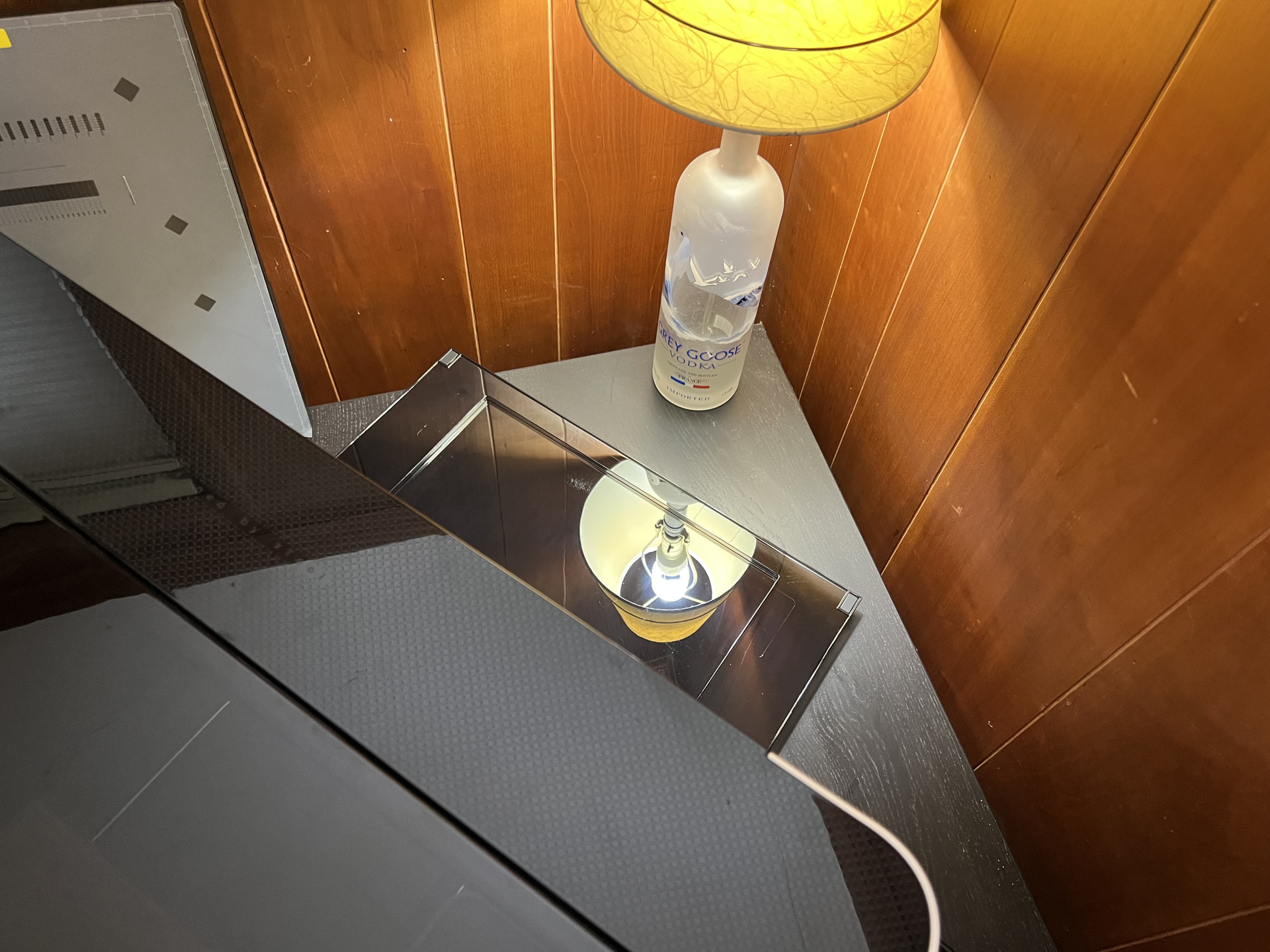
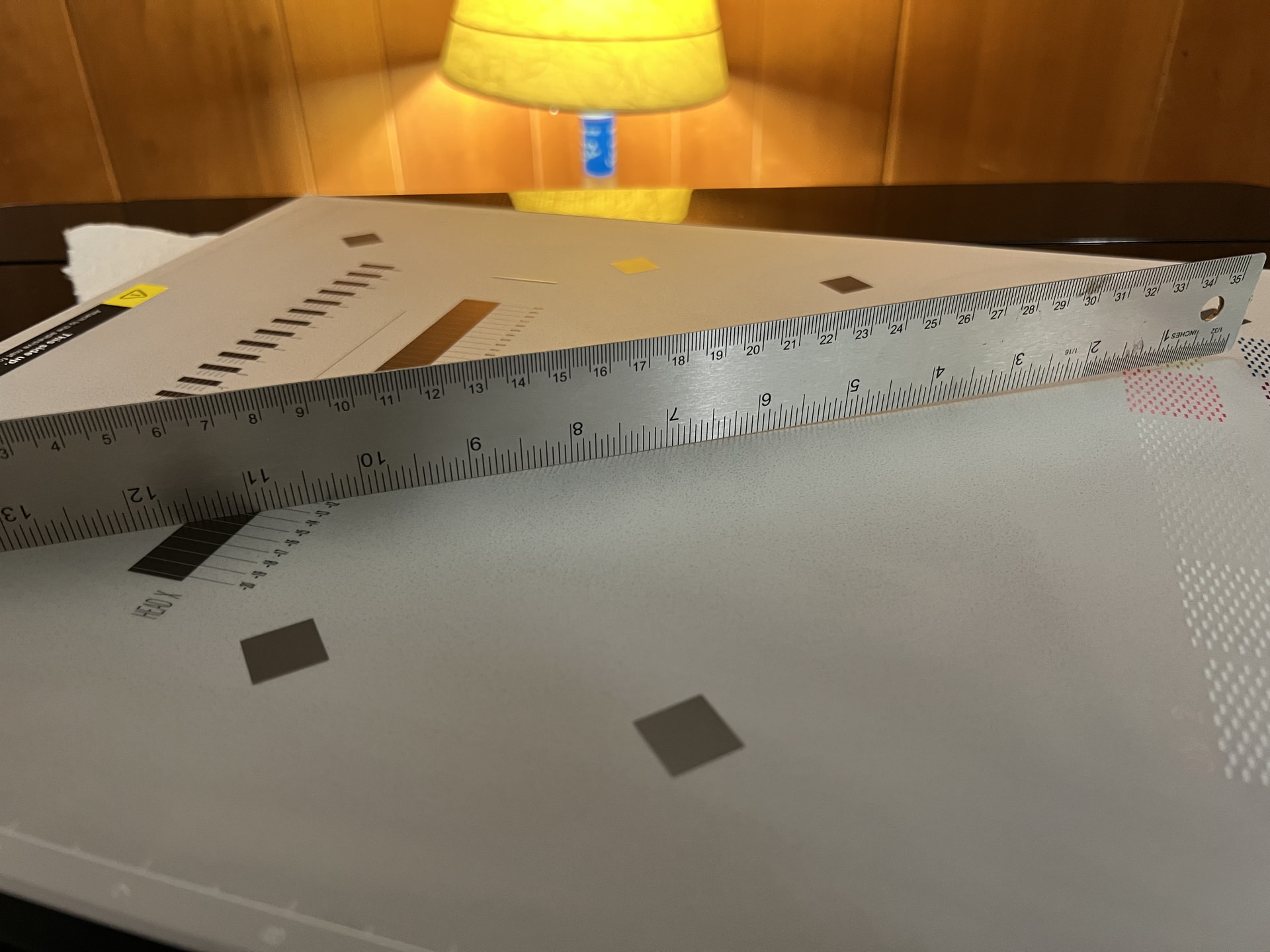
One of the very first things I did during unboxing was sighting down all four edges of the big platform. No detectable bending. After the setup process, I further laid a straightedge across different directions and again did not detect any bowing at the center.
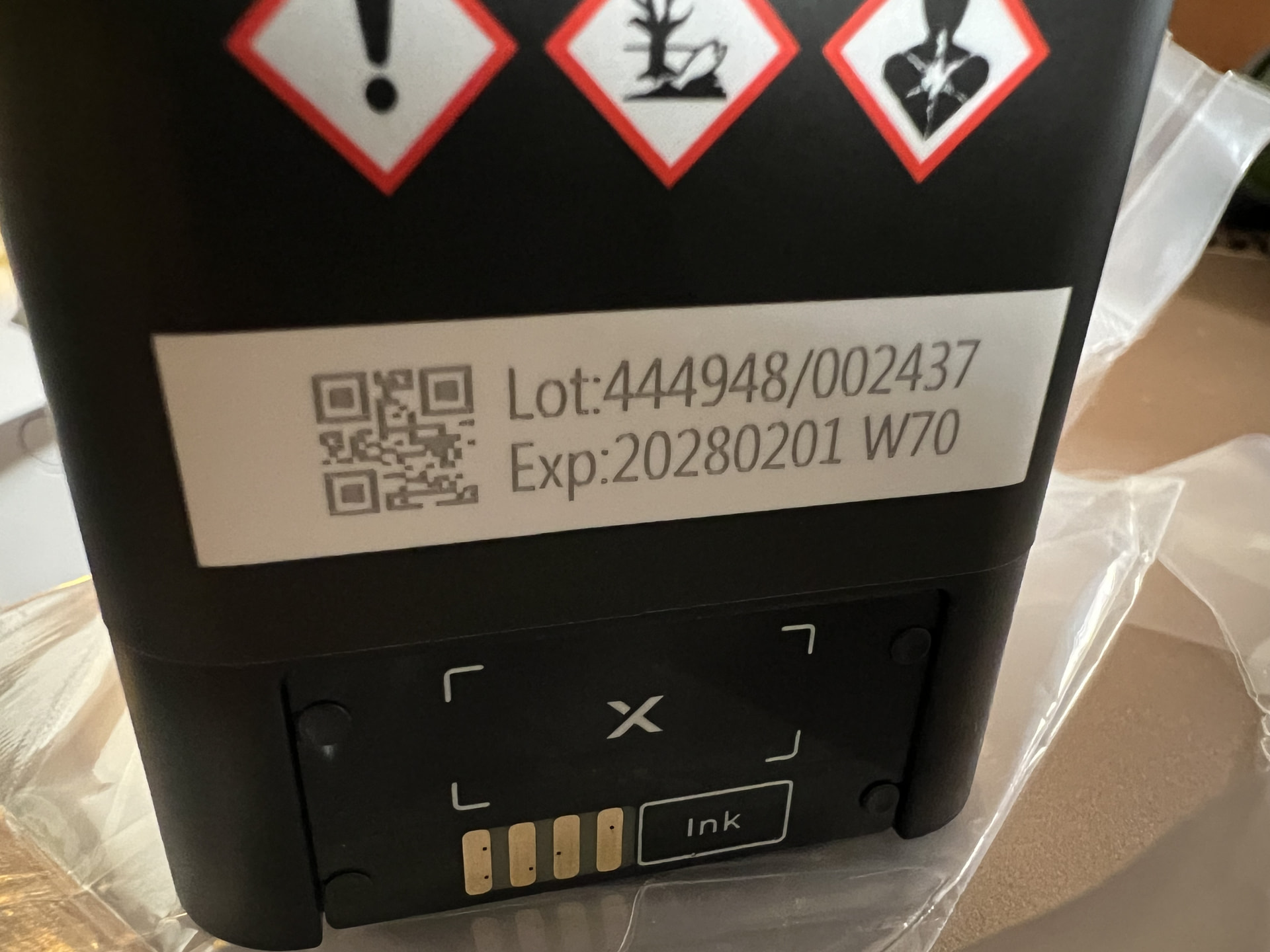
Checking the date of my resin ink cartridges, most have a February 2028 expiration date. Only one needs to be used as soon as December 2027. I think I can manage that.
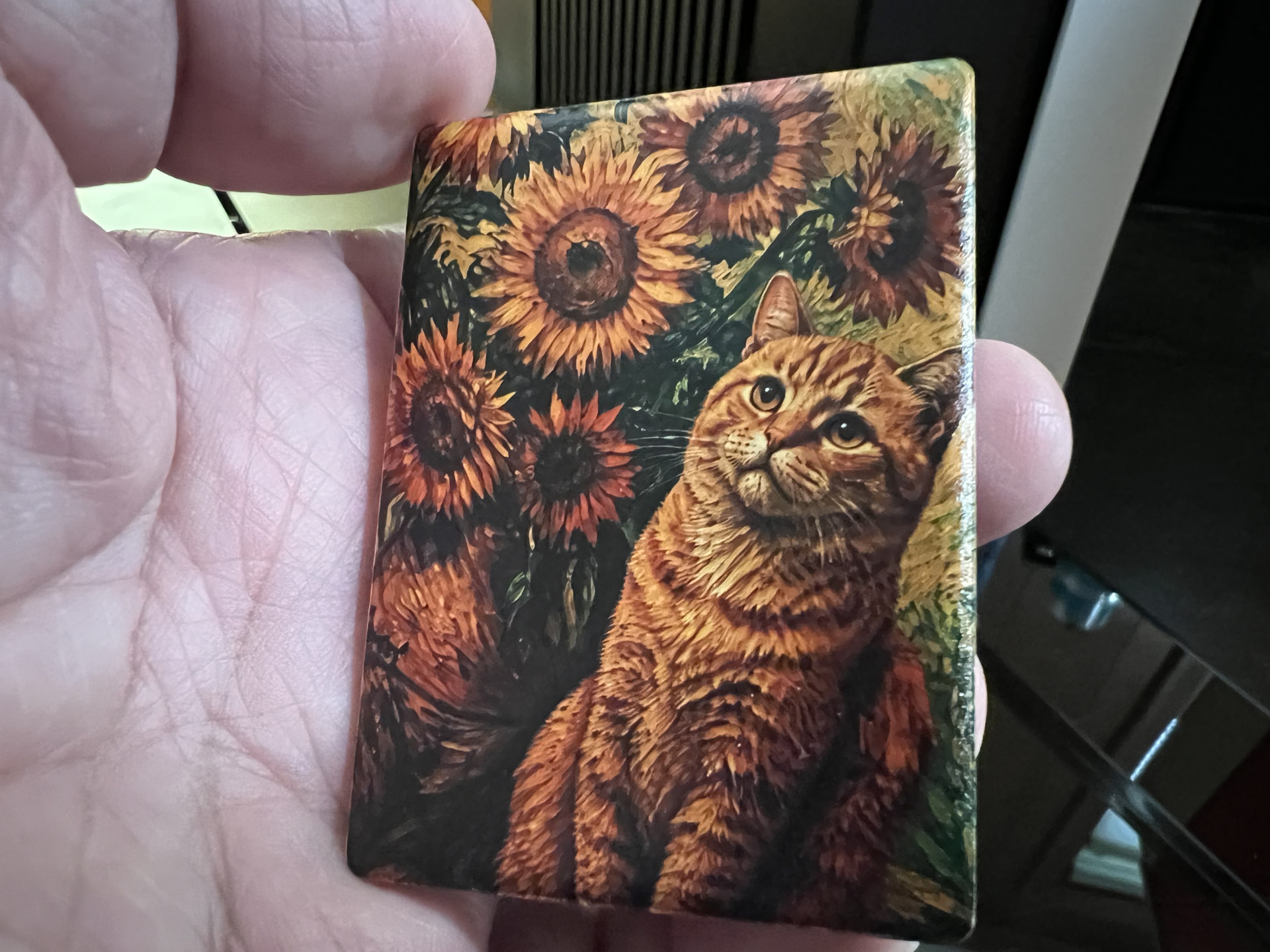
Obligatory tutorial test print on a blank ceramic magnet. You could say I’m quite attracted to the rich colors.
A week’s worth of YouTube binging and I’m now more familiar with the possibilities, nuances, and maintenance requirements. Ordered some spare adhesive mats, surface prep pads, and lenticular blanks. I’ll get more knee-deep with actual prints after those final goodies arrive.
In the meantime, staring at my box of Glowforge detritus, it’s high time to start making a dent….
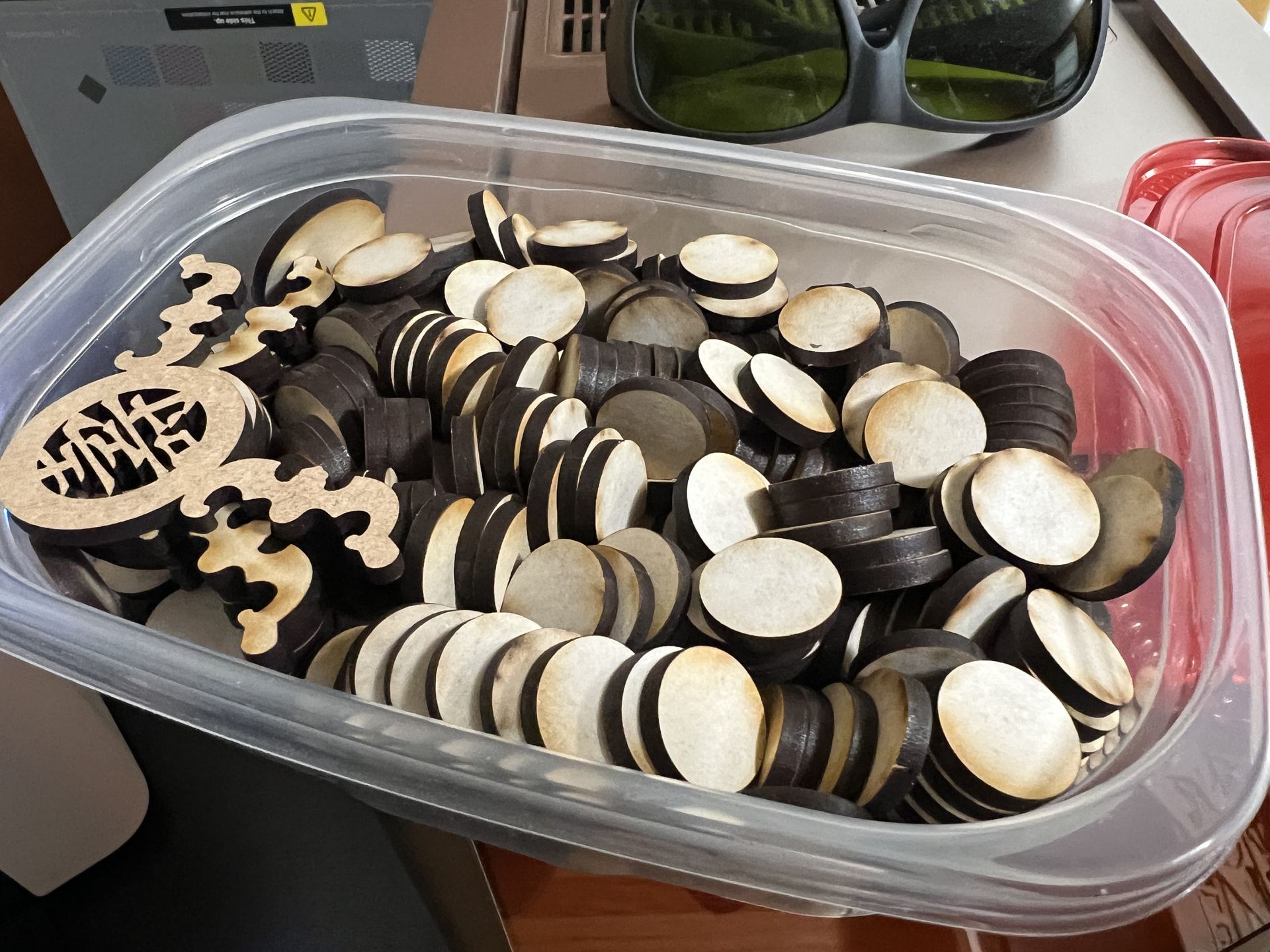
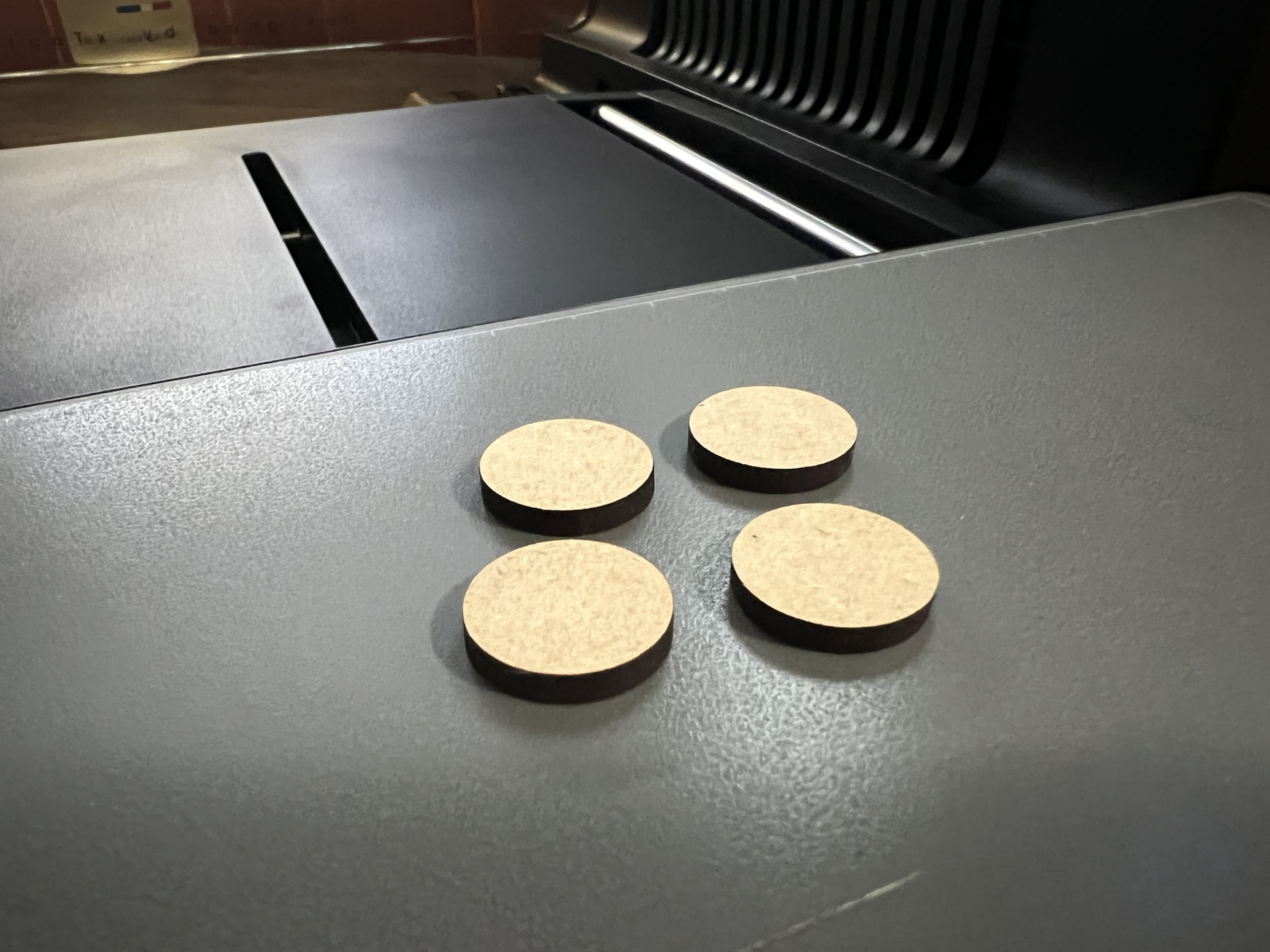
A handful gets tossed onto the mini platform and xTool Studio precisely scans the surface of the bed using the cameras at the print head. This is effectively flatbed scanner action ensuring it knows the location of everything as well as its height. The additional “Smart Mask” feature opens up an exact portal of the material’s surface jutting up from the platform. This allows a larger sized artwork to be dragged around and anything landing on the eligible surface gets printed, the rest is masked away and ignored by the print head.
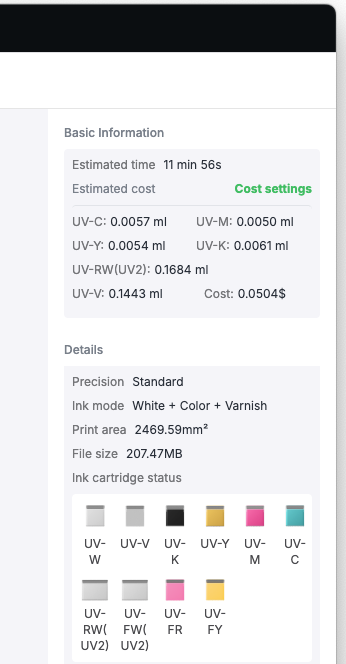
The software makes it easy to specify what gets laid down. For my first attempt, I go with 7 coats of Rigid White on the bare DraftBoard, 1 coat of color, and 8 coats of varnish.
12 minutes and 5¢ worth of resin later, the worthless DraftBoard are now a neodymium magnet away from being fridge magnets. That Smart Mask feature did an amazing job, there’s zero overspray landing on the adhesive mat.
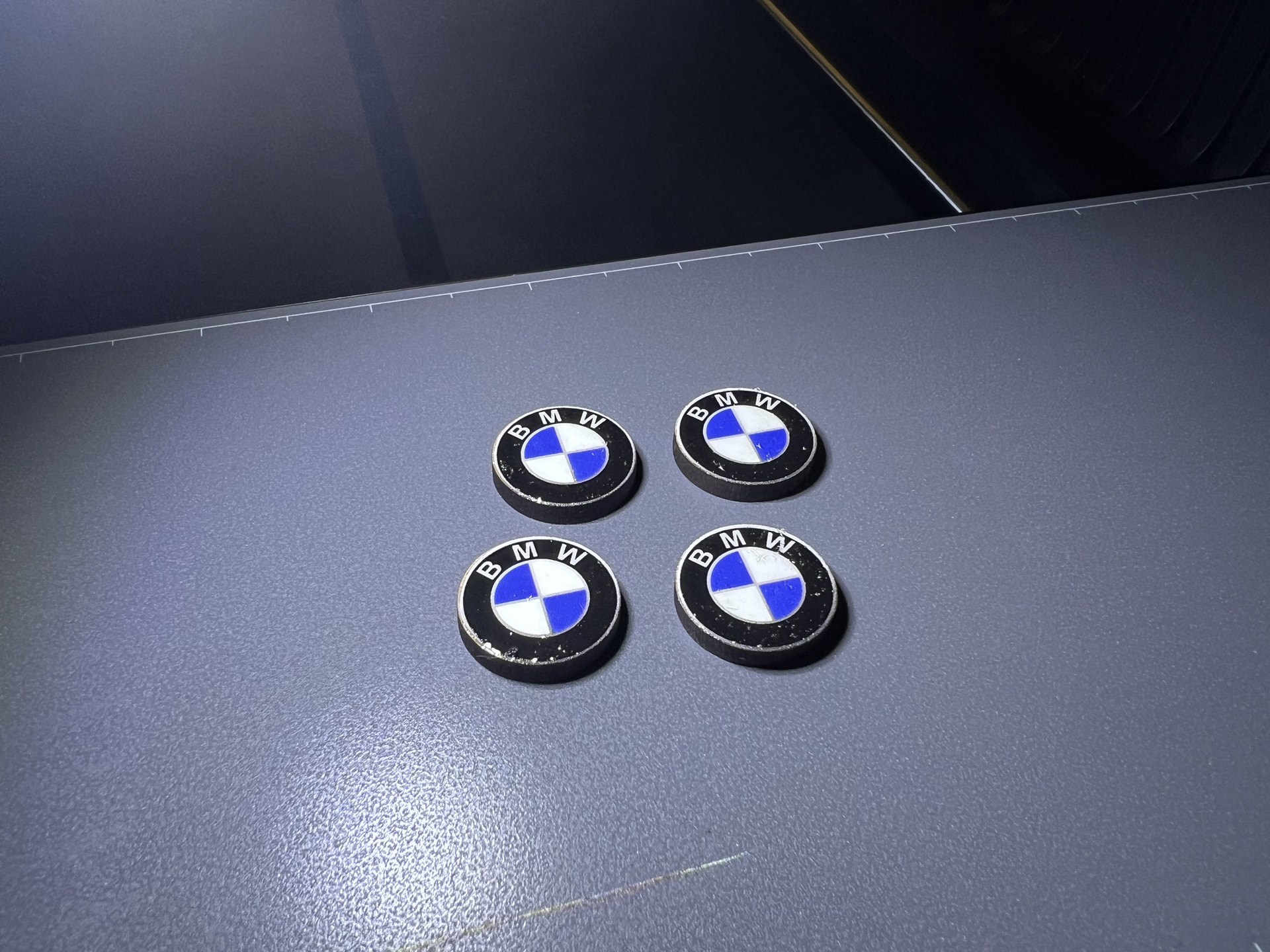
Some micro-bubbling occurred at the varnish stage, but once I dial that out, the built-up gloss will be very convincing as enamel pins.
20 Likes