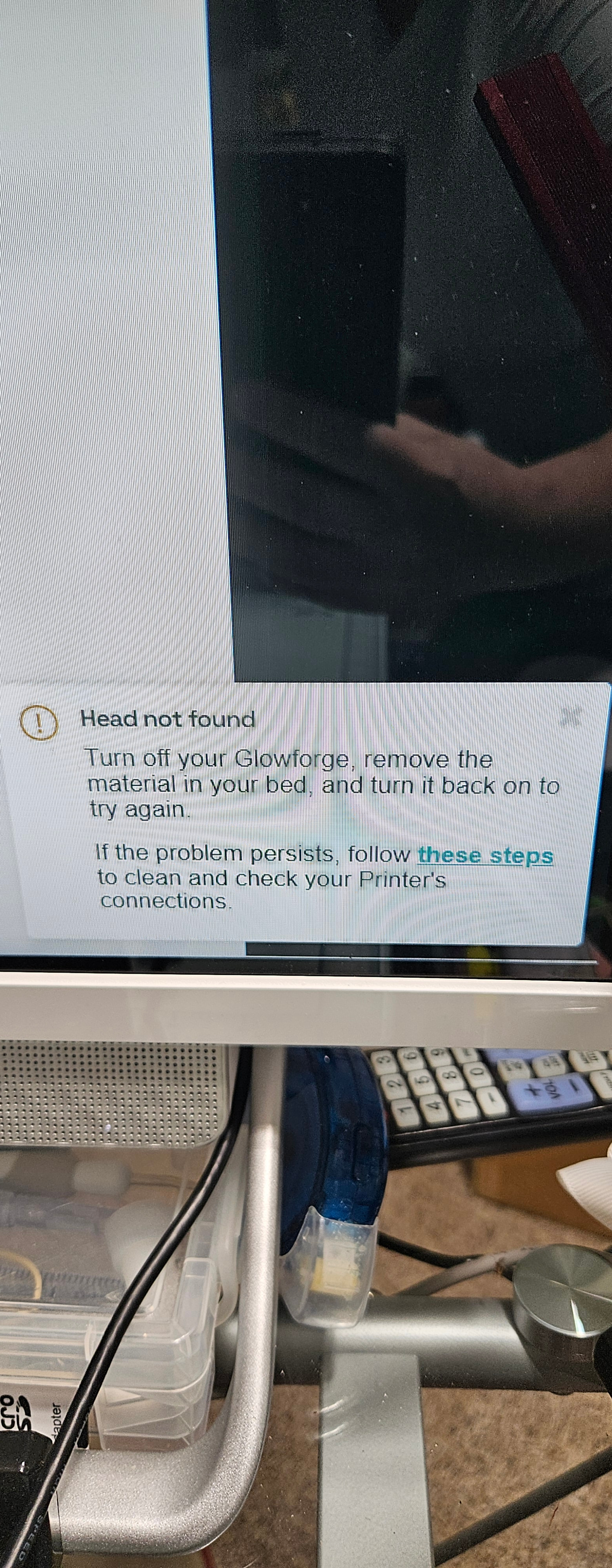
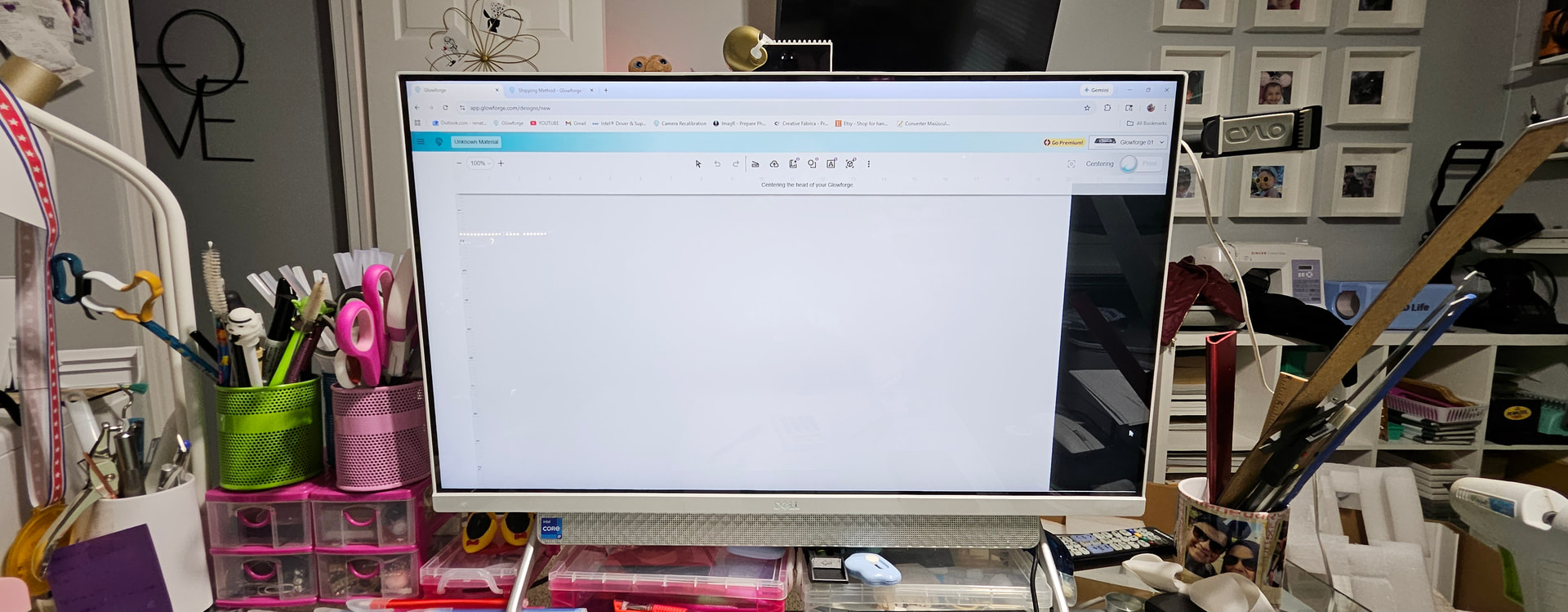
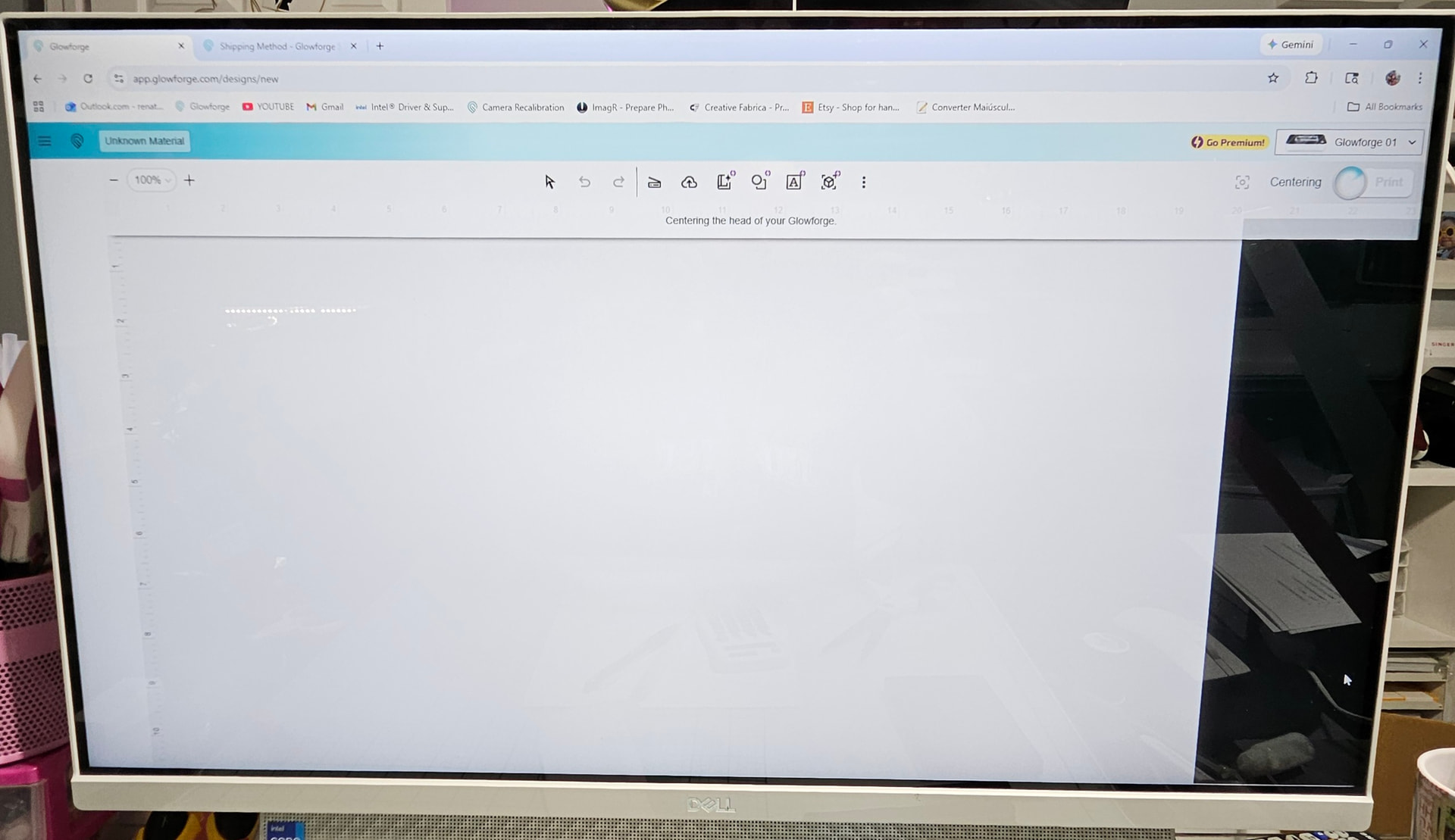
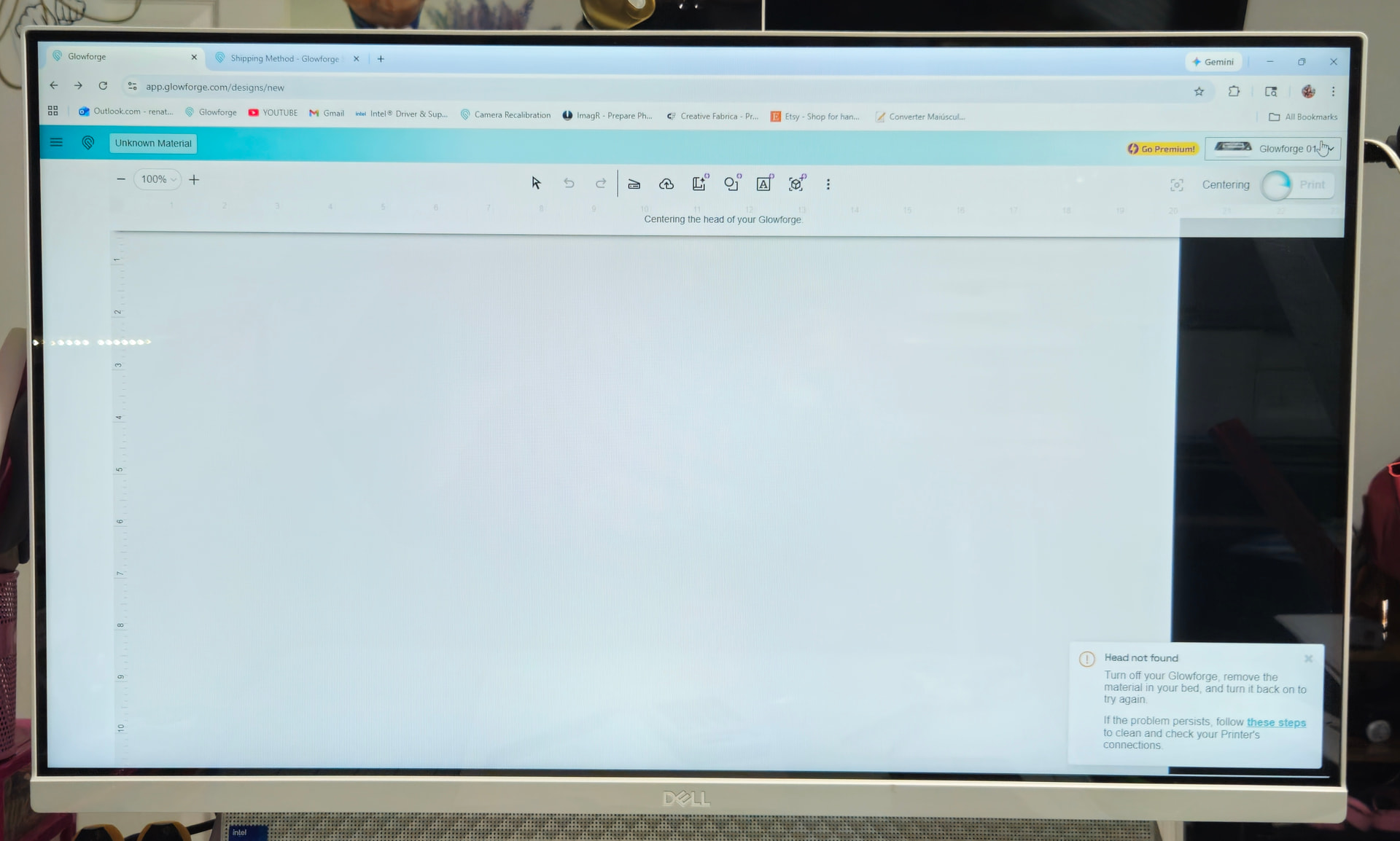
The Glowforge does not show the work screen and does not find the print head. All the cables seem to be properly connected. When I turn on the Glowforge, the printhead doesn’t move at all. I only hear some clicking noises, and the screen displays a message that the machine is focusing. However, nothing else happens, and soon the message appears that the printhead was not found.
I clean the camera and machine it’s extremely clean.
I put on the center camera e head laser and still don’t working at all.
Quick question. Is the logo on top of your head clean, and have you wiped off your lid camera with a lens cleaning wipe?
It could be as simple as the camera can’t see the logo which is what it uses to find the head.
Thank you for your attention. Thank you for your attention, but everything is really clean and hasn’t worked yet. I am really desperate, because I have a lot of work and the machine does not even move.
Have you reached out to Support? They can read the back-end logs and maybe get more info.
Your ribbon cable could have died - lol closely along it’s length as some folks have found the casing to have rubbed off where it crosses itself. If you see that a layer of protective tape might let you limp along.
Have you pulled the head off and reseated the cable? Check all the teeth and make sure none have gotten bent?