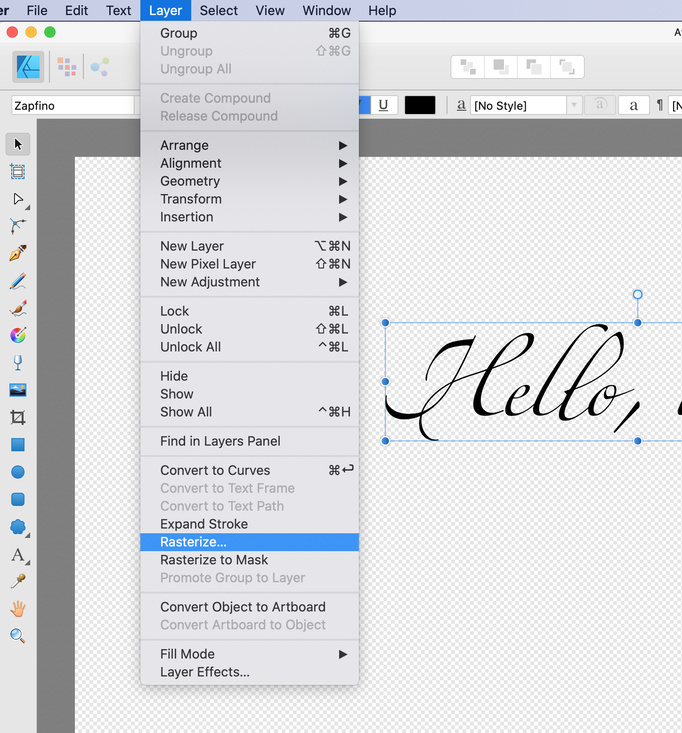
The easiest fix is to rasterize your text before engraving it. In Affinity Designer you use the Layer→Rasterize command:
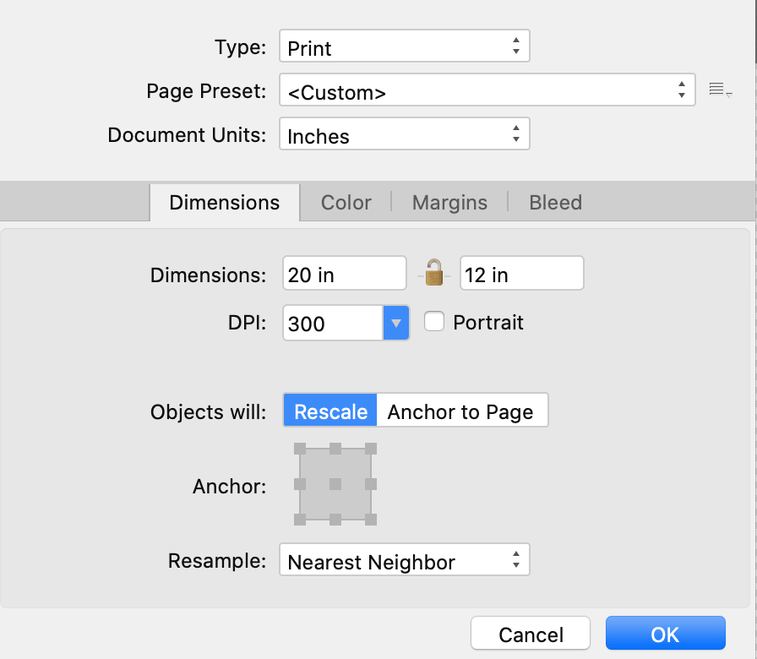
It uses your document’s DPI settings so make sure it’s set to 300 DPI or higher:
Hopefully Glowforge will improve their handling of fill modes in the future, but rasterizing fixes it for now. (Just be sure to keep a non-rasterized version in case you need to edit it.)