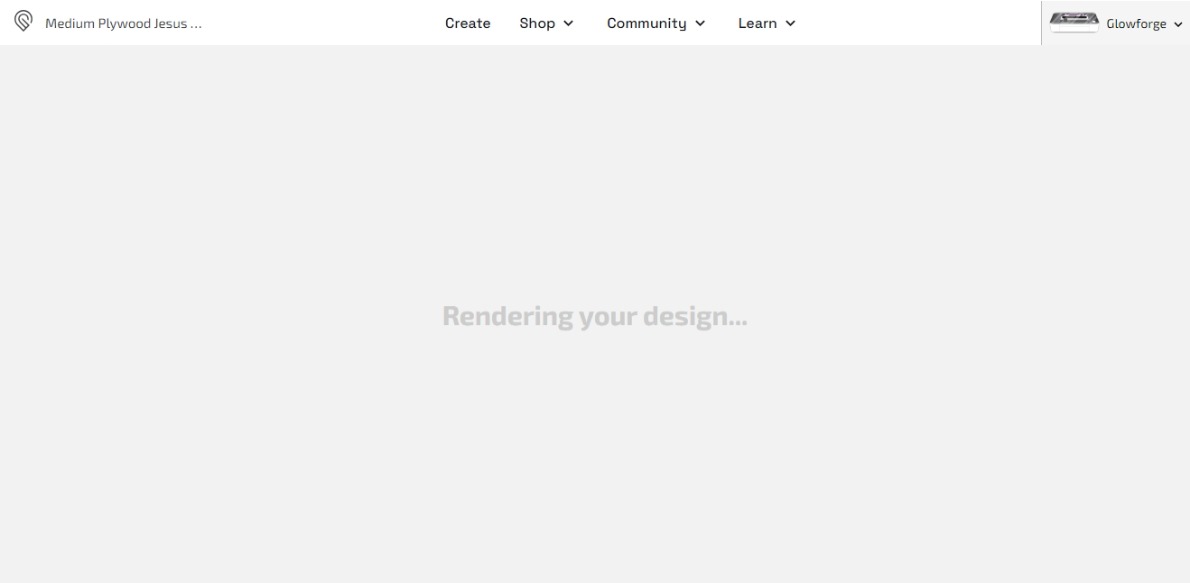
Help! I’m unable to get a design on the board. It stays stuck in rendering mode before returning back to the catalog! I’ve cut this design earlier this week but, it will not work now! I had reset the design to its original state before using it. The design is “Medium Plywood Jesus” earrings. I’m a Premium subscriber, if that makes a difference…any help will help…thanks!
First thing to do is clear the cache in your browser, or try a different browser. Then open a different design, then try that one again. Often that will “shake things loose”.
If not, give Support a call (they’re open until 3pm Pacific) and they can release it on the back end.
3 Likes
Thank you, I’ll try this!
3 Likes
What was your solution? I haven’t been able to open one all day.
Nothing is working and I haven’t heard anything from support. I cleared out my cache, I’ve used another browser. I can print other designs just not the one I was working on previously!

When you rang their phone prior to 3pm nobody answered - or did you just shoot off an email which can take a few days to hear back?
Searching, I do not find that design in the catalog.
Actually, there are at least three…they’re just not including the ‘medium plywood’ part…so maybe it’s one of them?
Same here. I am trying to use the medium plywood customizable playing card box. The next thing I might try is creating another user. I would buy the dang design if I could find somewhere to buy it. I just need it to continue with what I am making.
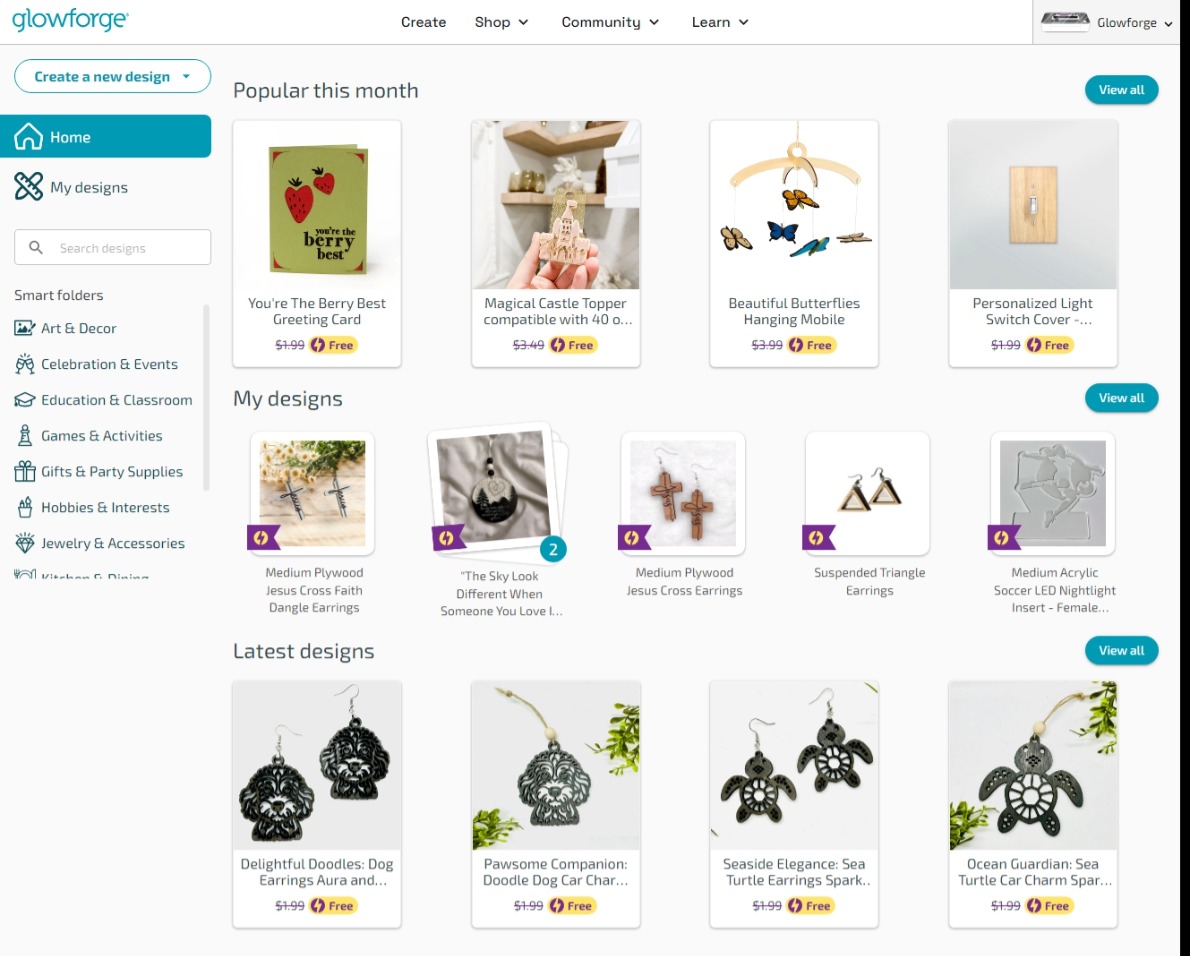
Hi! The design is actually called Medium Plywood Jesus Cross Faith Dangle Earrings. Thx for any and all help! The attach is all I get…the file never renders, it only goes back to the Dashboard. Also, when I touch the 3 dots, I can only rename the file,
Have you called Support yet?
That is perhaps because you added the “Medium Plywood” part?
This is what I get that is the same as your image.
That’s what I think happened, too. Maybe when they actually open the design its title has that added on…but I saw exactly what you did.
I didn’t rename the file or add anything. That’s the way it originally came. The only thing that I did was delete the amount that I was cutting and there seemed to have been a glitch when I did that. Therefore, I clicked on reset, which was suppose to go back to the original print, which was to be one cut. It is at this point, that the file stopped rendering. Thanks for all the info and suggestions! I
Oh, I see what you’re saying. However, it will not let me reload from the original.
Rename it to the original and reset again. If that does not work then call the office and they have tools to do what we can’t.
2 Likes
Thank you…still working on it! I’ve never changed the names of any of my files. However, most of them have the material suggested for use attached to the first part of the name…interesting! I’ve submitted a request to support for perhaps a reset…thanks again for all suggestions!
2 Likes
I’ve submitted an email request
Here’s the phone number for support; +1-855-338-2122.
2 Likes