It’s really not unlike when they brought out ‘Snapmarks’. We got to try them out, then they decided to no longer support them, but they still work (ed) on some machines and not on others… and people really complained. Until her dying day, I still had them on my 7+ year old basic. It’s not a punishment…it’s just the way stuff goes sometimes.
12 Likes
Dunno, that golden ticket tour would be pretty cool. also we wouldn’t expect you to do the sumersault when you come to the gate. 
12 Likes
I’m an early crowdfunding owner of a GF Basic. I’ve had a history with tech support, and it was totally my fault for not persuing them while I was in warranty. I settled for a refurbished replacement at my expense and received a laser that gave me all the capabilities I needed. Today I am very happy with the way my Basic still works for me.
So please consider this. If any major component of the Basic fails, I’m not sure, or comfortable, knowing what I options I might have. I would feel better knowing that I could replace a power supply or a laser tube if Glowforge would provide the part with an installation guide. I don’t know that I would want to ship a unit back to Glowforge for repair or replacement. And if I had to scrap my Basic I would certainly shop around from the competition.
As for the UI, I’m comfortable with the UI as is with the Basic. But what I would like is a button or dropdown that would show me, up to date, the number of running prints and hours I have used. Thanks.
9 Likes
But we would expect a little Gilbert & Sullivan Major General singing.
10 Likes
If I recall, we could only ensure it worked well on models with the newer imaging system (on HD units, Aura, and Spark).
Oh heavens I’d forgotten that picture!
12 Likes
OK now I’m really confused. The preview seems to be a rendering of your design, and not related to the camera at all? Do I not understand how this system works?
If it’s a rendering, and that rendering is done server-side, I am thoroughly confused as to why which machine you have would matter.
11 Likes
They have stated numerous times that neither of those components are user-serviceable, nor will they ever be.
BTW, my trusty Basic finally gave up the ghost after 7+ years, and as there were no refurbs available for this discontinued model, they offered me a great price on a new Plus. I know this wouldn’t satisfy all users, but I’m completely satisfied with the outcome.
12 Likes
Thank you for flagging that! Added Latest Improvements - New App UX
8 Likes
Based on the posted image of the UI earlier in this thread, I have to agree. If it’s a rendering thing, why does the camera matter?
Personally, I’m going to stop expecting to receive any updates for the machine I paid thousands of dollars for. I’ve been feeling a lot of “upgrade or you get nothing” lately.
5 Likes
That seems rather hyperbolic, considering all of the software updates my day 0 machine has gotten and continues to get.
11 Likes
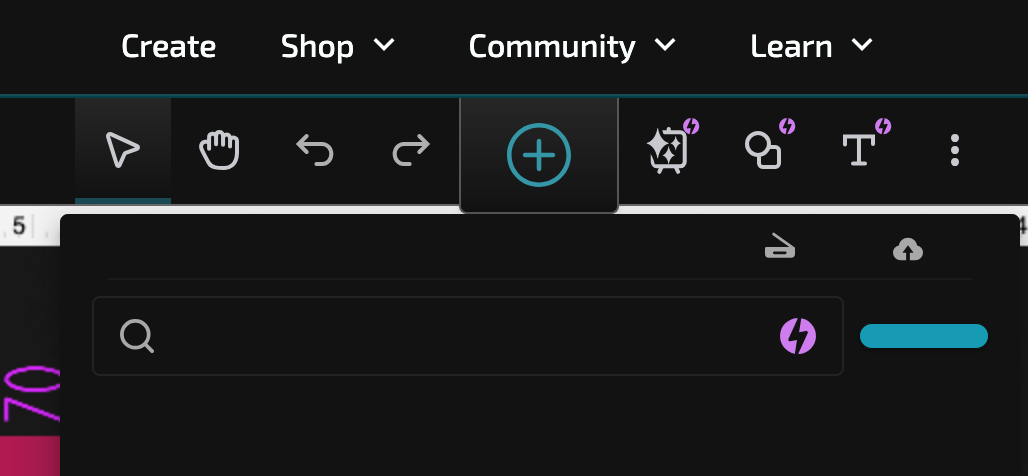
Old UI still broken on latest version of Chrome (Mac). Is that ever going to be fixed, or do we get to wait an undetermined amount of time for the update?
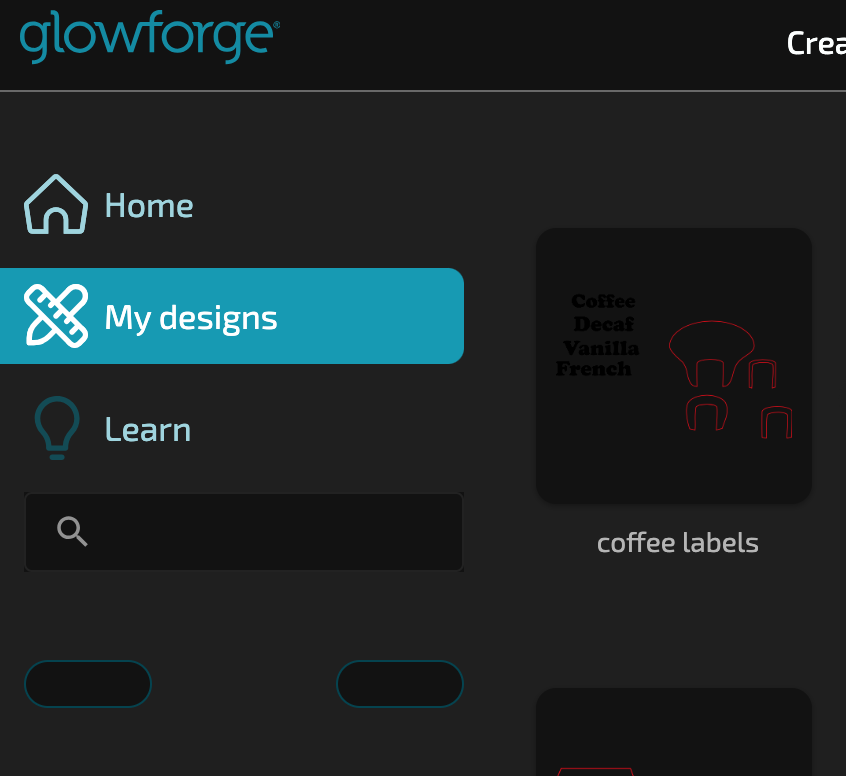
Can’t even import artwork to an existing design.
5 Likes
Can you be more specific about what is broken for you? Is it that you’re using dark mode and can’t read text? Is it not updating to the new version for you?
I don’t see an earlier post from you so not sure what the “still” is referring to! If you haven’t gotten the update I’d do a shut down, cache clear on the web, then restart everything and see if that gets it - and reach out to Support if it doesn’t.
5 Likes
I’m not talking about little software updates here and there. The last two or three big things GF have touted have passed me by.
2 Likes
There are certain items that are marked as Premium - and the announcements will state that. If there are updates that are not marked as Premium that you’re also not getting, you should reach out to Support!
7 Likes
Is the stamp tool gone now or am I just not seeing it?
4 Likes
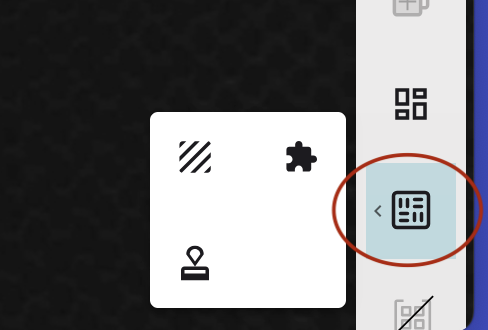
If the machine could use it could it not be set to work. Like the Snapmarks?
2 Likes
Please bring back the key press deletes selected items. Yes - I can click into the context sensitive menu and do cut, but why not support delete in the new UI?
3 Likes
It’s working for me now, so I don’t know if it was a browser issue, or a quick fix, but the key is deleting again for me.
6 Likes
I am using my Glowforge for the first time in four months. Half our house got taken out in the November bomb cyclone in the Pacific Northwest, so I’m just lucky my GF seems to have survived. This means I’m seeing the new UI for the first time, and there are some things that I can’t figure out.
-
Is there a way to have the measure tool stick around like it used to? Sometimes, the GF brings things in at the wrong size (e.g., pasting in a design from Illustrator no longer works like it used to), so I really like having the size always visible so I can quickly verify that the sizes are correct. Surely you didn’t take this away. (And, gee, if it could be in the frame, not overlaying the image, like it’s done in almost every other app in the world, that would be even better.)
-
There are now even more Premium functions that don’t apply to me. I count at least 8 now. Is there a way to hide them?
On a related note, having the tool bar disappear and reappear constantly is pretty annoying, plus having different tools appear depending on whether there is one item selected or multiple items selected is jarring and confusing, and inhibits muscle memory. (Yes, I know you call this a contextual menu, but it’s not a menu and it’s not contextual because it’s usually on the other side of the screen from what it applies to.) There is a universal standard for how user interfaces like this work. The tools are always there and those that are currently inapplicable are dimmed. The UI partially follows this with Paste being disabled when it is inapplicable (though it’s not even visible if there is nothing selected). Absent a good reason (and I don’t see one), you should do it the standard way. Pretty please? (And, gee, could it also be in the frame, not overlaying the image, like it’s done in almost every other app in the world?)
Thanks.
3 Likes