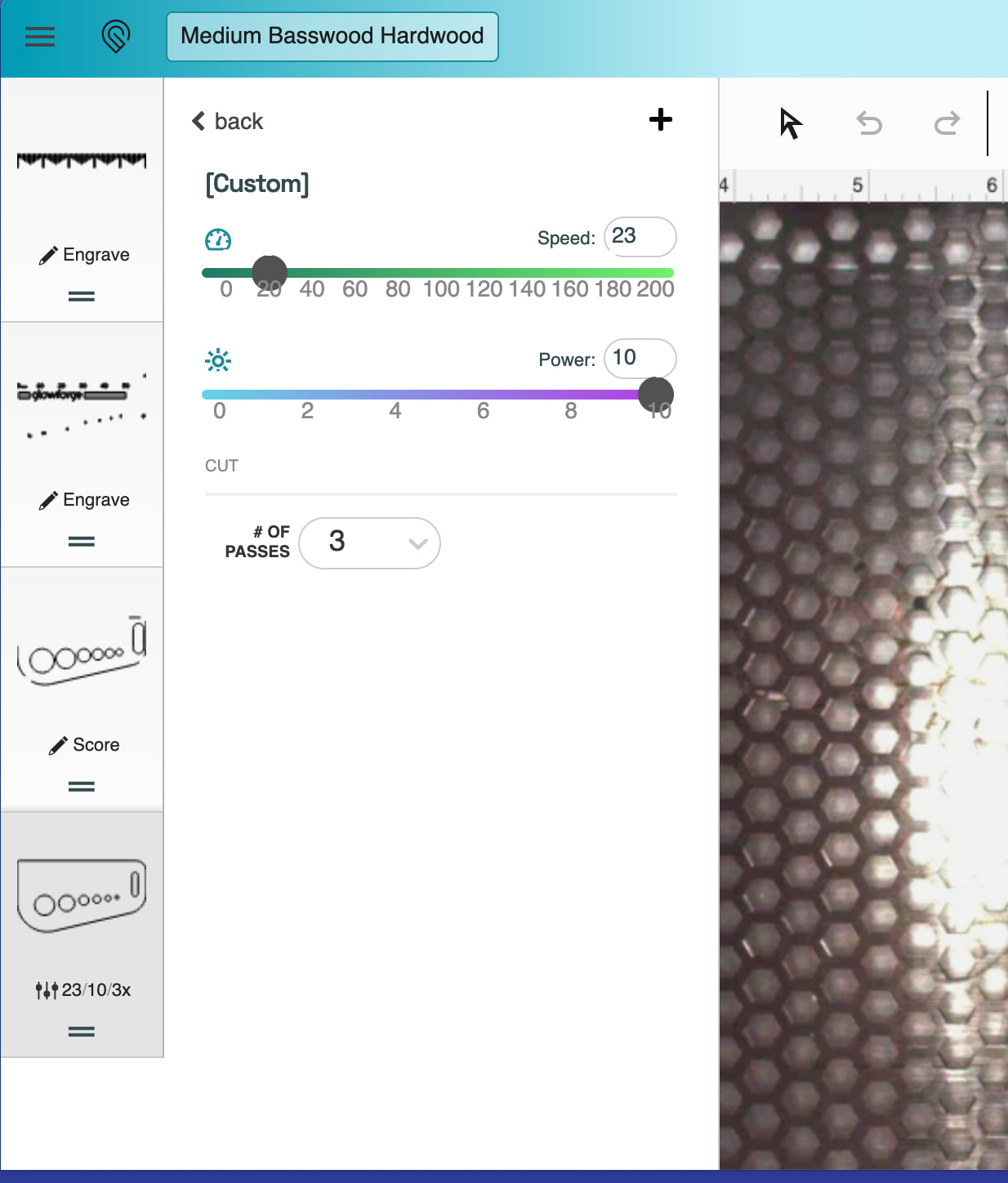
Hi, I’m a new Aura user and I’m still learning the manual settings. Sometimes files I purchase will not cut all the way through Glowforge Proofgrade wood, and I know I probably need to adjust the settings, but I’m not sure where to start once I click Manual since everything shows as 1.
A guide or starting-point chart would be really helpful, especially for knowing what speed/power/pass settings to try when a Proofgrade setting does not cut through. Does anyone know of a good chart for the Aura?
If you are using Proofgrade material, the Proofgrade settings for that material should cut. The file does not enter into the equation in any way. Glowforge guarantees that Proofgrade settings will work with Proofgrade materials. To see what the settings are, click the operation, then click Proofgrade from the fly out menu. The actual speed/power/lpi will be shown as it is for the cut operation below.
You’re new so this may be more info than you’re looking for right now but this post tells you pretty much everything you need to know about settings. How to test to find the best, what they do, and suggested settings for lots of non proofgrade materials.