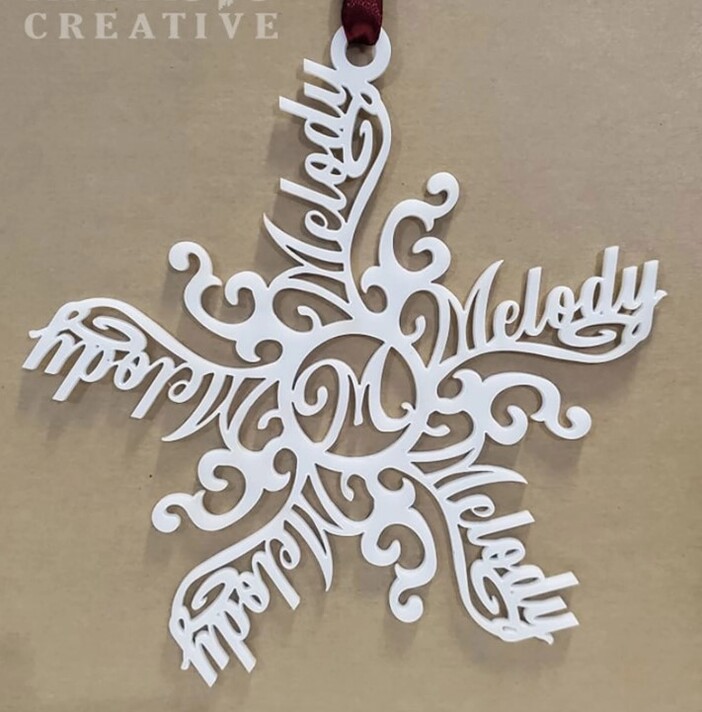
Does anyone have a design or instructions on how to make these custom name snowflake ornaments?
2 Likes
In Inkscape, you could do this (at least) two ways using path effects - ‘rotate copies’ or ‘pattern along a path’, although it would probably be just as quick to rotate and place the words manually.
Note snowflakes have six branches, not five as your pic shows.
3 Likes
Thanks! Yes, I would want 6 branches… just quickly screen grabbed an example.
1 Like
Moved to Community Support, since the free files area is for sharing designs you’ve made with others. 
4 Likes
There are at least two existing tutorials here as well:
6 Likes
This feels like it would also be a perfect Cuttle project.
7 Likes
That’s what i was thinking too @chris1
3 Likes
I saw this question in another thread and recorded a video so posting here too:
That one had an engrave and then an outline. For the one in your pic, the changes I’d make are:
- Don’t do the Mirror Repeat, just do the Rotational Repeat. And choose 5 for the number of repetitions.
- Make sure to choose a fairly bold font.
- Add some additional shapes: a flourish that’s also Rotational Repeat’ed 5 times, a Circle with M in the center, and a circle on top for hanging it.
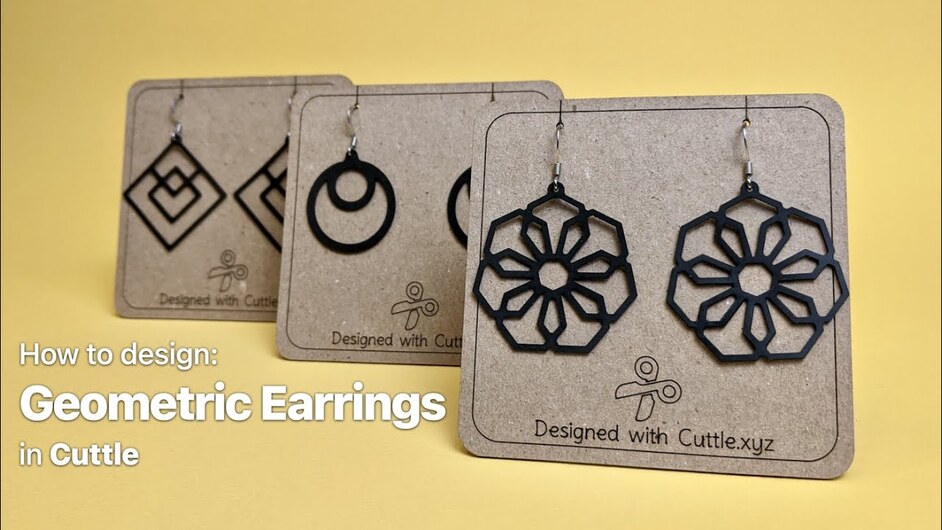
Here is another tutorial that slowly walks you through making geometric designs in Cuttle. Skip ahead to 3:35 if you’re not interested in the silicone/rubber material.
Happy to help if you have more questions!
1 Like
This topic was automatically closed 30 days after the last reply. New replies are no longer allowed.